Just bought a new iPhone, or keep seeing the term 'MagSafe' everywhere? So, what is MagSafe? In short, it's Apple's system that uses magnets to snap a charger, case or mount into exactly the right spot on the back of your iPhone. Below you'll find out how it works, which devices have it and which accessories go with it.
What is MagSafe and how does it work?
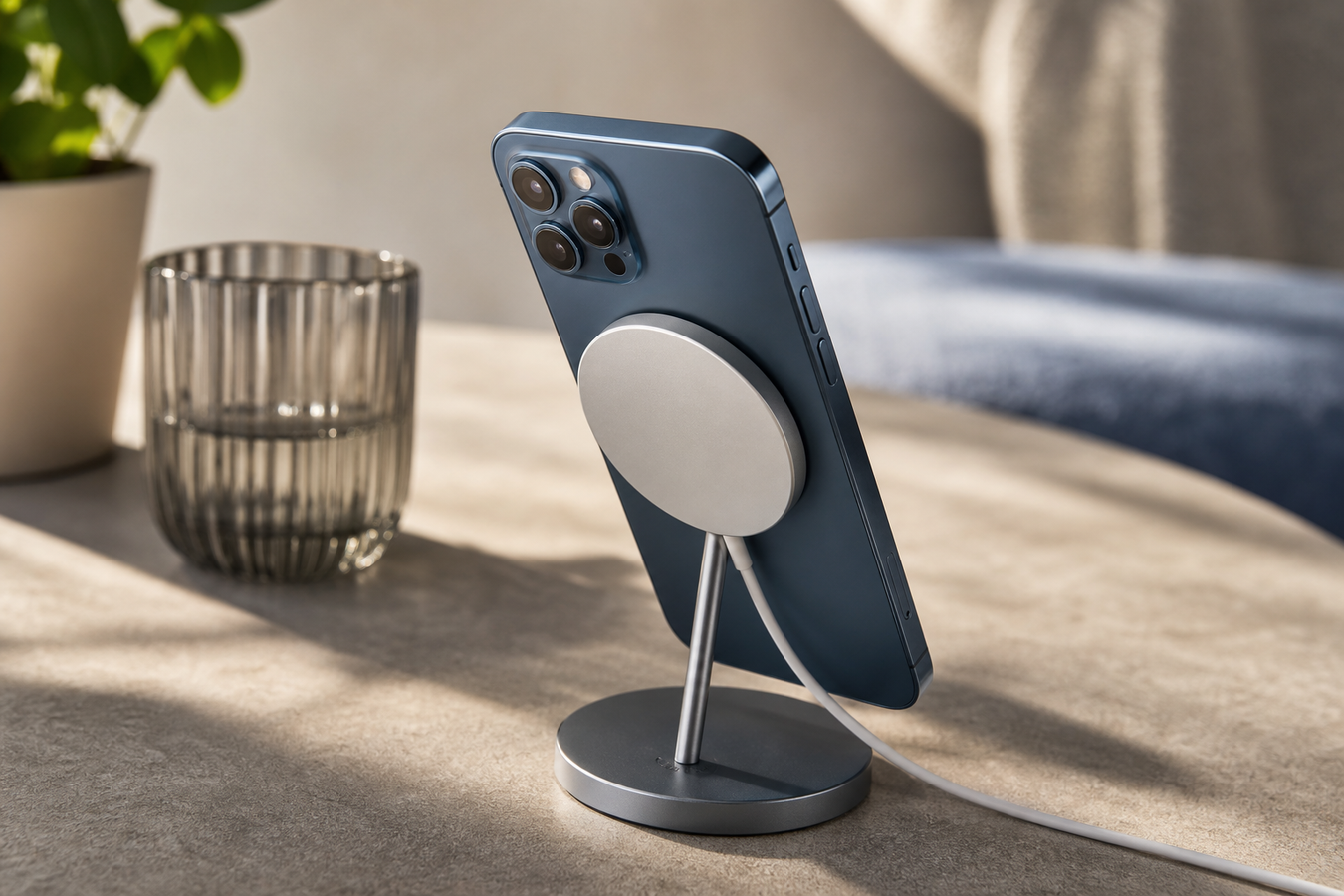
Apple originally came up with this technology in 2006 for the MacBook, as a safe charging cable that came loose straight away if someone tripped over it. Since 2020, it has been built into smartphones as standard, starting with the iPhone 12. It works through an invisible ring of magnets on the back of the phone. These magnets attract MagSafe accessories and make sure the phone and charger line up exactly.
You notice the difference as soon as you connect. You place the charger on the back of the phone and it snaps firmly into place right over the charging coil. Inside the phone there's also an NFC chip. This chip instantly recognizes whether an accessory carries the 'Made for MagSafe' label. As soon as you attach a certified product, a short animation appears on the screen.
MagSafe fast charging vs. standard wireless charging
The magnetic connection solves the biggest problem with traditional wireless chargers: energy loss from poor positioning. With Apple's latest MagSafe charger and an adapter of at least 30W, an iPhone 16 or newer charges wirelessly at 20 to 25W, depending on the model. The iPhone 12 to 15 and the iPhone 17e charge via MagSafe at up to 15W. Standard Qi wireless charging on iPhones often tops out at 7.5W.
Thanks to automatic magnetic alignment, the phone doesn't accidentally slide out of position. This cuts down on energy loss and unnecessary heat. With a standard charger, you have to find the right position by hand, and even a slight shift slows charging down.
Choose a MagSafe wireless charger if you want faster charging than a regular wireless charger and want to be able to pick up your phone easily in between. Avoid standard wireless charging if you hold your phone while it's charging, because the power cuts out straight away.
Which devices support MagSafe?
Not every smartphone has this built-in magnetic feature. Check the list below to see if your device is ready to go:
iPhone 12 and newer: MagSafe is built into the iPhone 12, 13, 14, 15, 16 and 17, and the iPhone Air. The iPhone 17e and the iPhone 18 Pro and 18 Pro Max have it too.
iPhone 16e: this model doesn't have MagSafe. It does charge wirelessly via regular Qi, at up to 7.5W.
Older Apple models: this technology isn't built into the iPhone 11 or older models.
New generation of smartphones: the latest Qi2 standard brings similar magnetic charging to new devices, at up to 15W, and up to 25W with the newer Qi2 25W version.
Can you use MagSafe on Samsung and Android?
Although MagSafe is Apple technology, you can benefit from it just as much as a Samsung or Android user. With a MagSafe case, you can use magnetic accessories on your Samsung or other Android phone too. You simply put on a case with built-in magnets.
With this case, you can easily use MagSafe accessories on your Samsung, such as a MagSafe car phone holder or a card holder. Just bear in mind: for wireless charging, your Android phone needs to support it on its own.
Until the new Qi2 standard with built-in magnets becomes the norm, a MagSafe case is the easiest way to make your phone magnetic. Check out the magnetic cases for your device at directcases.com.
How do you choose and use a MagSafe case?
The wrong case blocks the magnetic pull and lowers charging speed. Follow these steps for the right setup:
-
1
Work out whether you need a special case.
A standard thick case creates too much distance, which blocks the magnetic connection and makes accessories fall off.
-
2
Go for built-in magnets.
Choose MagSafe cases from reliable brands such as Mobigear or Otterbox, which actually strengthen the magnetic connection.
-
3
Snap your new case onto your phone.
You'll never need to take it off again for wireless charging.
-
4
Attach your accessories straight to the back.
Snap your charger, card holder or MagSafe power bank firmly onto the outside of your case.
The most useful MagSafe accessories at a glance
The introduction of this technology has led to a whole new range of add-ons. Browse all the handy MagSafe products for your device here.
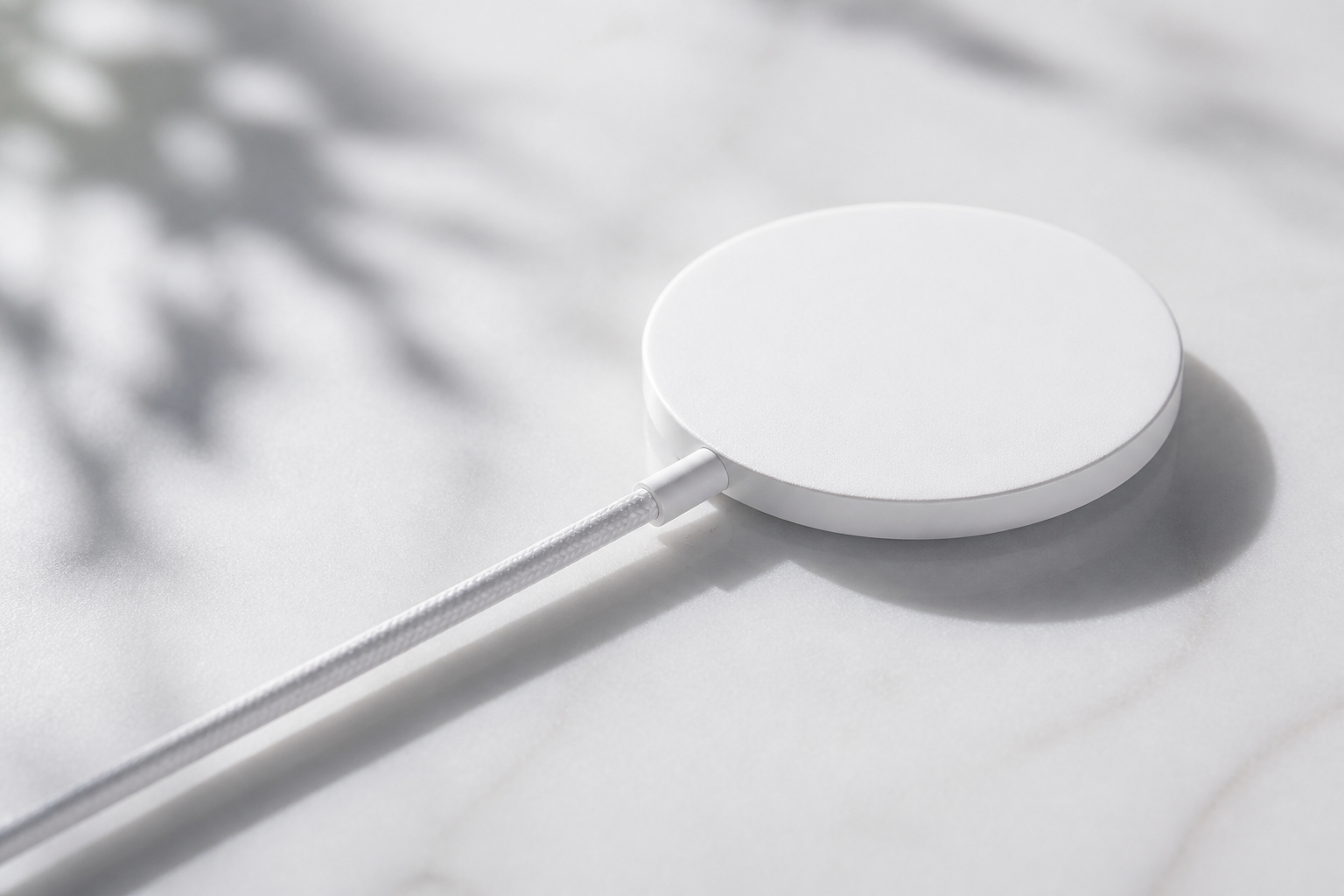
MagSafe Wireless Charger
For fast, efficient charging at home or in the office, while you keep using your phone.
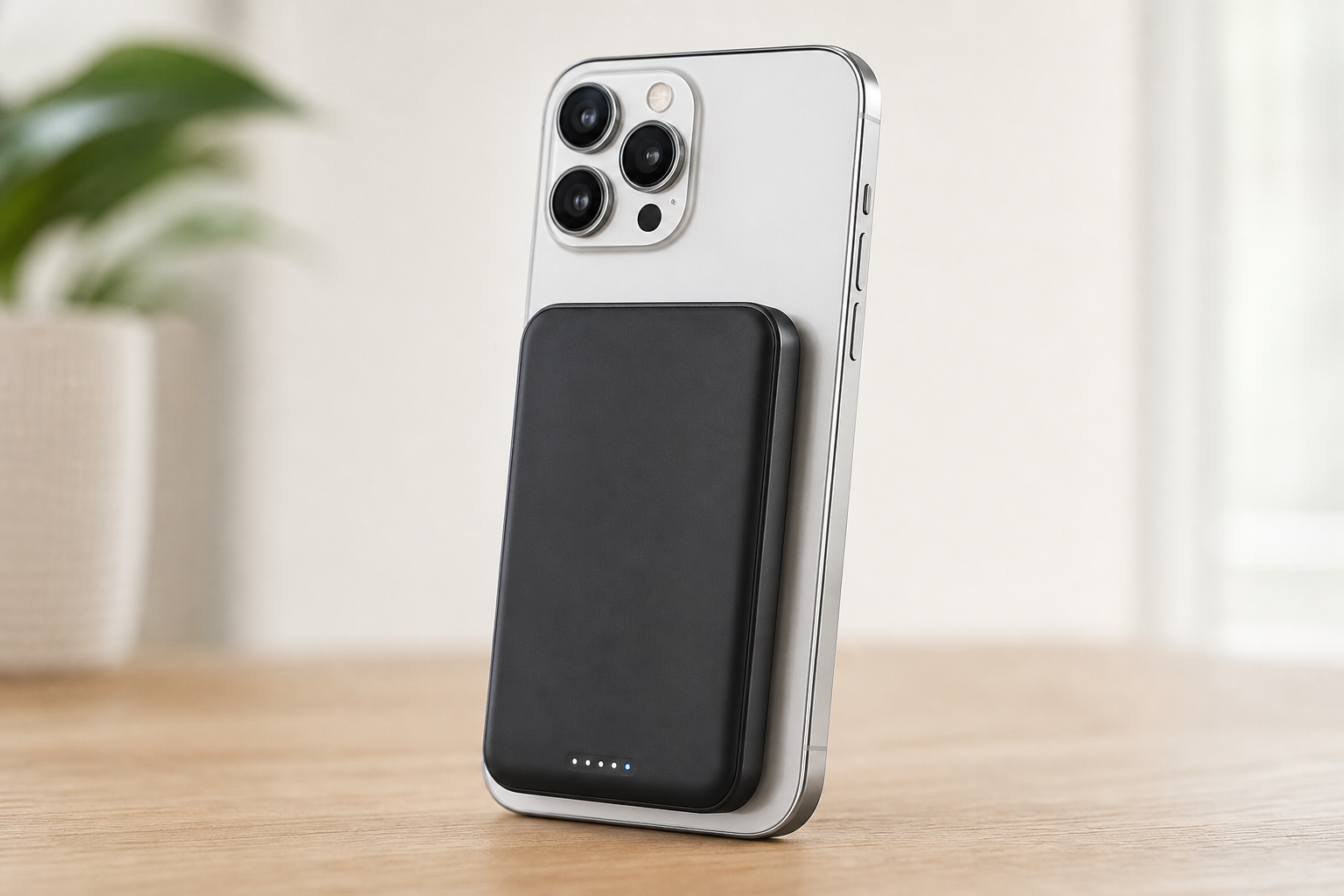
MagSafe power bank
Snaps straight onto the back for extra battery on the go, without annoying loose cables.
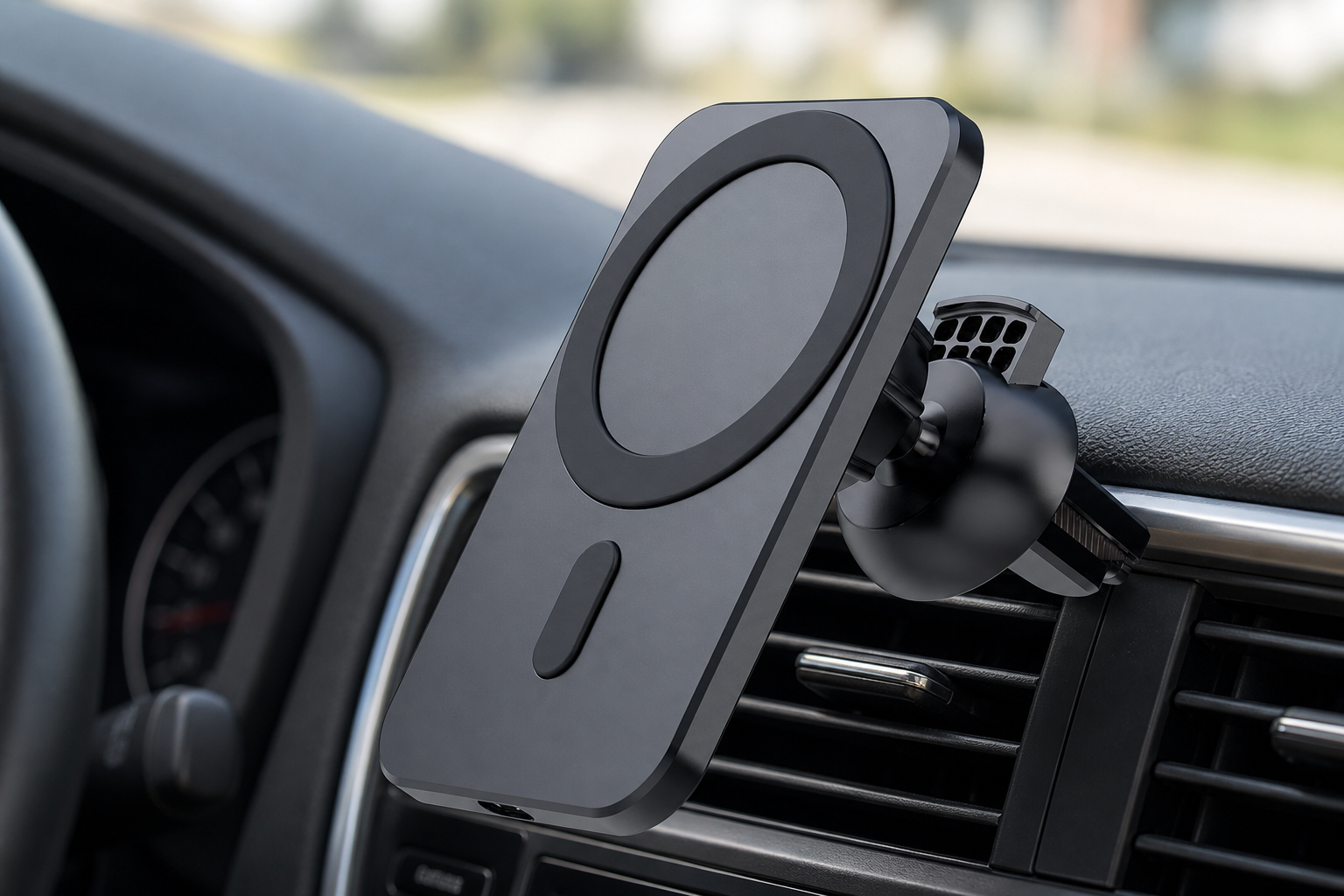
MagSafe Car mount
Ideal for the car: your phone sits firmly on the air vent straight away, no clamps needed.
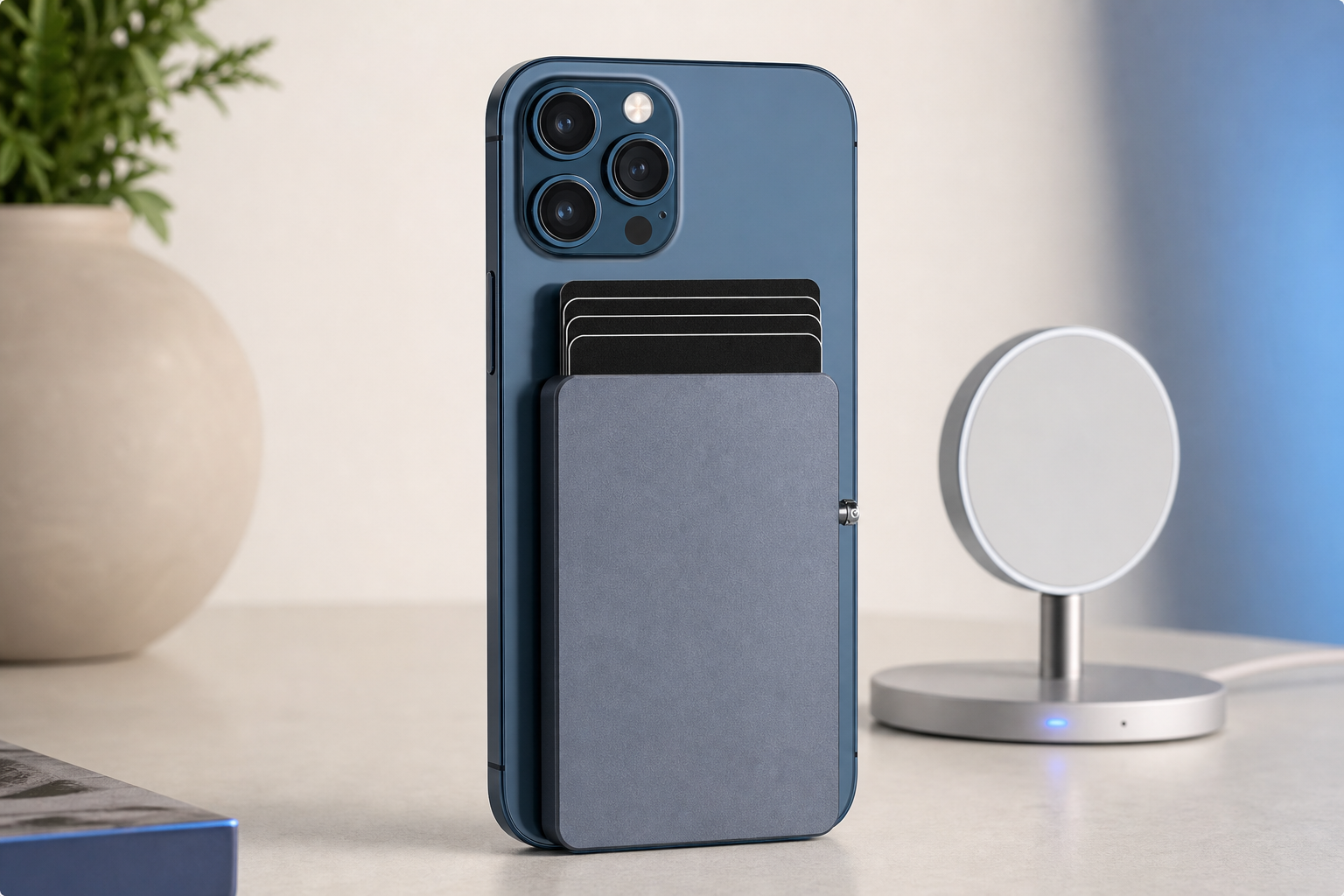
MagSafe Card Holders
A compact wallet that snaps securely onto the back of your phone and comes off easily when you're home.
Choose a MagSafe car phone holder if you navigate every day and don't want to waste time with fiddly clamps. Avoid a MagSafe power bank if you need to charge several devices at once by cable, such as a laptop and a tablet.
MagSafe FAQs
What's the difference between MagSafe compatible and MagSafe Certified?
MagSafe Certified (or 'Made for MagSafe') products are approved by Apple and charge your iPhone at the highest MagSafe speed. MagSafe compatible products do have the right magnets for a secure fit, but often charge at the standard Qi speed of 7.5W. Choose Certified if charging speed matters to you.
Can MagSafe wireless charging damage the battery?
No. The built-in software manages the power supply and stops automatically when the battery is full. The phone can get slightly warmer during the energy transfer, though. The chip temporarily lowers the charging speed if the temperature rises, which helps protect battery life.
Is MagSafe faster than charging with a cable?
Usually not. With a USB-C cable and a fast charger, your iPhone generally charges faster. The gap has narrowed, though: an iPhone 16 or newer charges at up to 25W with the latest MagSafe charger. Choose a cable if you want the fastest possible charge, and MagSafe if convenience matters more to you.
With MagSafe, you attach a charger, mount or card holder to your phone in one movement. If you have an iPhone 12 or newer, it's already built in. With a magnetic case, the accessories work on your Android phone too. Check out the MagSafe cases and accessories at directcases.com.