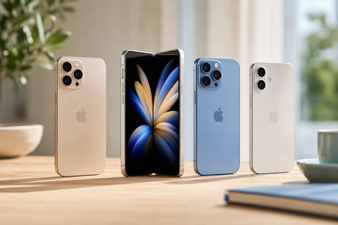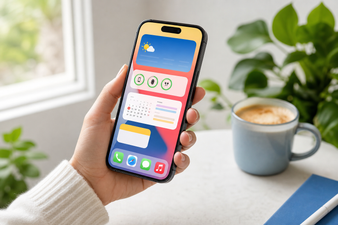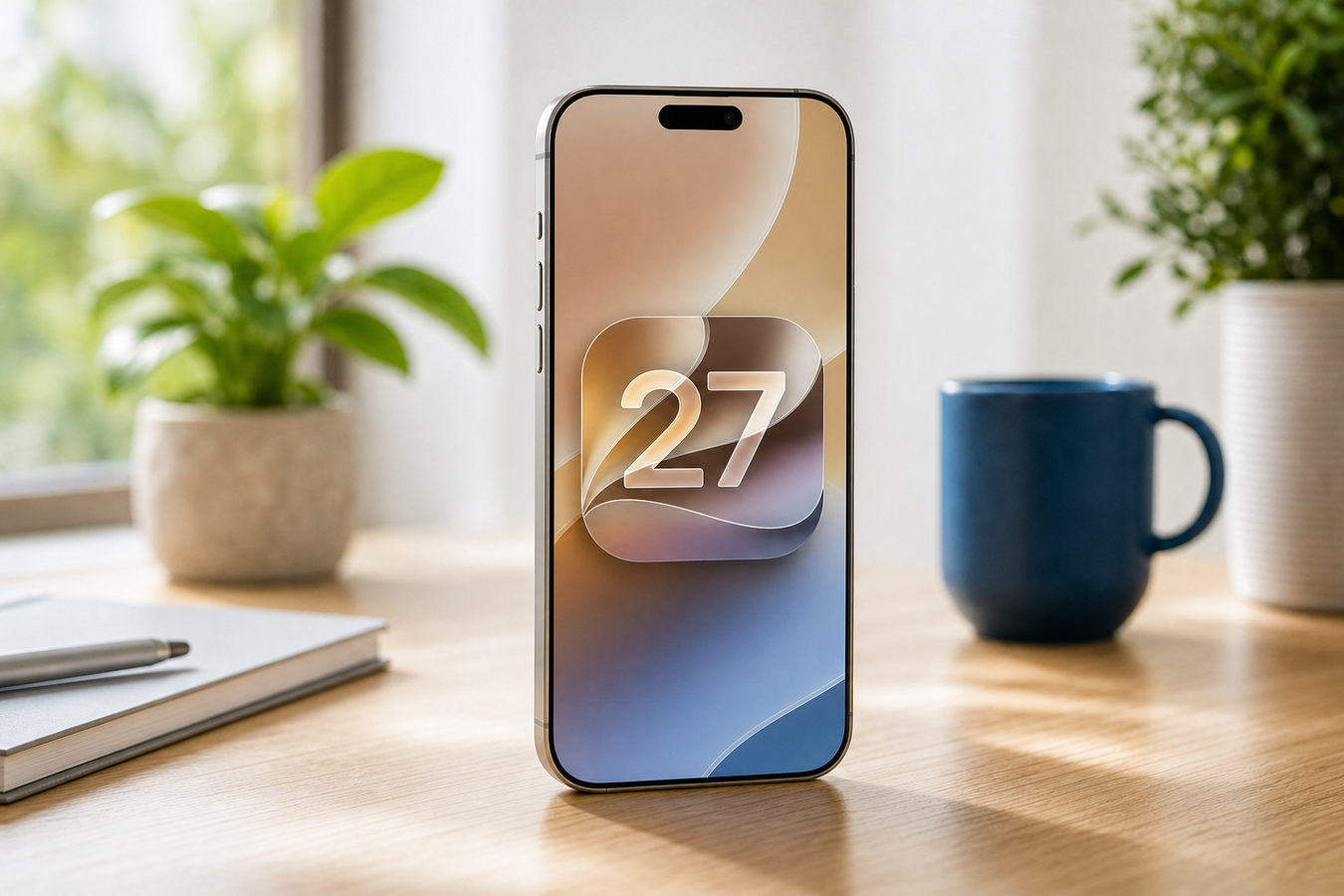
What’s new in iOS 27? The biggest changes are deeper integration of Apple Intelligence and a completely redesigned interface. Your iPhone gets AI-powered photo editing, smart Safari tabs, and automatic summaries of emails and conversations.
It’s the biggest change to your device in years. The most demanding tasks require a recent chip, so some older iPhones won’t support every feature in the update. Several AI features are also unavailable in Europe for now because of current regulations.
What are the biggest new features in iOS 27?
iOS 27 mainly adds to Apple Intelligence with smarter search, writing tools, and more detailed summaries. What you can use depends on your language and device.
Apple Intelligence is built into the system. Safari automatically groups related tabs, text analysis helps you write, and you can get summaries of long emails and conversations.
You can create a Safari extension by describing it in writing, for example to highlight information on webpages. Avoid using an extension with payment details unless you know how it works.
Apple Intelligence supports Dutch, but Dutch isn’t yet on the language list for the latest Siri beta. Having Writing Tools in Dutch doesn’t give you access to all the new voice features.
AI can remove distractions from photos, extend an image beyond its original edges, and adjust the perspective. Image Playground can also create photorealistic images. Check the details before sharing them.
The new Liquid Glass design makes the interface look clear and uncluttered. A clear case from Mobigear or Mobilize complements that look. Choose a screen protector with no visible border if you want to keep the display looking clean.
iOS 27 improves performance, but speed gains vary by iPhone. Demanding AI tasks take a lot of processing power. A protective case from a brand such as ITSKINS or Otterbox helps protect your phone. Don’t count on it to cool your iPhone or prevent heat issues during AI use.
Updated child safety features and parental controls make it easier to manage screen time and browser access. Check which websites require permission on a child’s account.
CarPlay and HomeKit get updates for your car and home. Compatible HomeKit cameras can stream and record in 4K. The Home app groups activity notifications and helps you find camera clips.
How does AI photo editing work in iOS 27?
With iOS 27, Apple builds AI photo editing into the Photos app, where you can retouch images and change their composition. The new Clean Up feature removes distracting objects or strangers from the background. The software works out how to fill the area they covered.
Sometimes a photo cuts off part of the scene you wanted. Spatial reframing uses AI to extend the image beyond its original edges. That lets you widen a shot that was framed too tightly.
Check the areas the AI added. They contain details your camera didn’t capture. If an edit would make a product look different from how it actually looks, crop the photo instead.
These Apple Intelligence features require an iPhone 15 Pro, iPhone 15 Pro Max, an iPhone 16 model, or newer. Availability varies by language and region.

Are AI-powered Siri and Apple Intelligence available in Europe?
Apple Intelligence supports several European languages. On a compatible iPhone, for example, you can use Writing Tools and automatic summaries in German, French, Italian, or Spanish. Set your device and Siri to a supported language, then check which features work in each app.
You’ll notice some limits when you start having more involved conversations with Siri. The most advanced features in the updated Siri have been available in beta since October 2026. In Europe, the beta still covers only a few languages. General language support for Apple Intelligence in a country doesn’t automatically give you every new Siri feature there.
For now, Apple lists English, French, Japanese, Korean, Portuguese, and Spanish for the Siri beta. Apple Intelligence also requires an iPhone 15 Pro, iPhone 15 Pro Max, an iPhone 16 model, or newer. Changing the language settings won’t bring these AI features to a standard iPhone 15.
European privacy rules set strict requirements for handling personal data. The available information doesn’t point to a blanket EU block on the new Siri features. They’re mainly being rolled out in stages. Check both the list of supported languages and availability in your part of Europe.
Note: AI features announced in the US aren’t immediately available throughout Europe. You can use Writing Tools to improve a work document in a supported language, for example. If the Siri upgrade is your only reason for buying a new iPhone, wait until it’s available in your region.
Which iPhones can update to iOS 27?
Start by checking which model you have. To see whether your older iPhone can update to iOS 27, go to Settings > General > Software Update. Apple treats the system update and advanced AI features separately.
Apple Intelligence requires an iPhone 15 Pro, iPhone 15 Pro Max, an iPhone 16 model, or newer. The standard iPhone 15 doesn’t support Apple Intelligence. Even on compatible iPhones, features can vary by language and region.
Apple Intelligence needs enough processing power. Your hardware determines which AI features you can use. Older iPhones without Apple Intelligence can still get features beyond the new design and security updates.
Choose a compatible model if you want to edit photos with AI or use Writing Tools. If the latest version of Siri is your only reason to upgrade, keep in mind that Dutch isn’t yet supported in the beta. Compatible hardware alone won’t give you immediate access to every new feature.
Find your exact model in Settings > General > About. Choose a case for that specific model. A case for the iPhone 15 may not fit the iPhone 15 Pro. Raised edges around the screen and camera can limit damage from drops, though they can’t prevent every break.
Check the cutouts for the cameras, microphone, speakers, and ports. Make sure the buttons move freely and the edges of the case don’t pinch them. A snug fit keeps the case from shifting and helps keep dust out.
How do you install the latest iPhone update?
To install iOS 27 safely, back up your iPhone first, then run the update from Settings.
-
1
Always start by making a backup. Save your data to iCloud or connect your iPhone to your computer.
If the installation goes wrong, you can restore your photos and contacts from a completed backup.
-
2
Make sure the backup is complete before continuing. Go to Settings > General > iPhone Storage to see whether you need to free up space. For example, you can remove apps you no longer use.
-
3
Plug your iPhone into a charger and connect to a stable, secure Wi-Fi network. Download the update at home if possible and avoid public networks.
-
4
Go to Settings > General > Software Update. You’ll see which update is available for your iPhone.
-
5
Tap “Download and Install” at the bottom. Enter your passcode and follow the onscreen instructions to finish installing the update.
Your iPhone will then restart automatically.
-
6
Keep your iPhone plugged in during installation and let the process finish. After it restarts, check that your photos and contacts are still there.
Frequently asked questions
Will my iPhone get all the new AI features?
Apple Intelligence requires an iPhone 15 Pro, iPhone 15 Pro Max, or newer. You can install the update on a standard iPhone 15, but the AI features won’t be available.
Can a heat-dissipating case prevent overheating when you use AI?
Don’t count on it. A case won’t cool your iPhone or fix overheating. Choose a case to protect your phone from drops.
Which case protects my iPhone for everyday use?
Choose TPU edges for shock absorption and a secure grip. A rigid polycarbonate back keeps the case light. A raised edge around the screen helps prevent scratches when you set your phone face down.
Silicone provides a good grip and is easy to clean. A leather phone case has a polished look but needs some care. A MagSafe case is handy if you often charge wirelessly.
How do I keep my case clean and in good condition?
Wipe your case with a slightly damp cloth. Avoid harsh cleaning products, especially on leather or printed cases. Remove dust from around the edges regularly to help prevent scratches on your phone.
Should I update to iOS 27 right away?
Consider waiting for the first small bug-fix update. The initial release of a major iOS update often still has a few bugs. Waiting a little gives those fixes time to address issues that can make important apps stutter or crash.
What problems can the latest iPhone update cause?
The battery drains noticeably faster for the first few days after the update. Your iPhone organizes files and photos in the background for the updated search features. Once that’s done, battery use returns to normal on its own.
Which iPhones can no longer be updated?
Older models with too little RAM and an outdated chip don’t get the update. You can still use these phones safely. They continue to receive necessary security updates, but they no longer get new features.
iOS 27 brings changes to AI, personalization, and design. If your iPhone is compatible, you can start installing the update from Settings.