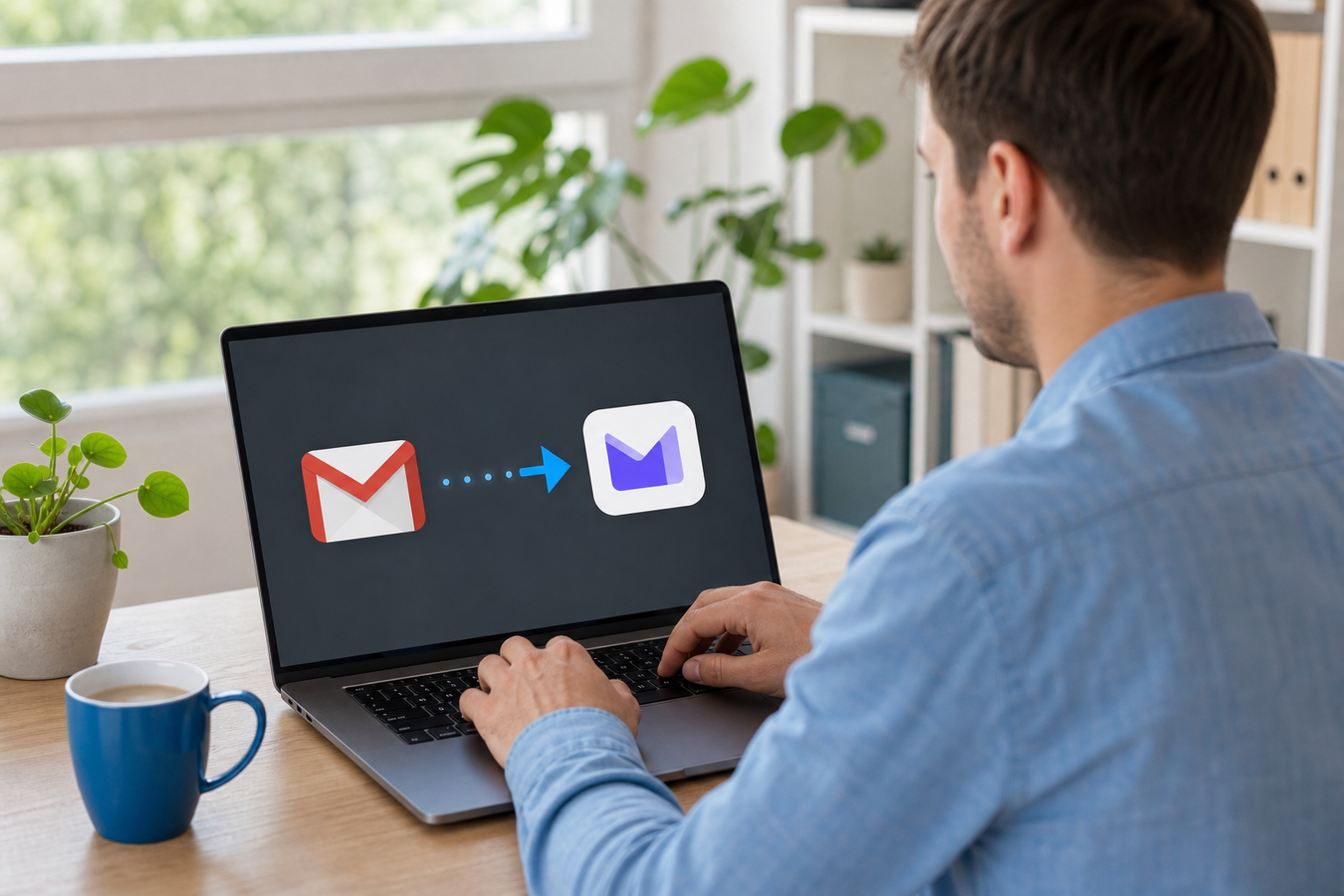
Want to switch from Gmail to Proton Mail? Use Easy Switch to bring over your existing emails and contacts. Then set up temporary forwarding for new Gmail messages while you update the email address on your important accounts.

Why switch from Gmail to Proton Mail?
Switching from Gmail to Proton Mail gives you more privacy and an ad-free inbox.
Proton Mail uses end-to-end encryption between Proton users and zero-access encryption for stored messages. This means Proton can't read the contents of stored messages.
Unlike Google, Proton offers an ad-free inbox where you keep control of your data. Messages you send to addresses outside Proton, such as Gmail or Outlook addresses, aren't automatically end-to-end encrypted.
You can give an outside recipient access to a protected message with a password. They don't need a Proton Mail account. Share the password separately, such as over the phone, instead of including it in the same email.
This extra step can help protect medical information. Use ordinary email for messages without sensitive content and password protection when sending confidential information to Gmail or Outlook.
Email content and attachments are encrypted, but the OpenPGP standard used here leaves subject lines unencrypted. Put confidential information in the body and keep the subject line general.
How do I transfer my emails with Easy Switch?
Easy Switch copies your emails securely in the background.
-
1
Create a Proton account and sign in to the web app on your computer. Click the gear icon in the upper-right corner and open “All settings.”
-
2
Open Easy Switch. Sign in to your Google account to grant one-time permission for the transfer.
-
3
Select the messages and contacts you want to import. Confirm your selection to start the import in the background.
Gmail labels can carry over as Proton Mail folders. Check your Google calendars separately, as you may need to move them to Proton Calendar in a separate step.
-
4
While the import runs, download the Proton Mail app for your phone. Set it up and adjust your notifications so you can receive messages on your phone from day one.
What happens to my old Gmail account?
If you place an order online, the confirmation may still go to your old inbox without you noticing. Keep your Gmail account active for the first few months after switching. Your health insurer, online stores, and other services may still have your old address.
Set up temporary automatic forwarding in Gmail to your new Proton address. New messages sent to your old address will then reach your new inbox.
Set up an automatic reply in Gmail with your new email address. Anyone who writes to the old address will get your updated contact details without you having to message them individually.
What does Proton Mail cost, and what are its limits?
Compare the space your current email uses with the storage your new provider offers. That can help prevent the import from running out of space. A free account is an option if its storage limit fits your needs.
A free Proton Mail account offers up to 1 GB of storage. That may not be enough if you want to transfer years of photos and invoices.
Need more room? Paid plans start at around €4 a month. They offer more storage, support for custom domains, and a higher daily sending limit.
| Feature | Free Gmail account | Free Proton account |
|---|---|---|
| Storage | Check the available space in your Google account | Up to 1 GB |
| Sending limit | Generally enough for personal use | Up to 150 emails a day |
| Ad-free | No | Yes |
| Access to message content | Google manages the encryption keys | Zero-access encryption prevents Proton from reading stored content |
How does the Proton Mail app work on a smartphone?
You can read and send mail on the go using the official Proton Mail apps for iOS and Android. Bridge isn't available on mobile. You can lock the Proton Mail app with a PIN or biometrics such as a fingerprint. Signing in may trigger a security notification on your phone.
For email aliases, use SimpleLogin, a separate service that isn't built into the Proton Mail app. Aliases are useful when shopping online.
You can create a different alias for each store. That keeps your main address private and lets you disable an alias if it starts getting spam.
When you check email on a crowded train or at a café, people nearby may be able to see your screen. A privacy screen protector from PanzerGlass or GrizzlyCoat at directcases.com can limit what people see from the side.
A privacy screen protector limits side views. Someone directly behind you may still be able to see your screen.
How do I tell my contacts and update my accounts?
Start with the accounts that need your new address most urgently. Update them in order of priority so you keep access.
Enter your full Proton Mail address every time you make a change. Proton Mail supports addresses ending in proton.me and protonmail.com.
Make a list of important services. Start with your bank, DigiD, and insurance providers. Update your contact email and, where applicable, your recovery address.
Sign in to the online stores you use. Replace your Gmail address with a unique SimpleLogin alias that forwards messages to Proton Mail. This keeps your main address out of those stores' databases.
Give your personal contacts time to adjust. You don't need to send a group email. Anyone who writes to your old address can get your new one through the automatic reply you set up earlier.
Frequently asked questions
Does Proton Mail work with Outlook or Apple Mail?
Yes. Proton Mail Bridge connects Proton Mail to popular email programs. It runs on Windows, macOS, and Linux and handles the secure connection in the background. On your phone, use the separate Proton Mail app.
Is Proton a good alternative to Gmail?
Yes. Gmail has about 39.39% of the global market, while Proton is an option if you want to limit data collection by large tech companies. Zero-access encryption prevents the provider from reading your stored emails.
Is Proton Mail really free?
Yes, there's a free account. It gives you up to 1 GB of storage and lets you send up to 150 emails a day. The storage can fill up fast if you have years of email with lots of attachments.
What are the downsides of Proton Mail?
The main downsides are limited storage on the free plan and a lack of direct integration with outside services like Google Drive. Email content is encrypted, but subject lines aren't encrypted by default.
Should I delete my old Gmail account right away?
Keep your old Gmail account active for at least a few months. Set up automatic forwarding so you still receive important messages from online stores or banks that use your old address.
Are emails to Gmail or Outlook addresses encrypted too?
They aren't automatically protected in the same way. Messages within the Proton network are end-to-end encrypted by default. If you send an email to an outside provider such as Gmail or Outlook, that provider can read the contents unless you use a password-protected link.
Use Easy Switch to move your existing email and temporary forwarding to receive new messages during the switch. Create your account and start the import. A privacy screen protector from directcases.com can help limit side views when you check your messages on the go.