Want to read a WhatsApp message without the sender seeing those blue ticks straight away? To turn off read receipts on WhatsApp, open the app, go to Settings, choose Privacy and turn off Read Receipts.
The menus differ slightly between Android and iPhone. The setting works both ways. Once you hide your read receipts, you stop seeing other people's in individual chats. Read receipts stay on in group chats.

What are WhatsApp read receipts and blue ticks?
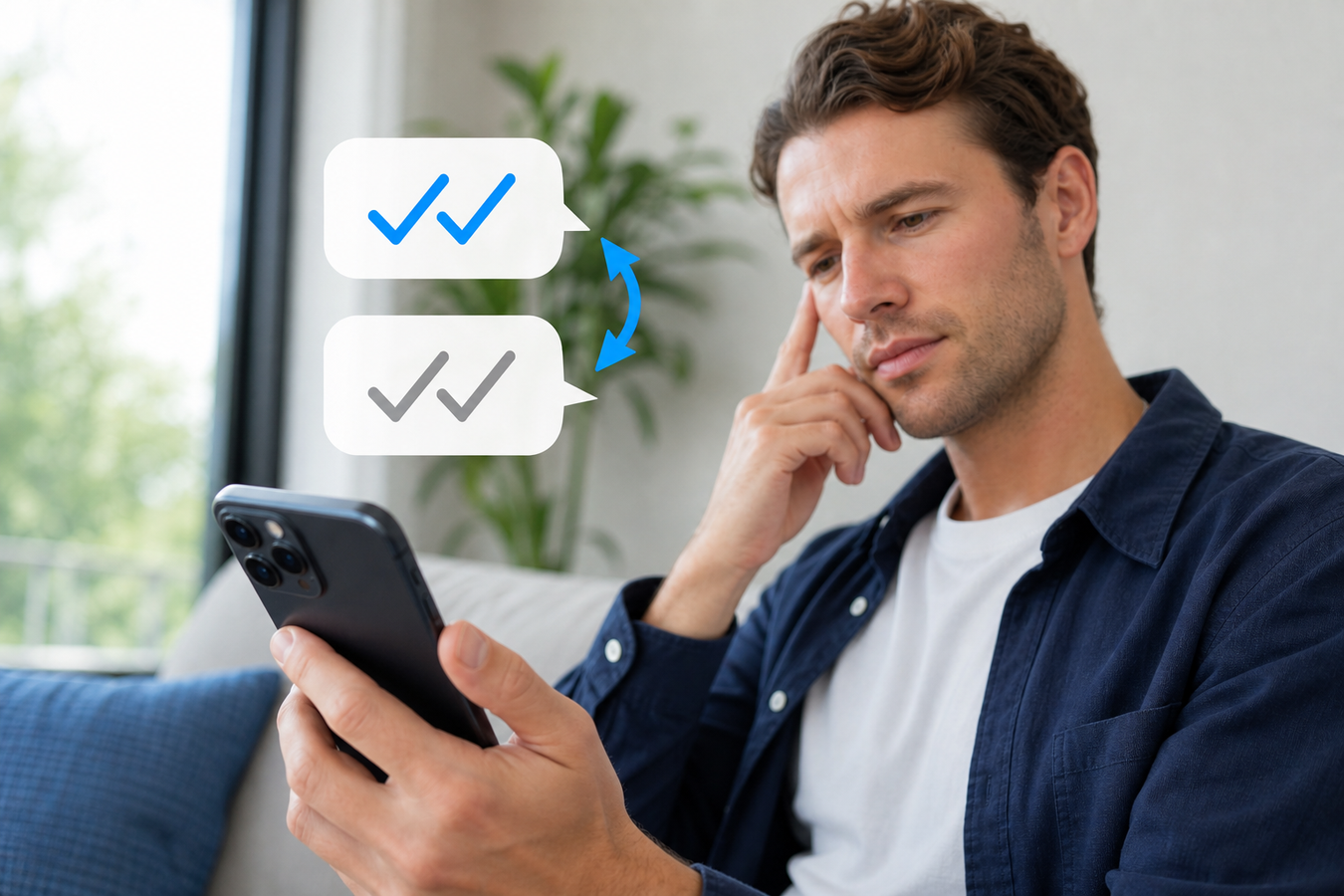
One grey tick means your WhatsApp message was sent. Two grey ticks mean it was delivered. When the ticks turn blue, the recipient has read your message.
These indicators describe the status of your WhatsApp messages. Grey ticks tell you your message was sent or delivered, and blue ticks confirm that it was read.
Read receipts tell the sender when you've seen a message. That can make you feel expected to answer straight away, especially in busy family or work chats.
Messaging apps are the most common way to communicate online in the Netherlands. When notifications keep coming throughout the day, turning off read receipts can give you room to reply at your own pace. If you'd also like to keep people from reading over your shoulder on the bus or train, directcases.com offers privacy screen protectors that limit the view from the side.

How do I turn off read receipts on my mobile phone?
In WhatsApp versions from 2024 to 2026, Read Receipts is under Privacy. The app's menus differ slightly between iPhone and Android.
On Android, start by tapping the three dots in the top right of WhatsApp. On iPhone, tap Settings or your profile at the bottom right, then choose Privacy. Turning off Read Receipts stops WhatsApp from sending blue ticks in individual chats straight away.
You don't need to restart the app or your mobile phone. To turn read receipts back on, use the same switch. After an app update, check the setting if the menu layout has changed.
If you're also looking for a way to protect your mobile phone, you can find cases and accessories for your model at directcases.com.
How do I turn off read receipts on Android?
If you want to read a message between tasks at work and answer later, you can turn off blue ticks in a few steps on Android.
-
1
Open WhatsApp on your Android phone and tap the three dots at the top right.
-
2
Choose Settings, then Privacy. If you don't see Privacy there, tap Account first.
-
3
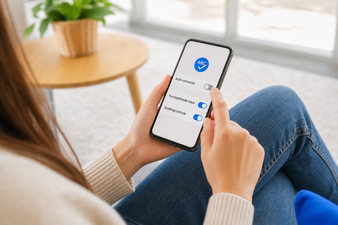
Find Read Receipts and turn the switch off. The switch is grey when off and green when on.
WhatsApp saves your setting immediately. In individual chats, it no longer sends read receipts. If your mobile phone feels slippery, you can find sturdy phone cases and accessories for a better grip at directcases.com.
How do I turn off blue ticks on iPhone?
Open WhatsApp on your iPhone. The menu is laid out slightly differently than on Android.
-
1
Go to the main screen that lists your chats.
-
2
In the bottom menu bar, tap Settings or your profile (You).
-
3
Choose Privacy.
-
4
Turn off the switch next to Read Receipts. The switch turns grey when read receipts are off.
The change takes effect immediately. In individual chats, delivered messages keep their two grey ticks even after you've read them. To keep people from reading your screen on the train or at work, you can apply a privacy screen protector. You'll find these and other accessories at directcases.com.
What happens when I turn off WhatsApp read receipts?
The setting works both ways. When you turn off read receipts, you also stop seeing when friends and colleagues have read your messages in individual chats.
When someone sends you a message, they still see two grey ticks once it's delivered, even after you've opened it. WhatsApp no longer sends them a read receipt. You can read the message when it suits you. Sending and receiving messages works as usual.
If you feel pressure to respond as soon as you open a message, turning off read receipts gives you room to reply when you have time. You can read a work question between tasks and answer it later. To limit how much people can see of your screen at work or on the train, you can order a tinted privacy screen protector from directcases.com.
Can people still see read receipts in WhatsApp group chats?
In group chats, including the family group, read receipts stay on even if you've turned them off in your settings.
The sender sees blue ticks when everyone in the group has read the message. The sender can also check the message info to see who's read it so far. At directcases.com, we often hear that this exception causes confusion.
For voice messages in groups, the sender can see who has played the message. When you press play, WhatsApp sends a confirmation. You can't hide that you've read or played a message in a group chat.
Tips for reading WhatsApp messages without blue ticks
In 2025, messaging apps such as WhatsApp were among the most widely used ways to communicate online. Frequent notifications can make you feel you need to reply immediately. Once you've turned off read receipts, you can also adjust your online status and notifications.
Hide your online status. In addition to turning off read receipts, you can hide when you were last seen and whether you're online now. That way, your contacts won't see in the chat that you're using WhatsApp at that moment.
Read messages in notifications. You can read a short message in the notification without opening WhatsApp. The message stays marked as delivered.
Mute busy chats. If you don't want to see every new message notification, mute the chat. The sender sees no change, and you can check messages when you're ready.
Lock your mobile phone. Protect your mobile phone with a passcode or another screen lock, especially if you display notifications on your screen. Otherwise, someone who picks it up can read your chats or notifications.
Shield your screen from side views. On the train, someone sitting beside you can still look at your screen. A GrizzlyCoat privacy screen protector darkens the display when viewed from an angle. Find one that fits your mobile phone at directcases.com.
Frequently asked questions
What happens when you turn off read receipts?
In an individual chat, the other person no longer sees blue ticks when you read a message. You also stop seeing when they've read yours. Both sides still see two grey ticks when a message is delivered.
Can I turn off read receipts for one person?
WhatsApp applies the setting to all your individual chats at once. You can't set it separately for each contact.
Can people still see blue ticks in group chats?
Yes. Turning off read receipts applies to individual chats. In groups, people can still see who's read a message. Playback receipts for voice messages also remain visible.
Can I turn read receipts off and turn them back on later?
Yes. You can change the switch in your privacy settings at any time. Once you turn read receipts back on, blue ticks work as usual for new messages.
You can turn off blue ticks in your privacy settings in a few taps, then read and reply at your own pace. If you'd also like to keep people nearby from reading your screen, take a look at the privacy screen protectors at directcases.com.