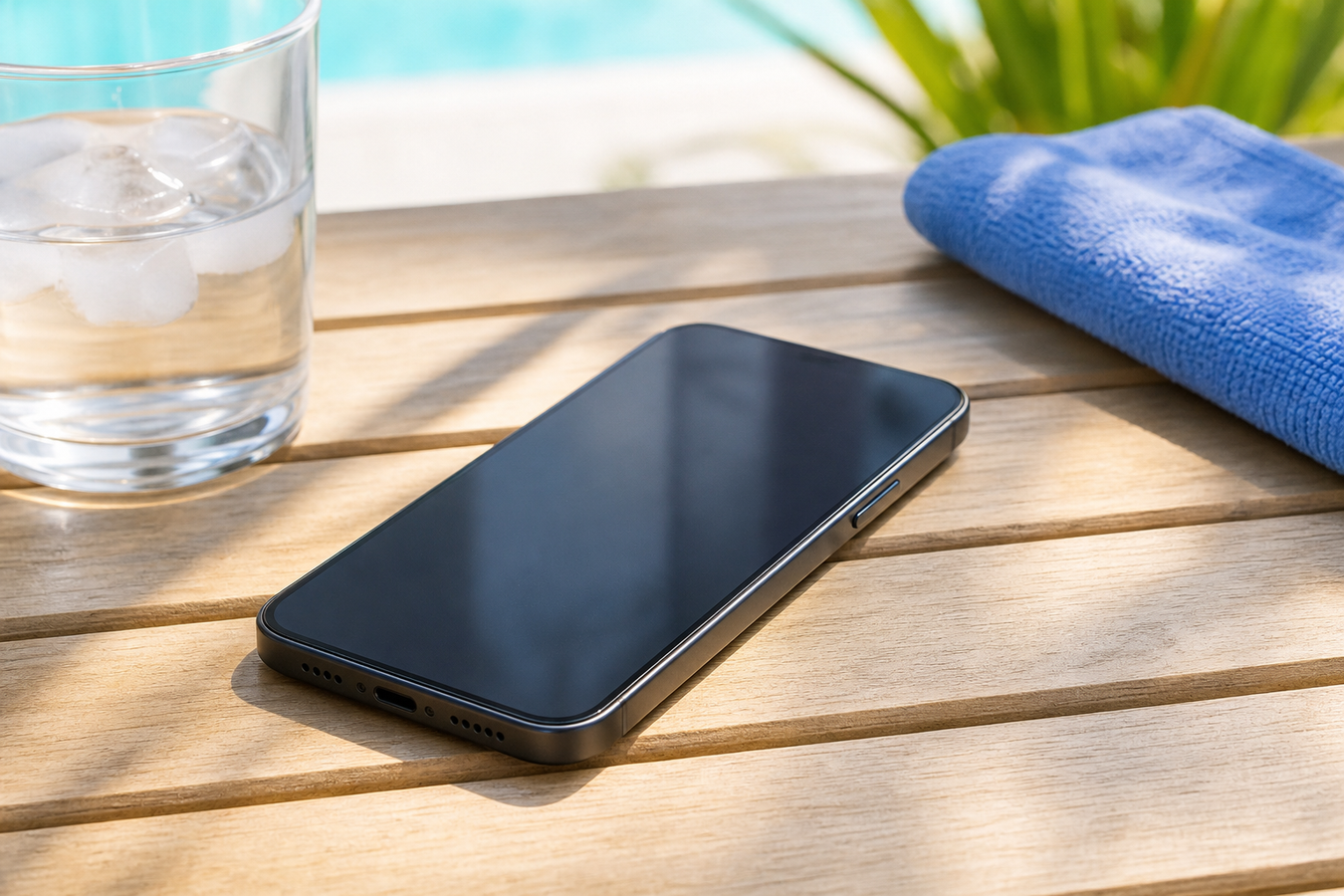
Is your phone overheating? Turn it off, take it off the charger, and remove the case. Leave your phone to cool in a dry, shaded spot. Here’s why your phone gets too hot and what you can do to prevent it.
Why does a smartphone overheat?
Your smartphone overheats when it produces more heat than it can release. That can happen if you charge it in the sun while running demanding apps.
Direct sunlight and high outdoor temperatures are the main sources of external heat. A dark phone body absorbs heat especially quickly. If you leave your phone in bright sunlight on a patio table or on your car dashboard, it can heat up fast.
A heavily taxed processor also generates heat. Demanding games, navigation, and video calls need sustained processing and graphics power. That work generates heat inside the phone.
Less obvious processes can also raise the temperature. When reception is poor, for example, your phone keeps searching for a signal. It uses more energy to maintain a connection.
This drains the battery faster and quietly generates heat in the background. On a hot summer day, a constant search for signal or a demanding app can quickly lead to overheating.
Charging creates additional heat, especially if you keep gaming at the same time. A thick, enclosed case retains heat for longer, so the same protection that cushions falls can make it harder for heat to escape.
Does your phone get warm when you haven’t been using it heavily? Check the battery settings to see which apps use the most power, then limit their background activity. Lower the screen brightness during extended use to reduce the load.
Why does my phone get hot when charging, with or without a cable?
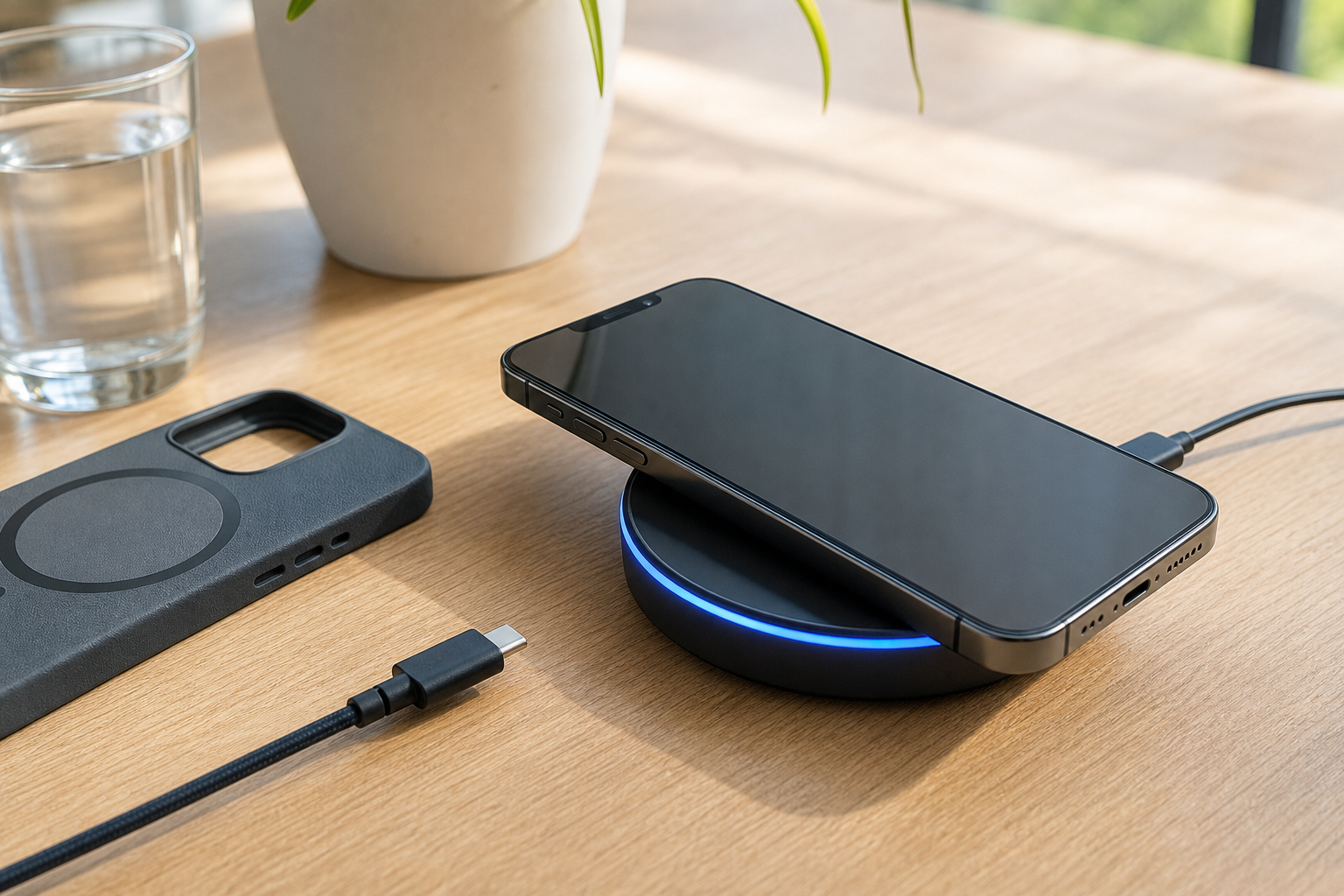
In 2026, the Dutch consumer organization Consumentenbond warned that charging at high temperatures can be especially harmful because charging itself generates considerable heat. Transferring power always releases some energy as heat. You can notice this with a cable and often even more with wireless charging.
Before you start charging wirelessly every day, test whether your phone charges properly with the case on and whether it gets noticeably hot.
Using a fast charger? The effect can be stronger. Fast chargers replenish the battery quickly and can generate more heat than a standard charger.
Heat can build up fast on very hot summer days. It’s best to remove the case when charging wirelessly so the phone can release the heat it generates.
In extreme heat, it’s safer still to switch temporarily to a wired charger. That avoids the extra heat generated by wireless charging coils and helps protect the battery.
Choose a hard, clear surface in the shade even when charging with a cable. Avoid charging on a bed or sofa. Pause games and video calls while charging, as they generate extra heat. If your phone gets noticeably hot, stop charging and let it cool on its own.
Can overheating permanently damage the battery?
Yes. Overheating can permanently damage the battery by speeding up wear. Pick up a phone left on a sunny patio table and it might feel almost too hot to touch. High temperatures like these speed up battery wear.
The more often your phone gets too hot, the faster the battery cells degrade. The battery loses capacity permanently, so over time a full charge lasts noticeably less time.
Charging a phone that’s already hot puts extra strain on the battery because the charging process adds heat. Stop charging and let the phone cool on a hard surface in the shade first.
Extreme, prolonged heat can cause more serious damage. In rare cases, an overheated battery can swell, lifting the screen or damaging the phone body.
Is the battery swollen or leaking, or do you notice a chemical smell? Stop using and charging the phone. Never push the battery back into place or puncture it. Have the phone inspected by the manufacturer or an authorized repair provider.
Does my phone case affect my phone’s temperature?
Take a thick case off your phone on a hot summer day. The phone needs to release heat through its body.
Insulating cases made of thick leather or heavy silicone can make it harder for heat to escape, so the temperature can keep rising. Silicone provides grip, but it also tends to hold in heat.
Switch to a thinner case during hot spells. TPU provides flexible drop protection, but it can hold in heat for longer.
Polycarbonate generally releases heat better than soft silicone, although the thickness and shape of the case also matter. Aramid fiber offers sturdy protection in a slim case, but thinness alone won’t prevent overheating. Metal parts can spread heat, but may feel warmer to the touch.
Case type |
Heat dissipation |
Summer tips |
|---|---|---|
Folio cases |
Thick, closed layers can trap heat. |
Temporarily remove the case if your phone gets hot while charging. |
TPU cases |
Cover the back of the phone and can retain heat. |
Choose this type for flexible drop protection without a thick layer around your phone. |
Heavy-duty cases |
Leave the back exposed so heat can escape. |
Choose this type if you want less coverage. The back will still be exposed to scratches. |
Vent openings can help release heat, but they don’t guarantee that the phone will cool. Check the fit, too. The openings should leave the cameras, speakers, and microphones clear, and every port should be easy to access.
Clean the case regularly with a soft, slightly damp cloth.
Choose a case designed for the exact brand, model, and version of your phone. Check that raised edges protect the camera rings and lenses. Raised edges around the display keep the screen from touching surfaces directly.
Reinforced corners can reduce damage from drops even on a thin case. A snug case stays in place. If it’s too loose, it offers less reliable drop protection. A case that’s too tight can obstruct buttons and ports.
Choose a bumper case if you use your phone for demanding tasks in warm weather. This avoids an extra layer of insulation, though you should still pause heavy use if the phone gets hot. If screen protection is your priority, choose a closed folio case and remove it temporarily when your phone gets too warm.
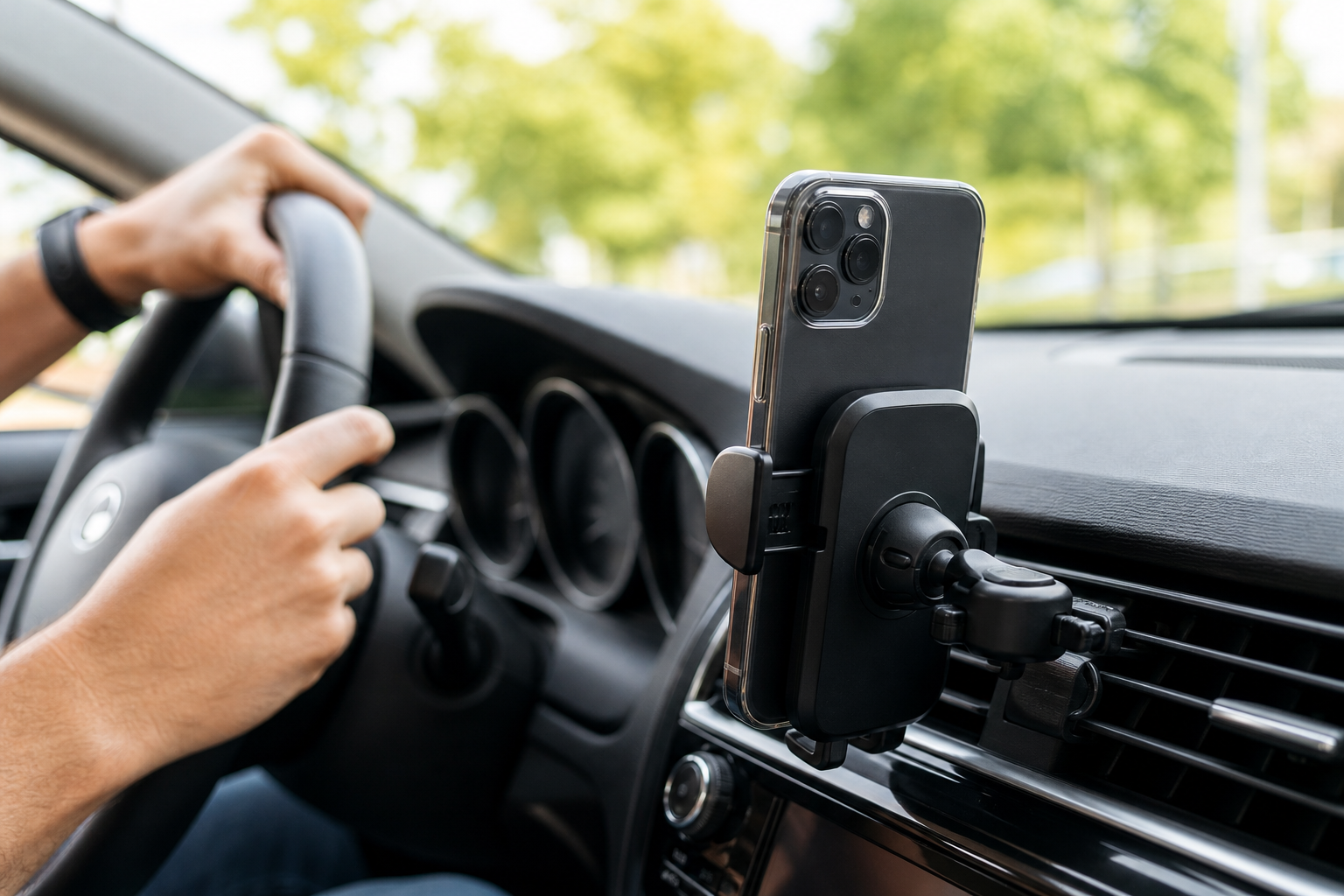
How can I keep my phone from overheating while using navigation in the car?
Using navigation behind the windshield on a sunny day makes overheating more likely. Navigation uses GPS, the screen, and often mobile data at once, all of which warm up the phone. If the phone is on the dashboard in direct sunlight, it also absorbs heat from outside.
Skip the windshield suction mount and use a phone mount that clips onto an air vent. Pick one that fits your car’s vent and keeps the phone out of direct sunlight. Then turn on the air conditioning.
Mobigear car mounts with a vent clip attach to the slats. Check the fitting first, as not every clip fits round or unusually shaped vents. Make sure it holds your phone securely with its case on and leaves the buttons free.
Cool air from the vent can flow across the back of the phone and help release heat. Avoid this position if warm air is coming from the vent. A vent mount won’t prevent overheating in every situation. If your phone stays hot, pause charging and pull over somewhere safe to let it cool.
Lower the screen brightness as long as you can still read the route, and close apps you don’t need for the trip. Take your phone with you when you park. A parked car can heat up quickly even out of direct sunlight.
What should I do if my phone gets too hot?
If you see a temperature warning or the phone feels too hot to hold, stop using and charging it immediately. Acting quickly helps limit battery wear, but the wrong cooling method can cause further damage. Turn the phone off, remove its case, and let it cool on a dry, cool surface.
-
1
Turn it off or use airplane mode
Turn your phone off completely so apps stop generating heat. If you can’t turn it off, close demanding apps and enable airplane mode. This stops the phone searching for cell towers, but Wi-Fi and Bluetooth may stay on. Turn those off separately if needed.
-
2
Disconnect the charger and remove the case
Unplug the charging cable or take your phone off the wireless charger, then remove its case temporarily. With that insulating layer gone, trapped heat can escape through the phone body more easily.
-
3
Choose a hard, cool surface
Put the phone on a dry table or stone floor in the shade and let it cool gradually where some air can circulate. Avoid pillows, sofas, and bedding because they retain heat.
-
4
Keep it out of the fridge or freezer
A rapid change in temperature can cause condensation. Moisture in the air can collect on or inside your phone and damage electronic components. Avoid using ice cubes or cold gel packs to cool it, too.
-
5
Check your phone before using it again
Wait until your phone has cooled before using or charging it again. If the battery is swollen, you notice a chemical smell, or the phone stays unusually hot, leave it off and get professional help.
Frequently asked questions
What should you do if your phone overheats?
Turn the phone off immediately and put it on a hard surface in the shade. A 2025 analysis from the Dutch authority NVWA found that overheated lithium-ion batteries primarily pose a risk of property damage. Take a burning-hot phone seriously. Remove the case temporarily and disconnect the charger so the phone can cool safely.
Why should you avoid putting your phone on your nightstand?
A wooden nightstand doesn’t dissipate heat well during charging. If your phone is near the bed, it can also slip under a pillow or blanket. The fabric insulates the phone body, trapping the heat generated during charging.
How can you cool down your phone?
Let your phone cool gradually on a hard, dry surface in the shade. Don’t use the fridge, freezer, ice cubes, or cold gel packs. When the temperature drops quickly, moisture can condense on or inside your phone and damage components.
Why does my phone get warm when I use navigation?
Navigation apps put a heavy load on the processor because they use GPS, the display, and mobile data at the same time. With your phone mounted on the dashboard, sunlight through the windshield adds even more heat. Lower the screen brightness or switch to a vent mount so the air conditioning cools the back directly.
Can a phone explode if it gets too hot?
Some warmth during heavy use is normal. There’s a risk of fire if the battery is damaged or severely overheated. If the phone body bulges, leaks, or smells like chemicals, stop using and charging it immediately. Take it to an official collection point.
Is it safe to charge your phone in a hot car?
We strongly advise against it. A parked car can get extremely hot in summer. Charging adds even more heat and can quickly put too much strain on the battery. Take your phone with you when you leave the car after a trip.
To keep your phone from overheating, keep it out of direct sunlight, limit heavy use, and choose accessories that allow air to circulate. Browse slim TPU cases and car vent mounts at directcases.com to help your phone stay cool this summer. Take your thick case off and order a case that lets more air reach your phone.