Is your iPhone SIM locked? Open Settings and go to Cellular to manage your SIM PIN. If you use Dual SIM, select the line you want to manage first.
From the same menu, you can change your SIM PIN or turn it off. If your SIM locks after three wrong attempts, you’ll need the PUK from your carrier to get back on the network.
How do I unlock the SIM card on my iPhone without restarting?
Here’s where to find the SIM PIN settings on your iPhone.
-
1
Open Settings and tap “Cellular.” If you use Dual SIM, select the line whose SIM PIN you want to manage.
-
2
Tap “SIM PIN.”
-
3
If your iPhone asks for a SIM PIN, enter your current code. If you don’t know it, ask your carrier before entering anything.
-
4
Confirm the code you entered.
Your SIM is now unlocked. You can make calls or use cellular data again without restarting your iPhone.

Change or turn off the SIM PIN on your iPhone
Security experts advise leaving your SIM PIN on to prevent unauthorized use. You’ll find the setting in the same menu under Cellular. iOS asks for your current PIN before making the change.
If you’re changing the PIN, choose a code you can remember. This keeps your SIM protected. Turning it off removes the PIN prompt. If your phone is stolen, someone could put the physical SIM in another device and use the network at your expense.
| Option in Settings | Main benefit | Main drawback |
|---|---|---|
| Change the SIM PIN | You can protect your SIM with a code you’ll remember. | You need to remember the new code to avoid locking your SIM. |
| Turn off the SIM PIN | You won’t have to unlock the SIM manually after an outage or a device swap. | If your phone is stolen, your SIM will no longer have PIN protection. |
What if I forgot my SIM PIN?
You’re trying to change a setting and your iPhone asks for your SIM PIN. The default code 0000 doesn’t work and you can’t remember your own code.
Can I try a few codes?
Don’t guess. Three wrong attempts lock the SIM. Your usual PIN will no longer work, and you’ll need your PUK to regain access to the cellular network.
Where do I find my PUK?
Look for your eight-digit PUK in your carrier’s online account portal. KPN and Simyo are two examples. Sign in and look under SIM management, or call customer support from another device. Write down the code to avoid typos when you enter it on your iPhone.
How do I set a new PIN?
Enter the PUK when your iPhone asks for it. After you enter the eight digits, iOS prompts you to set a new four-digit SIM PIN. Choose one you’ll remember and avoid easy-to-guess combinations. Confirm the PIN to get back online.
What if I enter the wrong PIN three times?
Stop guessing if you don’t remember the PIN. After three failed attempts, the SIM locks and your iPhone no longer accepts the regular SIM PIN.
You’ll need the PUK to unlock it. You have up to ten attempts to enter the eight-digit code. Check each digit before confirming.
Ten incorrect PUK attempts permanently block the physical SIM. Restarting your iPhone won’t help. Request a replacement SIM from your carrier. You may go several days without calls or internet access away from Wi-Fi.
Using a SIM PIN with a physical SIM or eSIM
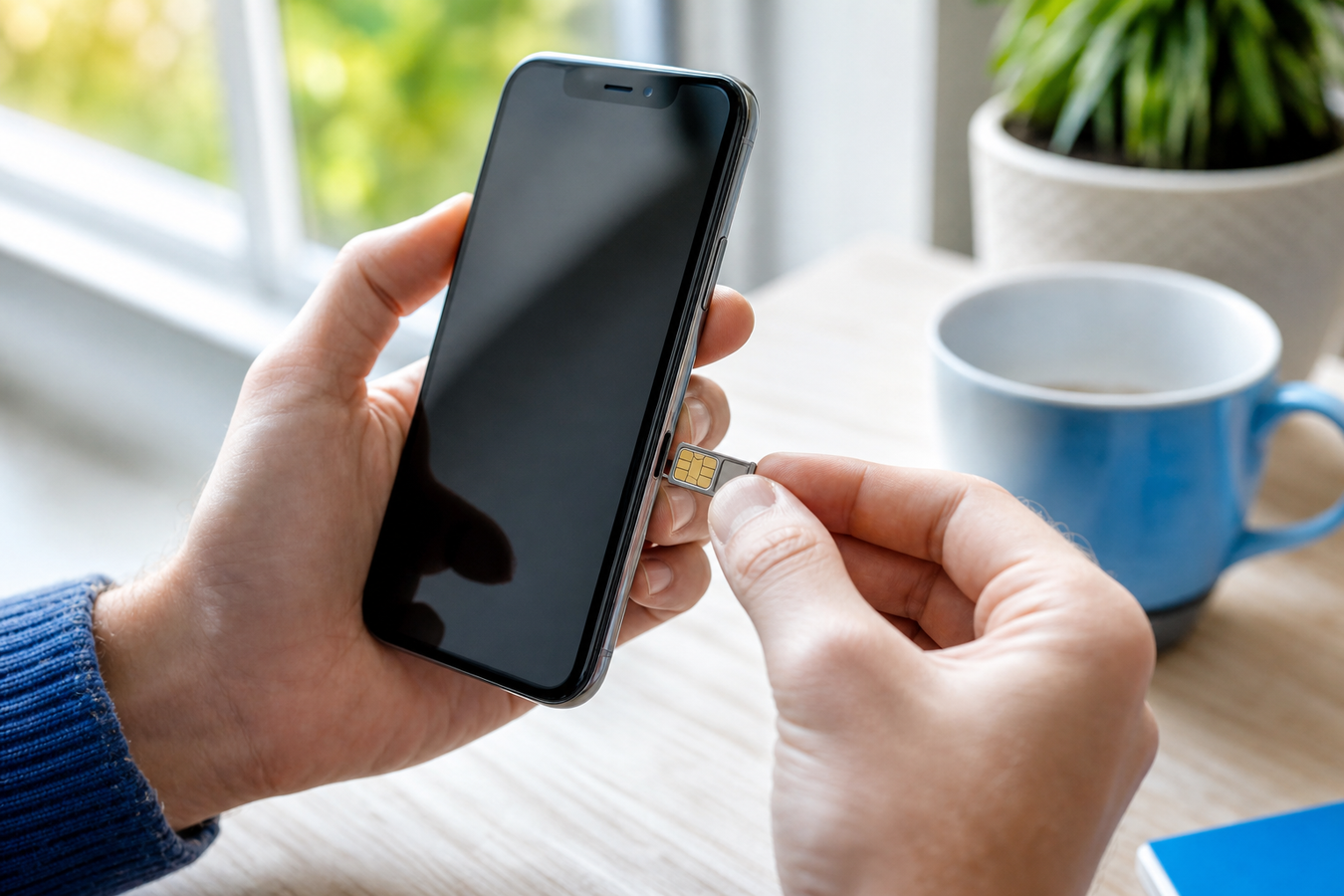
You can protect a physical SIM or an eSIM with a SIM PIN. When it’s on, your iPhone asks for the PIN for that line after a restart.

| Feature | Physical SIM | eSIM |
|---|---|---|
| Activation | Insert the card into the SIM tray | Activate digitally with a QR code or app |
| Unlocking after a restart | Enter the SIM PIN if it’s on | Enter the SIM PIN if it’s on |
| Risk | Can get lost or damaged | Stored securely on the chip |
Security and checks after unlocking
How can you tell whether your SIM works again and your device is protected? Sometimes the SIM appears unlocked, but your iPhone still can’t connect to the network. Check the following after unlocking.
Call someone or send a text to check that you’re back on the cellular network.
Go to “Settings > General > About” and look for “No SIM restrictions.” This tells you whether your iPhone is locked to a carrier.
If you change your SIM PIN, avoid easy-to-guess codes such as 0000, 1234, or your birth year.
Keep your PUK somewhere safe offline. Write down the eight digits and keep the paper at home. Avoid storing the code on the Apple device itself so you can still access it if the device locks.
You can manage or unlock your SIM and change its PIN in Settings without restarting your iPhone. Check your cellular settings, then look up the PUK in your carrier account and write it down to keep at home.