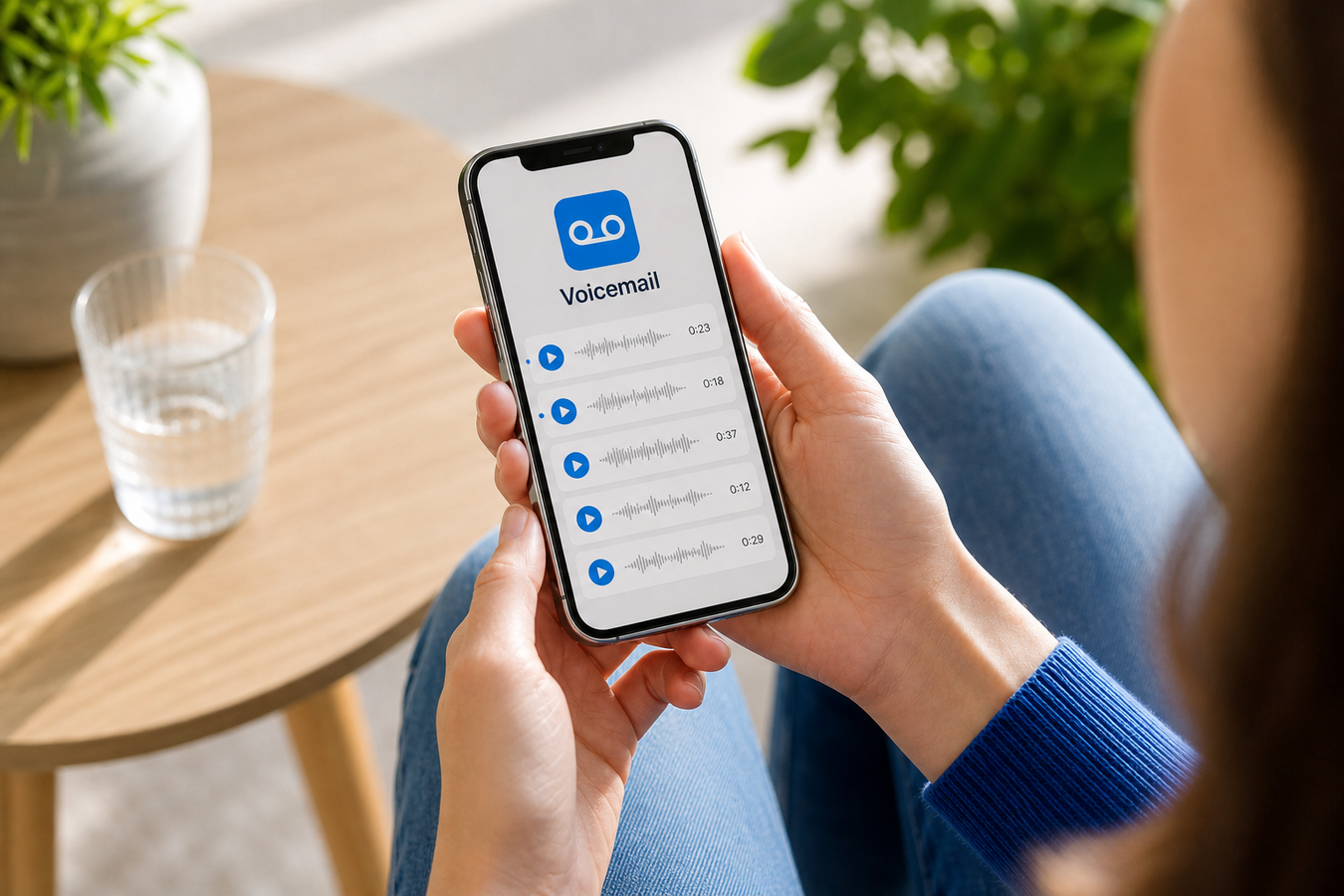
You can set up voicemail on your iPhone in the Phone app. If your carrier supports Visual Voicemail, you can then select and play messages directly in the app.
How do I set up voicemail on my iPhone?
-
1
Open Voicemail in the Phone app
Open the Phone app. Tap the Voicemail tab if you see it. If you use the unified layout, tap the filter button and choose Voicemails.
-
2
Set your voicemail password
Tap “Set Up Now.” Choose a voicemail password and confirm it.
-
3
Choose a greeting
Use the default greeting or record your own.
Choosing a voicemail password
Choose a combination that's hard to guess. Avoid using your birth year or a sequence like 1234.
How do I record a personal greeting?
When you miss a call, a personal greeting can tell the caller when you'll be available again.
-
1
Choose a custom greeting.
Tap “Greeting” at the top left of the voicemail screen. You’ll see “Default” and “Custom.” Choose “Default” to use the iPhone’s preset greeting or “Custom” to record your own.
-
2
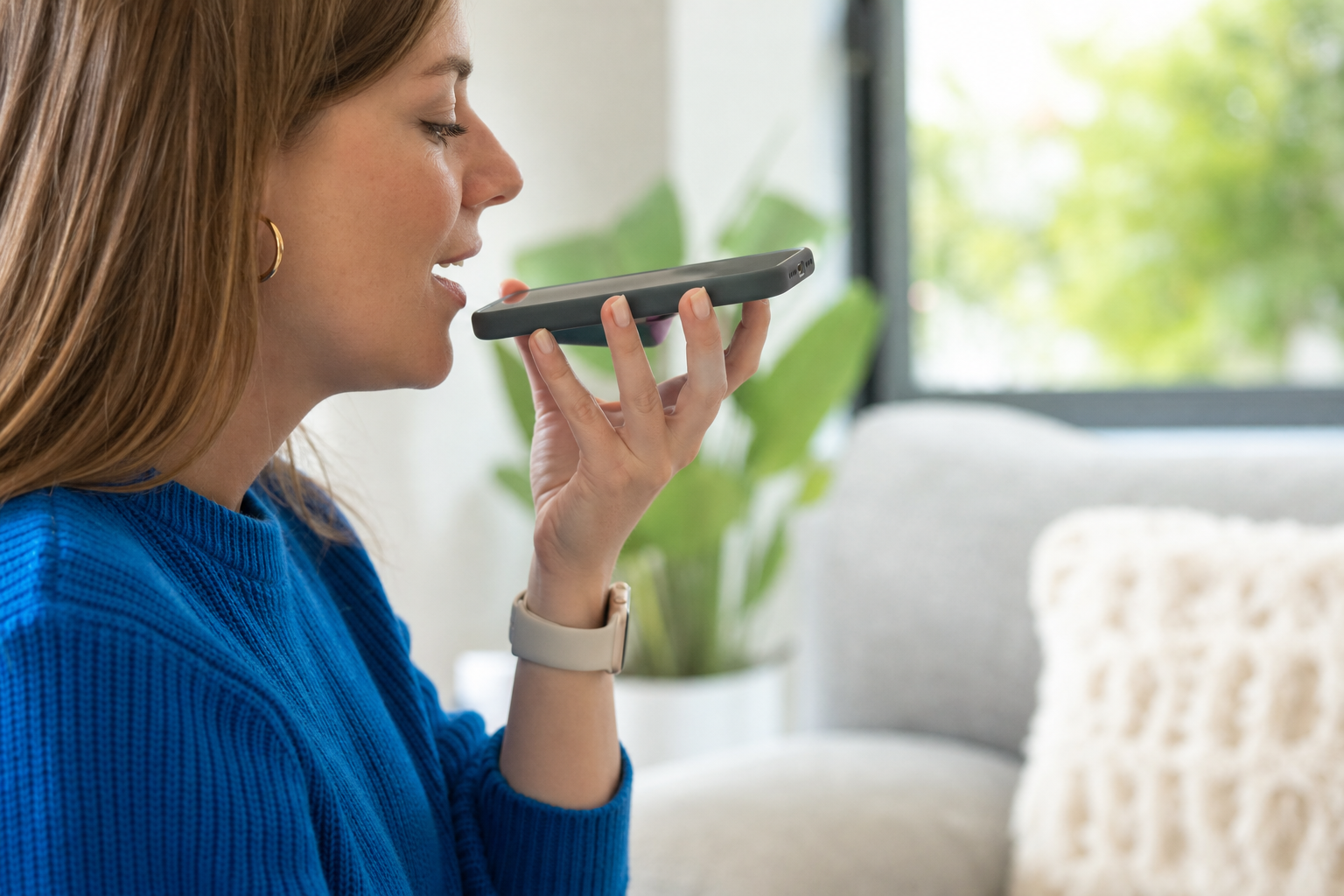
Check your microphone.
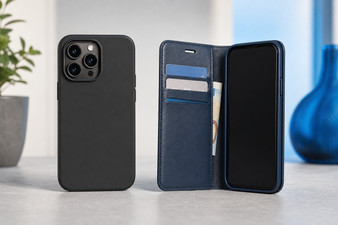
A muffled recording can sound unprofessional. Record somewhere quiet so callers can hear you clearly. Make sure your phone case, such as one from Mobigear or Decoded, leaves the microphones at the bottom unobstructed. Remove any dust from the openings if needed.
-
3
Record and play it back.
Tap “Record.” Say your name clearly and briefly tell callers when they can expect a reply. Stop the recording and tap “Play” to listen to it. If it sounds good, tap “Save” at the top right.
What is Live Voicemail and how do I set it up?
Live Voicemail lets you read what the caller is saying on your screen as they leave a message.
Go to Settings → Apps → Phone → Live Voicemail to turn the feature on or off.

What if I don’t see “Set Up Now”?
Ask your carrier whether voicemail is active and whether your plan supports Visual Voicemail. If you can dial in to voicemail, ask your carrier which number to call and follow the spoken prompts.
Frequently asked questions
Why isn’t voicemail working on my iPhone?
Your carrier may not have activated voicemail, or your plan may not support Visual Voicemail. Check your cellular data, restart your iPhone, and see whether calls are being sent straight to voicemail.
How do I activate voicemail?
Activate voicemail through the Phone app or your carrier. Ask your carrier how to turn it on and what number to call to listen to your messages.
Why doesn’t 1233 work?
Ask your carrier whether voicemail is active on your line and which number you should call.
Can I listen to voicemail abroad?
That depends on your carrier and your line. Before you travel, check which number to call or what other options your carrier offers for listening to messages abroad.
How do I set up automatic voicemail?
This uses your carrier’s standard call forwarding. Once voicemail is active, it automatically picks up when you don’t answer or when you’re on another call. If you want to change how long your iPhone rings before callers hear your greeting, you can often enter a code on the keypad. Look for the code on your carrier’s website.
With Visual Voicemail and a personal greeting set up, callers can leave a message when you’re unable to answer. Make sure your greeting is easy to hear. Browse the selection at directcases.com for a phone case with cutouts that keep the microphones clear.