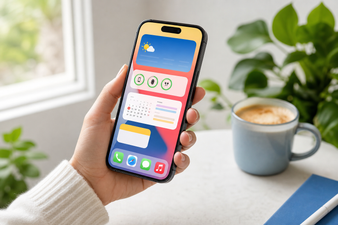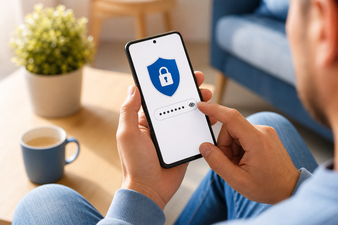
Want to set screen time limits on your iPhone or Android phone? You can review app usage, set time limits and schedule screen-free periods for yourself or your child.
Why set and manage screen time limits?
Your screen time report shows how long you spend on each app, helping you decide which apps to limit. Parental controls let you set screen time rules for your child, such as around bedtime.

How much screen time is healthy for my child?
Take all the devices your child uses into account, including the TV, tablet and mobile phone. Agree on when to put screens away, such as during meals or before bed.
Set screen time limits on an iPhone or iPad
You pick up your iPhone to send a message and find yourself scrolling through Instagram half an hour later. Apple's built-in tools let you set a limit.
-
1
Open Settings and tap Screen Time. Turn on Screen Time and indicate that it's your device. You can then check your report to see which apps take up your time.
-
2
Tap Downtime to schedule breaks. It restricts access to apps during set hours, such as overnight. Calls and apps you've allowed remain available.
-
3
Choose App Limits to restrict categories such as Social. Tap Add Limit, select a category and set a daily limit, such as one hour. The limit takes effect when the time runs out.
-
4
Set a Screen Time passcode at the bottom of the screen. Without it, you can easily dismiss a limit and keep scrolling.
Parental controls with Family Sharing
Add your child's account through Family Sharing on your Apple device. You can then adjust settings without taking their iPad.
-
1
On your device, open Settings, tap Family and add your child's account.
-
2
Select your child's name under Screen Time on your phone or tablet to manage their screen time remotely.
-
3
Choose Change Screen Time Passcode and set a code your child doesn't know so they can't change the limits themselves.
-
4
Set content restrictions to block unsuitable websites, explicit music or unwanted App Store purchases.
-
5
Use Downtime to set a weekly schedule, such as restricting screen time from eight each evening.
Digital Wellbeing and screen time on Android (Samsung)
Apple and Android provide different tools for managing phone use. Apple calls its feature Screen Time, while Android phones such as Samsung devices use Digital Wellbeing.
Both let you review app use and set daily limits. Android's Bedtime mode can switch the display to grayscale.
| Feature | Apple (iOS) | Android (Samsung) |
|---|---|---|
| Feature name | Screen Time | Digital Wellbeing |
| Usage limits | App Limits | App timers for daily limits |
| Bedtime | Downtime | Bedtime mode (grayscale) |
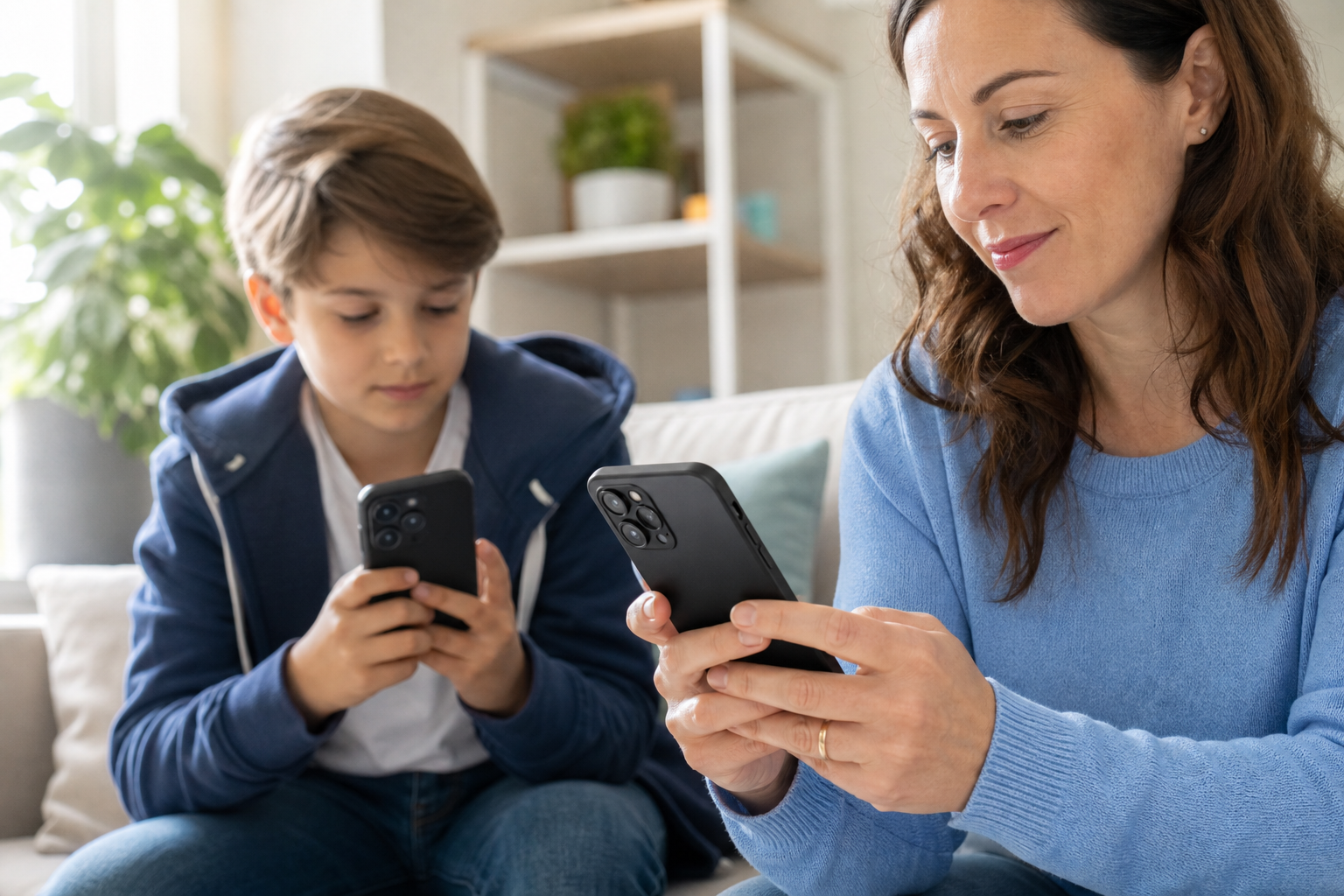
Use Google Family Link for parental controls
Family Link lets you supervise your child's Android phone remotely. Here's how:
-
1
Download Google Family Link on your own mobile phone and set up supervision on your child's device.
-
2
Link the accounts to manage your child's screen time directly from your own phone.
-
3
Use the dashboard to set limits for individual apps or block apps you consider unsuitable.
-
4
Lock your child's phone remotely with a tap when it's time for homework or bed.
Tips for app limits and screen-free routines
Use these tips to put your screen time rules into practice:
Protect limits with a passcode only you know so they are harder to bypass.
Use the accessibility settings to switch the display to grayscale if you find the colours distracting.
A tablet can slip out of a child's hands when time is up. Consider a sturdy case from Mobigear or Otterbox.
Schedule regular screen-free times, such as during dinner or in the hour before bed.
What if I forget my Screen Time passcode?
It's easy to forget the four-digit code for your child's tablet.
How do I reset the passcode on an Apple device?
Open Settings and tap Screen Time. Choose Change Screen Time Passcode and then Forgot Passcode? Sign in with your Apple account to reset the code.
Why can't I see Forgot Passcode?
If you're on an older version of iOS, update your software and check for the reset option again.
To protect your child's iPad or tablet, browse our iPad cases for kids from brands such as Mobigear at directcases.com. Then open Screen Time or Digital Wellbeing on your phone and set your first app limit.