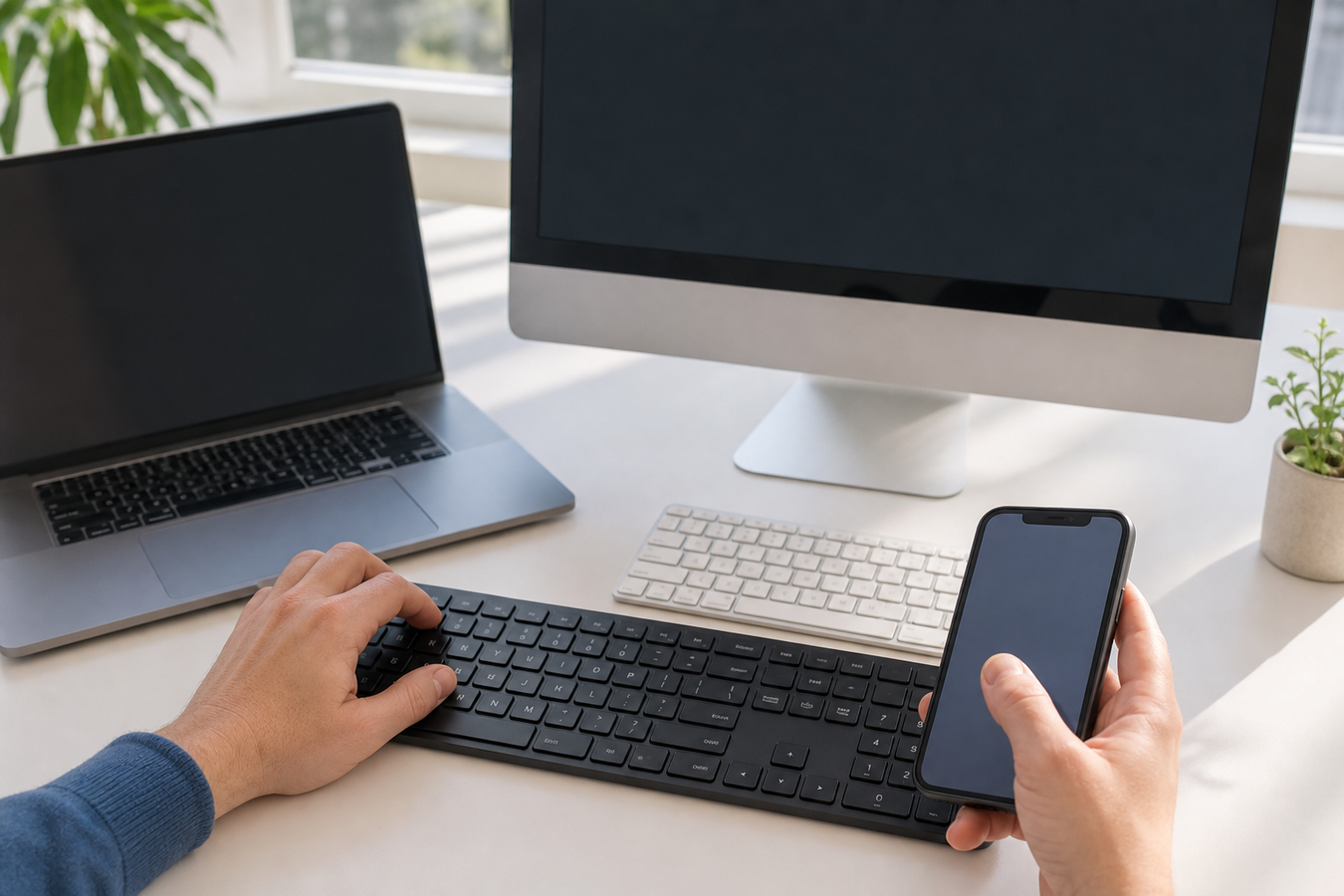
How do you type the euro symbol? On Windows, press AltGr + 5. On a Mac with the ABC or US layout, press Option + Shift + 2. On your iPhone or Android, tap the 123 key and hold down the dollar sign ($) to get €.
Shortcut not working? Your keyboard layout is probably set differently. A different code will usually still do the trick.
Euro sign shortcut overview: which keys do you need for €?
The table below shows the most common shortcuts and steps for typing the euro sign.
| Device | Shortcut or action | Notes |
|---|---|---|
| Windows laptop or PC | AltGr + 5 | Nothing happening? Try Ctrl + Alt + 5 instead. |
| Windows (full-size keyboard) | Alt + 0128 | Only use the numbers on the separate numeric keypad. |
| Mac or MacBook | Option + Shift + 2 | With a British keyboard layout, it's Option + 2. |
| Smartphone (iPhone / Android) | Tap '123' > hold down $ | Switch to the number keyboard and press and hold the current currency symbol. |
How to type the euro sign on each device
A Windows keyboard works very differently from a Mac or a smartphone, so make sure you follow the steps for your device. Find yours below.
How do you type the euro sign on a Windows computer or laptop?
You're writing a work email and want to quickly send over a price. On a Windows computer or laptop, the euro sign only takes a second. Use one of these three methods:
-
1
Press AltGr + 5 at the same time. This is the quickest way.
-
2
Nothing appears on your screen? Try the common alternative Ctrl + Alt + 5. This often works if your keyboard layout is slightly different.
-
3
On a full-size keyboard with a numeric keypad, you can use an Alt code. Hold down the left Alt key and type 0128 using the keys on that separate number pad.
How do you type the euro sign on a Mac or MacBook?
On a Mac, use Option + Shift + 2 or Option + 2. Which one works depends on your keyboard layout:
-
1
If you use the ABC or US layout, press Option + Shift + 2 at the same time.
-
2
If your Mac is set to a British layout, Option + 2 is all you need.
-
3
Getting a different character, like ™? Then your Mac is using a different keyboard layout. Go to System Settings > Keyboard to check which layout is active.
How do you type the euro sign on an iPhone?
On an iPhone, tap 123 and then hold down $ to select €. iPhones often don't have a dedicated euro key, so people end up digging through extra menus for nothing.
-
1
Open your keyboard in any app and tap the 123 key in the bottom left. This switches you straight to the number keyboard.
-
2
Check whether you can see a euro sign straight away. Can't find it? Look for the dollar sign ($) key.
-
3
Press and hold the dollar ($) key. A menu with extra currency symbols pops up. Slide your finger to the euro sign (€) and let go.
How do I type the euro sign on Android?
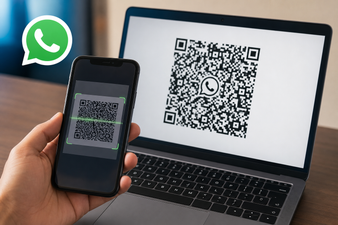
In the middle of a WhatsApp chat and need the euro sign fast?
-
1
In WhatsApp, switch to the symbols and numbers keyboard using the dedicated key in the bottom left.
-
2
Press and hold the current currency symbol (often $) to show more options. Then select the euro sign.
No currency symbols showing? Tap =\< or a similar key. On many Android phones, this opens a second page of special characters where you may find the euro sign.
Find accessories for your laptop
Everything you need for your laptop in one place. From stylish laptop bags and sleeves to chargers, USB hubs and power banks. Kit out your laptop with the right accessories for protection, convenience and everyday use.
What should you do if the euro symbol keyboard shortcut doesn't work?
The wrong keyboard layout can stop a shortcut from working. No currency symbol on your screen? Run through these checks:
Check your Windows keyboard language: This is the main reason shortcuts don't work. Make sure the keyboard language you've selected matches your physical keyboard.
Turn on Num Lock: Want to use the Alt code instead? Alt + 0128 only picks up the numbers on the numeric keypad if you switch on Num Lock first.
Use Microsoft Word as a fallback: Still not working? Open Word, click the 'Insert' tab at the top and go to 'Symbols'. From there, you can select the euro sign manually and add it to your text.
Test with an external keyboard: Sometimes the hardware is simply worn out. Plug a separate keyboard into your computer. Does the euro sign appear straight away? Then you can rule out a settings issue and you know for sure that specific keys on your laptop are faulty.
Frequently asked questions
How do you write €?
You type € with the shortcut AltGr + 5 on Windows or Option + Shift + 2 on a Mac (Option + 2 with a British layout). On your mobile phone, open the number keyboard and press and hold the current currency symbol.
How do I type the € sign on a QWERTY keyboard?
On a QWERTY keyboard, try AltGr + 5 first. If your cursor just keeps blinking with nothing happening, press Ctrl + Alt + 5 at the same time.
What is the euro symbol?
The euro symbol is €. This universal sign, with its rounded C shape and two horizontal lines through the middle, has represented the currency worldwide since euro notes and coins were introduced in 2002.
Use your device a lot? Then make sure it's well protected against scratches and knocks. At directcases.com, you'll find sturdy phone cases and handy accessories such as screen protectors and chargers. Look up your exact model and avoid costly repairs from drop damage.