You can find your public IP address with an online IP checker. It shows the address your router uses to communicate over the internet. Your local IP address, also called a private IP address, is in your phone’s Wi-Fi settings.
You can look up this network address on your iPhone or Android phone. Knowing the difference between a public and a private IP address helps you understand what’s visible online and protect your privacy.
Does a smartphone have its own IP address?
How does the internet actually know that a loaded webpage needs to be sent to your exact screen?
Every device that connects to the internet is assigned a unique identification number. That is the IP address. Without this sequence of numbers, your smartphone simply cannot send or receive data. Think of it as a digital return address: the network needs this information to deliver data packets to the right place.
When you are on home Wi-Fi, the router manages the data traffic. The router assigns a local IP address to your smartphone, your laptop, and your smart lighting, for example. This address ensures that the devices within the walls of your home can communicate with each other without issues. Your phone needs this network address to, for instance, cast music to a speaker.
This local address is not permanent. As soon as you turn off your Wi-Fi and switch to the 4G or 5G network, you discard that home address. At that moment, you are assigned a temporary IP address by your mobile internet provider. Your phone connects directly to a transmission tower and thus receives a new way to identify itself on the internet.
This means that your device's address changes as soon as you leave the house and switch networks. If you are on a bus using a 5G connection, your device has a different IP address than when you log into the office wireless network a little later. An IP address is therefore not built into the hardware of your phone, but is purely linked to the connection you are using at that moment.
Is an IP address the same as Wi-Fi?
Whether you use a classic IPv4 range or belong to the 29 percent of Dutch connections with a newer IPv6 address, an IP address is something completely different from Wi-Fi. These terms are often confused, but technically they play entirely different roles.
Wi-Fi is purely the wireless connection technology between your smartphone and the router. You can think of it as an invisible data cable in the air. It ensures your device connects to the network. An IP address is the digital string of numbers your device receives to actually communicate within that network. Wi-Fi is simply the road, and the IP address is the unique house number where the data needs to go.
This also means that browsing the internet without Wi-Fi works just fine, as long as you have a network address. Do you turn off the Wi-Fi feature on your smartphone to continue browsing via 4G or 5G? Then you still have an IP address. At that point, your smartphone is assigned a new set of numbers by your provider's cell tower. The connection technology changes, but a digital address is always required to load web pages.
What is the difference between a public and a local IP address?
You type "What is my IP address" into your browser, and the check site displays a range like 84.15.33.12. When you then check the Wi-Fi settings of your smartphone, you suddenly see 192.168.1.20. That is entirely correct. At that moment, you are actually using two addresses at the same time.
A local or private IP address is only used within your own home. Your router assigns this to your smart TV, laptop, and smartphone. Websites and webshops do not see this internal number at all. They only see the public address of your internet provider, which is essentially the address of your router visible to the rest of the world. External servers therefore do not know whether the request comes from your specific Samsung or iPhone, because your router bundles and shields all local data traffic.
Feature |
Public IP address |
Local (private) IP address |
|---|---|---|
How it works |
Visible on the internet |
Used only on your home network |
How to recognize it |
A set of numbers assigned by your provider |
Often starts with 192.168 or 10.0 on home networks |
Purpose |
Load web pages from the internet |
Connect devices at home to the router |
The format of an IP address depends on the technology it uses. The shorter IPv4 addresses consist of four numbers. As more devices come online, these addresses are running out worldwide. To address the shortage, the Netherlands is gradually adopting longer IPv6 addresses. They contain numbers and letters and provide far more addresses for future smartphones and connected devices.
How to find your IP address on an iPhone or Android phone
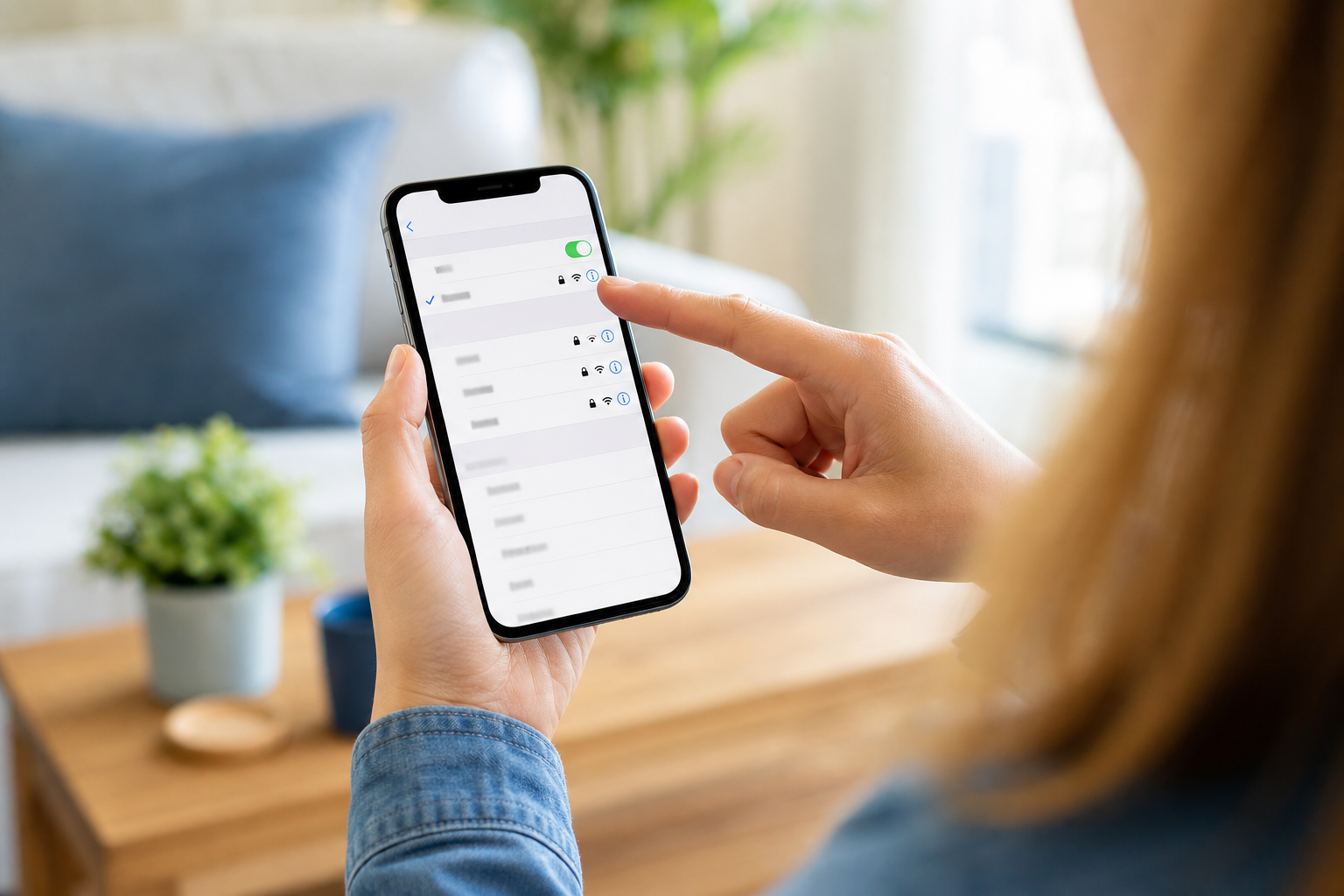
Grab your smartphone and check right away which local address your network is currently assigning to your device. For Apple users, this is easily done via the standard network options.
-
1
Open the Settings app on your iPhone and tap Wi-Fi right away. Make sure you are actually connected to a network, otherwise the required data will be missing.
-
2
Tap the blue information icon (the small 'i') next to your connected network to open the connection details.
-
3
Scroll down a bit on the next screen. Under the IPv4 address heading, you will find the number sequence of your smartphone. This is often a private IP address starting with 192.168. You can also find the router and DNS server numbers here.
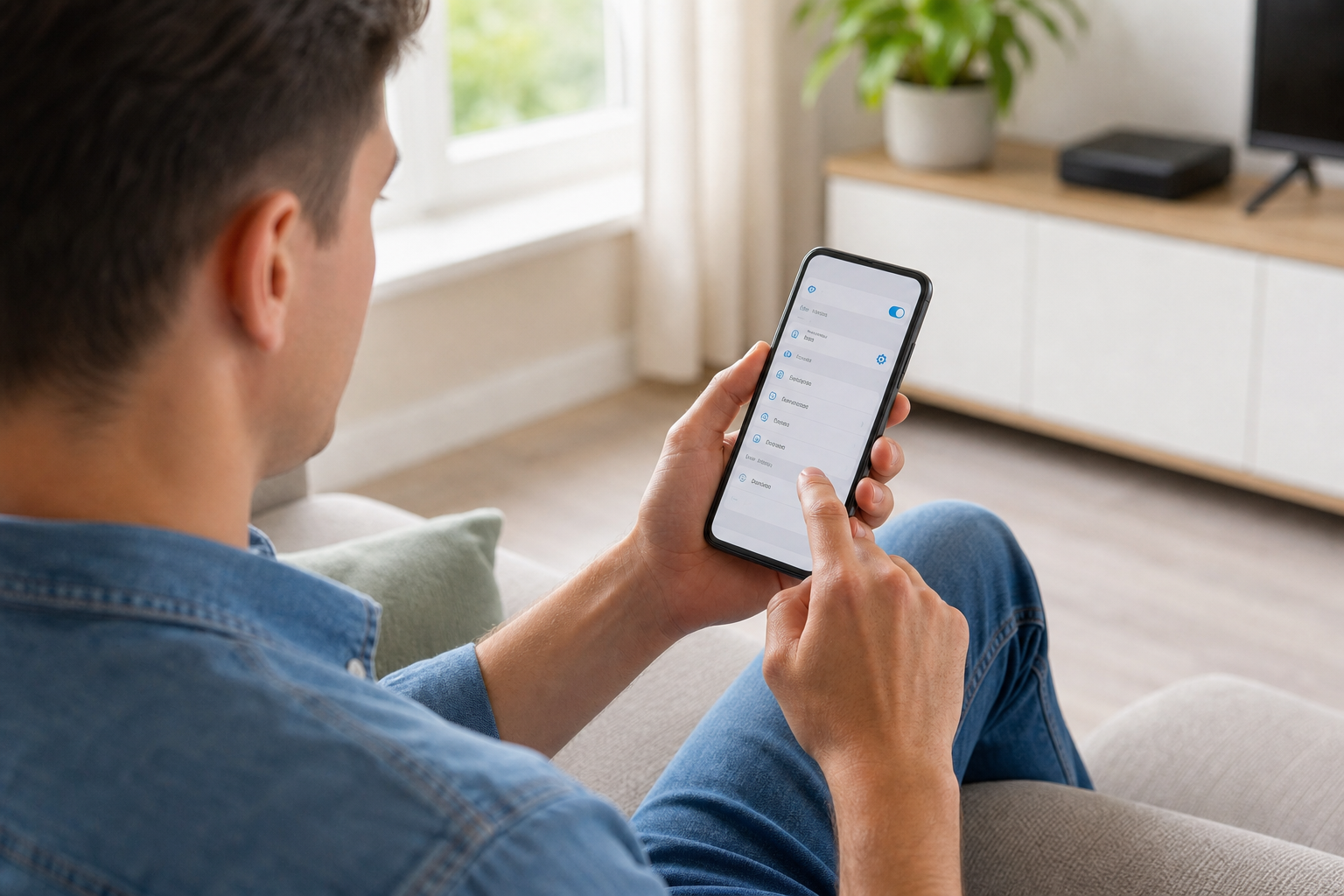
Using an Android device? Menu names might vary slightly depending on the manufacturer, but the basic steps are the same.
-
1
On your Android smartphone, go to Settings and select Network & internet. On some brands, such as Samsung, this menu is simply called Connections.
-
2
Select the active Wi-Fi network in the list. Tap the gear icon to the right of the network name to manage the settings for that specific connection.
-
3
Open Advanced options. Right at the bottom of the screen, you can immediately view the current network address.
Sometimes these screens show not just a short number, but also a long sequence of letters and numbers separated by colons. This means your provider supports the newer IPv6 protocol and is already actively using it. You generally look up these specific local addresses when you need to resolve a conflict on your home network—for instance, when a smart device in your home accidentally tries to claim the same number as your smartphone. By checking your device's network settings, you can instantly rule out whether the issue lies with your phone.
How to change your IP address on an iPhone or Android?
Changing your IP address is the fastest way to fix a lagging network connection or instantly boost your online privacy. You don't need any in-depth technical knowledge for this.
The simplest trick is to turn off the Wi-Fi connection via your smartphone's control center. As soon as you switch to your provider's mobile data network, the cell tower immediately assigns a completely different public IP address to your device. This works well if a particular website suddenly stops loading over your home network, saving you the hassle of messing with router settings.
Would you rather stay on Wi-Fi, but refresh the address within your local network? Simply restart your home router by unplugging it for ten seconds. Once the device boots back up, the router will often automatically assign a new local IP address to your connected smartphone.
Sometimes, however, a network error remains stubborn on your device. If you experience persistent connection problems, reset your smartphone's network settings. This clears out saved connections on your iPhone or Android and forces the device to request a completely fresh address.
If your goal isn't fixing a technical glitch, but rather deliberately hiding your IP address from webshops and ad networks, use a secure VPN app. Such an app encrypts your internet traffic and routes it through an external server, allowing you to virtually change your public location and keep your real IP address completely hidden from the sites you visit.
Frequently asked questions
How do I find my IP address?
Using an online check website, you can instantly see your public IP address. You can find your local IP address in your smartphone's Wi-Fi settings. Simply type "what is my IP" into Google for a quick check of your internet connection to the outside world.
Can everyone see your IP address?
No, only the websites you visit and your internet service provider register your public IP address. Other internet users cannot simply find this out. Sites use this network address to determine your approximate region or provider, but they will never see your exact residential address this way.
Is your IP address always the same?
What is the difference between IPv4 and IPv6?
IPv4 is the older network standard featuring shorter numbers, while IPv6 uses much longer addresses because the old ones are simply running out. In the Netherlands, around 29 percent of internet connections now support this newer IPv6 technology. Your device handles this transition automatically.
Does incognito mode hide my IP address?
Why does my smartphone show a different address than on a check website?
A website always sees the public IP address of your internet connection, while you can find the local address in your smartphone's Wi-Fi settings. Your router assigns these local private addresses to keep devices at home separated from one another. This local number very often starts with 192.168.
You now know exactly how your online visibility works and where to find the local network details in your smartphone. Check your own Wi-Fi settings right away to verify your current network address. Additionally, ensure the physical safety of your device with a sturdy phone case from directcases.com.