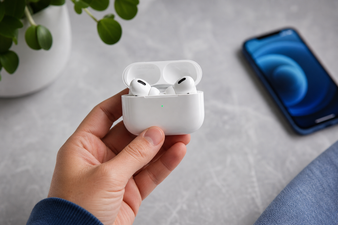
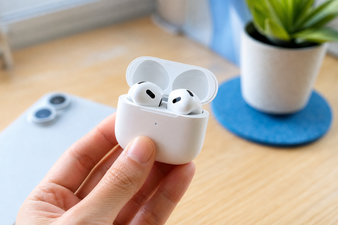
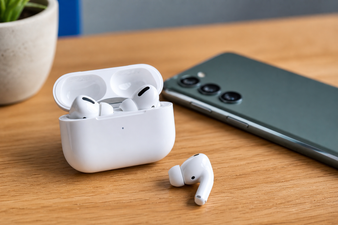
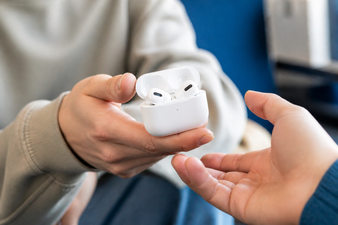
How to clean AirPods: wipe the outside with a soft, dry, lint-free cloth and gently brush the mesh with a soft toothbrush. Don't use sharp objects and never hold your AirPods under water. Then let them dry completely before they go back in the case.
Does your favourite music suddenly sound muffled, or has your charging case stopped working? Chances are your earbuds just need a good clean. Sweat, skin oil and dust build up every day in the tiniest gaps of your earbuds.
That dirt makes the sound worse. It can also block the metal charging contacts, leaving you with a flat battery out of nowhere. The earbuds, the charging case and the delicate speaker mesh each need their own approach to sound and work like new again.
Why cleaning your AirPods regularly matters
You notice dirt in your AirPods in two places: in your ear and in how the earbuds work.
Restoring sound quality and bass: Removing earwax restores full sound quality and bass straight away. Dirt blocks the inward-facing microphones and the main speakers, so features like Active Noise Cancellation and Transparency mode noticeably perform worse.
Preventing ear problems: It stops bacteria from building up and reduces the chance of skin irritation in your ear. A warm, humid environment full of sweat residue and old earwax is an ideal breeding ground for painful ear canal infections. If you want to prevent skin irritation, focus on wiping the mesh and the silicone ear tips, because that's where skin oil and earwax collect first.
Protecting battery life and hardware: Regular AirPods maintenance extends the life of the battery and the internal contact points. Dust in the charging case stops the earbuds from making proper contact with the pins, so they don't charge and turn out to be flat just when you need them.
What you need to safely clean your AirPods
Get these ready before you start, so you don't have to go looking halfway through.
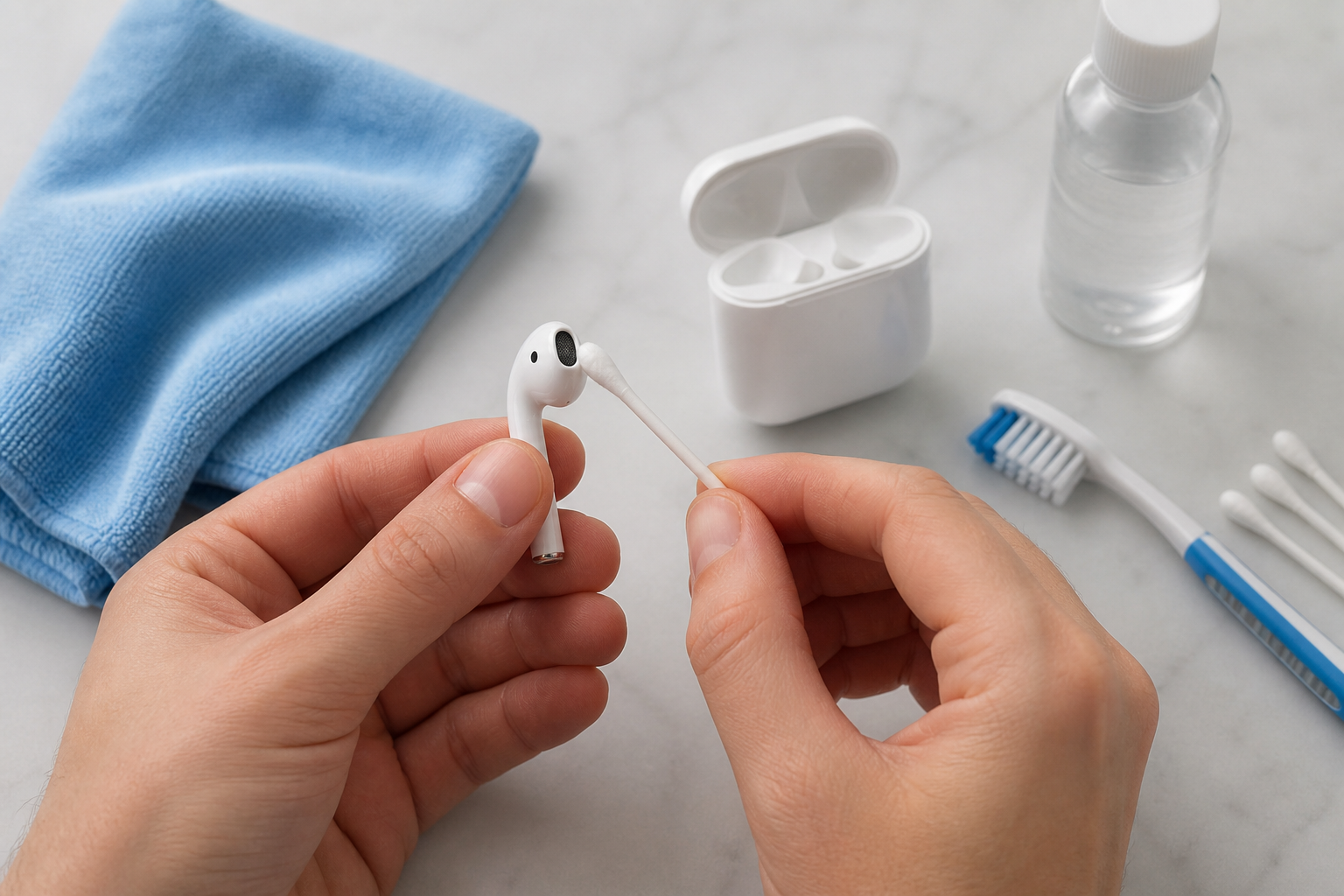
Lint-free microfibre cloth: Use it dry or slightly damp for the smooth white housing. This material absorbs grease and prevents micro-scratches on the delicate plastic.
Dry cotton bud: Ideal for hard-to-reach corners and the inside of the case. Choose a firm cotton bud that doesn't fluff up easily or leave fibres behind at the hinges.
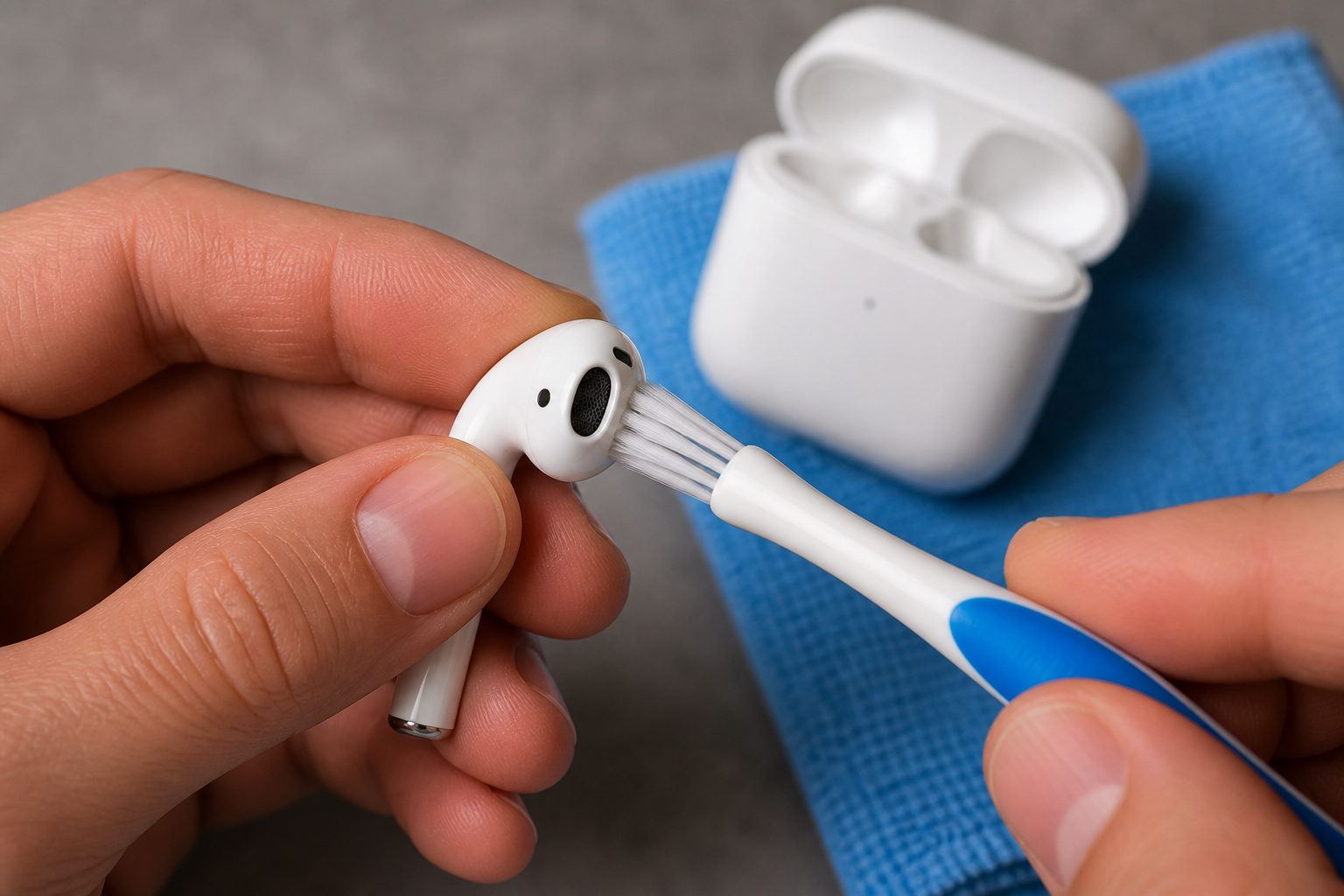
Clean, soft toothbrush: Essential for the gaps and the speaker mesh. Only use a brush with extra-soft, flexible bristles to sweep dirt away without pushing it further in.
Isopropyl alcohol (optional): Apple only mentions this for the charging case: you can lightly dampen a cloth, as long as no liquid gets into the ports. For the earbuds themselves, Apple recommends a soft, dry, lint-free cloth, and that remains the safest starting point. Only apply isopropyl alcohol via your microfibre cloth and never spray it directly onto the device.
What to avoid at all costs: Never use running water, sharp metal objects or scouring pads. A needle or paperclip goes straight through the speaker mesh and permanently destroys the internal electronics.
Step by step: how do I clean my AirPods?
These steps work for standard AirPods and for the housing of AirPods Pro. Check your model first, because AirPods Pro and AirPods Max need some extra steps.
-
1
Clean the smooth outside
Start by wiping the housing with a soft, dry microfibre cloth, as Apple recommends a dry, lint-free cloth as the basis. Wipe away sweat, make-up and skin oil without pressing hard, so the plastic keeps its original shine. Never apply liquid directly to the AirPod and don't hold it under water.
Working dry is the safest option for the earbuds themselves. That doesn't mean every bit of moisture is off-limits: according to Apple, you can wipe the charging case with a cloth lightly dampened with isopropyl alcohol, as long as nothing gets into the ports. -
2
Clear the sensors
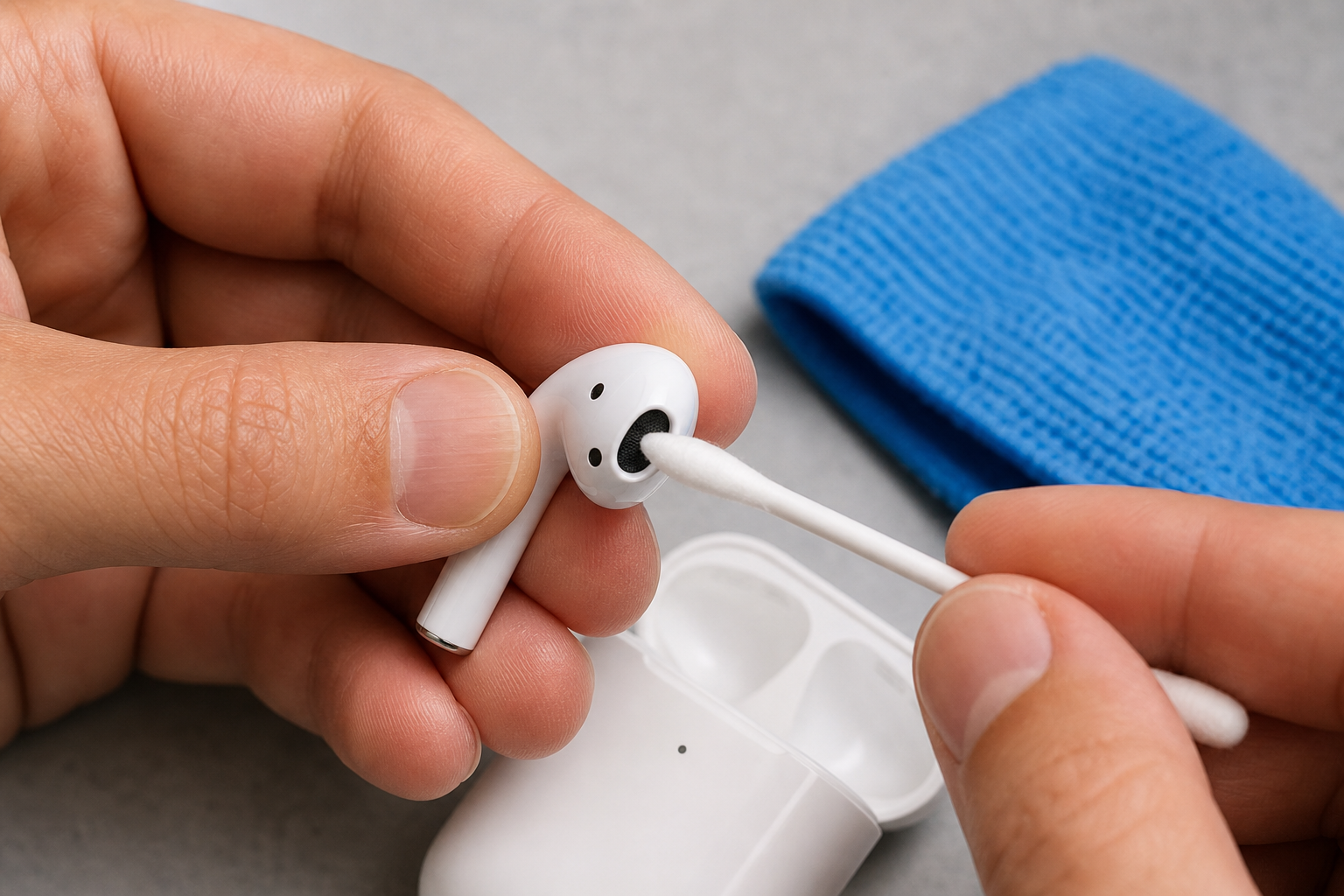
Use a dry cotton bud to gently wipe the dark sensors on the side. Dirty sensors no longer detect that the earbuds are in your ears, so your music pauses when you don't want it to.
-
3
Brush out the openings
Use a soft toothbrush to gently sweep out the microphone and speaker openings. Make short, quick strokes to flick the dust loose instead of packing it in.
-
4
Remove the last bits of dirt
Run a fresh, dry cotton bud along the edges of the mesh to pick up the loosened dust particles for good.
-
5
Give them time to dry
Let the earbuds dry completely before putting them back in the case. Apple recommends at least two hours of drying time after a more thorough clean to prevent a short circuit.
How to clean your AirPods mesh
Gently brush the mesh with a soft toothbrush to loosen dried earwax. Don't apply any pressure at all; let the bristles do the surface work. Hold the AirPod with the mesh facing down while you brush, so gravity makes the dirt fall straight out instead of in. Removing earwax from your AirPods always starts with this safe, dry basic technique.
For AirPods 3 and newer and for AirPods Pro 2 and 3, Apple also describes a wet method. Lightly dip a soft children's toothbrush in micellar water, brush the mesh in circles for 15 seconds and dab it on a paper towel. Do this three times. Then repeat it with distilled water and let the earbuds dry for at least two hours.
When brushing, always work from the outer edges towards the centre. Straight after brushing, use a dry cotton bud to soak up any remaining moisture or loose flakes of earwax. If you have older AirPods (1st or 2nd generation), stick to dry brushing.
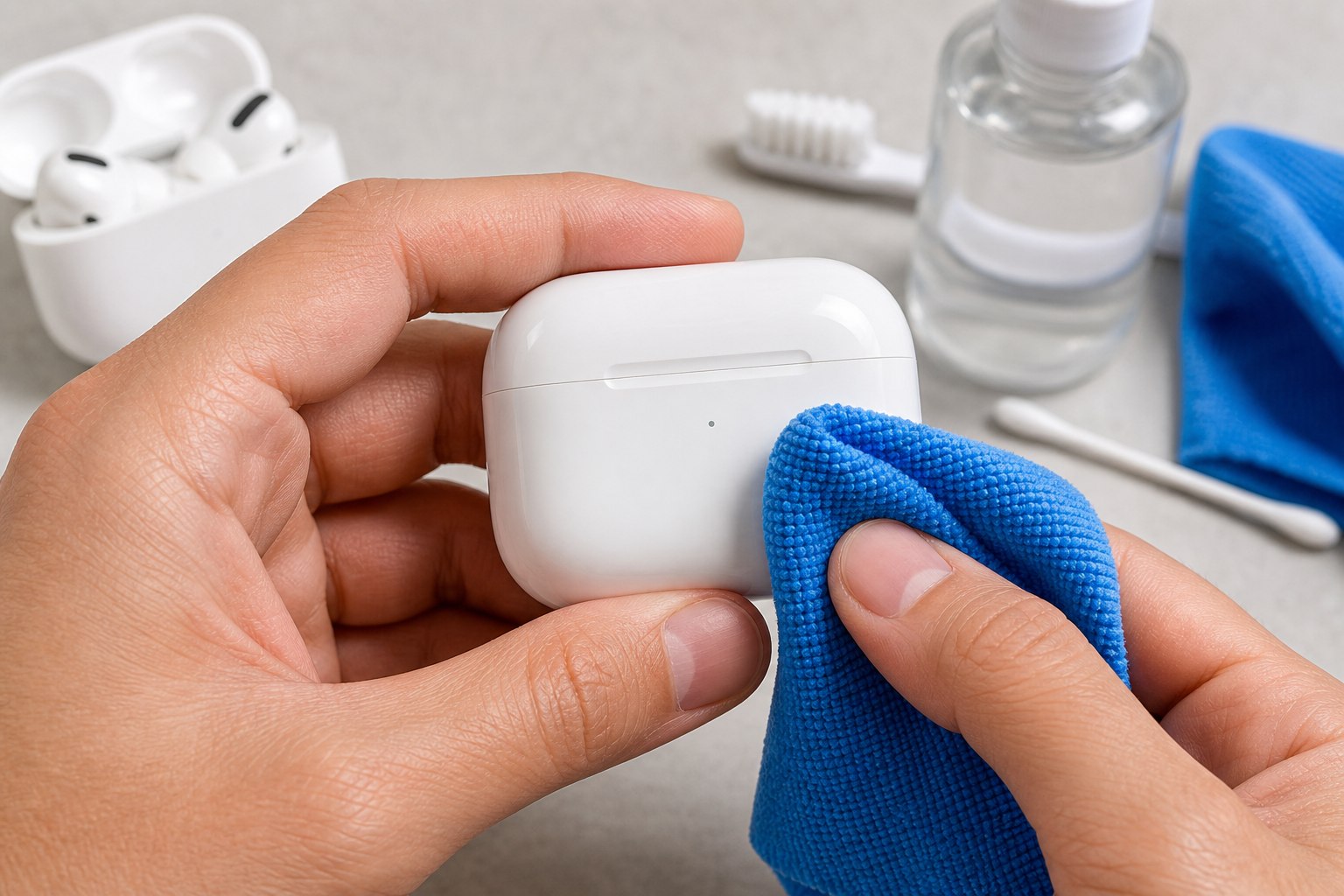
How to clean your AirPods charging case
Clean the outside with a soft cloth, lightly dampened with a small amount of isopropyl alcohol if needed. Never spray the alcohol directly onto the housing; apply it carefully to your microfibre cloth instead. Never hold the case under the tap either, because Apple only recommends a slightly damp cloth for the charging case and warns that no liquid should get into the charging ports. Wipe the metal hinges at the back extra thoroughly, as black dust and pocket lint often build up there and stop the lid from closing properly.
Remove dust and lint from the Lightning or USB-C port with a clean, dry brush. Never stick paperclips, wooden toothpicks or needles in here. The metal pins in the charging port bend or break extremely easily, which means the case stops charging for good and you'll have to replace it entirely.
Use a dry cotton bud for the deep inside of the case. Don't touch the gold metal charging contacts at the very bottom with liquid or hard objects. Slowly twist the cotton bud along the plastic edges of the recesses to safely lift out the collected dirt.
Cleaning differences: AirPods Pro vs AirPods Max
Every AirPods model needs its own approach, especially when it comes to water.
Model |
Removable parts |
Water allowed? |
Specific cleaning requirement |
|---|---|---|---|
Standard AirPods |
None |
Only a slightly damp cloth; never under water. |
No removable parts; the housing and mesh must never be rinsed with water. |
AirPods Pro (2 and 3) |
Silicone ear tips |
Yes, for the removed ear tips. With the Pro 3, you can also rinse the earbuds under the tap for 10 seconds. |
You can remove the silicone ear tips and rinse them with water (no soap). Let them dry completely before clicking them back on. |
AirPods Max |
Ear cushions |
Yes, with a mixture of water and liquid laundry detergent. |
Remove the ear cushions and clean them separately. The headband stays attached; wipe it with a cloth and a mild soap solution (5 ml detergent to 250 ml water). Let everything dry for at least a day. |
If you own standard Apple earbuds, go for the completely dry method with a microfibre cloth. Avoid water entirely with these models to prevent irreparable water damage. So when cleaning AirPods, it's all about the right method for your model. If you rinse the ear tips of your Pro, let them dry completely before clicking them back on.
Frequently asked questions
How do you clean AirPods mesh?
Brush the dirt loose with a soft, dry toothbrush while pointing the mesh downwards. Don't use needles, wooden picks or Blu Tack-style putty. Sharp or sticky objects only push earwax and dust deeper into the speaker, permanently damaging the sound quality.
Can you clean AirPods with alcohol?
Only the charging case. Apple mentions a soft cloth lightly dampened with isopropyl alcohol, without any liquid getting into the ports. Don't use it on the earbuds, the mesh or the ear tips. For AirPods Max, you can wipe the outside with 70% isopropyl alcohol or 75% ethyl alcohol wipes, but not the ear cushions or the headband mesh.
Is an AirPods case waterproof?
No, the case is not water-resistant at all. Always prevent moisture from getting into the charging ports at the bottom or near the metal contacts inside the recesses. Even a small drop of sweat or water on these contacts causes a short circuit straight away while charging.
How often should you clean your AirPods?
If you use them every day, a quick weekly clean with a dry microfibre cloth is highly recommended. Don't wait until the sound quality noticeably drops or the case refuses to charge. Fresh sweat and skin oil wipe off easily, while dried earwax hardens over time and is much harder to remove with a cotton bud.
Grab your microfibre cloth, cotton buds and a soft brush and give your earbuds the clean they deserve today. You'll notice an immediate difference in how clear your music sounds, how well noise cancellation works and how reliably they charge. Share this guide with a friend who's always complaining about muffled sound.