Can you charge AirPods in a different case? Yes, you can use someone else’s case to charge your earbuds as long as it’s for the same AirPods generation. Charging starts right away without pairing. If you want to keep using the case, have the previous owner remove it from Find My first, then reset and pair the set again.
Here’s how to check whether the earbuds fit using the model number that starts with A, how to reset each model and what to arrange with the previous owner.
Can you use someone else’s AirPods case?
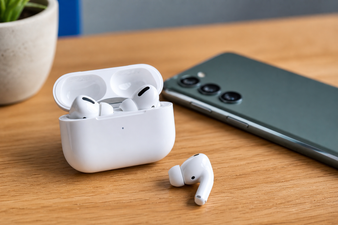
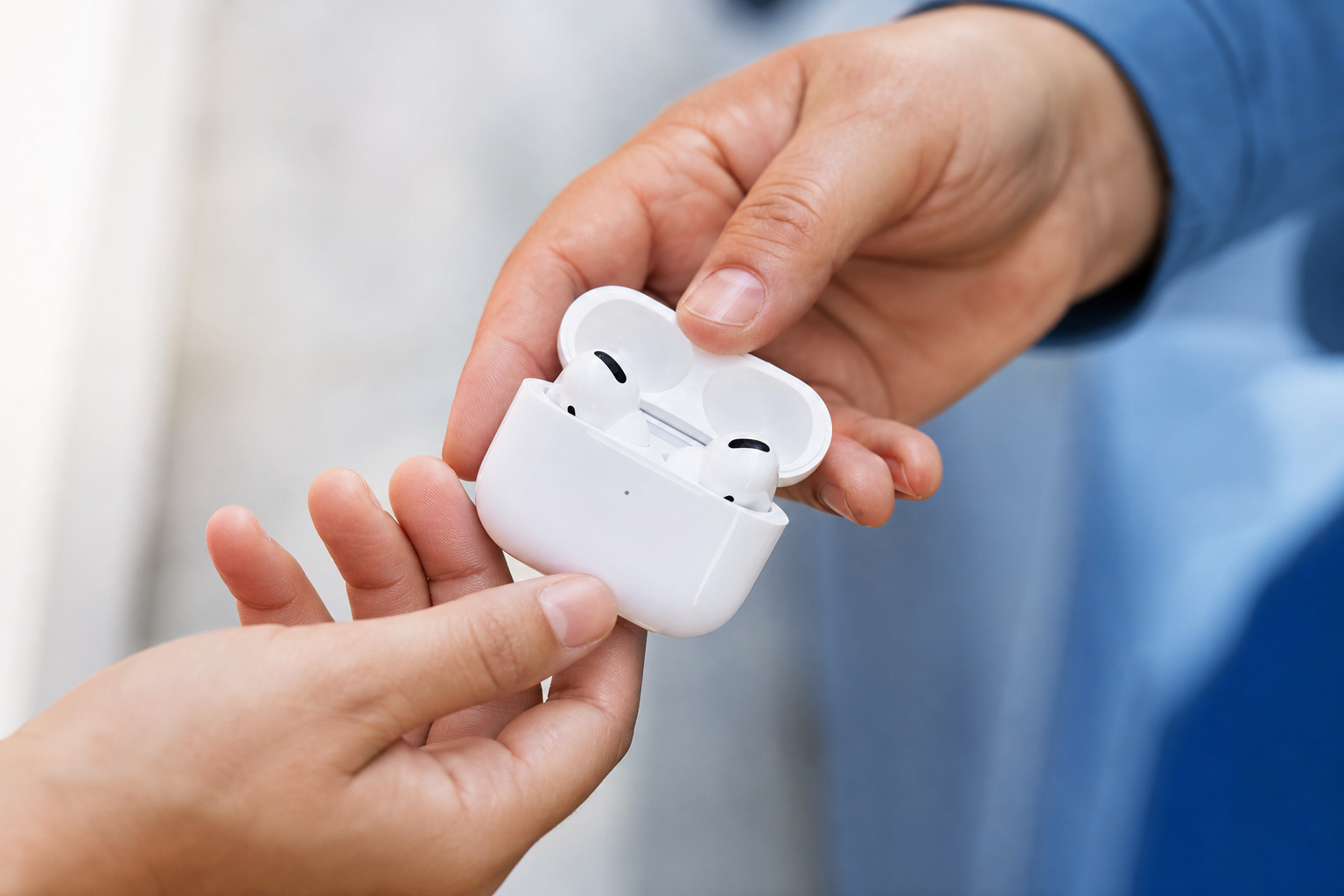
Yes, you can charge your AirPods in someone else’s case if it’s from the same generation. Put the earbuds inside and close the lid. The case acts as an external battery and can supply power through the charging contacts without recognizing the earbuds as part of its own set. There’s no need to pair or reset anything, and your existing Bluetooth connection to your iPhone stays in place.
Your iPhone might show less information than usual. The case’s battery percentage may be missing or appear under the other person’s name because the case still belongs to their set. If you plan to keep the case, reset the earbuds and case together and pair them again as one set. To give your iPhone time to bring their firmware into sync, leave the set charging next to it for half an hour.
Compatibility depends on the generation. AirPods 3, for example, won’t fit properly in an AirPods 2 case or may fail to touch the charging contacts. Check the model before you borrow a case.
In general, earbuds and cases are only interchangeable within the same generation. AirPods 1 and 2 share a case, including the wireless version you can place on a Qi charging pad. An AirPods 3 or AirPods 4 case only works with earbuds from the same generation. The same applies to AirPods Pro. AirPods Pro 1 and Pro 2 look alike, but their cases have technical differences and aren’t safe substitutes for each other. Check the model number on the case, on its packaging or in your iPhone’s Bluetooth settings. The charging port alone won’t tell you whether a case fits. Even a USB-C case may be incompatible with your earbuds.
What to do if you borrow, buy, replace or find a case
Apple recommends charging a replacement case with both earbuds inside for about 20 minutes before resetting it. You only need to do this if you plan to keep using the case. For a quick charge, the case works as a separate battery. For everyday use, the earbuds and case need to recognize each other as one set. If you borrow a friend’s case, charge your earbuds and give it back. There’s no need to reset anything, but your iPhone may not show the borrowed case’s battery percentage correctly because it isn’t part of your set.
You can charge your AirPods in a used case straight away. Before pairing, check that the model number starting with A inside the lid matches your earbuds. Have the seller remove the case from Find My, then reset and pair the set. If you skip the second step, you may see a message such as “Not Your AirPods,” and the previous owner can still see the location.
If your case is lost or broken, get a replacement from the same generation. Charge it with both earbuds inside for 20 minutes, then reset it so the case and earbuds work together again. You’re unlikely to get an account message because everything is already linked to your Apple Account.
With a used or replacement case, the status light, battery indicator and firmware work properly after pairing. The firmware on the earbuds and case takes time to sync, so leave the set charging near your iPhone for half an hour. Until then, the case’s battery percentage may disappear or jump. If the status light is still flashing amber afterward, the earbuds and case don’t recognize each other. Try resetting them again.
If you find AirPods or a case on its own, don’t reset them for your own use. The owner can see their location through Find My and mark them as lost. Return them to the owner.
How to reset and pair AirPods for use with a different case
Reset the set if you plan to use a different case permanently. The earbuds and new case need to recognize each other as one set. Remove the old Bluetooth connection so your iPhone stops looking for the previous combination. The preparation is the same for every model: put both earbuds in the case and leave it charging for about 20 minutes. The reset itself depends on the model. For AirPods 1, 2 and 3 and AirPods Pro 1 and 2, hold the setup button on the back for about 15 seconds. For AirPods 4 and AirPods Pro 3, open the lid and double-tap the front of the case three times.
Watch the status light during the reset. Flashing amber means the reset is in progress or something is wrong, such as an earbud that isn’t seated properly. Flashing white means the set is ready to pair. If the light keeps flashing amber, take both earbuds out, wipe the charging contacts with a dry cloth and try again.
After pairing, the firmware syncs in the background without a notification. Leave the set charging next to your iPhone for half an hour so the update can finish.
Button on the back: AirPods 1, 2 and 3 and AirPods Pro 1 and 2
To reset AirPods 1, 2 or 3 or AirPods Pro 1 or 2, use the setup button. It’s the small round button on the back of the case, just above the charging port.
-
1
Forget the old device. On your iPhone, go to Settings > Bluetooth, tap the info button next to your AirPods and select Forget This Device. Otherwise, your iPhone will keep looking for the old set.
-
2
Open the lid and hold the setup button for about 15 seconds. The light flashes amber first, then white. If you let go while it’s still flashing amber, the reset isn’t complete. Flashing amber means the reset is in progress or something is wrong. Flashing white means the set is ready to pair. If the light keeps flashing amber after you let go, the earbuds and case don’t recognize each other yet. Check that both earbuds are seated properly and charge them for another 20 minutes.
-
3
Pair the set again. Hold the open case next to your unlocked iPhone and tap Connect. If no pop-up appears, select the AirPods under Settings > Bluetooth.
-
4
Test the left and right earbuds separately, for example with a video that plays sound on only one side. Put both earbuds back and open the case near your iPhone. If your iPhone shows the case’s battery percentage, it recognizes the new set. If the percentage is missing, reset the set one more time.
Double-tap the front: AirPods 4 and AirPods Pro 3
The AirPods 4 case has no button on the back. To reset it, tap the front with the lid open. If you have AirPods Pro 3, check the back of the case first. If you don’t see a button, follow these steps. If you see one, use the steps for the button on the back.
-
1
Forget the old device. Go to Settings > Bluetooth, tap the info button and select Forget This Device.
-
2
Seat both earbuds properly in the case and leave the lid open. Check that each earbud makes contact and the status light responds.
-
3
Double-tap the front of the case three times until the light flashes amber, then white. If nothing happens, tap a little more firmly and quickly near the light.
-
4
Pair the set again. Hold the open case next to your unlocked iPhone and tap Connect.
-
5
How do I transfer ownership of my AirPods?
How do I transfer ownership of my AirPods?
AirPods appear in Find My when paired with an iPhone or iPad signed in to an Apple Account. To transfer ownership, the previous owner has to remove them from Find My. Using a different case or resetting the set doesn’t remove that link.
The link between Find My and the Apple Account works like an activation lock. As long as the AirPods appear in the previous owner’s Find My, they stay linked to that account. Nothing you do with the button or status light changes that.
If you use someone else’s earbuds or case, they stay linked to that person’s Apple Account in Find My. The previous owner can see the location and mark the set as lost, while it won’t appear in your own Find My. If you’re borrowing a friend’s case for a quick charge, that’s fine because you’re giving it back.
Which AirPods fit in which charging case?
A height difference of exactly 0.78 millimeters makes the AirPods Pro 3 charging case incompatible with the Pro 2. Apple changes the internal shape and charging contacts with almost every generation. Only the first two generations can share a case without problems. On other models, the wrong combination may keep the lid from closing or even damage the hinge.
| Case for | Compatible with | Not compatible with |
|---|---|---|
| AirPods 1 or 2 (including the wireless charging case) | AirPods 1 and 2 | AirPods 3, 4 and all Pro models |
| AirPods 3 | AirPods 3 | AirPods 1, 2, 4 and Pro |
| AirPods 4 with or without ANC | Only the same version | The other AirPods 4 version and older models |
| AirPods Pro 1 | AirPods Pro 1 | AirPods Pro 2 and Pro 3 |
| AirPods Pro 2 | AirPods Pro 2 with the same port (Lightning or USB-C) | AirPods Pro 1 and Pro 3 |
| AirPods Pro 3 | AirPods Pro 3 | AirPods Pro 1 and Pro 2 |
Frequently asked questions
Can someone else use my AirPods?
Yes, someone else can pair your AirPods with their own phone via Bluetooth. The AirPods stay linked to your Find My, so you can still see their location until you remove them from your Apple Account. If you’re just lending them to someone, you don’t need to do anything.
How do I unpair my AirPods?
On your iPhone, open Settings > Bluetooth, tap the info button next to your AirPods and select Forget This Device. Then open the Find My app and remove your AirPods there too. If you skip this step, they’ll stay linked to your account.
Can you completely reset AirPods?
Yes. Use the setup button on the back of the case or, for AirPods 4 and AirPods Pro 3, double-tap the front three times. A reset clears Bluetooth connections. To remove the link to your Apple Account, remove the AirPods separately in Find My.
Can you use AirPods you found?
No, found AirPods stay linked to their owner’s account. The owner can see them in Find My and mark them as lost, and a reset doesn’t change that. Return them to their owner or take them to a lost and found.
How do I pair my AirPods with my iPhone?
Open the case with the earbuds inside next to your unlocked iPhone and tap Connect. If there’s no pop-up, put the case in pairing mode until the status light flashes white, then select your AirPods under Settings > Bluetooth.
Use your iPhone to find the model numbers starting with A for your earbuds and case. Compare them with the table. If you’re keeping the case, have the previous owner remove it from Find My, then follow the reset steps for your model.
On directcases.com, choose an AirPods cover that fits the model of your charging case. If it doesn’t fit properly around the hinge or port, you can send it back. 60-day returns.