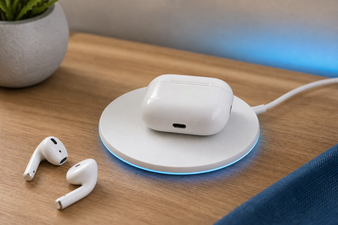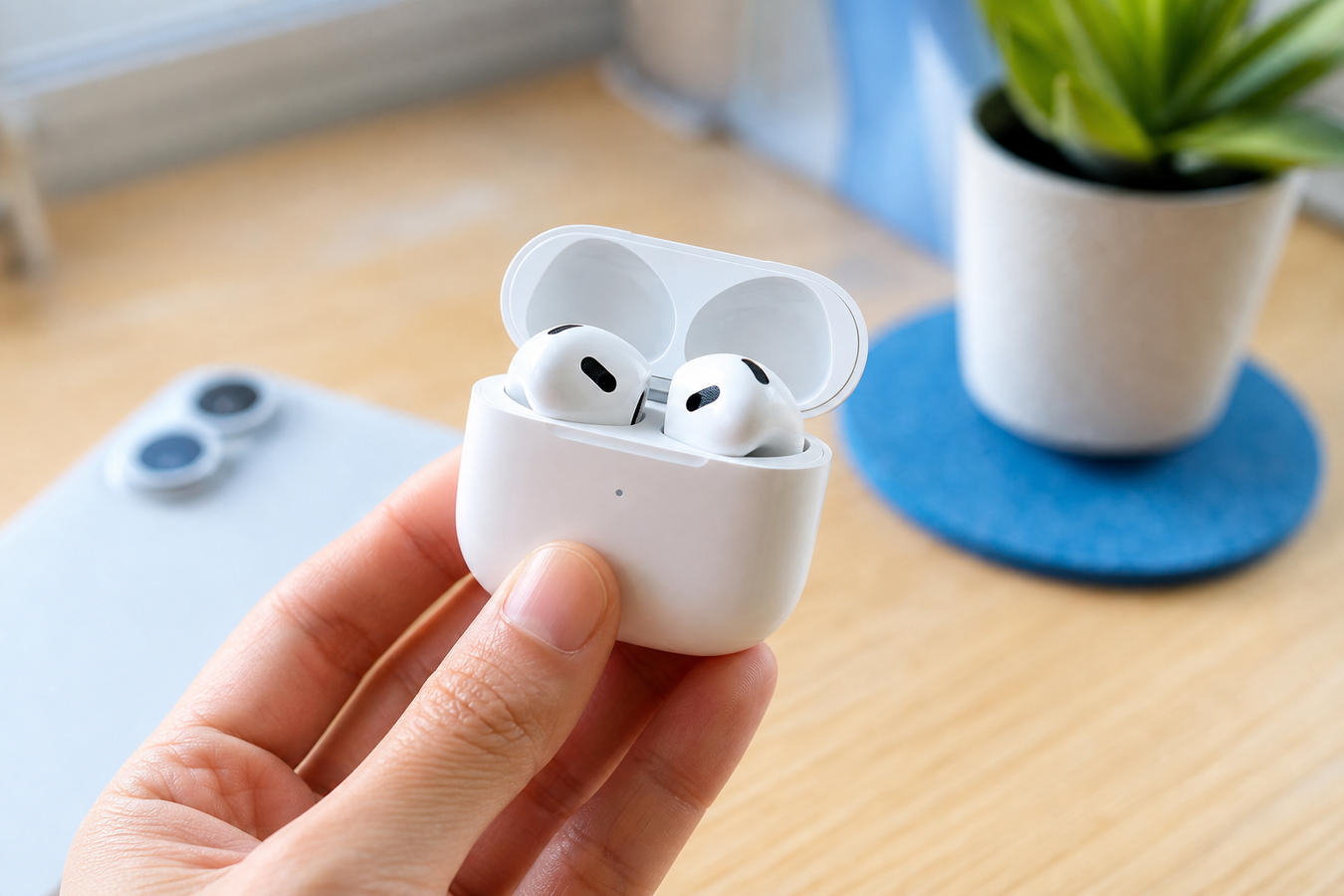
AirPods connecting while in the case can be a sign that dirt is blocking the detection sensor or that a software bug is interfering with Bluetooth. Clean the charging case and reset your AirPods to fix the problem.
You put your AirPods away, but you can still hear muffled music from your pocket or bag because they haven’t disconnected. A few checks can help you find the cause and get your AirPods to disconnect when you close the lid.
Why do my AirPods connect when they’re in the case?
Why does your phone keep sending audio to the earbuds with the case closed? Dust is often the cause. If dirt blocks the sensors at the bottom of the charging case, your earbuds can connect while they’re inside. When the contacts are dirty, the case doesn’t detect the earbuds and the audio connection stays active.
Sometimes the problem is with your phone. Software bugs in iOS can interfere with Bluetooth, leaving the connection active when you put the earbuds away. This often happens just after a major system update.
What to check to find the cause
Use this checklist to narrow down what’s happening.
Shine a small flashlight into the charging case and look for dust or earwax on the metal contacts.
Watch the status light when you put the earbuds back. If the light doesn’t change color or doesn’t flash, the case isn’t detecting the earbuds.
Check your iPhone settings for a pending iOS update that might be leaving the Bluetooth connection active.
How to reset your AirPods by model
Can’t find the reset button on your new case? The AirPods 4 and AirPods Pro 3 cases don’t have one. Instead, you tap the front of the case. Here’s what to do for each model:
| AirPods model | How to reset | The reset is complete when the light |
|---|---|---|
| AirPods 1, 2, 3 and AirPods Pro 1, 2 | Press and hold the button on the back of the case for about 15 seconds. | flashes amber, then white |
| AirPods 4 and AirPods Pro 3 | Double-tap the front of the case three times, once at each change in the status light. | flashes amber, then white |
How you start the reset depends on your model. The rest is the same: clean the case first, then troubleshoot the software.
How do I stop my AirPods from staying connected in the case?
In most cases, you can fix this yourself without taking your AirPods in for repair.
If your AirPods stay connected in the case, start by cleaning the charging case. Then reset your AirPods so they can establish a fresh Bluetooth connection.
Sometimes removing the earbuds from your list of Bluetooth devices is enough to end a connection that won’t close. Tap “Forget This Device.” If that doesn’t work, clean the charging case and reset your AirPods.
How to clean the case and restore the connection
Clean the case first, then troubleshoot the software.
-
1
Gently brush away dust at the bottom of the case with a clean, dry, soft brush. Keep sharp objects and liquids out of the case to avoid damaging the metal contacts.
-
2
On your iPhone, go to Settings > Bluetooth, tap the Info button next to your AirPods, then tap “Forget This Device.” This ends the connection.
-
3
Still having trouble? Restart your iPhone first. If the problem persists, go to Settings > General > Transfer or Reset iPhone > Reset > Reset Network Settings. You’ll need to enter your Wi-Fi passwords again afterward.
How do I reset my AirPods to factory settings?
Are your AirPods still connected after you’ve cleaned the case?
Try resetting them to factory settings. Put both AirPods in the charging case, close the lid and wait 30 seconds. On your iPhone, go to Settings > Bluetooth, tap the Info button next to your AirPods, then tap “Forget This Device.”
Open the lid and leave the earbuds in the case. Press and hold the setup button on the back for about 15 seconds. Have AirPods 4 or AirPods Pro 3? These cases have no button. Double-tap the front when the status light is on. When it flashes white, double-tap again. When it flashes faster, double-tap a third time.
The reset is complete when the light flashes amber, then white. Hold the open case near your iPhone and follow the onscreen instructions to pair your AirPods again.
Protect your charging case from dirt and damage
Dirt or oil from your skin can block the sensors in the charging case. A few habits can keep the case clean and save you from having to reset the earbuds repeatedly:
A snug protective cover helps keep pocket lint and dust away from the case. If dirt reaches the contacts, the sensor can stop detecting the earbuds.
Choose a cover with a flap over the charging port. Brands like Mobigear and Otterbox make sturdy covers that fit snugly over the original Apple case to help keep dirt out.
Clean the inside of the charging case once a month. Use a clean, dry, soft brush to remove dust from the edges and the bottom before it builds up.
If your AirPods won’t disconnect, a dirty sensor or a software bug is often the cause. Cleaning and resetting them can help. Browse protective AirPods accessories on directcases.com and filter for covers with a charging port flap to keep lint out.