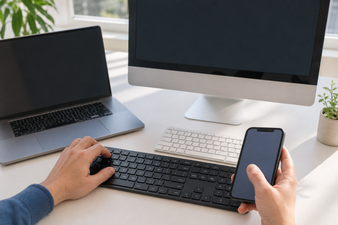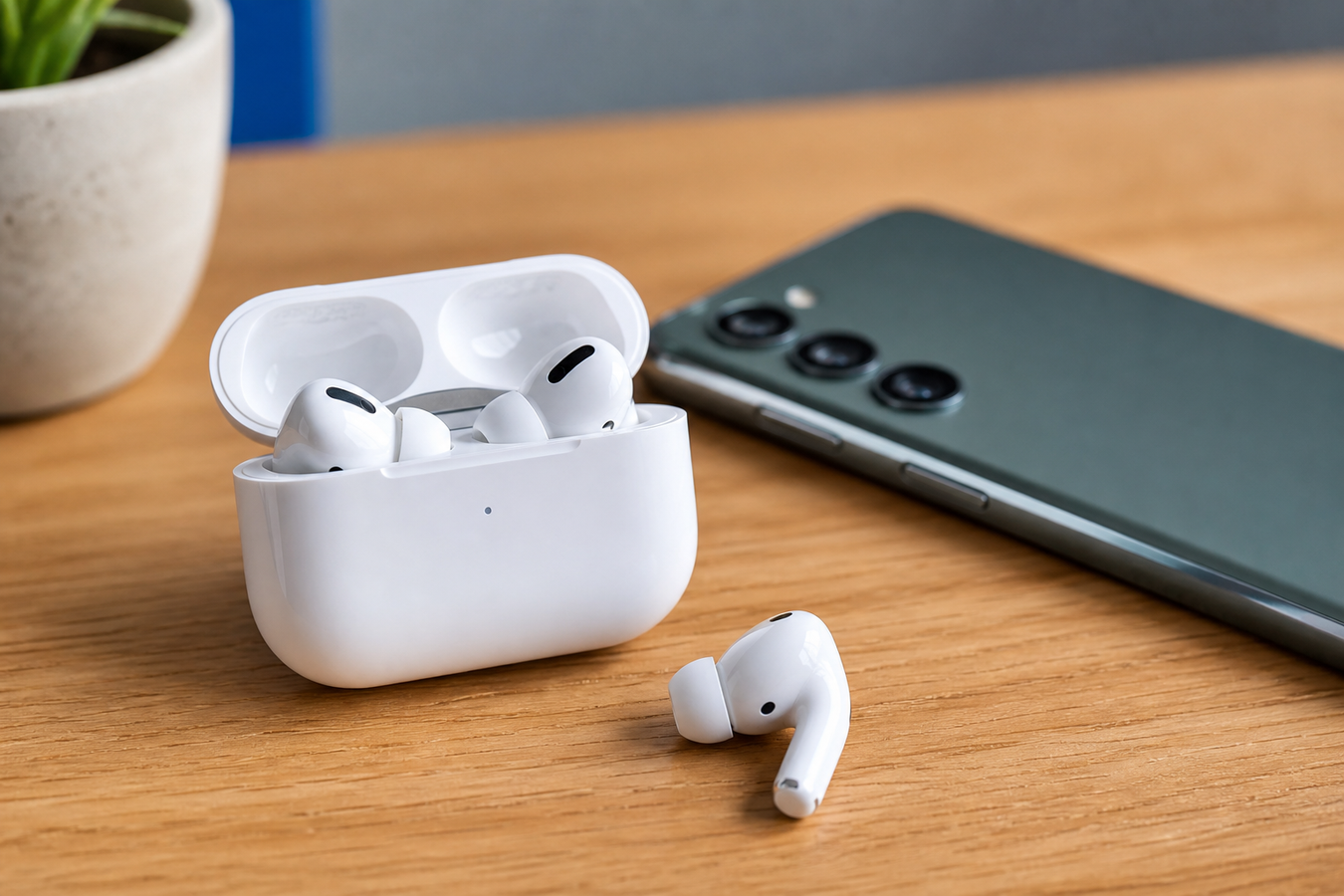
Switched from an iPhone to Android but want to keep using your AirPods? Good news: AirPods do work with Android. Below you'll find how to pair AirPods with Android, which features keep working and what you'll miss out on. A few handy apps make up for most of the drawbacks.
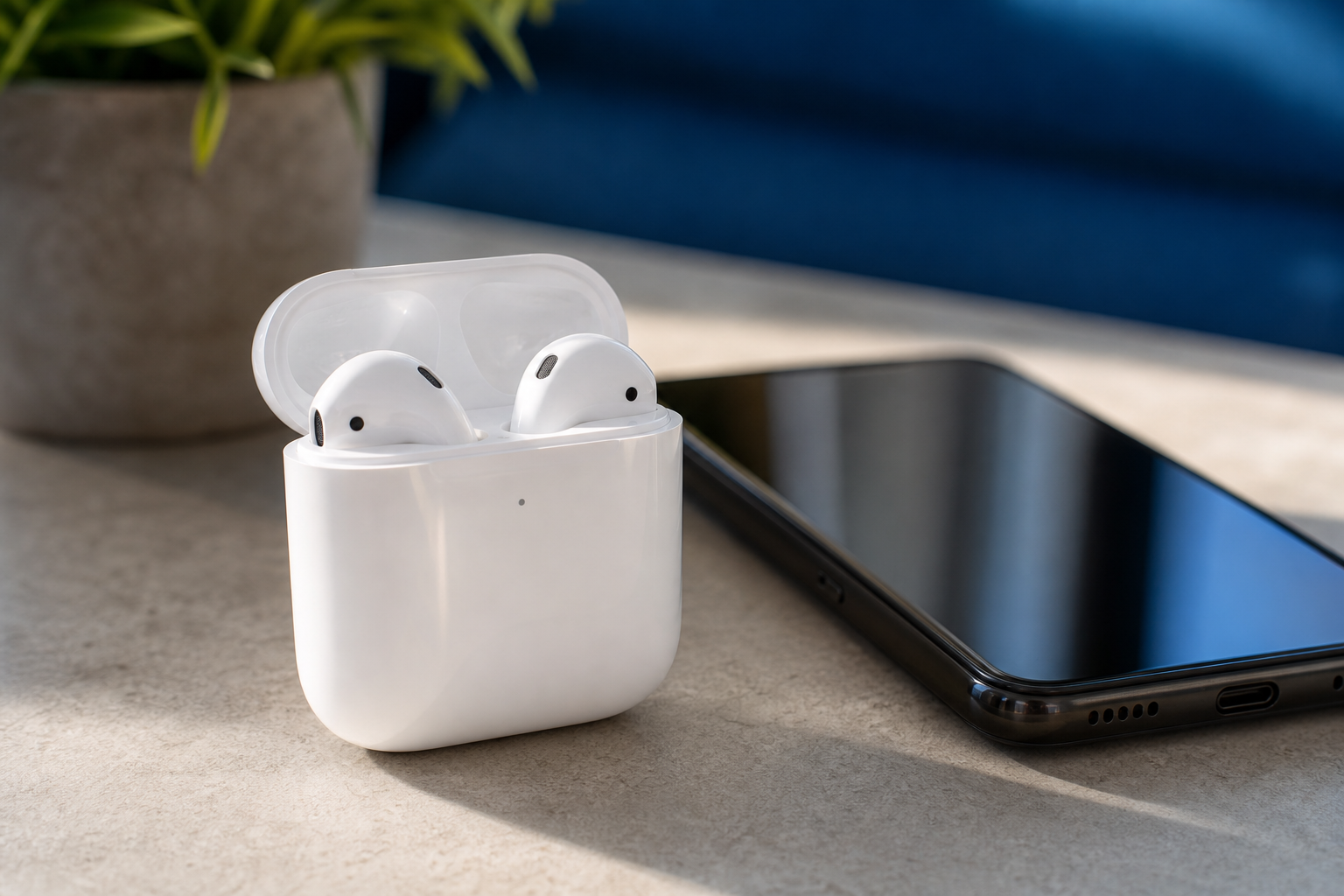
Do AirPods work with Android phones?
At their core, AirPods work as standard wireless earbuds using the universal Bluetooth standard. That means you can connect AirPods to any modern Android smartphone, whether you have a Samsung, Google Pixel, OnePlus or OPPO in your pocket. You don't need the Apple ecosystem to play music, listen to podcasts or make calls. Once the first connection is set up, the earbuds work reliably for all your everyday media. Technically, there is a small difference in how the audio is handled. Apple relies exclusively on the AAC codec for audio transmission, a protocol optimised for iOS. Many Android phones prefer other audio codecs by default, such as LC3 or SBC, which affects how efficiently the data is transferred. As a result, you may notice a slight dip in sound performance on an Android phone compared with an iPhone. Don't let this codec difference put you off, though. For the average listener, the sound quality is still high, clear and more than good enough for hours of listening. Audiophiles may hear slightly less detail in complex tracks, but you'll barely notice it while working out or commuting. If you want the absolute best audio quality on a Samsung phone, consider switching to Android-specific earbuds such as the Samsung Galaxy Buds 2 Pro.
Step by step: how do I connect AirPods to an Android phone?
-
1
Turn on Bluetooth on your smartphone
Swipe down from the top of your Android screen to open Quick Settings. Tap the Bluetooth icon to turn it on, then press and hold the icon to go straight to the full Bluetooth settings.
-
2
Get the earbuds ready.
Open the lid of the AirPods charging case, but leave both earbuds in their charging slots. During this process, the case acts as the main transmitter for the Bluetooth signal, which is essential for a successful first pairing with a non-Apple device.
-
3
Start pairing mode.
Find the Setup button on the back of the case. Press and hold it for about five seconds until the status light flashes white. Got AirPods 4, AirPods 5 or AirPods Pro 3? Their case doesn't have a button: double-tap the front of the open case instead.
-
4
Wait for the white light.
As soon as the status light starts flashing white, let go of the button. The flashing white light confirms that the earbuds are now visible to all Bluetooth devices nearby and ready to connect.
-
5
Select the earbuds on your phone.
Look on your Android screen under 'Available devices', or tap 'Pair new device'. Tap the name of your AirPods as soon as it appears in the list to complete the pairing.
-
6
Confirm and test the connection.
Accept any pop-ups on your phone asking for permission to share contacts or call history. Take the earbuds out of the case, put them in your ears and play any song to check that the sound comes through properly.
Which features work with AirPods on Android, and which don't?
Feature |
Status on Android |
What it means in practice |
|---|---|---|
Active noise cancellation (ANC) |
Works |
The hardware in the earbuds handles ANC on its own. You switch between Transparency mode and noise cancellation simply by pressing and holding the stem. |
Physical media controls |
Works |
Pausing, playing and skipping tracks with the force sensors on the stems works exactly the same as on an iPhone. |
Calls and microphone |
Works |
The built-in microphones pick up your voice clearly via the standard Bluetooth Hands-Free Profile during regular phone calls and video calls. |
Checking battery status |
Doesn't work by default |
Android can't read Apple's specific battery signal. Without third-party apps, you won't see the battery percentage of the earbuds or the case. |
Automatic switching between devices |
Doesn't work |
Switching between your phone and a laptop doesn't happen automatically. Each time you switch, you have to select the earbuds yourself in the Bluetooth settings. |
Spatial Audio |
Doesn't work |
This 3D sound experience relies on dynamic head tracking via specific Apple sensors and iOS software, so the feature isn't available at all on Android. |
Voice assistant (Siri) |
Doesn't work |
Siri only works with Apple hardware. Without third-party software, you can't trigger Google Assistant by pressing the earbuds. |
Using your AirPods on Android makes sense if your priorities are strong active noise cancellation, a comfortable fit and reliable core features. If you rely heavily on Spatial Audio, automatic device switching or built-in voice assistant integration, skip this combination and go for earbuds made for Android.
Is there an app for AirPods on Android? Handy apps for missing features
Check battery status with Assistant Trigger: This popular app from the Play Store fixes the biggest drawback right away. It reads the Bluetooth signal and shows the exact battery percentage of each earbud and the AirPods charging case in a clear pop-up or a persistent notification.
Set up Google Assistant: With apps such as MaterialPods or Assistant Trigger, you can assign a specific squeeze to launch Google Assistant. That way, you can give hands-free commands again while cycling or walking.
Partly restore in-ear detection: Some apps try to recreate the feature that automatically pauses your music when you take an earbud out. Keep in mind that Android apps often respond a little slower than an iPhone does.
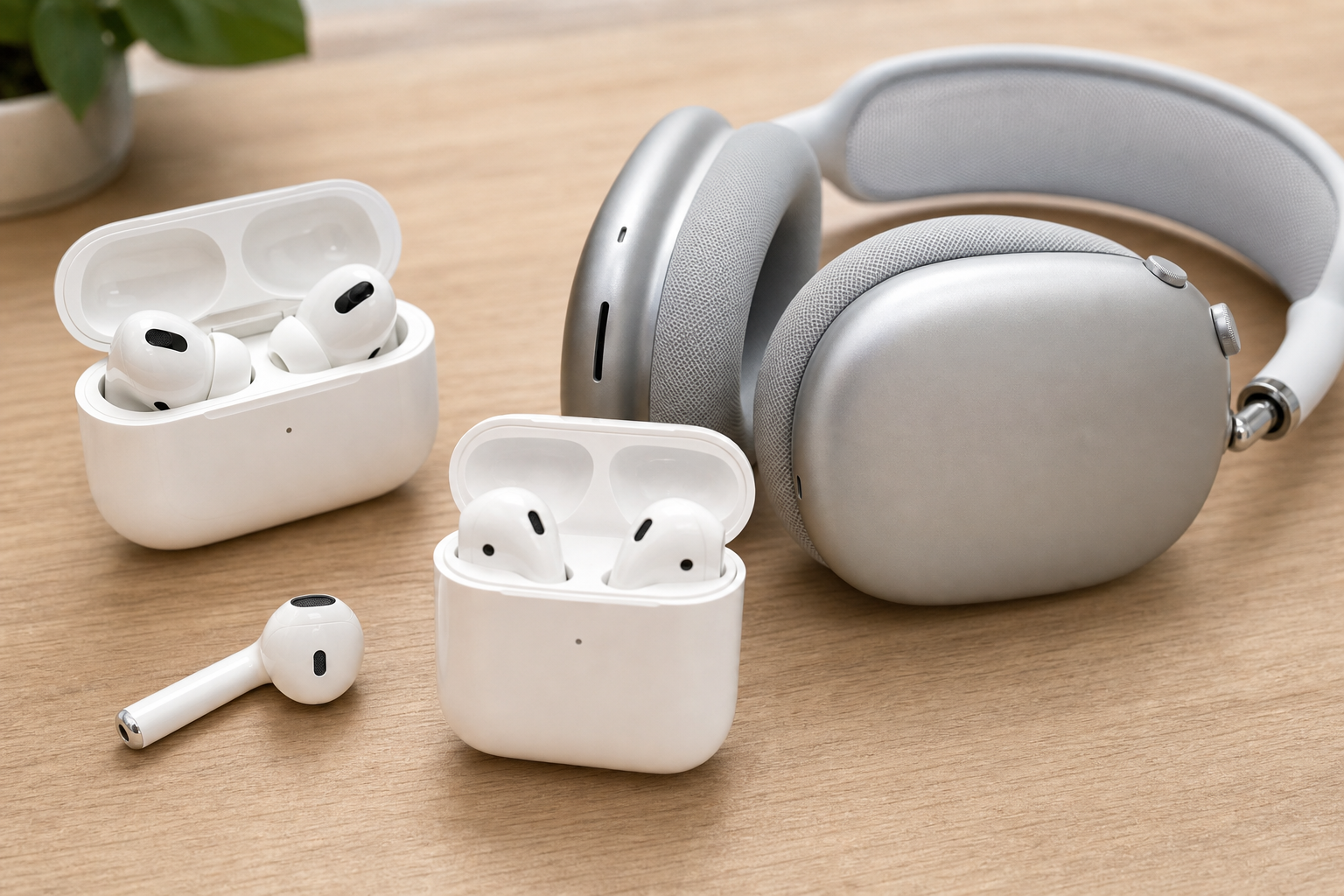
What kind of AirPods work with Android? From AirPods Pro to AirPods Max
AirPods Pro (1st and 2nd generation): These premium in-ear models offer by far the best experience on Android phones. Active noise cancellation and Transparency mode are controlled entirely by the H1 or H2 chip in the earbuds themselves. You control these key features with the force sensors on the stems, without having to dig into your phone's settings.
AirPods Max: Apple's over-ear headphones work great with Android, but the first pairing works differently because there's no charging case. To start pairing mode, press and hold the noise control button (the long button on the right ear cup) for about five seconds until the status light flashes white. Volume control via the Digital Crown still works fully.
Standard AirPods (1st, 2nd and 3rd generation): The regular generations without silicone ear tips also work fine as a standard wireless Bluetooth headset. On the older 1st and 2nd generation, you control playback by firmly tapping the earbud, which sometimes registers less accurately on Android. The 3rd generation uses the far more reliable force sensors in the stems, which makes the controls much nicer to use.
FAQs about using AirPods on Android
Can I make calls with AirPods on Android?
Yes, the built-in microphones work really well for phone calls and video calls in apps like WhatsApp. The earbuds use the standard Bluetooth profile, so the person you're talking to hears your voice clearly. You can answer incoming calls straight away by squeezing the stem or firmly tapping the earbud.
Why is the volume sometimes lower on Android?
This is caused by a Bluetooth sync issue between your phone's internal volume control and the earbuds. To fix it, enable the hidden 'Developer options' in your smartphone's settings menu. Turn on the 'Disable absolute volume' option there, then pair the earbuds again to get the maximum volume.
How do I update my AirPods firmware without an iPhone?
You can only do this with an iPhone, iPad or Mac. Temporarily pair your AirPods with a friend's or family member's device. Put them in the case, plug the case into a charger and leave it near that device for at least half an hour. An Apple Store can also do the update for you.
Is the sound quality on Android exactly the same as on an iPhone?
No, you'll notice a slight drop in audio quality on an Android phone. AirPods specifically use the AAC codec, while many Android phones perform better with protocols such as LC3 or SBC. The sound is still more than good enough for everyday use, but it's slightly less detailed than within Apple's own ecosystem.
Apple AirPods and Android phones make a surprisingly capable match for anyone who wants to keep the excellent build quality and strong noise cancellation after switching. You'll inevitably miss a few Apple-only features, but third-party apps easily make up for the main drawback: the missing battery display. Got your AirPods paired with your new smartphone? Then protect your AirPods case from dents, drops and scratches with an AirPods case from brands like Mobigear, Decoded or Burga.