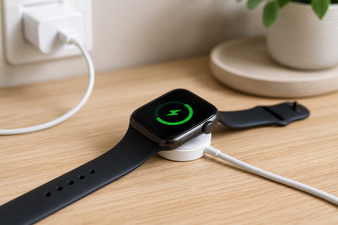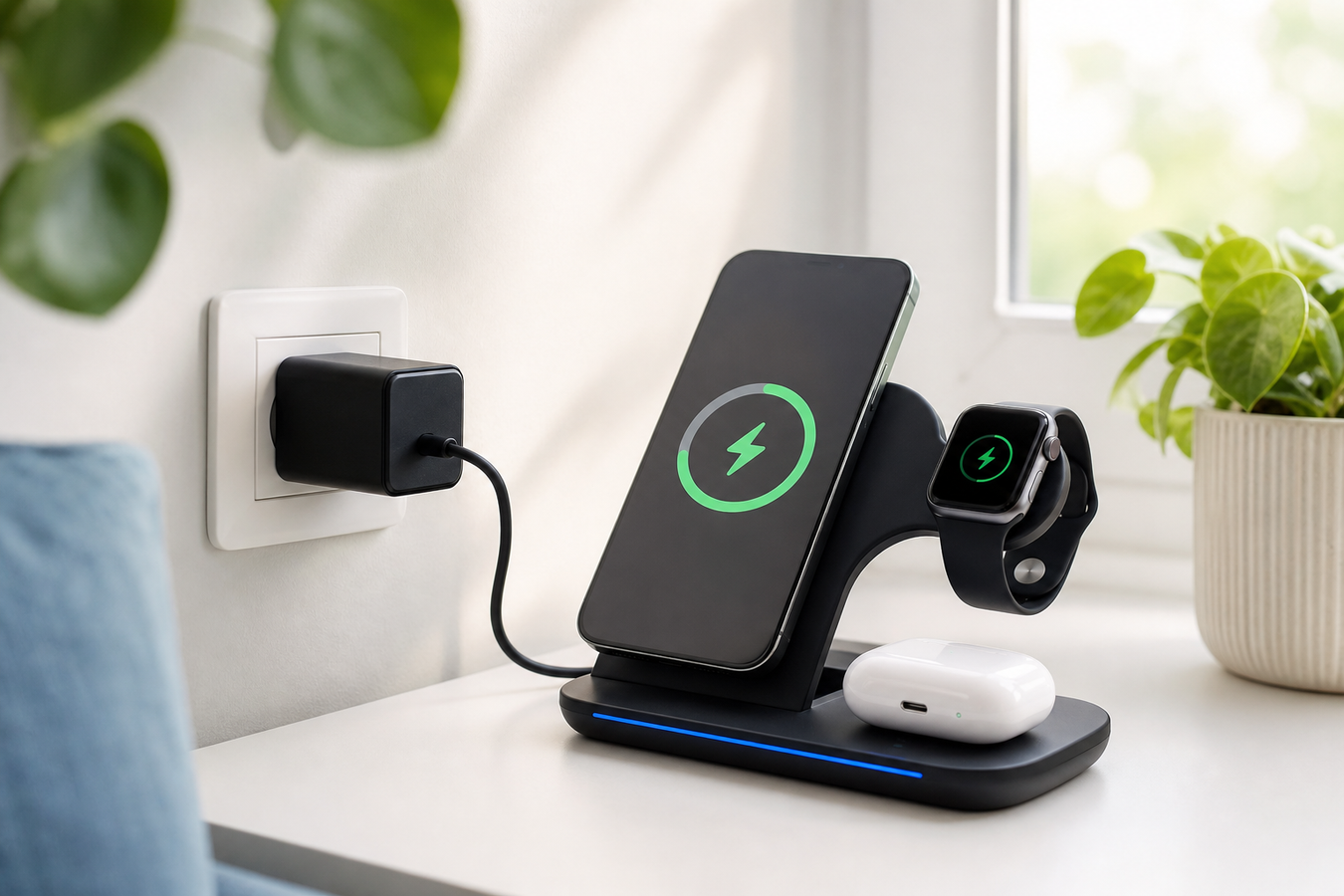
A suitable power adapter matters for wireless chargers and wireless charging stations because the station distributes the power it receives. An underpowered wireless charging station adapter may leave too little power to fast-charge several devices at once.
If your 3-in-1 charging station takes hours to charge your smartphone, check the power adapter first. It supplies the power the station needs. Check how many watts your setup requires to charge all your devices quickly.
Why your charging station needs a capable power adapter
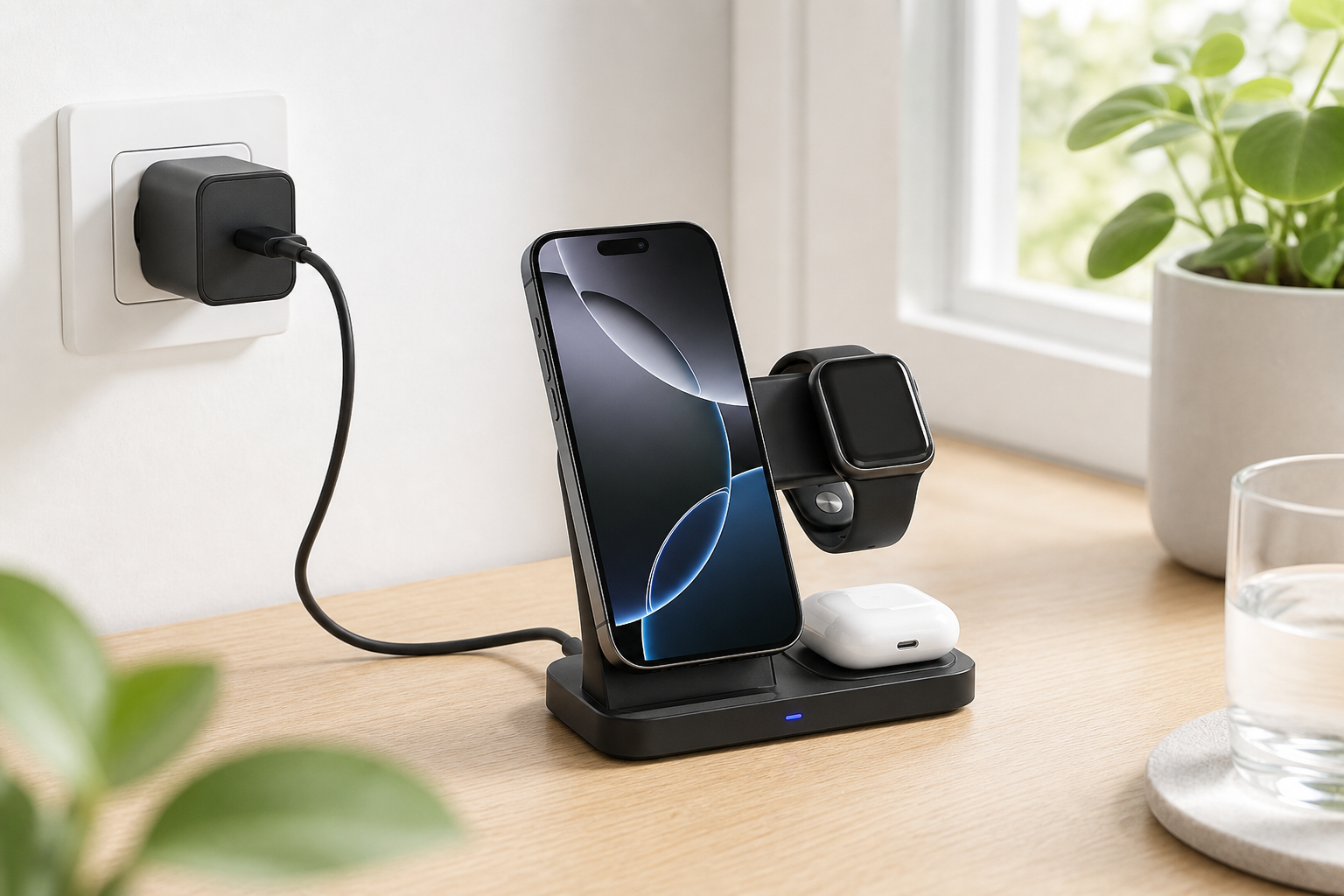
A wall adapter supplies the power your charging station divides among your devices.
The wireless charger distributes the power it receives from the wall adapter across its charging pads.
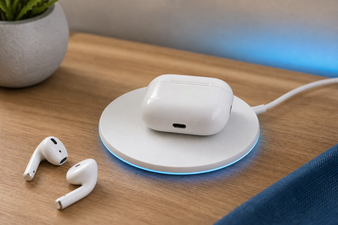
When you place a smartphone, smartwatch and wireless earbuds on a 3-in-1 charger, the station divides the available power among the three charging spots. The phone typically takes a large share. If the adapter supplies too little power, there may be less available for the watch and earbuds.
Many charging stations have a USB-C port. Check which power adapter the manufacturer recommends for your model. With sufficient input power, the station can supply its charging coils consistently for wireless charging by electromagnetic induction.
Even a station with the latest Qi standard and magnetic alignment for MagSafe devices can charge slowly if the power adapter cannot supply enough power consistently.
What happens if I use an old or underpowered adapter?
Premium charging stations often come with a 30 W or 45 W adapter. Plugging in the adapter from an old phone can interfere with charging.
There is no universal minimum wattage for 2-in-1 charging stations. Check the product specifications for your station’s total power requirement.
The charging speed can drop by half right away. When you use several charging spots at once, your devices may still be low on battery the next morning.
With too little power, charging may cut out and restart repeatedly, causing your screen to light up each time.
An overloaded adapter can get very hot. Overheating is unsafe, and repeated fluctuations in power can affect battery health.
How many watts does a wireless charger need?
You put your phone and earbuds on a 2-in-1 charger before heading out. An hour later, the battery level has barely increased by ten percent. The station is dividing a limited power supply between both devices.
A suitable wall adapter can help avoid slow charging. The wattage you need depends on your wireless charger.
Charger type |
Devices |
Recommended adapter |
|---|---|---|
Single-device charger |
One smartphone |
Check the charging station’s recommended wattage |
2-in-1 charging station |
2 (smartphone + earbuds) |
Check the charging station’s recommended wattage |
3-in-1 charging station |
3 (smartphone + smartwatch + earbuds) |
Check the charging station’s recommended wattage |
Choose a power adapter with some wattage to spare. Wireless charging loses some energy as heat, so an adapter with just enough power can spend all its time working at its limit.
The extra capacity helps cover that loss. In particular, a 3-in-1 charging station may need a 30 W or 45 W adapter to supply all three charging pads at once and charge your devices at full speed.
How to check the connection and compatibility
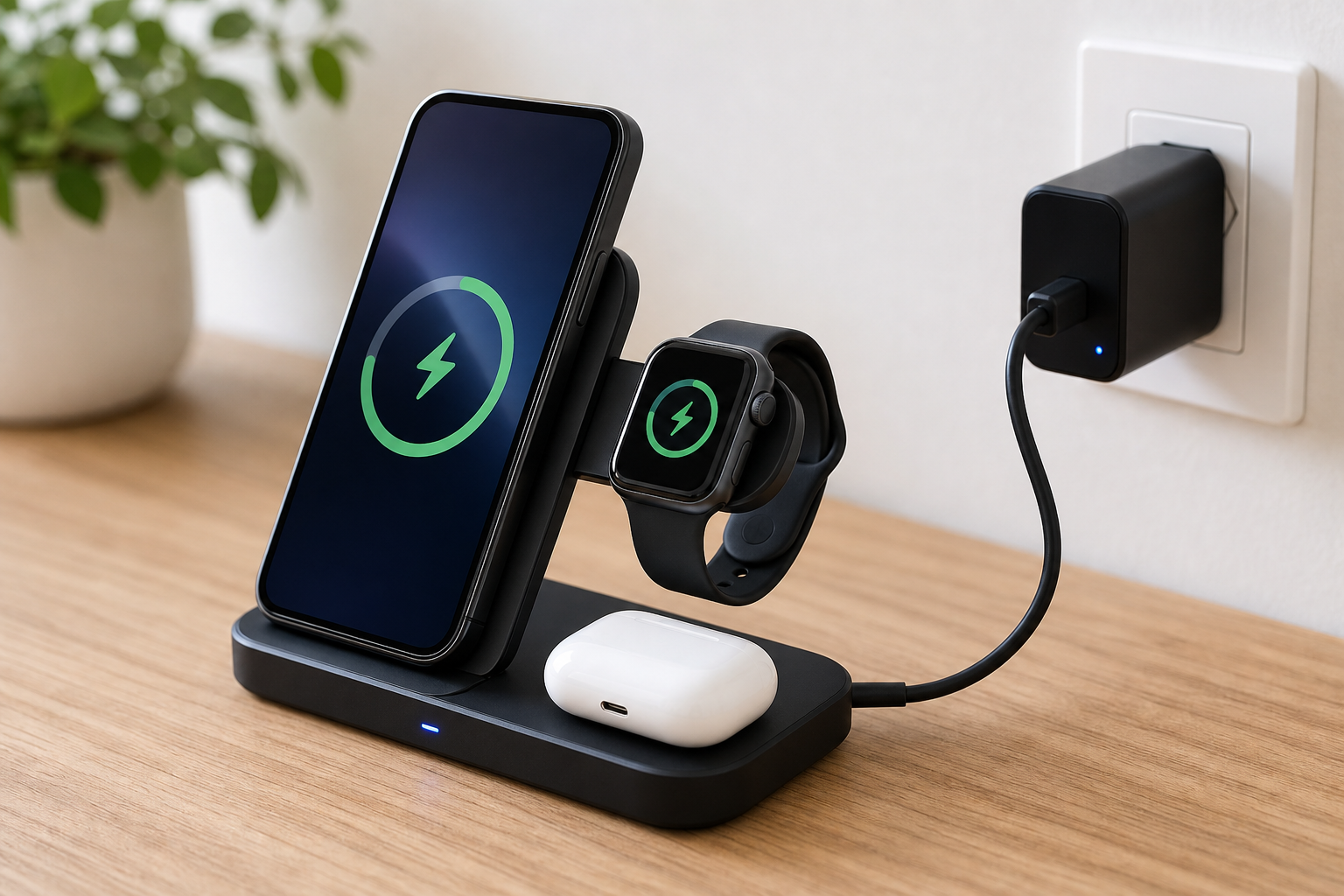
Check your charging setup and make sure the components connect properly.
-
1
Start by checking the label on the underside of your charging station. It lists the required input, for example 9 V/3 A. Multiply the two numbers (9 × 3) to find the minimum power your adapter needs to supply in this example: 27 watts.
-
2
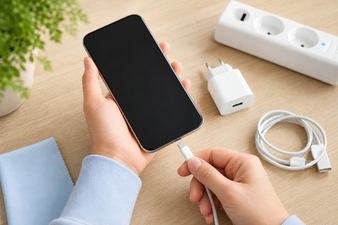
Check the cable that came with your charger. Use a suitable USB-C to USB-C cable to carry power from the wall adapter to the charger.
-
3
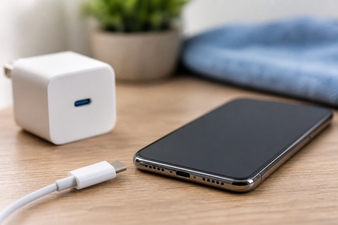
Plug the charging station directly into a USB-C Power Delivery (PD) wall adapter. Avoid older USB-A ports. These rectangular ports supply too little power for a fast charger that charges multiple devices at once.
-
4
Test your setup. Put all your devices on the wireless charger at the same time and check that the charging icon stays visible on each screen. If charging keeps cutting out or a screen keeps lighting up, the wall adapter may be struggling to supply enough power. Try a compatible adapter with a higher output.
Can a charger be too powerful?
You can use a higher-wattage power adapter if it is compatible with the cable and charging station. The station draws the current it needs from the adapter.
When you plug in a modern USB-C fast charger, the adapter and charging station communicate. The station signals how much power it can accept, and the adapter supplies the agreed power. This prevents the adapter from harming your battery by supplying too much power, even if your phone or watch stays on the charger for hours.
A higher-wattage adapter can work well. A 30 W or 45 W adapter suits many 3-in-1 charging stations that divide power between a smartphone, smartwatch and earbuds. Choose a USB-C Power Delivery adapter and check the station’s input requirements. Use a high-wattage laptop adapter only if its connector and power profile are compatible.
Popular high-power chargers
Popular charging stations
Frequently asked questions
Is wireless charging bad for the battery?
Wireless charging is fine with a suitable adapter. Qi devices manage power delivery to prevent overcharging. Overheating can affect battery health. Charging that keeps cutting out because of an underpowered adapter can contribute to heat buildup. Keep the charger in a well-ventilated spot and use an adapter with enough power.
What should I look for in a wireless charger?
Check the adapter wattage and make sure the charger supports your smartphone, smartwatch and earbuds. The station needs enough power for the devices you plan to charge. Magnetic alignment, as found in Qi2 or MagSafe, helps position your device over the charging coil and reduces heat loss.
Why is my 3-in-1 charging station suddenly charging slowly?
Your wall adapter may have too little capacity to power all your devices at once. When you add a watch and earbuds alongside your phone, the station has to divide the available power among all three. An older adapter may struggle to keep up. Replace it with a modern USB-C power adapter rated for the 30 W or 45 W your station requires.
Can I use an old phone adapter for my charging station?
Older adapters often supply only 5 or 10 watts. A modern 2-in-1 or 3-in-1 station needs a USB-C Power Delivery charger with enough power. An older adapter can cut charging speed in half or leave some devices unable to charge when you put them on the station together.
What does Qi2 offer on these charging stations?
Qi2 uses magnets, similar to Apple’s MagSafe technology, to align your phone over the charging coil. Good alignment helps reduce energy lost as heat. With a suitable power adapter, this helps the station charge more efficiently and safely.
A wireless charging station needs an adapter that can supply enough power for all your devices at once. A suitable wall adapter helps prevent slow charging. Browse fast chargers at directcases.com to get the full charging speed from your 2-in-1 or 3-in-1 charging station.