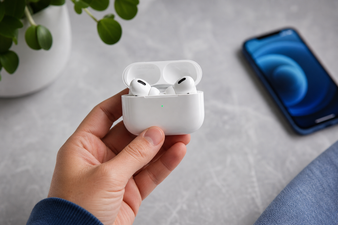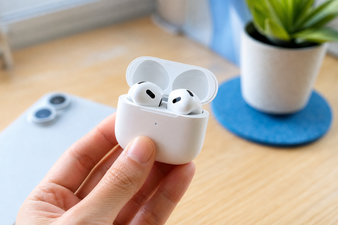
How do you clean your AirPods case? Wipe the outside with a soft, lint-free cloth, lightly dampened with 70% isopropyl alcohol for any marks. Remove dirt from the cavities and charging port with a dry cotton swab or a soft-bristle toothbrush, without letting moisture reach the delicate electronics, then leave the case to dry for at least two hours.
Black marks and dust in your charging case don't just look grubby, they can also stop your earbuds from charging properly. Dirt, skin flakes and ear wax build up fast around the magnetic lid and eventually fall deep into the wells. Ignore that build-up and the copper charging contacts will eventually stop working, leaving you with a flat battery out of nowhere.
We often see the wrong methods cause permanent damage to the glossy finish of the case. So get it right from the start with the right materials and techniques.
What do you need to clean an AirPods case?
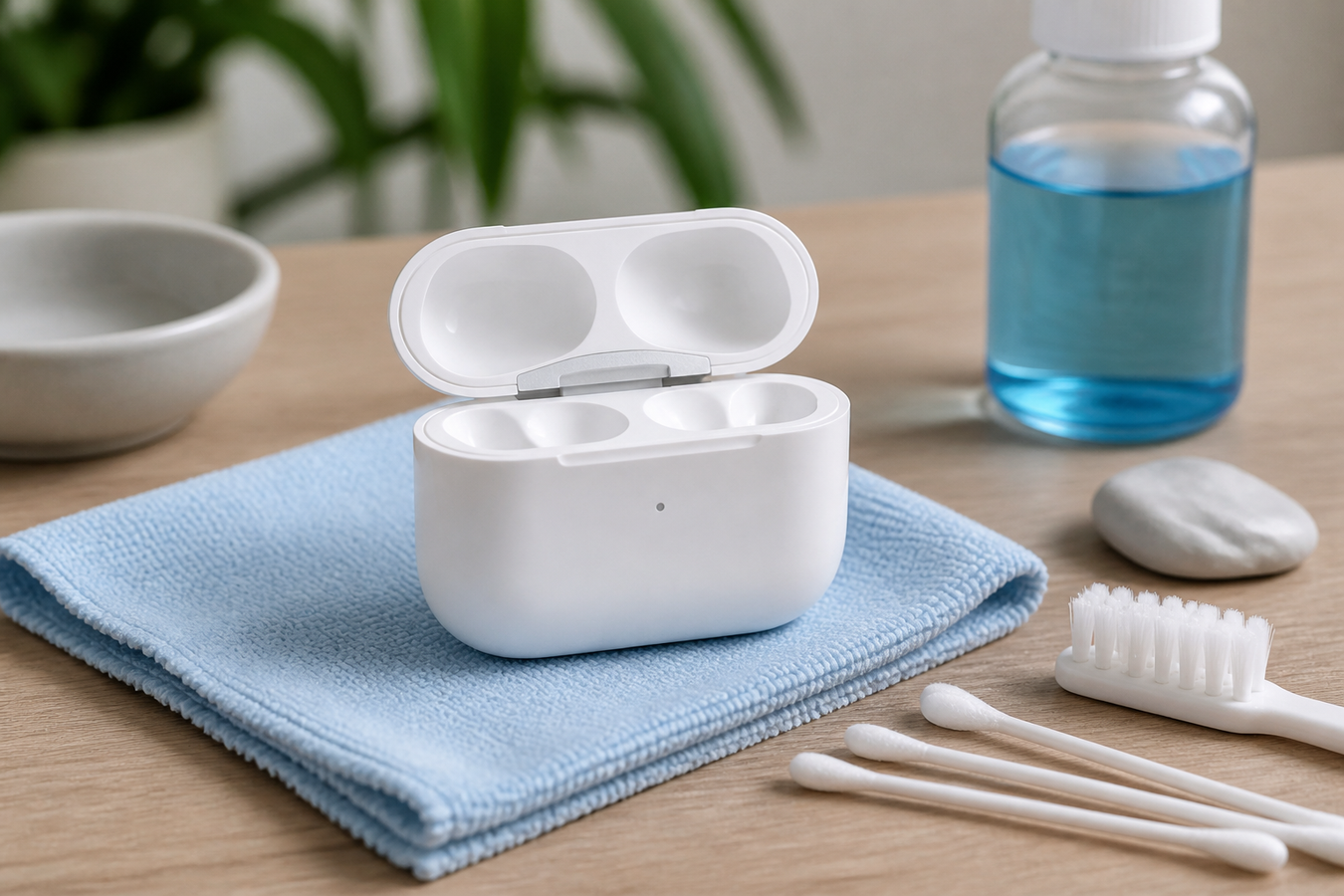
Gather the right supplies before you start cleaning your AirPods. The wrong materials can leave permanent scratches on the case or damage the sensitive charging contacts. Only use these safe tools:
A clean, lint-free cloth or microfibre cloth: Ideal for wiping the outside and removing surface dirt. These cloths don't leave behind tiny fibres that can get stuck in the ports.
Clean, dry cotton swabs: Essential for safely reaching into the deep wells of the case where the charging pins sit.
A clean, soft-bristle toothbrush: Use this brush to sweep stuck-on dust out of the hinge and edges without scratching the plastic.
70% isopropyl alcohol: Optional, for stubborn dirt and marks on the outside. Apple lists 70% isopropyl alcohol on a lightly dampened cloth as a safe option. Other solvents and household cleaners can damage the glossy finish of the case, so leave those alone.
Kneaded eraser: Perfect for pulling stubborn lint and grease out of the narrow grooves in the lid. It lifts the dirt without leaving annoying sticky residue behind.
Step-by-step guide to cleaning your AirPods case
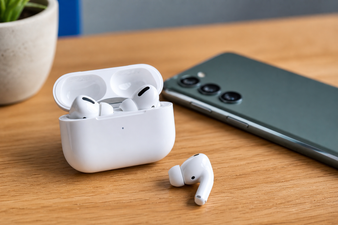
Always take the AirPods Pro or standard earbuds out of the case before you start this step-by-step guide to cleaning your AirPods. You really don't want to accidentally rub moisture, dust or dirt into the delicate speaker mesh of the earbuds. Put the earbuds somewhere safe and dry, away from where you're working.
Step-by-step guide to cleaning your AirPods case
Always take the AirPods Pro or standard earbuds out of the case before you start this step-by-step guide to cleaning your AirPods. You really don't want to accidentally rub moisture, dust or dirt into the delicate speaker mesh of the earbuds. Put the earbuds somewhere safe and dry, away from where you're working. Close the lid firmly to protect the inside during this first stage. Then follow these steps for a streak-free, scratch-free result:
-
1
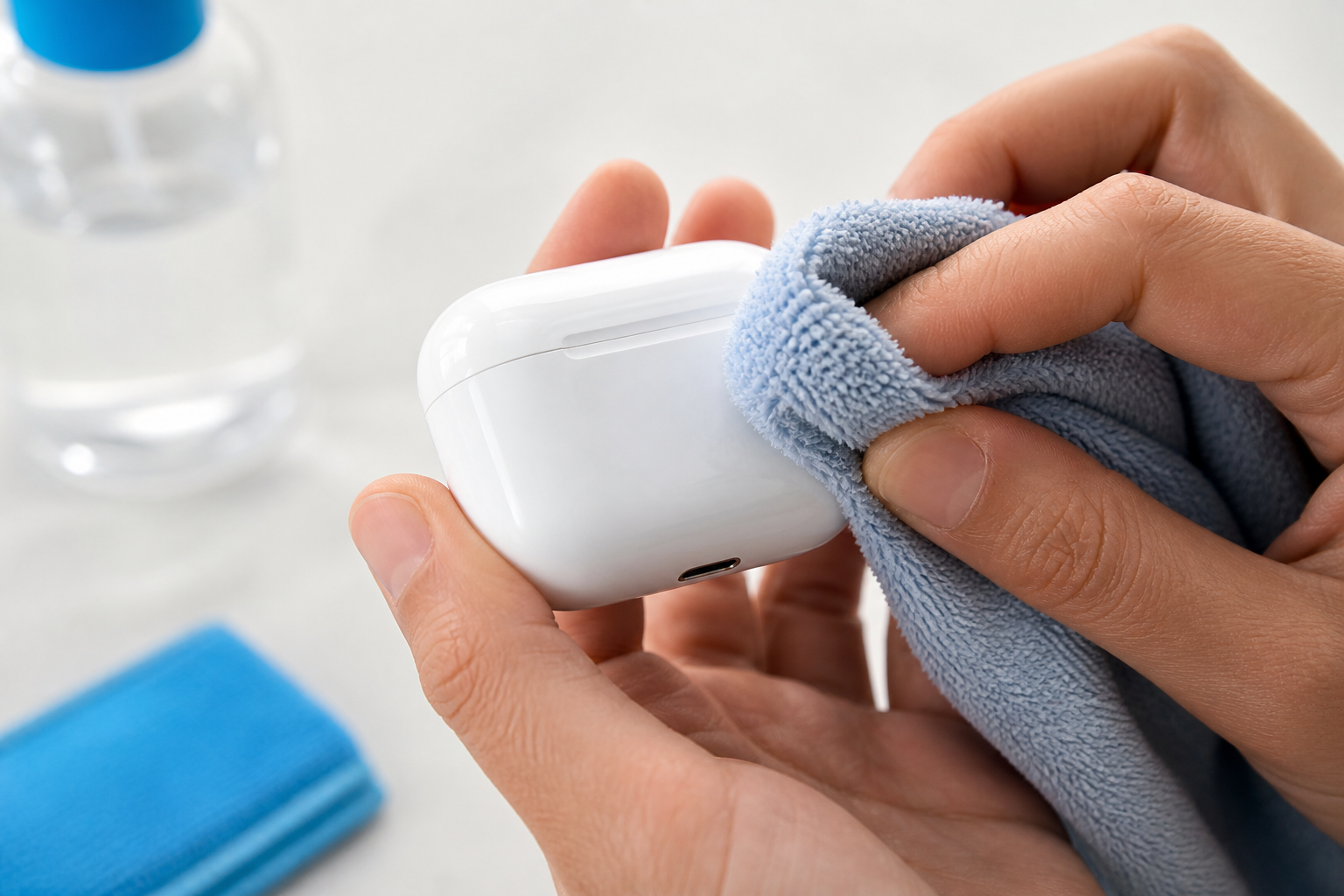
Wipe the case with a dry microfibre cloth
First remove any loose lint and surface dust. Gently rub the smooth plastic exterior to lift off the first layer of dirt.
-
2
Lightly dampen the cloth with isopropyl alcohol for marks
Put a very small amount of 70% isopropyl alcohol on the lint-free cloth for stubborn smudges. Never spray liquid directly onto the case itself, because liquid always finds its way into the seams.
-
3
Keep moisture out of the charging port
Work very carefully around the port on the bottom. Even a small drop in the Lightning or USB-C port can permanently ruin the internal electronics.
-
4
Dry the case
Use a dry section of your microfibre cloth to buff the case. Don't let it air-dry, as alcohol can leave faint marks on the white finish.
Cleaning the inside and charging ports
Open the case and focus fully on the delicate internal parts. This is where precision really matters to fix or prevent patchy charging connections.
-
1
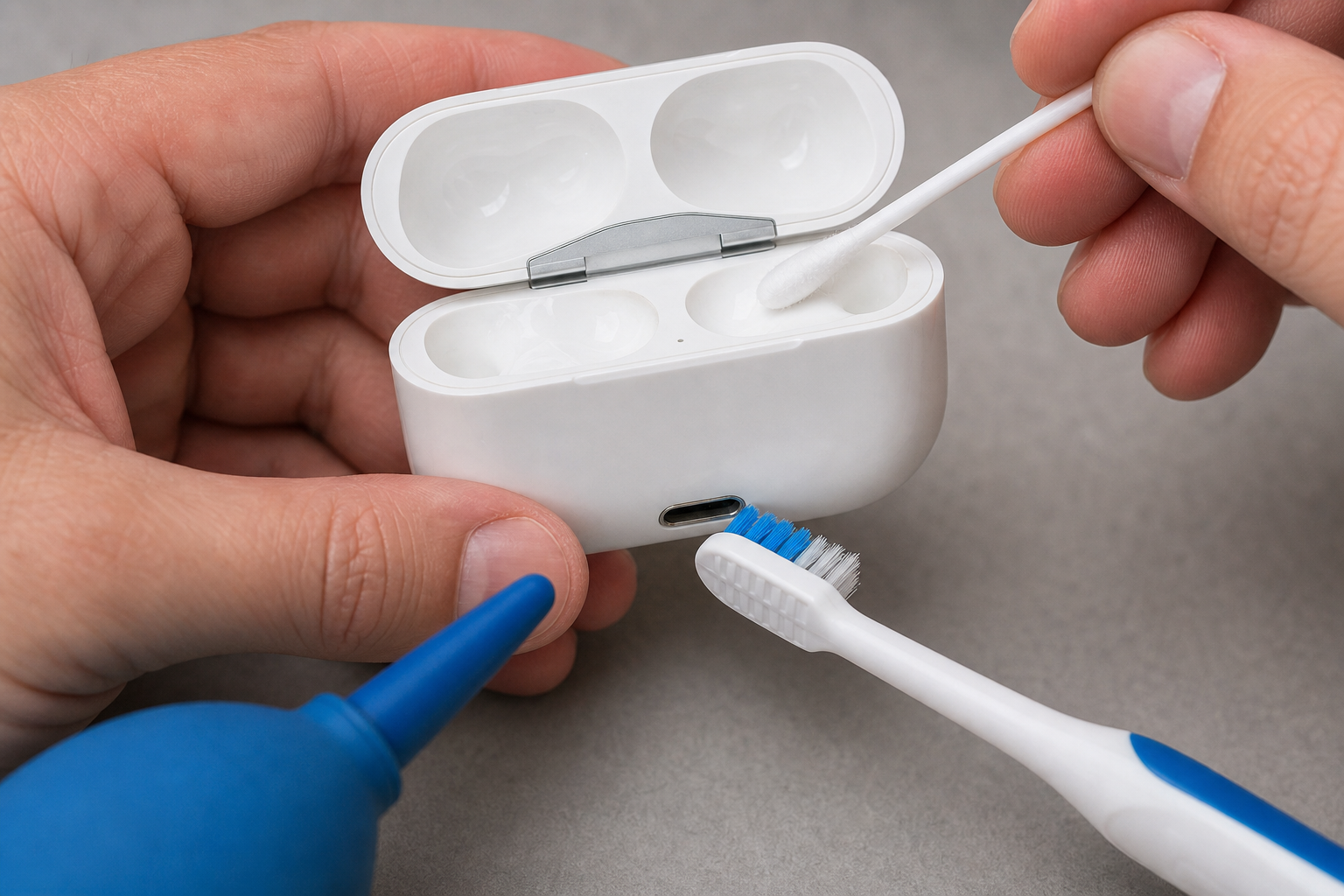
Use a dry cotton swab for the wells
Carefully insert the swab into the wells where the earbuds normally sit. Turn it slowly to pick up dust and dirt, but don't press hard on the metal contacts at the bottom. If you need to remove ear wax from the bottom, use a fresh cotton swab each time, because built-up wax on those contacts is a common cause of charging problems.
-
2
Clean the hinge with a soft toothbrush
Take the brush and gently sweep along the metal hinge at the back. If needed, press a bit of masking tape into the edges to pull caked-on dirt out of the narrow grooves.
-
3
Carefully remove dust from the charging port
Lightly brush over the opening of the port on the bottom with the dry, soft toothbrush. Then blow very gently to remove any loosened dirt.
-
4
Never put metal objects into the ports
Avoid using needles, paperclips or tweezers in the openings. One wrong move with a sharp object can bend the pins, turning a simple clean of your charging case into a broken device.
Dos and don'ts for cleaning electronic devices
The wrong approach often leads to a faulty battery or a permanently damaged case. Apple specifically warns users against using the wrong liquids and abrasive materials. Stick strictly to the rules below to avoid irreparable damage to your hardware.
| Do | Don't |
|---|---|
| Use soft materials and a lint-free cloth for the whole case. | Clean your AirPods with water or rinse the case under the tap. |
| Apply 70% isopropyl alcohol to a cloth for stubborn dirt. | Use harsh cleaning products, bleach, solvents or scouring pads. |
| Carefully wipe out the deep wells with clean, dry cotton swabs. | Remove ear wax with sharp objects like toothpicks or needles. |
| Pull lint out of the edges with a kneaded eraser. | Use compressed air to blow dirt out of the charging port. |
Like other electronic devices, an AirPods case doesn't cope well with moisture. If liquid gets into the charging ports, it can damage the electronics and disrupt charging. So never spray anything directly onto the case; always apply alcohol to the cloth first.
If you're unsure how stubborn the dirt in your case is, always go for a dry clean first. Only use liquid if wiping with a dry microfibre cloth really isn't working. And only put the earbuds back once you're sure the case has had time to dry after an alcohol clean.
FAQs about cleaning AirPods
Is an AirPods case waterproof?
No, the charging case isn't waterproof, and keeping it away from moisture is crucial for its lifespan. Even the newer sweat- and water-resistant earbuds, like the AirPods Pro, come in a case that should never be submerged or held under a running tap. If you have AirPods Pro 2 or newer, you can rinse the earbuds themselves with plain water and no soap, but never the case. Liquid that gets into the charging ports or internal wells causes an immediate short circuit on the copper contacts, leaving the device unusable.
Can I use alcohol to clean my AirPods case?
Yes, but only 70% isopropyl alcohol applied to a lint-free cloth. Never pour or spray the liquid directly onto the device itself. Apple strongly advises against other solvents, harsh household cleaners or higher concentrations of alcohol. These corrosive products permanently damage the glossy protective layer on the plastic, leaving the case dull and blotchy.
How often should I clean my AirPods?
If you use them every day, a weekly clean is a handy rule of thumb to prevent charging problems. Check the inside of the case every time you charge the earbuds. Spot black specks or dust near the magnetic lid? Give it a quick wipe with a dry microfibre cloth straight away. That stops the dirt from building up, hardening and eventually falling into the deep wells. Regularly using a microfibre cloth and cotton swabs keeps your charging case hygienic and charging without issues. It also stops dirt from blocking the delicate contacts, which significantly extends the life of your Apple gear.
How long should an AirPods case dry after cleaning?
Leave the AirPods case and earbuds to dry for at least two hours before using them together again. That advice comes from Apple itself. Alcohol evaporates quickly on the outside, but a little moisture can linger in the charging ports. So leave the case open and wait to charge until everything is properly dry.
Can you use household cleaners on an AirPods case?
No, regular household cleaners aren't safe for an AirPods case. Products containing hydrogen peroxide, aerosol sprays and solvents damage the glossy finish. Glass cleaner or an all-purpose spray might seem convenient because you already have them at home, but that's exactly where things often go wrong. Stick to a dry cloth or a cloth with 70% isopropyl alcohol.
How do you get lint out of the grooves of an AirPods case?
You can get lint and grease out of the grooves in the lid with tape or a small piece of plasticine. Press it firmly into the groove and pull it out in one go. Choose a tape that doesn't leave residue, or new dirt will just stick to the edge. We find this works especially well for cases that spend a lot of time in a trouser pocket.
Can you use compressed air to clean your AirPods case?
No, don't use canned compressed air on your AirPods case. The strong blast of air can push dirt deeper into the charging ports and damage the electronics. Blowing gently yourself after brushing is enough to remove loosened dust. If the dirt is really stuck, use a dry cotton swab.
Why won't my AirPods charge properly in the case?
There's often dirt or ear wax on the charging contacts in the case or on the bottom of the earbuds. That stops the AirPods from making proper contact, so they charge only partly or not at all. Carefully clean the wells with a dry cotton swab and wipe the stems of the earbuds with a lint-free cloth. If an earbud still won't charge after that, the problem probably isn't dirt.
Grab a microfibre cloth and a few cotton swabs and give your AirPods case a quick clean today. After that, an AirPods case cover keeps new dust and sand out. Your case takes plenty of knocks and dirt in your coat pocket or bag, so check right away whether your charging case already has a matching AirPods case cover. It saves scratches on your case.