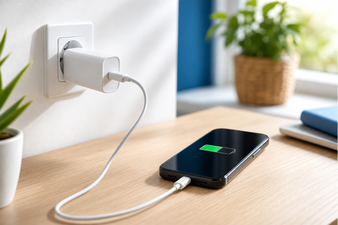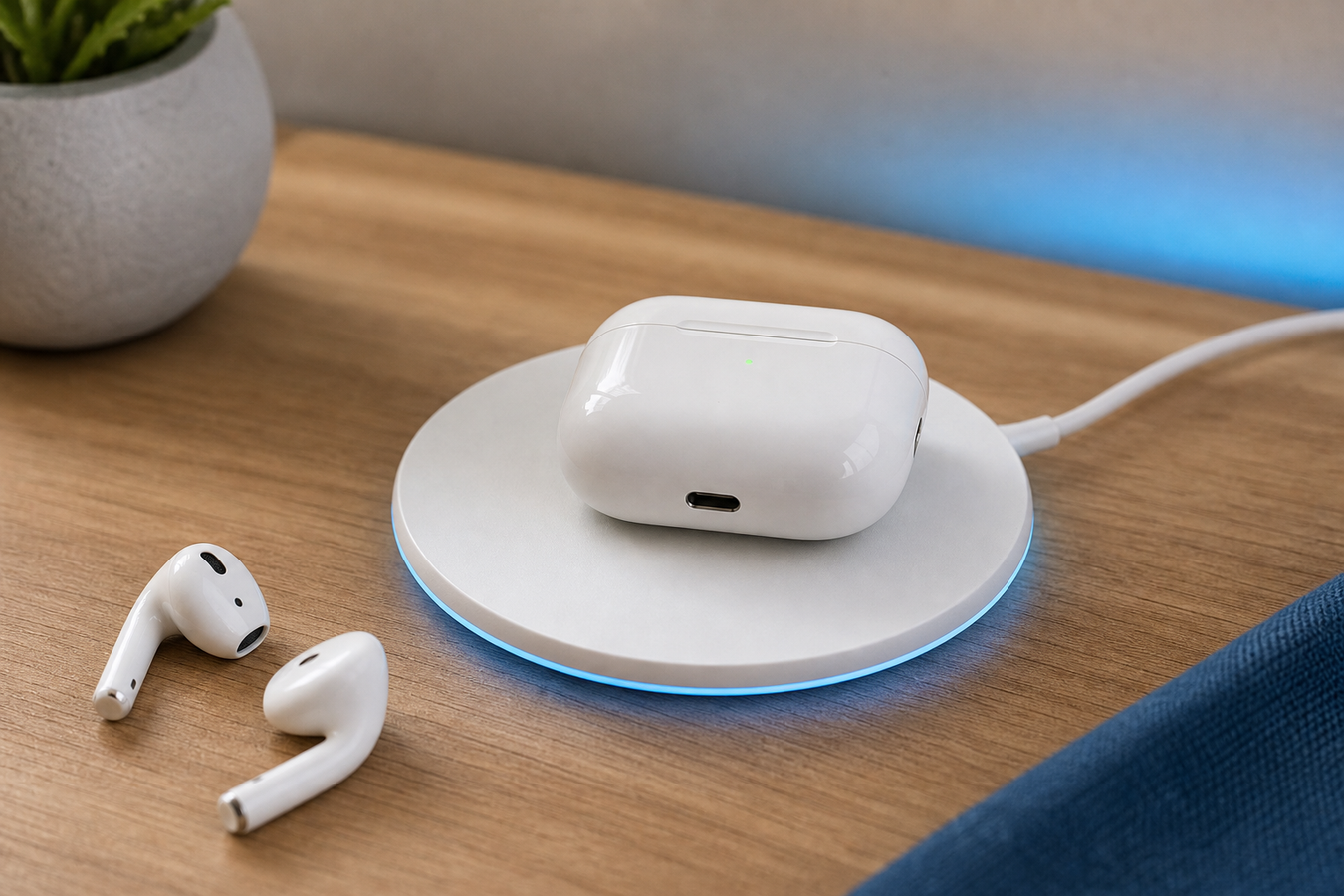
AirPods wireless charging works by induction. A coil in the charger creates a magnetic field, and a coil in the wireless charging case converts it into electricity for the battery. Place the case on a Qi or MagSafe charger that charges at 5 watts. After 15 minutes, you’ll get about three more hours of listening time.
A charging pad saves you from hunting for the right cable. Check whether your AirPods model has a wireless charging case and which charger works with it. A few settings can then help protect the battery as it ages.
How AirPods wireless charging works
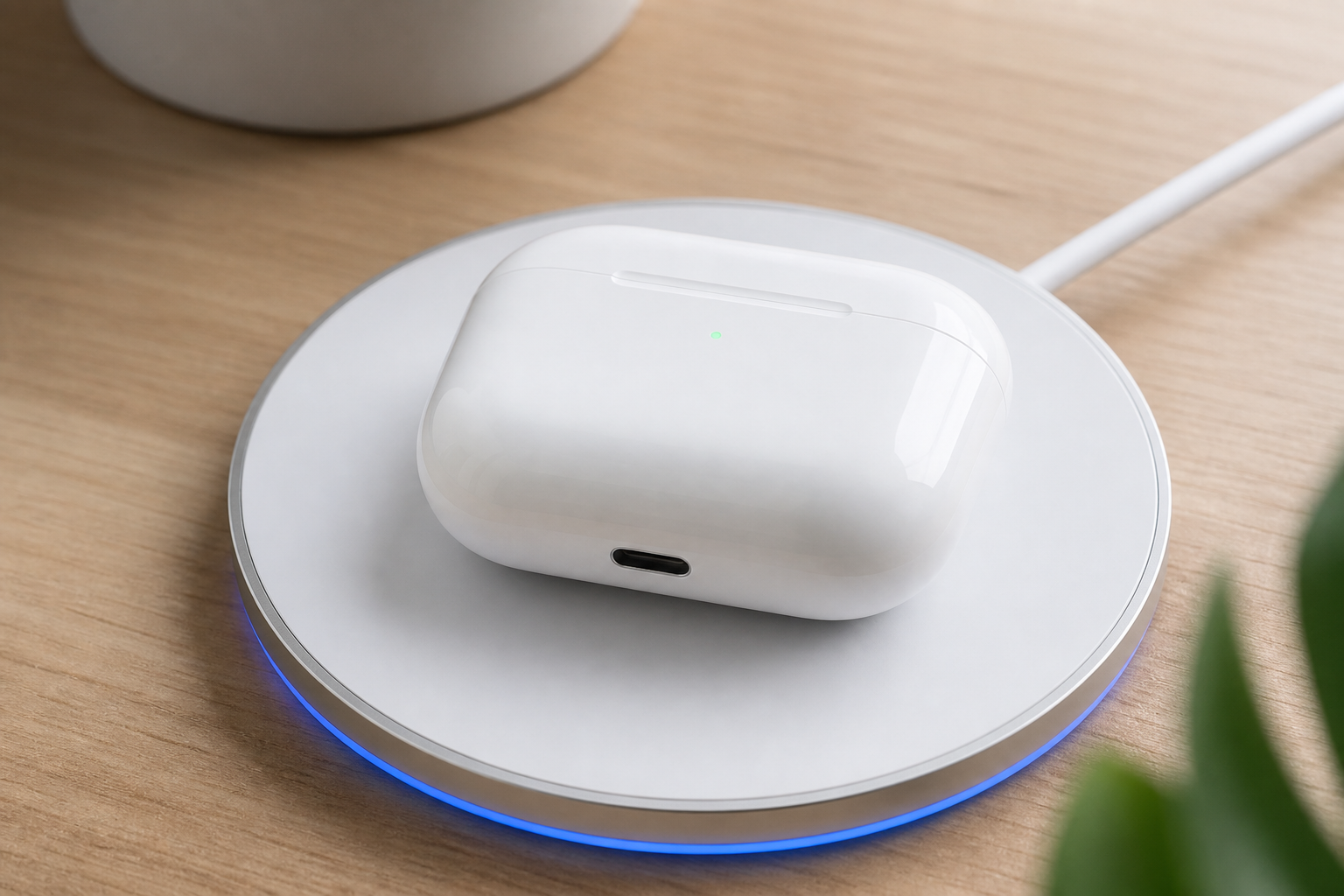
Wireless charging transfers power by electromagnetic induction. When you plug in a charger, electricity flows through a transmitter coil and creates a strong magnetic field. Place a compatible wireless charging case on the charger and the receiver coil in the case converts that magnetic field into electricity for the battery.
Most chargers use the universal Qi standard, which lets your Apple devices receive power safely and efficiently. Wireless charging typically runs at 5 watts. The manufacturer chose this relatively low power level deliberately.
It charges your AirPods at a reasonable speed while limiting heat in the wireless charging case. The case may feel slightly warm, which is normal with inductive charging. If it gets hot, check for a card, key or other metal object between the case and the charger, as metal can heat up considerably in the magnetic field.
Which AirPods have a wireless charging case?
Not every generation of Apple earbuds supports wireless charging out of the box. AirPods Pro and newer models come with a compatible wireless charging case or a MagSafe version. If you have an older model, the original case lacks this feature and you’ll need an optional wireless charging case.
| Model of AirPods | Wireless charging case included? | MagSafe support? |
|---|---|---|
| AirPods (1st generation) | No (available separately) | No |
| AirPods (2nd generation) | No (available separately) | No |
| AirPods (3rd generation) | Yes | Yes (with the specific MagSafe charging case) |
| AirPods (4th generation) | Yes | No |
| AirPods Pro (1st generation) | Yes | Yes (with the MagSafe charging case) |
| AirPods Pro (2nd generation) | Yes | Yes |
The charging port alone won’t tell you whether your case supports wireless charging. Cases that charge only by cable can also have a USB-C or Lightning port. We regularly hear from customers who expect their AirPods 2 to charge wirelessly but have the standard case instead of the optional wireless charging case.
Always check your AirPods model number before buying a protective case. You’ll find it in your AirPods settings on your iPhone. A protective case for AirPods Pro won’t fit AirPods 4, even if their charging cases look similar.
How to charge AirPods wirelessly, step by step
Correct placement helps the charger transfer power efficiently. Follow these steps to charge your earbuds and avoid charging problems.
-
1
Plug in the charger
Plug your Qi-certified charging pad or MagSafe charger into a wall outlet. Keep metal objects such as keys and bank cards off the charging surface. Keep the pad and the case’s contact surfaces clean and dry, as moisture and dirt can interfere with charging.
-
2
Check the cover on your charging case
If you use a protective cover, make sure it leaves the charging port and status light clear. A cover that’s too tight can get in the way. If the lid doesn’t close properly or the case sits at an angle, take the cover off. Remove dust around the charging port while you’re at it, for example with a small dry brush.
-
3
Position the charging case
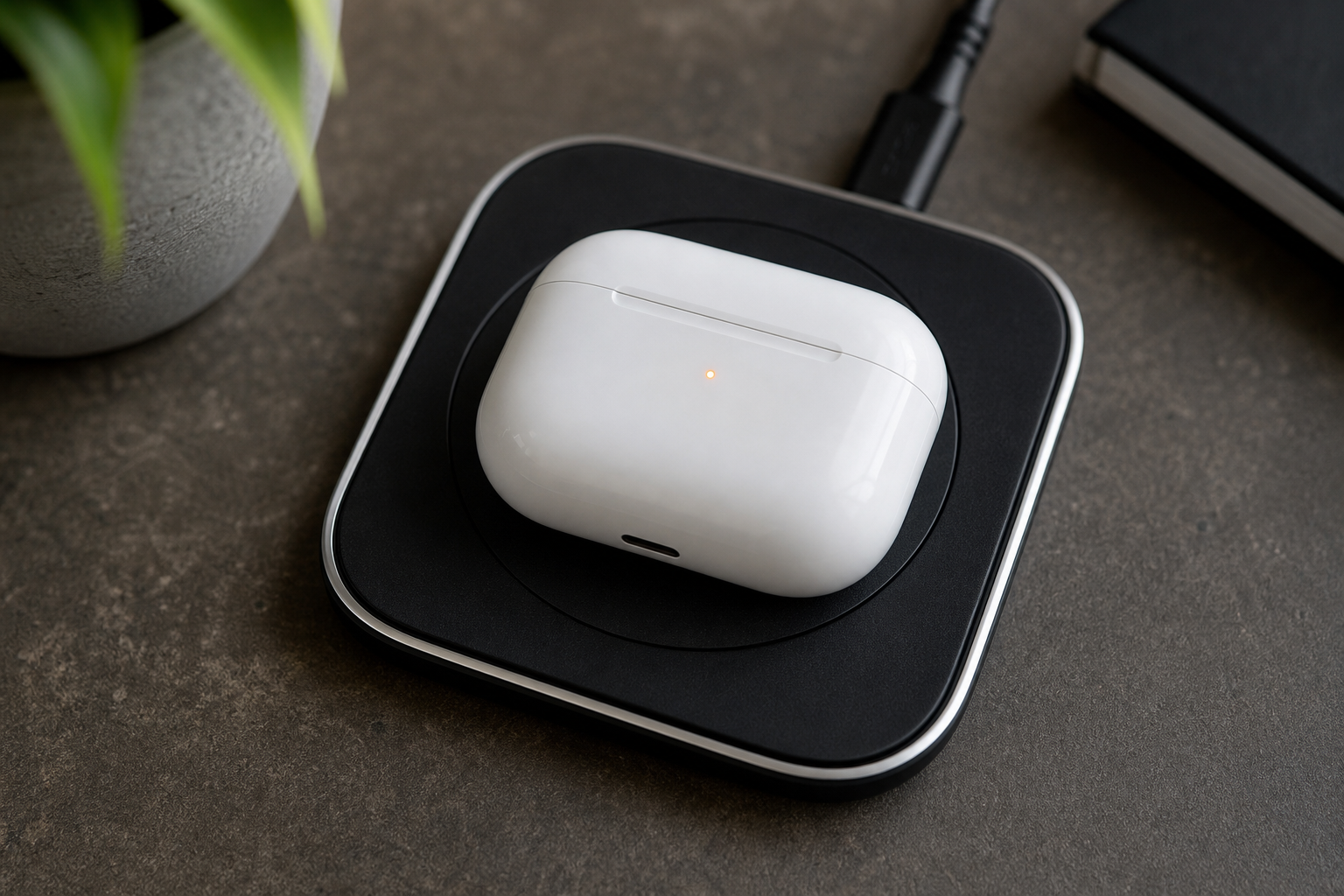
Close the lid and place the wireless charging case right in the center of the charger, with the status light facing up. A regular Qi charger has no magnets to hold the case, so placing it in the center gives you the best alignment. With a MagSafe charger, you can feel the case click into place.
-
4
Check the status light
An amber status light means wireless charging has started. The light goes off after a few seconds while charging continues. A little warmth is normal. If the case gets unusually hot, take it off the charger and stop charging.
-
5
Take the case off the charger
Gently tap the charging case to check its status. If the light is green, the wireless charging case is fully charged and you can take it off the pad.
Checking battery status and using optimized charging
The software helps you keep track of the charge level and condition of the battery in the charging case, so your earbuds are less likely to run out of power unexpectedly.
Check battery status on your iPhone: Add the Batteries widget to your Home Screen. Open the wireless charging case near your phone to see the exact charge percentage of both the earbuds and the case.
Automatic alerts: A notification appears when the remaining charge reaches 20%, 10%, and 5%. You’ll also hear a tone in the earbuds at 10% and just before they turn off.
Use optimized charging: The feature learns your daily charging routine. The wireless charging case charges to 80% overnight and waits until shortly before you need your earbuds to finish charging. This reduces wear and helps the battery last longer.
Choosing MagSafe, Qi, or a charging station
The right charger depends on how you use it day to day. On a standard Qi charger, place the wireless charging case right in the center. If the case sits off-center, the coils don’t line up as well and charging is less efficient.
MagSafe uses magnets to align the coils. You can also charge a MagSafe charging case on a regular Qi pad. It simply won’t snap into place on the pad.
Have a standard Qi case without magnets? It won’t snap into place, even on a MagSafe charger. Center the case yourself before charging.
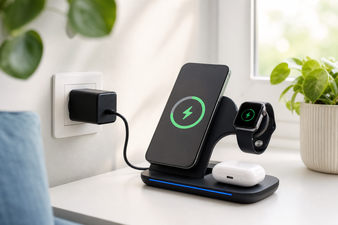
When shopping for chargers from brands such as Mobigear and Mobilize, check whether each model uses Qi or MagSafe. If you have several devices, a 3-in-1 charger can charge your smartphone, earbuds, and smartwatch at the same time in one place.
Charger type |
Benefits |
Best for |
|---|---|---|
Widely compatible, often cheaper, and works with many devices, including a MagSafe charging case. |
Anyone who wants to set down their wireless charging case without a magnetic attachment. |
|
Magnets align the case for efficient charging and keep it from sliding. |
Owners of a MagSafe charging case, such as the one for AirPods Pro. |
|
Charges AirPods, an iPhone, and a smartwatch at the same time using a single plug. |
Anyone who wants to charge their Apple devices in one tidy spot. |
Do you use an AirPods cover on your charging case? Choose the material based on the protection you need. Silicone covers add grip and protect against scratches. TPU is flexible and absorbs shocks, while hard plastic mainly protects against scratches and light bumps.
Look for metal parts such as a carabiner or metal plate. Keep cards, keys, and other metal objects out from between the case and the charger, where they can interfere with charging and make the case hotter.
Choose a standalone MagSafe charger if you want to travel light and keep the case securely aligned. A wireless charging station gives you one place for your phone, Apple Watch charger, and earbud charging case. If you already have a Qi pad, you can use it with your MagSafe case.
Popular wireless chargers
Popular MagSafe chargers
Popular charging stations
Frequently asked questions about charging AirPods
Can wireless charging damage the charging case or make it too hot?
Wireless charging is safe. The case can get slightly warm, which is normal during inductive charging. If it’s about to overheat, the built-in protection cuts off power automatically. Keep the charging surface free of metal objects that could interfere with the magnetic field.
How long does it take to fully charge the case at 5 watts?
A full charge from empty takes about one to two hours. If you’re short on time, 15 minutes of wireless charging at 5 watts gives you about three more hours of listening time.
That’s handy if you need a quick top-up before an online meeting or workout.
Can I keep using a Lightning or USB-C cable?
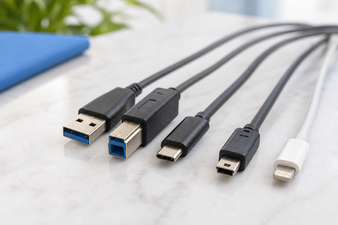
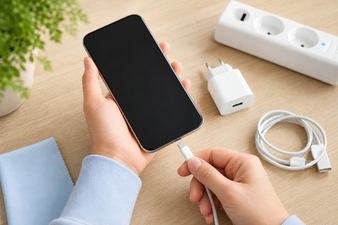
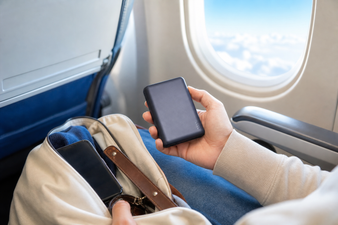
Yes, every wireless charging case still has a port on the bottom. If you don’t have a wireless charger handy, you can use a Lightning or USB-C cable, depending on your model. You can also use a power bank to charge your case on the go.
Can I leave a cover on the case while charging wirelessly?
You can leave a thin cover without metal parts on the charging case. A cover with a carabiner lets you clip your AirPods to a bag or key ring. Keep the metal clip away from the charging surface, as it interferes with the magnetic field.
Clean the cover with a slightly damp cloth. Harsh cleaning products can damage the material.
Can I charge AirPods wirelessly with an older case?
The standard case for AirPods (1st or 2nd generation) doesn’t support wireless charging. You’ll need a separate Wireless Charging Case. AirPods Pro (1st and 2nd generation) and AirPods (3rd and 4th generation) have compatible cases that work with a Qi or MagSafe charger.
How can I tell if my AirPods are charging?
Check the status light. Amber means the case is charging, and green means it’s fully charged. If the light stays off, shift the case slightly. It may be sitting just off-center. You can then check the battery level on your iPhone using the Batteries widget.
Do my AirPods charge while I’m wearing them?
No. Only the charging case charges on the pad. The earbuds charge once you put them inside the case. Leave the case on the charger while you listen so it’s ready when you’re done.
Can I use an Apple Watch charger for my AirPods?
An Apple Watch charger generally won’t charge an AirPods case. Some newer AirPods Pro charging cases are exceptions. If you want to charge both devices in one place, choose a charging station with separate spots for your watch and earbuds.
You can charge your AirPods wirelessly every day with a compatible charging case and a Qi or MagSafe charger. That saves you from plugging in a cable each time and helps keep a charged case handy. Browse the full range of wireless chargers and charging stations at directcases.com.