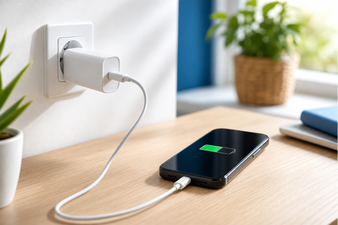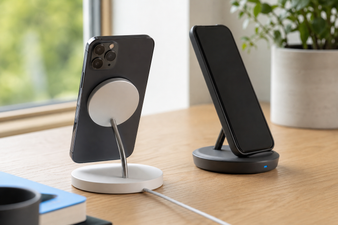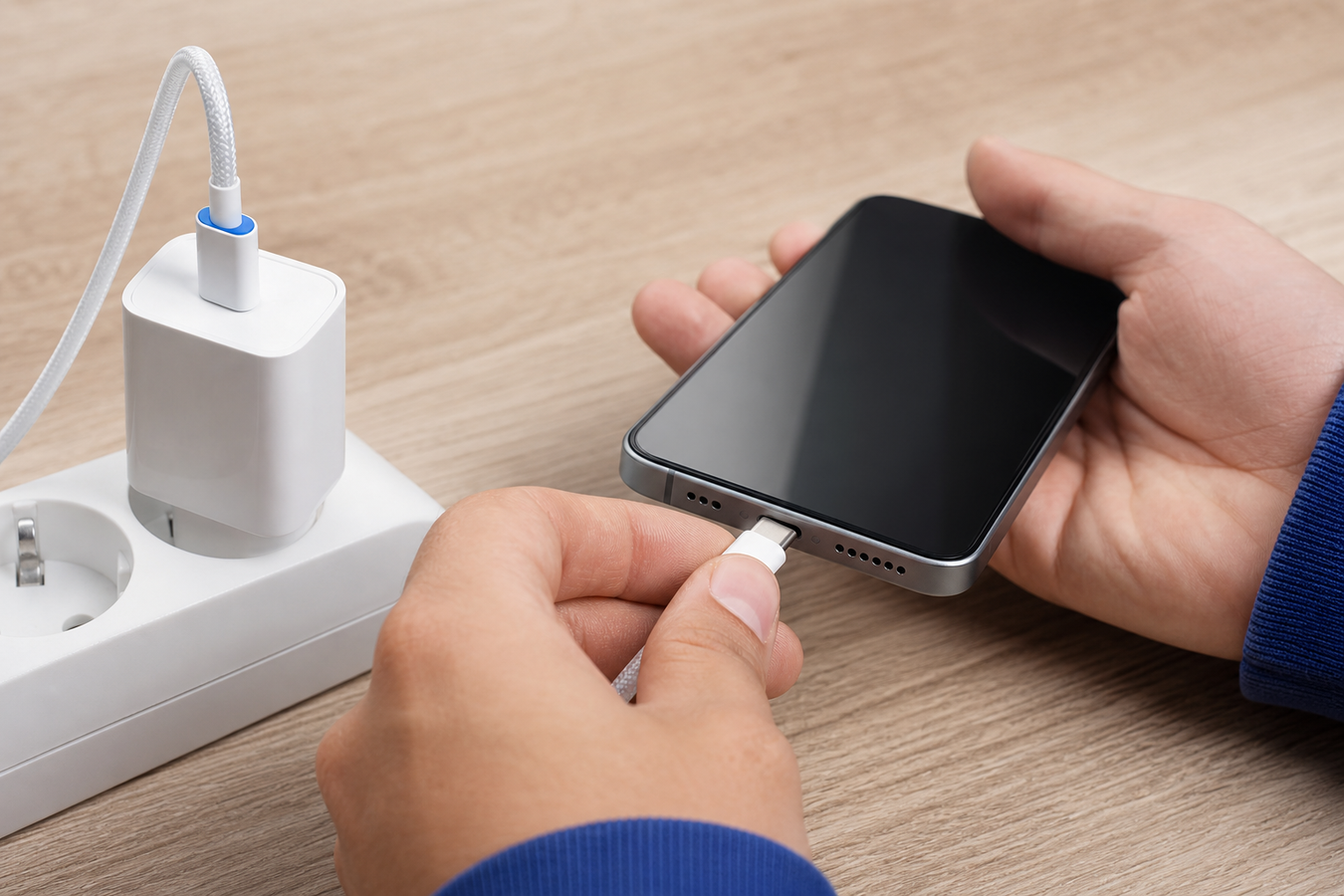
Nothing is more frustrating than a nearly flat battery just before you have to head out. Fast charging is the answer, but not every plug charges every mobile phone equally fast. Plug in any old adapter and you might still be waiting hours for a full battery. So what wattage is fast charging? Short answer: a fast charger delivers at least around 18 to 20 watts. That means a 20W charger is a fast charger, but how quickly your phone actually charges is decided by the phone itself. Below you'll see how fast each device charges and how to pick the right combination of charger and cable. You'll learn how the charging speed of a fast charger works in practice and why a more powerful fast charger doesn't always mean a shorter charging time. That way you avoid spending money you don't need to and always charge your smartphone's battery as efficiently as possible.
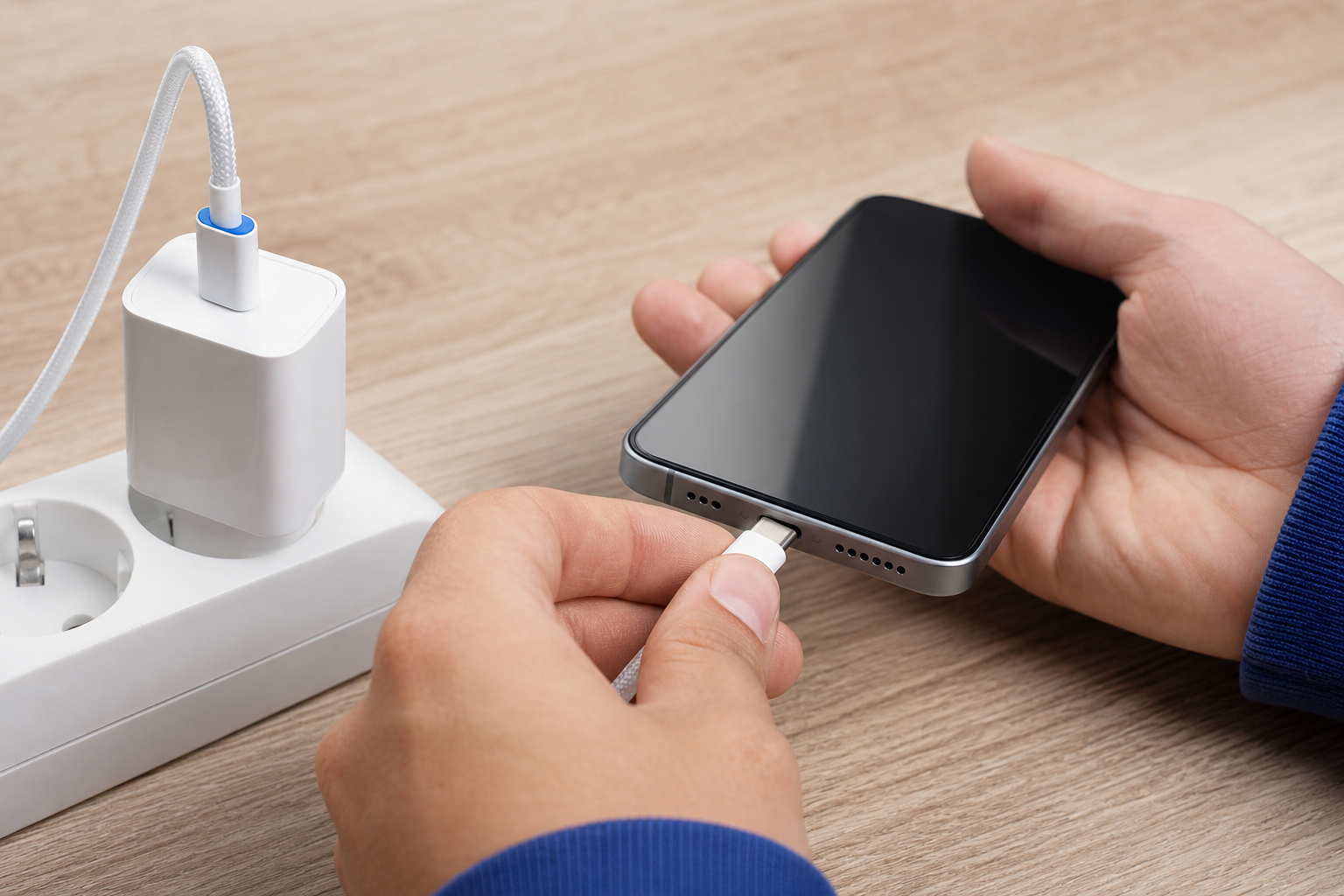
How does fast charger charging speed actually work?
Your smartphone decides the maximum power it draws, no matter how powerful the fast charger in the socket is. In practice, fast charging starts at 18 to 20 watts, a big jump from the meagre 5 to 10 watts of a standard charger. Manufacturers build smart chips into phones that communicate with the fast charger to agree on the right power level. Does your device support a maximum of 15 watts? Then a 65-watt fast charger delivers exactly those 15 watts and not a drop more. The wattage of a fast charger only tells you its theoretical capacity. Using a more powerful fast charger than your device can handle is completely safe and won't damage the battery. It won't make your phone charge faster either: the phone never asks for more power than it can handle. An electric car works the same way: the car decides how much power the charging point is allowed to deliver. Go for a more powerful fast charger if you charge several devices at once or want something future-proof. Skip an expensive fast charger with extremely high wattage if you only ever charge an older budget phone.
Comparison: how fast does each phone charge?
Every brand uses its own standards and protocols, so charging times vary a lot from model to model. Apple uses Power Delivery, while many Android devices rely on Quick Charge or brand-specific technologies. The table below shows average performance per category, provided you use the right fast charger.
| Brand & category | Supported power | Average charging speed (0–50%) | Required charging protocol |
|---|---|---|---|
| Apple (iPhone 8 to iPhone 16, iPhone Air) | 20W or more | Around 30 minutes | USB-C Power Delivery |
| Apple (iPhone 17, 17 Pro, 17 Pro Max) | 40W or more | Around 20 minutes | USB-C Power Delivery |
| Samsung Galaxy (budget/mid-range) | 15W–25W | Around 45 minutes | Super Fast Charging / Power Delivery |
| Samsung Galaxy (Ultra models) | 45W | Around 25 minutes | Super Fast Charging 2.0 |
| Other Androids (OnePlus, Xiaomi) | 65W–120W+ | Around 15 to 20 minutes | Proprietary protocols (e.g. SUPERVOOC on OnePlus) |
Total charging time always depends on battery capacity and whether the correct charging protocol kicks in. A bigger battery simply needs more time to fill up, even at high power. Using a fast charger that doesn't recognise your Android phone's specific charging protocol? Then the device automatically falls back to the slow standard charging speed of 5 to 10 watts. Choose a 20W Power Delivery fast charger if you have an iPhone. Choose an original brand charger if you have a high-end Android that uses a closed ecosystem, such as SUPERVOOC on OnePlus.
The charging curve: why does charging slow down after 80%?
Don't fixate on the initial charging speed, because a battery never fills up at a constant rate. This is called the charging curve, an essential safety mechanism that protects your battery's lifespan.
Fast charging isn't linear: The first 50% of battery capacity fills up really quickly, because the empty cells can take in power without much resistance. After that, the charging speed drops step by step.
Preventing heat build-up: Above 80%, the device automatically switches to regular charging or trickle charging. This prevents excessive heat, the biggest enemy of any lithium-ion battery.
Long-term battery health: This built-in safety mechanism protects the cells and prevents rapid wear over the long term.
Feel free to unplug your phone from the fast charger at 80% if you need to rush off. Avoid always charging to 100% if you want to get the most out of your battery health in the long run.
Step by step: how to choose the right fast charger
Avoid a wasted purchase by matching your accessories exactly to your smartphone's specs. Follow these four steps to get the right combination.
-
1
Look up the maximum charging input
Check the manual or the manufacturer's website to see how many watts your smartphone supports at most. An iPhone 15 has different specs from a Samsung Galaxy A54.
-
2
Check the required fast charging protocol
See which system your device needs for maximum performance. Apple users always need USB-C Power Delivery, while many Androids perform best with Quick Charge.
-
3
Choose a certified power adapter
Pick a fast charger that delivers at least the wattage your device needs and carries the right safety certifications. Buying a fast charger with a bit more power is smart if you plan to get a more demanding device in the future.
-
4
Pick a suitable charging cable
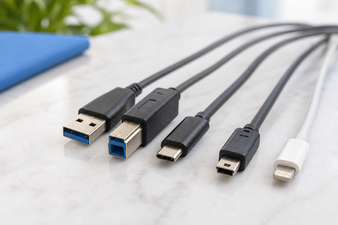
Make sure the cable can actually carry the high power. Check the amp and wattage specs; a basic cable often blocks the fast charging function of a powerful fast charger.
Go for a complete fast charger and cable set if you're unsure whether your current cables are compatible. Avoid cheap, unbranded adapters at the supermarket checkout, as they often lack the right protocols and put unnecessary strain on the battery.
Frequently asked questions about fast chargers
Is fast charging bad for my battery?
No, using a fast charger is completely safe for your battery. Modern certified fast chargers constantly communicate with the device to regulate the power flow and prevent overheating. As soon as the temperature rises, the phone immediately lowers the charging speed itself. Regularly charging to 100% and exposure to heat do cause wear, but fast charging itself isn't the culprit.
Is a higher wattage charger always better?
No, more power won't speed up charging if your phone doesn't support it. In that case you may be paying for capacity your phone physically can't use. Plug a 65W fast charger into a 20W phone and the device simply charges at 20W.
Can I use any cable?
No, the wrong cable blocks fast charging completely. A cheap or outdated cable often lacks the copper wiring and internal chips needed to carry high power safely. Even if you have the best fast charger in the world, a poor cable acts as a bottleneck. So always use a cable that's specifically certified for your fast charger's wattage.
Is 20W fast charging?
Yes. From around 18 to 20 watts, it counts as fast charging. With a 20W charger, an iPhone 8 or newer charges to 50% in about 30 minutes. Devices that can handle more, such as the iPhone 17 or a Galaxy Ultra, charge even faster with a more powerful charger.
Buy fast chargers at directcases.com
Looking for a Power Delivery adapter for your iPhone or a complete charger and cable set for your Samsung? Browse our range of fast chargers and pick the one that matches your device's wattage. Shipped today if ordered before 21:00 on working days.