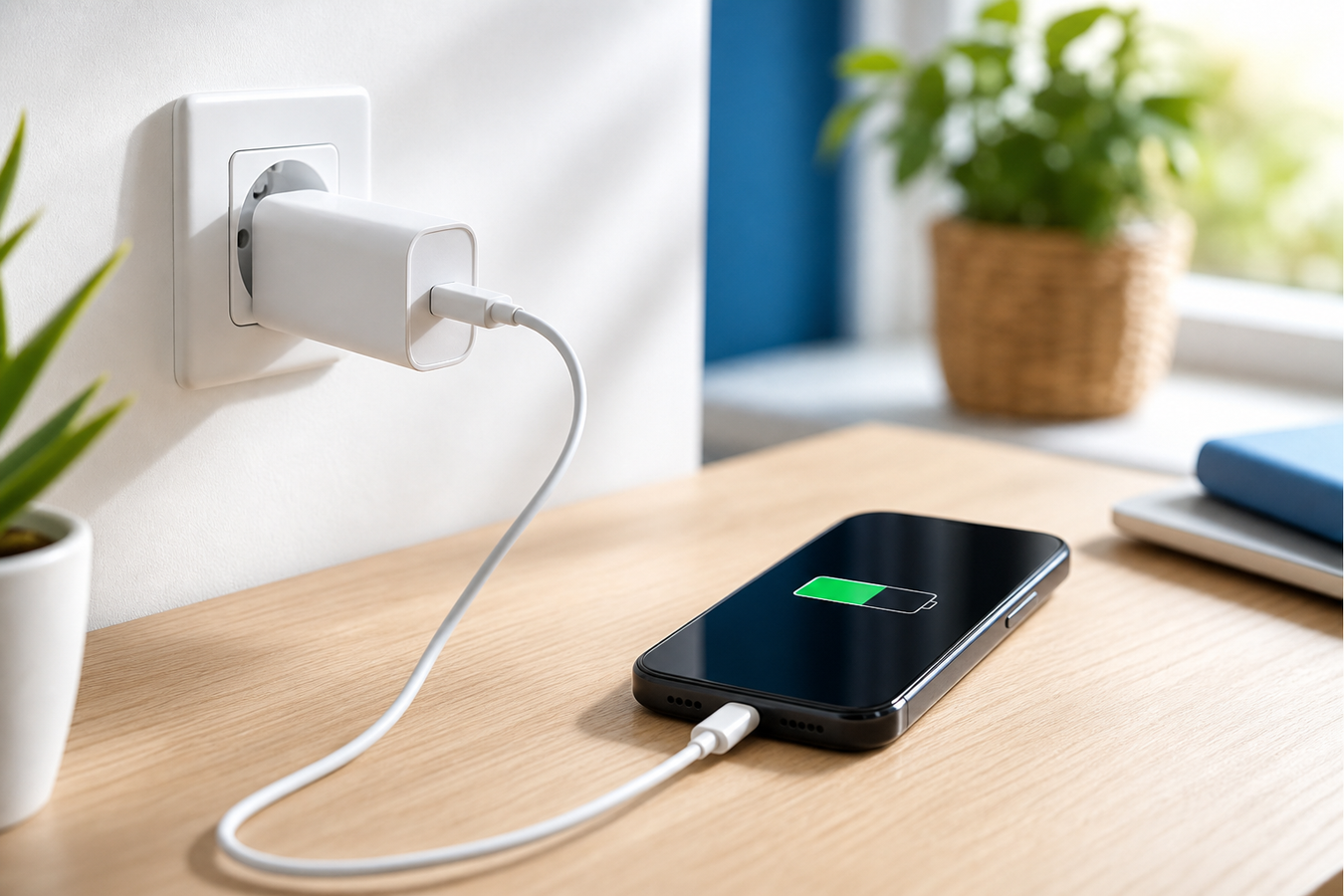
Want to know how to make your phone charge faster? Plug a powerful fast charger into a wall socket, use a suitable charging cable and close any heavy background processes. These simple steps prevent energy loss and send the maximum current straight to the battery.
Which adapter and cable you need depends on your device. An iPhone needs something different from a Samsung or another Android phone. A few settings and habits also make a difference. Below, you'll find what works for each part.
How can I make my phone charge faster?
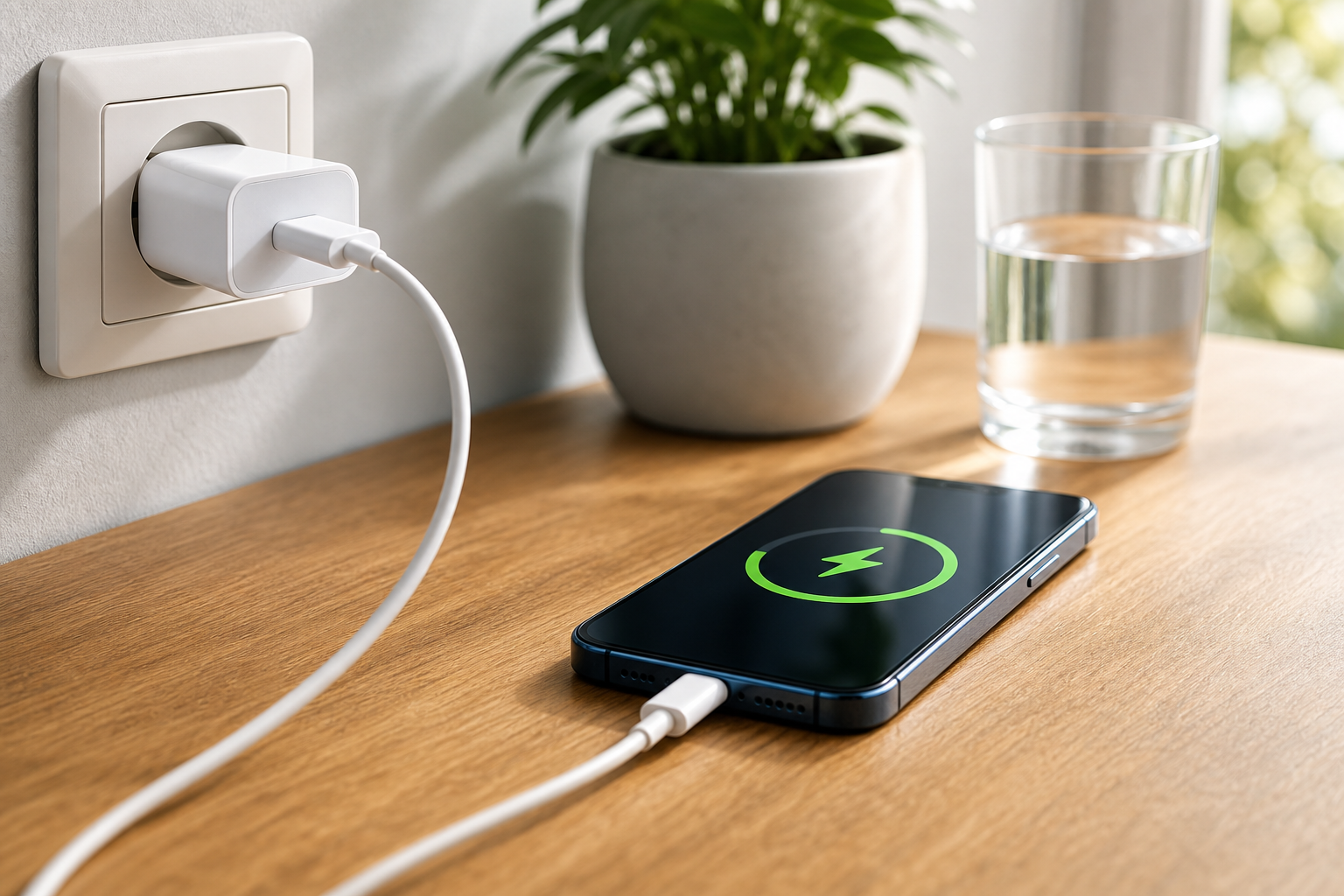
Always use a wall socket to get the highest charging speed straight away. USB ports on a laptop or in a car don't deliver enough power for fast charging to kick in. Mains power is the only way to reach maximum speed.
Leave your mobile phone alone while it's charging. Gaming or watching videos uses up the energy that should be going to your battery and produces extra heat. Overheating slows charging down and too much heat can shorten your battery's lifespan, so it's smart to take off a thick case while fast charging. You'll only charge your phone faster if the screen stays off, the device stays cool and power use is kept to a minimum.
It's better to charge in shorter sessions. A battery takes in power most efficiently between 20% and 80%, which is much quicker than waiting for it to reach a full 100%. Unplug once the battery is full to avoid unnecessary strain. This way of charging also protects your battery life in the long run.
Which settings can I change to charge my phone faster?
You can speed up charging straight away by switching your phone to airplane mode, turning it off completely or manually enabling fast charging in the settings. This stops background power use, so all the energy goes to the battery.
-
1
Switch your device to airplane mode to pause Wi-Fi, Bluetooth and mobile data. This cuts background power use dramatically, so your battery fills up much faster.
-
2
On a Samsung Galaxy, you turn on fast charging via Settings > Battery > Charging settings. If the toggle is off, the phone charges at normal speed, even with a fast charger. On some models or software versions, the menu has a slightly different name.
-
3
Turn your phone off if you want it fully charged as quickly as possible. A switched-off phone doesn't use any power itself while charging.
What phone charger do I need for the fastest charging?
For maximum charging speed, you need a fast charger with the right wattage (W) and the fast charging standard your specific smartphone supports.
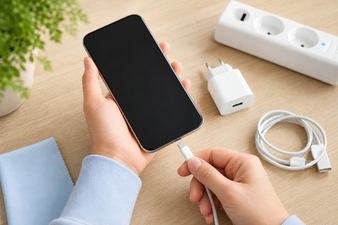
An adapter only delivers maximum power if it's compatible with your device. So use a charger that suits your phone, from a brand in our range such as Mobilize or Mobiparts. Keep in mind that a powerful plug like this isn't automatically suitable for every accessory. Both the phone and the charger need to support the same fast charging protocols. Plug in the wrong adapter and your phone will still charge, just at the slow basic speed.
For an iPhone, you need a charger of 20 watts or more to charge the battery to around half in about thirty minutes. For Samsung and other Android phones, the exact speed depends on the charger's power output.
Smartphone |
Recommended wattage |
Fast charging technology |
|---|---|---|
Apple iPhone (iPhone 8 and later) |
20 watts or more (iPhone 17, 17 Pro and 17 Pro Max: 40 watts or more) |
USB Power Delivery |
Samsung and Android |
Depends on charger and device |
Supported protocol (such as Super Fast Charging) |
Does the charging cable affect charging speed?
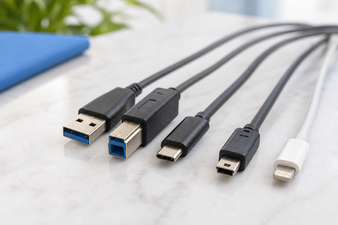
Yes, the wrong charging cable significantly restricts the flow of power. Even the most expensive fast charger performs poorly if you plug in the wrong cable. The cable is often the hidden bottleneck when charging.
A fast charger won't work if the cable can't handle the higher current. Use a matching cable and adapter so your fast charger can deliver its full power. Otherwise, the cable throttles the power supply.
Pay close attention to the quality and length of the USB cable. Your phone, charger and cable together determine the maximum; if one part falls short, the charging speed drops straight away.
Replace an old or frayed cable with a sturdy USB-C or Lightning cable, from Mobigear for example, for a stable power transfer without interruptions.
Is wireless charging slower than charging with a cable?
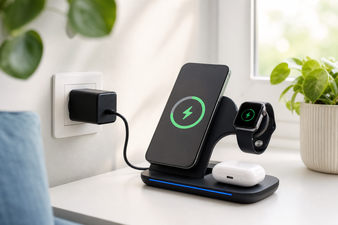
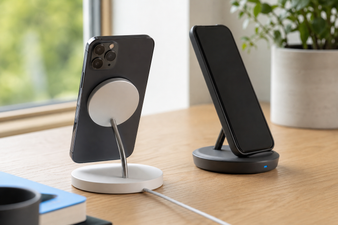
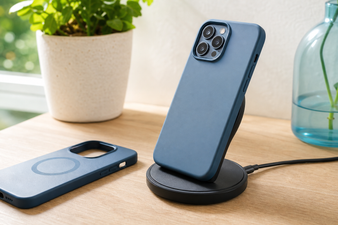
Charging with a cable is usually faster than wireless charging. With wireless charging, more energy is lost as heat. Many wireless chargers deliver 15W. Newer iPhones reach up to 25W with MagSafe if you connect an adapter of at least 30 watts. With a cable and a fast charger, you get 20W, 25W or more. Go wireless for convenience on your desk or bedside table, but use a cable if you want to charge your battery to 50% within 30 minutes.
| Charging method | Power | Speed | Ideal for |
|---|---|---|---|
| Wireless | Usually 15W, newer iPhones up to 25W | Slower due to heat loss | Convenience on a desk or bedside table |
| Wired (cable) | 20W, 25W or 45W | Up to 50% in 30 minutes | A quick top-up before heading out |
What should you do if your phone is charging very slowly?
If your phone is charging unexpectedly slowly, you can usually fix it by cleaning the charging port, letting the device cool down or trying a different cable. Go through these steps to solve the problem yourself.
Shine a torch into the charging port. Dust and lint from your pocket easily build up there, stopping the plug from making proper contact. Carefully clean the port with a wooden toothpick.
Try a different adapter and a different cable. This quickly rules out whether your current accessories happen to be faulty.
Move your smartphone if it's in direct sunlight or somewhere warm. The device automatically pauses charging when it gets too hot.
Does your phone drain very quickly and charge very slowly, even with a good charger? Then the battery may be worn out.
The fastest way to charge your battery is simple: combine a suitable fast charger with a quality cable and keep your phone cool. Browse our wide range of chargers and cables at directcases.com. Filter by your specific phone model and charge your smartphone faster from now on.