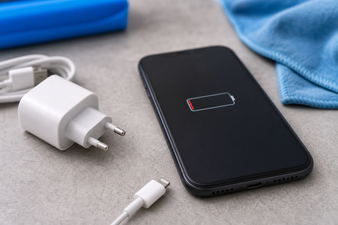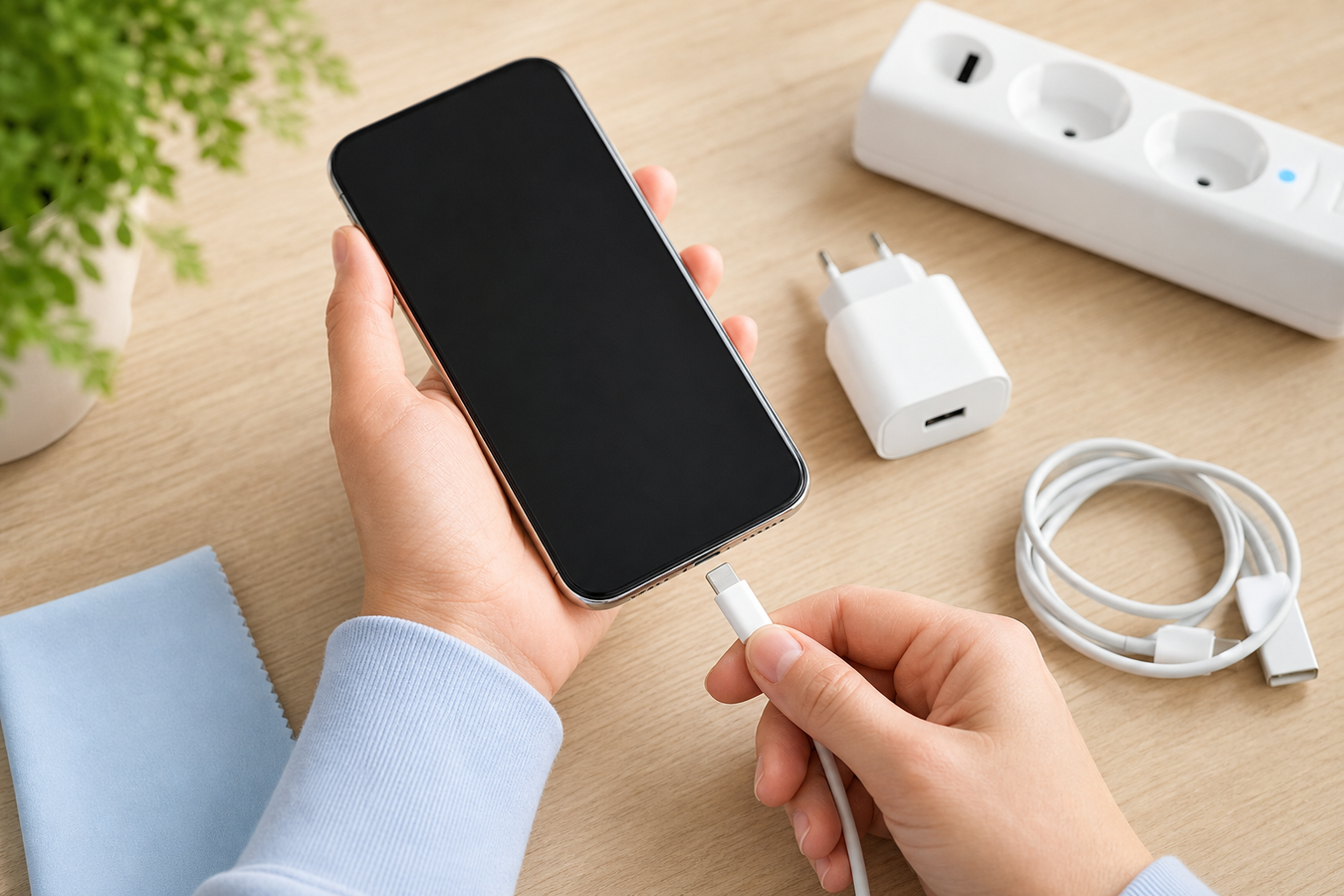
Why is my phone not charging? Start by trying a different cable, power adapter, or wall outlet. The most common culprits are a worn charging cable, a faulty adapter, or pocket lint in the charging port. A temporary software glitch can sometimes stop the battery from charging.
You can narrow down the cause by testing each part separately and cleaning the port carefully. Suspect a faulty cable? Try another cable or charger first to see whether it makes a difference.
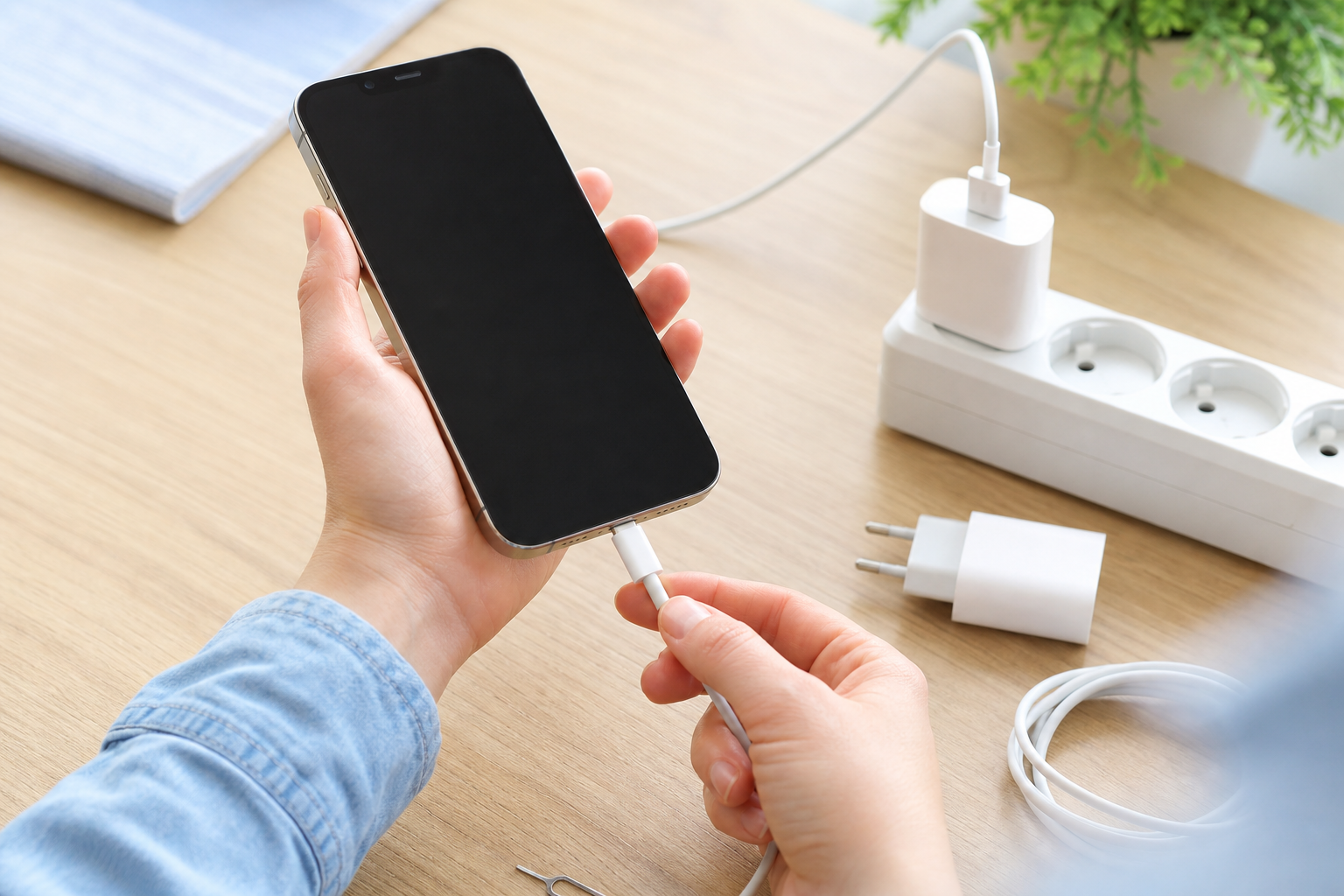
What should you do if your phone won't charge?
Check the charging cable, power adapter, power source, and charging port first. Common causes include a faulty cable or adapter, a weak power source, dirt in the charging port, and temporary software or moisture problems. Check for these common causes before assuming the phone is broken:
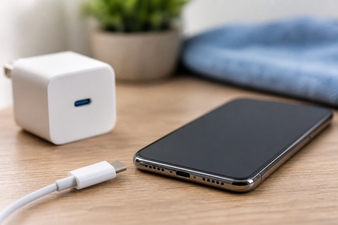
Start by ruling out a faulty or worn charging cable. Try a spare cable to see whether a break inside the old one is cutting off power. If your phone charges with the spare, replace the old cable.
Try another adapter. A faulty power adapter might deliver too little power to charge the battery fully. Choose an adapter that matches the charging power of your iPhone, Samsung phone, or other Android phone.
Try another wall outlet or USB port. A power strip or a low-power laptop port can cause charging problems even when your phone is working normally.
Dust and pocket lint can get packed into the charging port over time. The plug may then fail to seat far enough to deliver power. Also check your case: a thick rim around the port can prevent the plug from fitting fully, even when the charging port is clean.
Your phone may stop charging as a precaution. A temporary software glitch or a moisture alert may interrupt charging to protect against an internal short circuit. Try restarting your phone. If you see a moisture alert, let the port dry at room temperature.
If your phone feels hot, pause charging. Charging stops when a lithium-ion battery overheats. Take off the case and let the phone cool before trying again.
In older phones, the battery may simply be worn out after a few years. If the cable, adapter, power source, and charging port all work, the battery may need replacing.
Check your charger, cable, and power source
Start by trying a different combination of charging cable, adapter, and power source. Follow these steps to determine which part is causing the problem:
Try another power source. Plug the charger into a different wall outlet at home to rule out a faulty power strip or wall outlet.
Try another charging cable. A cable can look fine on the outside even if a break inside is blocking the flow of power. Check the connector too: USB-C and Lightning use different cables, so the wrong plug will not fit your phone.
Swap the adapter. An old or faulty power adapter sometimes delivers too little power. Your phone may charge very slowly or fail to respond at all.
To work out whether the charger or cable is at fault, try your cable with another adapter. If it works, the adapter is the problem. If another cable works with your adapter, replace the cable. If neither combination works, check the charging port first.
Restart your phone and check for overheating
Let a warm phone cool before restarting it. The screen may stay black and the phone may not respond. On Samsung phones, high temperatures can temporarily slow or stop charging. Charging pauses when the device overheats to protect the battery from damage. Low temperatures can also limit charging temporarily.
Take your phone out of its case so heat can escape more easily. Leave it at room temperature until it feels normal again. Gaming, using navigation, or charging in a hot car can keep the temperature high.
If your phone feels cool and still won't charge, a background process may be stuck. Restarting the phone clears temporary memory and can resolve minor software glitches. Outdated software can also cause charging problems, so check for an update after restarting. Turn the phone all the way off, wait a moment, and then turn it back on.
Overheating and software can affect charging even when the cable and adapter seem fine. On Samsung phones, battery protection and charging settings can deliberately limit charging speed. If you see a moisture alert, let the charging port dry at room temperature. Avoid hair dryers and other heat sources.
How do you clean your phone's charging port?
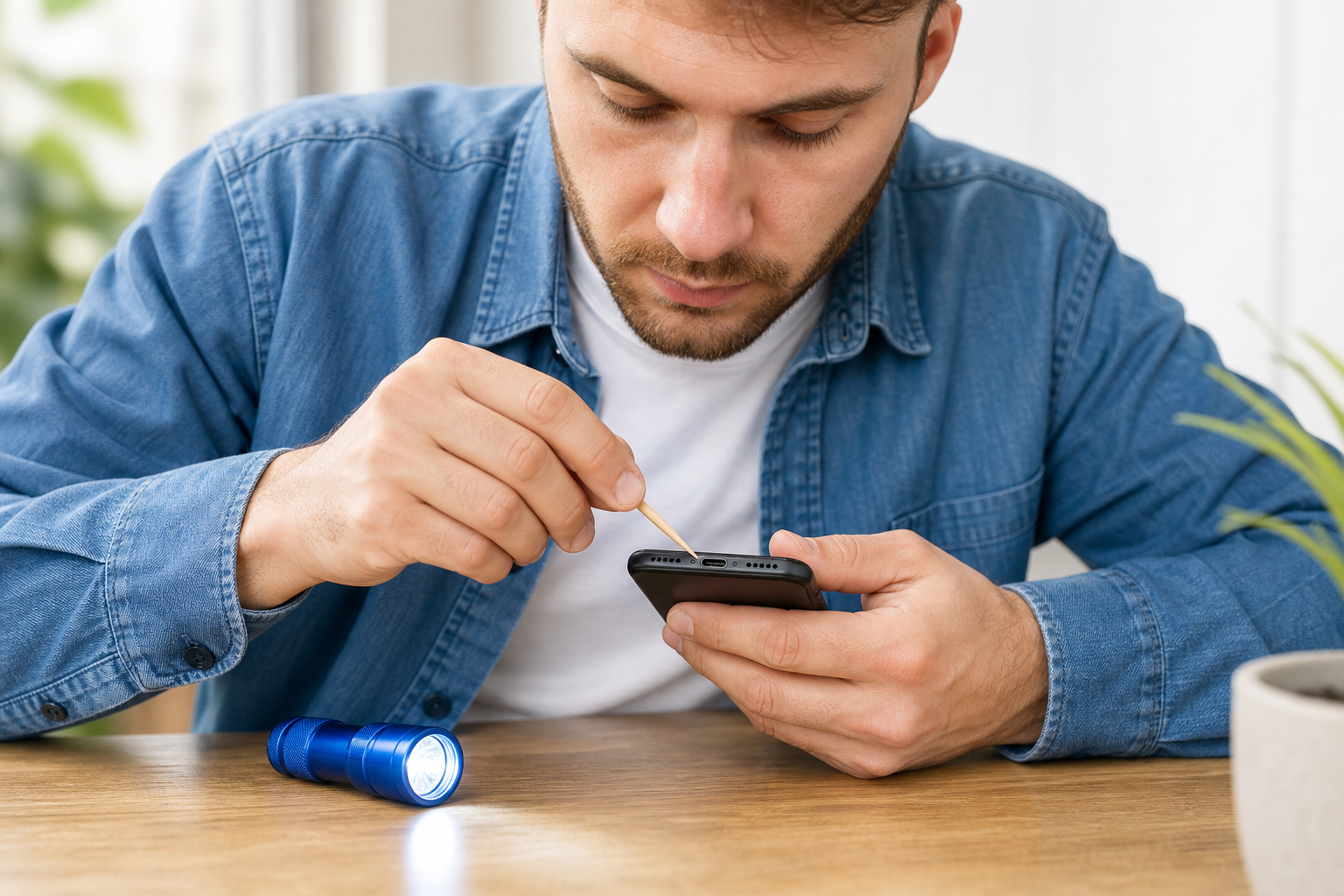
Get a flashlight and a toothpick to clean the charging port carefully. Dust or lint in the port can keep the cable from making good contact. Keeping the port and cable clean helps prevent charging problems.
-
1
Turn your phone all the way off
Always turn it off before you start cleaning the port.
-
2
Shine a flashlight into the charging port
This lets you see exactly where dust or pocket lint has collected. If you see moisture or a moisture alert on your Samsung phone, stop and let the phone dry at room temperature.
-
3
Gently loosen any debris
Use only a wooden toothpick or a narrow plastic tool. Work along the edges and gently lift out the clumps of dust. Avoid paper clips, needles, and other metal objects. They can damage the contacts or cause a short circuit.
-
4
Listen for the click
Plug the charging cable back in and listen for it to click into place after cleaning. If it still doesn't fit, avoid forcing it. There may still be dirt inside, or the port may be damaged.
-
5
Check your case
If the cable still feels loose after cleaning the port, check whether your case is getting in the way. A thick rim around the cutout can keep the plug from going in far enough.
What to avoid when cleaning the charging port
Keep metal objects and liquids out of the port, and avoid blowing into it with your mouth:
Avoid metal objects such as paper clips and needles. Metal can damage the delicate pins and cause a short circuit that permanently damages the port. Avoid inserting an object deeply or using force, since a bent pin can prevent the cable from clicking into place.
Avoid blowing into the port with your mouth. Your breath contains moisture, and moisture detection can temporarily stop charging. Let any moisture dry at room temperature. Let your Samsung phone or iPhone air-dry without using a hair dryer or another heat source.
Keep liquid cleaners out of the charging port. Use a dry wooden toothpick or plastic tool to loosen dirt gently. If lint is stuck, look inside with a flashlight first and work along the edge so you don't push it deeper.
Can I still charge my phone if the charging port is broken?
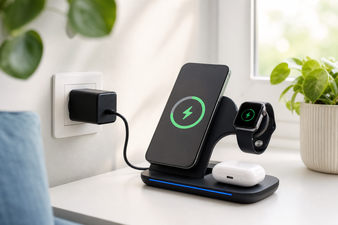
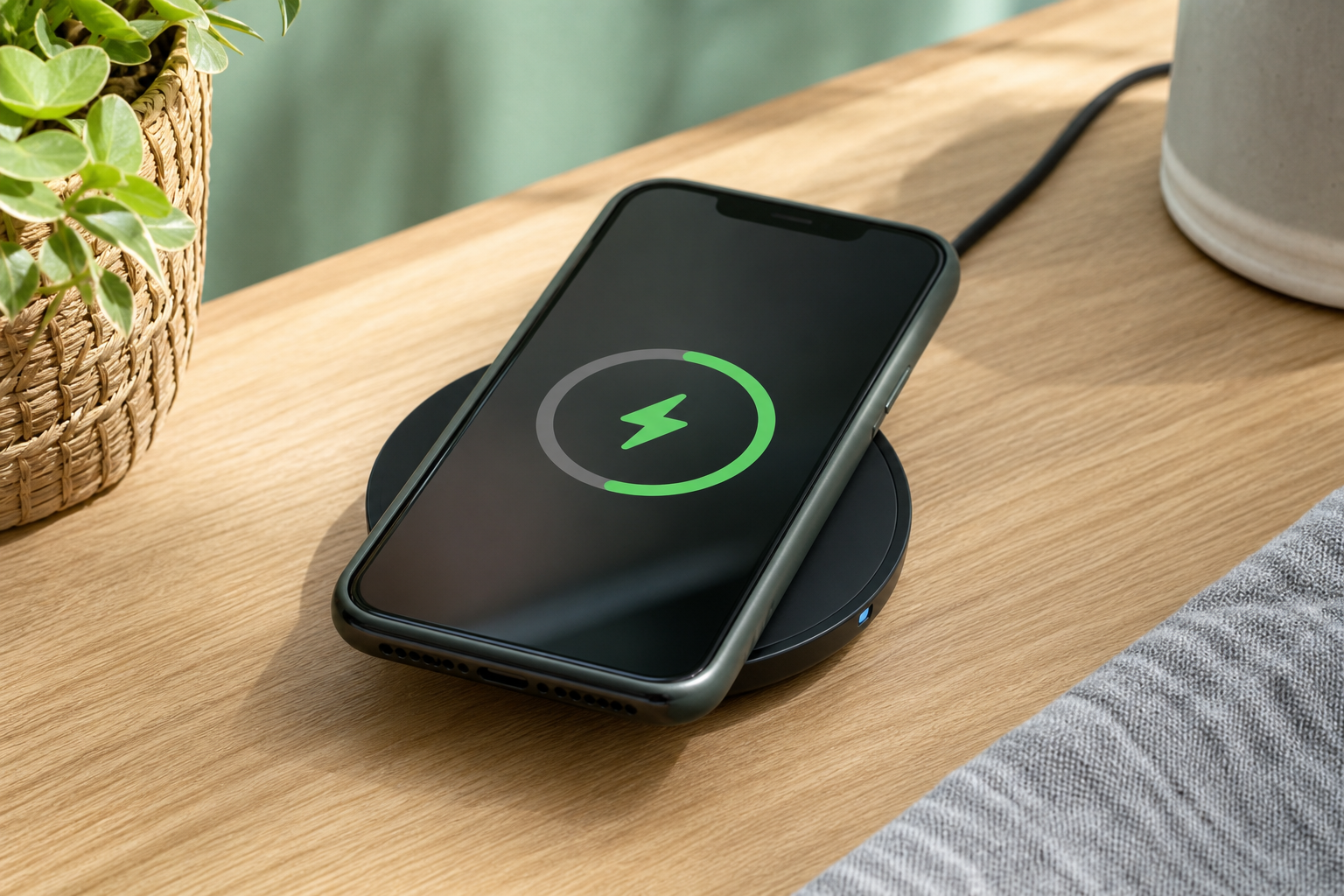
Try wireless charging if your phone supports it.
Place your phone on a wireless charger if your model supports wireless charging. This can help narrow down the cause. If the screen responds and the battery starts charging, the problem is often with the port, the cable, or the connection between them. The port itself may still be working.
If wireless charging also fails, the cause may be inside the phone, such as a problem with the battery or charging chip. If wireless charging works but the cable fits loosely or only works at a certain angle, a damaged connector may be interrupting the connection. Have the port checked if you want to use a cable again, and avoid forcing the plug in.
Wireless charging can keep your phone powered until you can get the charging port repaired. Replacing a charging port typically costs between €50 and €100, so test wireless charging first.
Check your case while charging. A thick case can interfere with Qi charging. If wireless charging only starts when you remove the case, leave it off while charging.
Popular wireless chargers
Frequently asked questions
How do you know if your charging port is broken?
The port may be damaged if your phone still doesn't respond after you clean it and try other cables and adapters, or if the plug feels very loose. If wireless charging works, the problem is often with the port, cable, or connection between them.
Why won't my rechargeable battery charge anymore?
Battery wear can cause charging problems, especially if your phone runs out of power quickly, shuts down unexpectedly, or charges inconsistently. A faulty charging chip on the motherboard is another possible cause, though it is less common. Rule out the cable, adapter, power source, and charging port before getting the battery replaced.
How do I reset my phone's battery?
Start by turning your phone all the way off and back on. This clears temporary software glitches and restarts the charging controls. You can also calibrate the battery by letting the phone run out of power and then charging it to 100% without interruption. Check the battery health and any battery protection settings on your iPhone, Samsung phone, or other Android phone.
Why does my phone sometimes stop charging?
If your phone gets too hot, it may temporarily stop charging to protect its lithium-ion battery. Remove the case and let the phone cool. If you see a moisture alert, let the charging port dry at room temperature.
How much does it cost to replace a charging port?
The cost of replacing a charging port depends on the phone model and the repair.