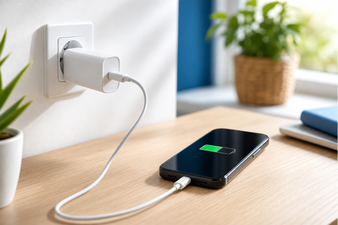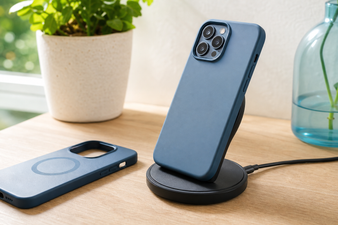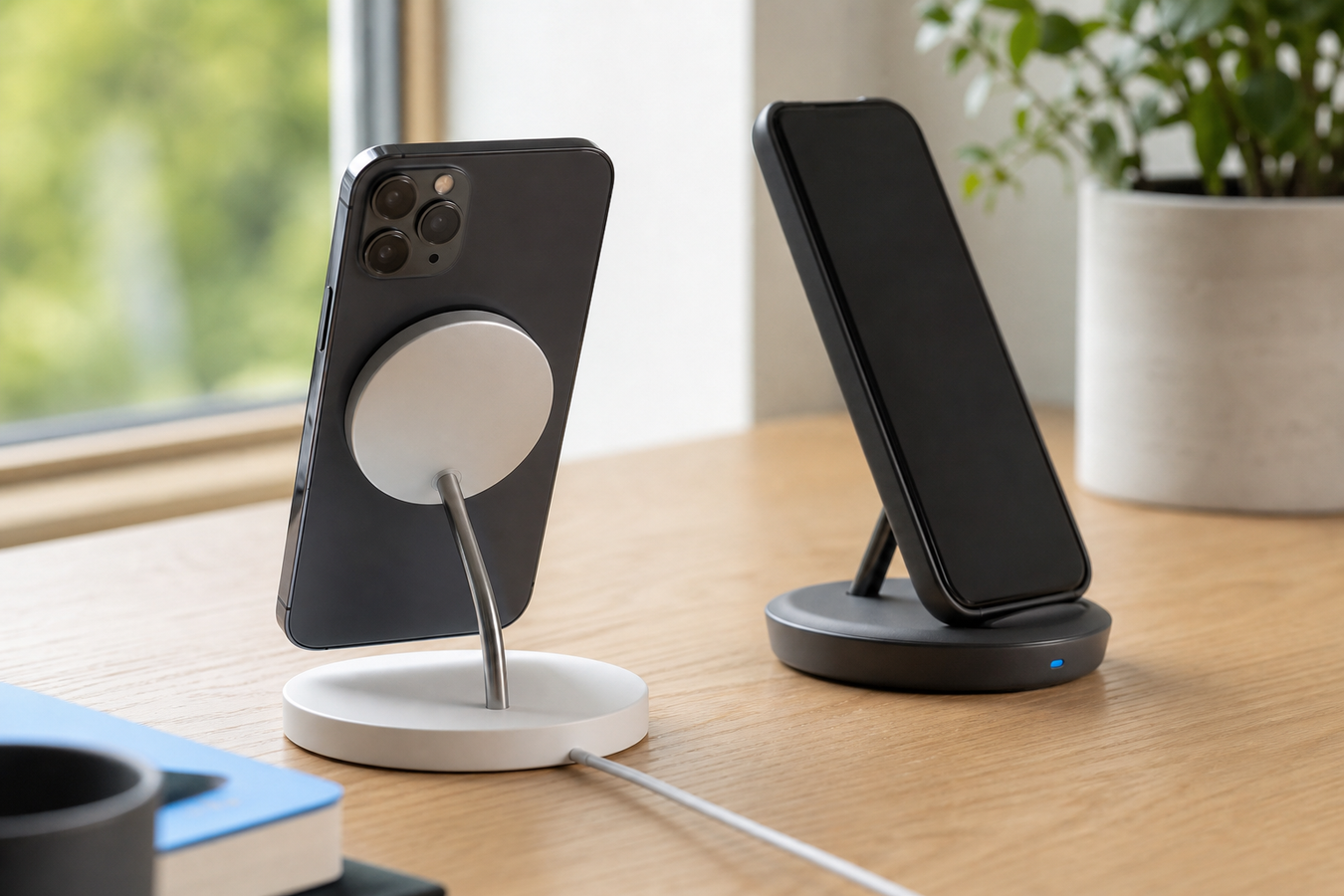
What is the difference between MagSafe and Qi wireless charging? The main difference is magnetic alignment. A MagSafe charger snaps onto the back of your iPhone. With standard Qi, you position the phone yourself. It can shift and charge more slowly.
MagSafe is Apple’s own technology for higher charging speeds. Qi charging works with nearly every smartphone. The right charger depends on your device and the charging speed you need.
Why does your iPhone charge faster on some chargers?
Standard Qi is a wireless charging protocol used by nearly all brands. You need to line up your phone with the charging coil. If it sits off-center, it may charge more slowly or stop charging. Apple’s MagSafe technology uses a built-in ring of magnets to align the charger when you hold it near the phone.
Precise alignment reduces energy loss and heat buildup. This lets an iPhone charge faster with MagSafe than with standard Qi. A standard charger often tops out at 7.5 W, while MagSafe reaches 15 W or up to 25 W on the latest models.
Kenmerk |
Standard Qi |
MagSafe |
|---|---|---|
Alignment |
Manual placement |
Automatic magnetic alignment |
Energy loss |
High when misaligned |
Low with fixed alignment |
Charging speed (iPhone) |
Limited to 7.5 W |
Up to 15 W or 25 W |
Compatibility |
Universal |
Apple-specific |
What’s the difference between MagSafe, Qi, and Qi2?
In 2026, Qi2.2 and MagSafe both reach up to 25 W. Qi2’s magnetic alignment is based on MagSafe. Apple worked with the Wireless Power Consortium, the organization behind Qi, on this technology. Older Qi chargers require manual alignment and limit iPhone charging to 7.5 W. MagSafe delivers up to 15 W on iPhone 12 through 15, except for iPhone 12 mini and 13 mini, which reach 12 W. The latest models reach up to 25 W. Qi2 brings fast wireless charging with magnetic alignment to both iPhones and compatible Android phones.
Standard |
Maximum charging speed |
Alignment |
Compatibility |
|---|---|---|---|
Qi (standard) |
7.5 W for iPhone |
Manual (no magnets) |
Universal |
MagSafe |
15 W (up to 25 W on the latest models) |
Apple-specific magnets |
iPhone 12 and later |
Qi2 and Qi2.2 |
Up to 25 W |
Magnetic |
Universal (Android & iPhone) |
Outside the Apple ecosystem, you used to rely on slower wireless charging without magnets. Some Android phones, such as the Google Pixel 10 Pro XL, now support Qi2. That has narrowed the practical gap between MagSafe and chargers that use the shared standard.
How does MagSafe charging work?
When you get home, set down your keys and hold your phone near the charger. Click. The charger snaps onto the back of your phone.
Starting with iPhone 12, a ring of magnets surrounds the wireless charging coil. Bring a compatible charger close and the magnets pull it into the center. You don’t have to look for the right spot on a desk or nightstand.
As soon as the charger attaches, it communicates with your iPhone and monitors its temperature and battery status. This lets it deliver up to 15 W on most models and up to 25 W on the latest iPhones while keeping the battery from overheating during wireless charging.
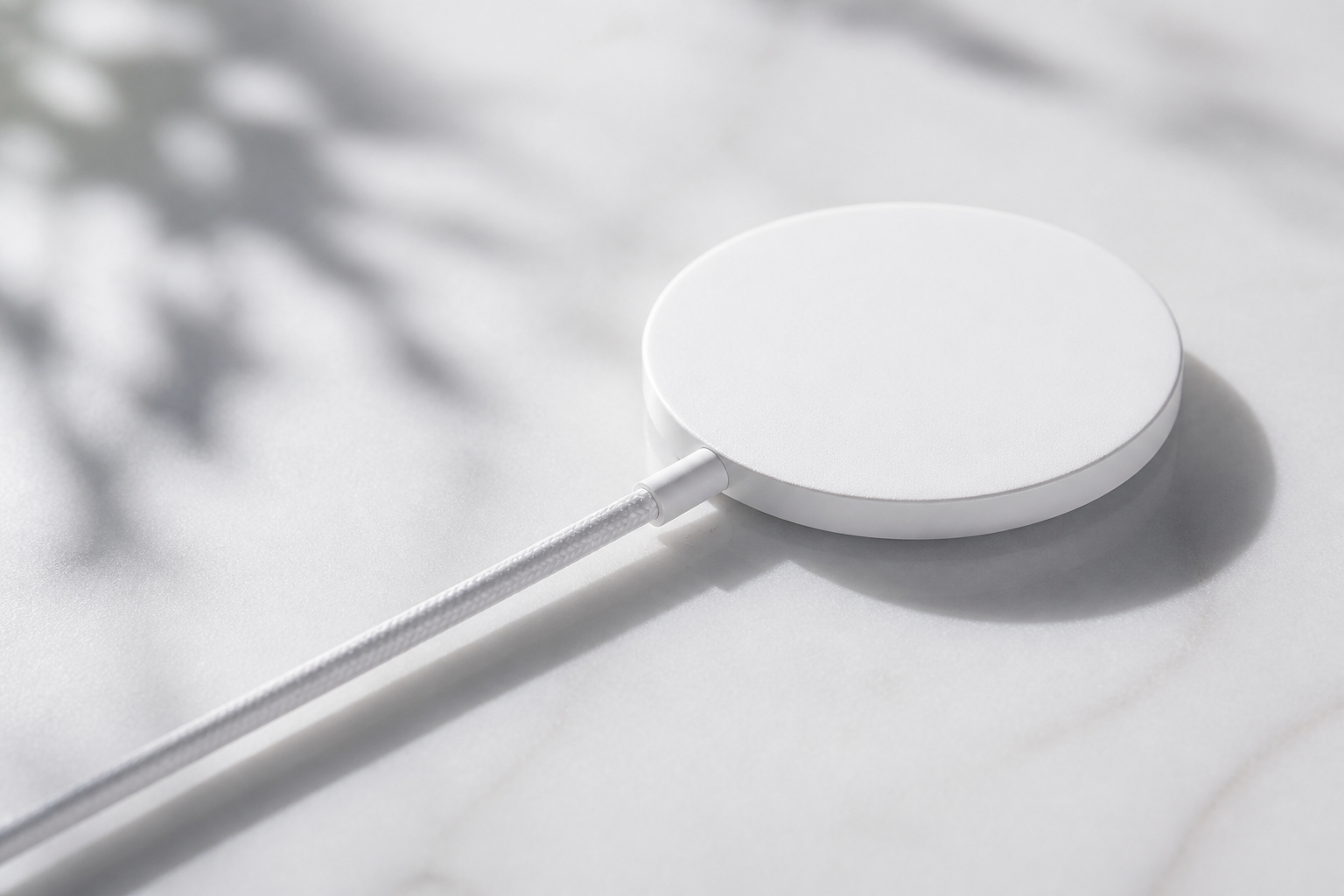
MagSafe Wireless Charger
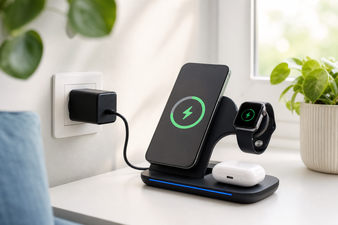
With a MagSafe charger, you don’t have to line up the phone yourself. The magnets center the charger on the back and hold it in place while your device charges at the power it supports.
How to get the most from MagSafe
Follow these four steps to get the fastest charging speed your equipment supports.
-
1
Check whether your device supports MagSafe. Built-in MagSafe support starts with iPhone 12.
-
2
Choose a charger marked “Made for MagSafe” or “MagSafe compatible.” These labels help you choose a charger designed to work with MagSafe.
-
3
Plug the charger into a USB-C power adapter rated at 20 W or more for charging up to 15 W. For 25 W on a newer iPhone, use a 30 W or higher adapter. An older 5 W adapter will charge more slowly.
-
4
Use a case with built-in magnets to keep the charger firmly attached. A thick standard case can put more distance between the charging coils and weaken the hold. Choose a case with compatible magnets from a brand such as Mobigear or Otterbox.
Is Qi2 better than MagSafe?
Qi2 works with a wider range of devices. Apple used to keep its magnetic technology within its own ecosystem. The Wireless Power Consortium brought magnetic alignment to a shared charging standard. Both technologies now reach up to 25 W with precise magnetic alignment, with Qi2.2 offering the same maximum power.
If you mainly use Apple devices, MagSafe accessories are a practical choice. Compatible power banks and car mounts from brands such as Mobigear and Cygnett can attach directly to your phone.
If your household uses several phone brands, consider Qi2. It can charge an iPhone as well as newer Android phones that support the standard. That lets you use one wireless charger for compatible phones at home and keep fewer cables on the counter.
Wireless charging accessories
Magnetic charging has brought a wider range of accessories. Browse MagSafe products for your device.
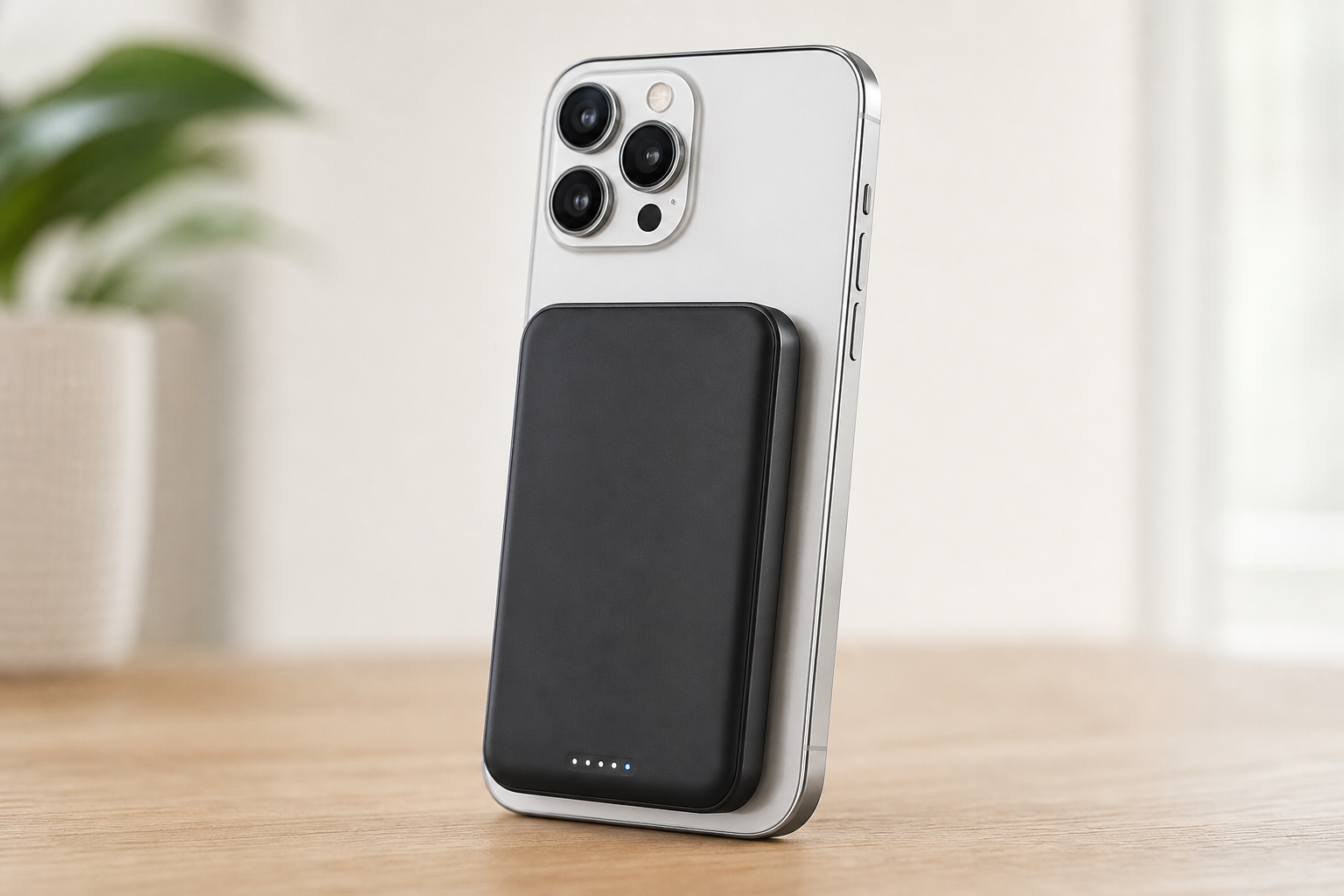
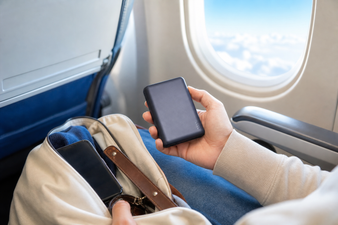
MagSafe Power Bank
Snaps onto the back of your phone for extra battery power on the go without a cable between the two.
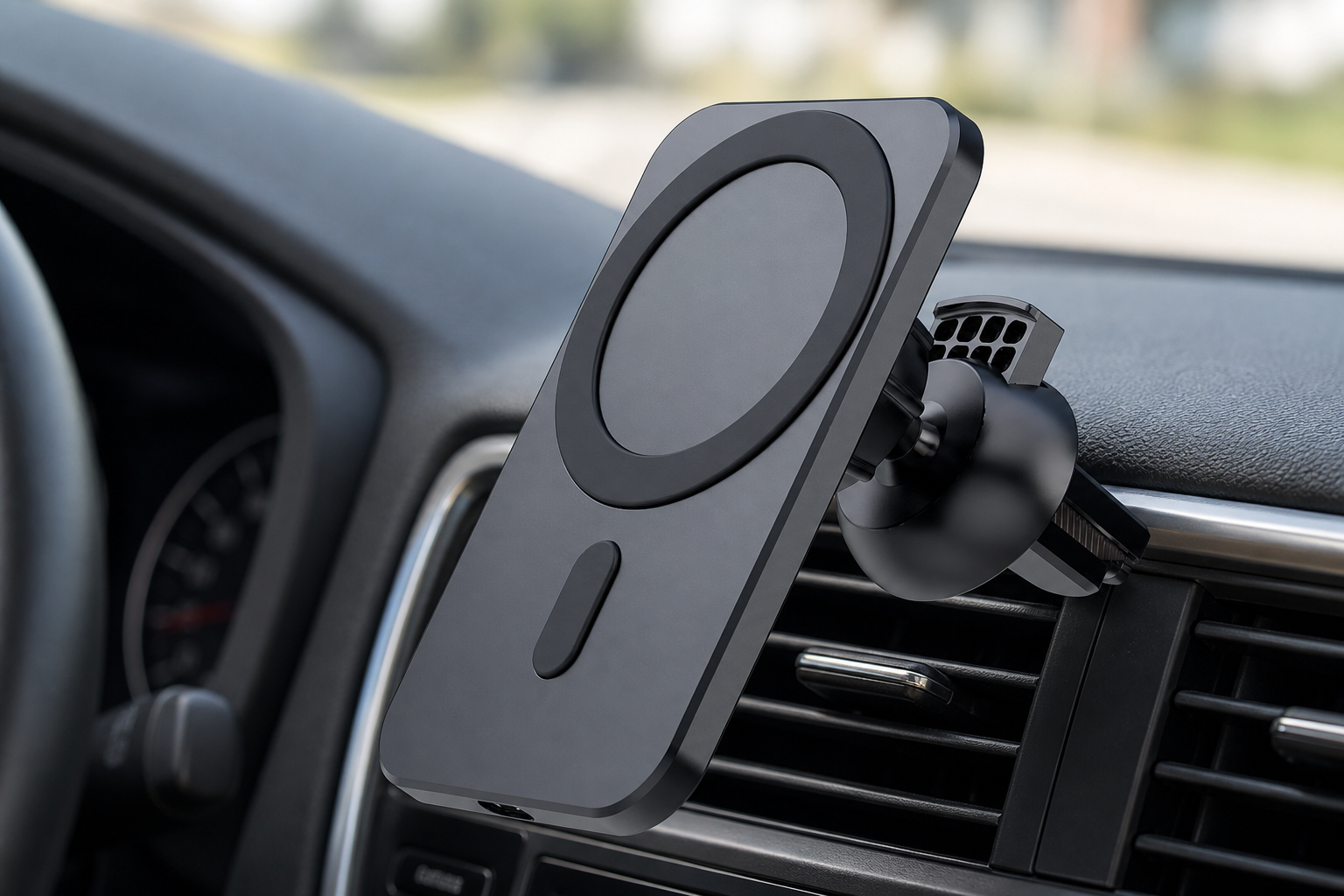
MagSafe Phone Mount
Mounts on your car’s air vent and holds your phone magnetically without clamps.
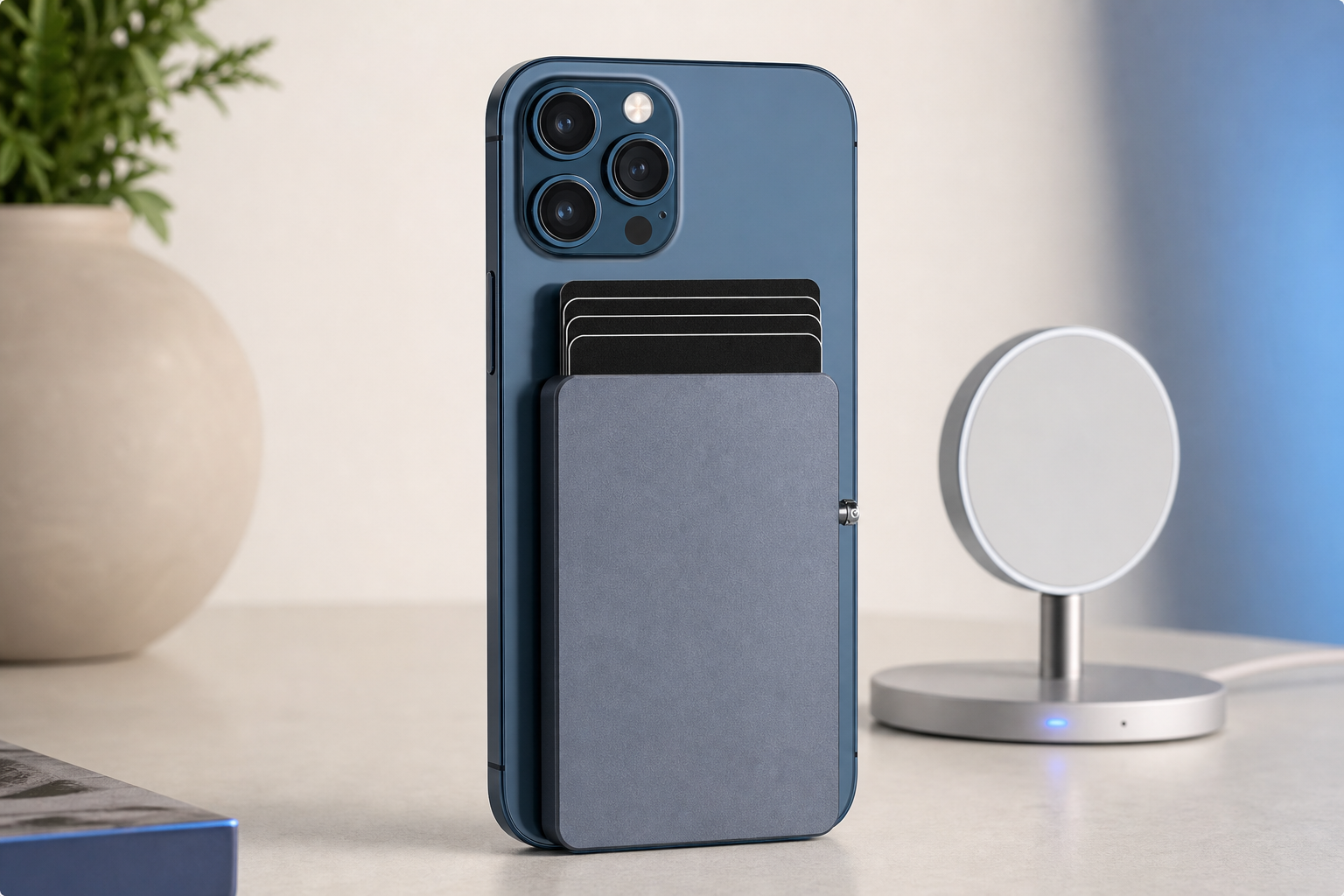
MagSafe Card Holders
A compact wallet that snaps onto the back of your phone and comes off when you get home.
The choice between MagSafe, standard Qi, and Qi2 depends on your phone. Consider magnetic alignment, compatibility, and the charging speed you need. Browse wireless chargers and magnetic cases at directcases.com. Select your phone model to see which chargers fit your device.