Here’s how to set up voicemail on Samsung in two steps: activate the service with your carrier, then adjust the settings in the Samsung Phone app. Activate voicemail by calling or texting your carrier, then save the correct number on your phone.
You can then record a personal greeting and listen to any messages. Do calls go straight to voicemail on your Samsung? Check whether call forwarding is enabled.
How do I set up voicemail?
If voicemail doesn’t work right out of the box on your new Samsung, start with your carrier. Voicemail runs on your carrier’s network, so you need to activate it there first.
-
1
Activate voicemail by text
Many carriers let you activate voicemail by text. With KPN, for example, the instruction is to text “AAN” to 1233. Check your own carrier’s website for the code it uses.
-
2
Call your carrier’s voicemail number
Look up the number with your carrier and dial it from your Samsung phone.
-
3
Follow the prompts in the main menu
You’ll hear an automated voice. Follow the main menu prompts to finish setting up voicemail. Choose a secure passcode and decide whether to keep the default greeting or record your own.
Where do I set up voicemail in the Samsung Phone app?
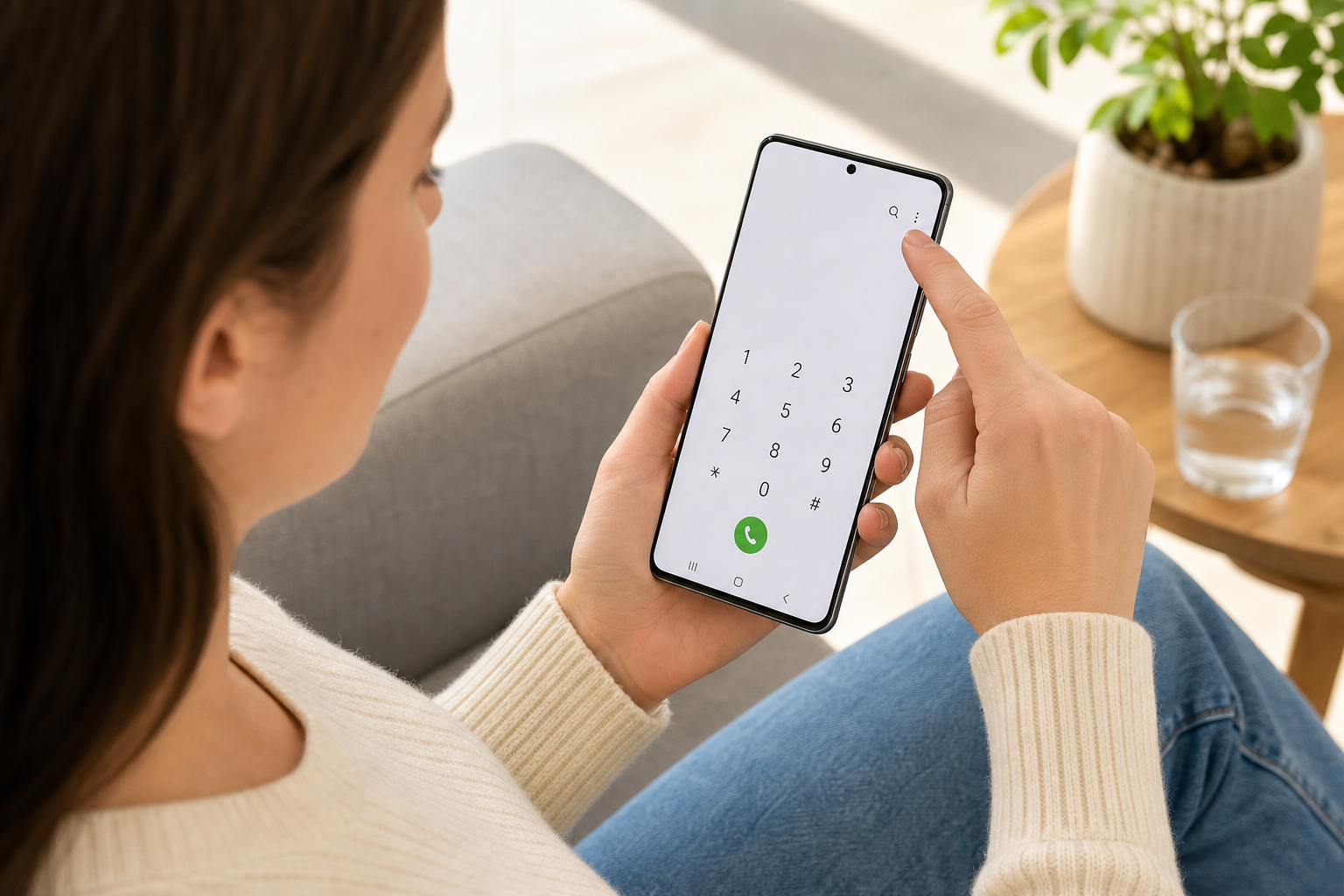
Guides published in 2026 describe the same path to voicemail settings on nearly every Samsung Galaxy phone. Follow these steps to finish setting up voicemail with your carrier:
Open the built-in Phone app on your device.
Tap the three dots in the top right and select Settings.
Open Voicemail. Check that the correct number is saved so the keypad shortcut dials the right number.
If your plan supports Visual Voicemail, turn it on in this menu. Your messages will appear in a list on your screen.
Record a greeting and listen to voicemail
If you miss a call from a number you don’t recognize, the caller might hear the automated greeting and hang up. A personal greeting tells them whose voicemail they’ve reached. Once voicemail is active, you can set it up like this:
Record a personal greeting using your carrier’s voicemail menu. Say your name and let callers know you’ll call back. They’ll know they reached the right number and be more likely to leave a message.
When someone leaves a message, a notification appears in the status bar. Tap it or dial your voicemail number to listen.
Choose a strong PIN using the options in the main menu. It protects your messages and is important when you need to access voicemail from abroad.
Why do calls go straight to voicemail on my Samsung phone?
If callers can’t reach you, check Quick Settings before contacting customer service. A focus mode can keep your phone from ringing even when you have a signal. It can be hard to tell whether the problem is a network outage or a setting on your phone.
| Cause | What you might notice | What to check |
|---|---|---|
| Do not disturb | Your phone doesn’t ring and calls go straight to voicemail. | Swipe down and turn off Do not disturb. |
| Bixby Routines | Calls are unexpectedly blocked at certain times, such as while you’re driving. | Check which routines are active under Modes and Routines. |
| Call forwarding | Calls go straight to voicemail. | Check the call forwarding settings in the Phone app. |
| Network problem | Callers hear a busy signal or silence regardless of your focus settings. | Check your usual call forwarding settings or restart your phone to reconnect to the network. |
Turn off voicemail or change how long your phone rings
If the default ring time of 20 seconds feels too short, you can extend it or turn off voicemail altogether.
| Goal | Method | Instructions |
|---|---|---|
| Let the phone ring longer | Dial a code in the Phone app | Enter your carrier’s code, which usually starts with **61*, and end it with the number of seconds you want, such as 30. That gives you more time to answer. |
| Turn off voicemail by text | Text your carrier’s service number | Send a short message to the service number. With KPN, for example, the instruction is to text “UIT” to 1233 to stop receiving voicemail messages. |
| Deactivate voicemail | Online account | Sign in to your carrier’s website or app, such as MijnKPN. Open the call settings and turn off voicemail. |
Frequently asked questions
How do I send calls to voicemail automatically?
Open the call forwarding settings in the Samsung Phone app. Tap the three dots, open Settings, and look for the option to forward calls. Choose when incoming calls go to voicemail, such as when you don’t answer or your phone is off. If calls go straight to voicemail, check whether forwarding is enabled.
How do I set up voicemail again?
Turn voicemail off with your carrier, then turn it back on. You can often do this by text. Call your voicemail number and follow the main menu prompts to set it up again. Choose a new passcode and record an updated greeting.
Why doesn’t 1233 work?
Call your own carrier’s voicemail number. Ask your carrier which number to dial and whether voicemail is active on your plan.
Your voicemail is now active, with a personal greeting and the ring time you chose. Browse accessories at directcases.com and protect your Samsung with a phone case from a brand such as Mobigear or PanzerGlass.