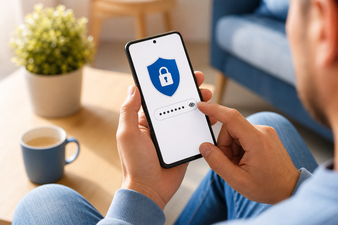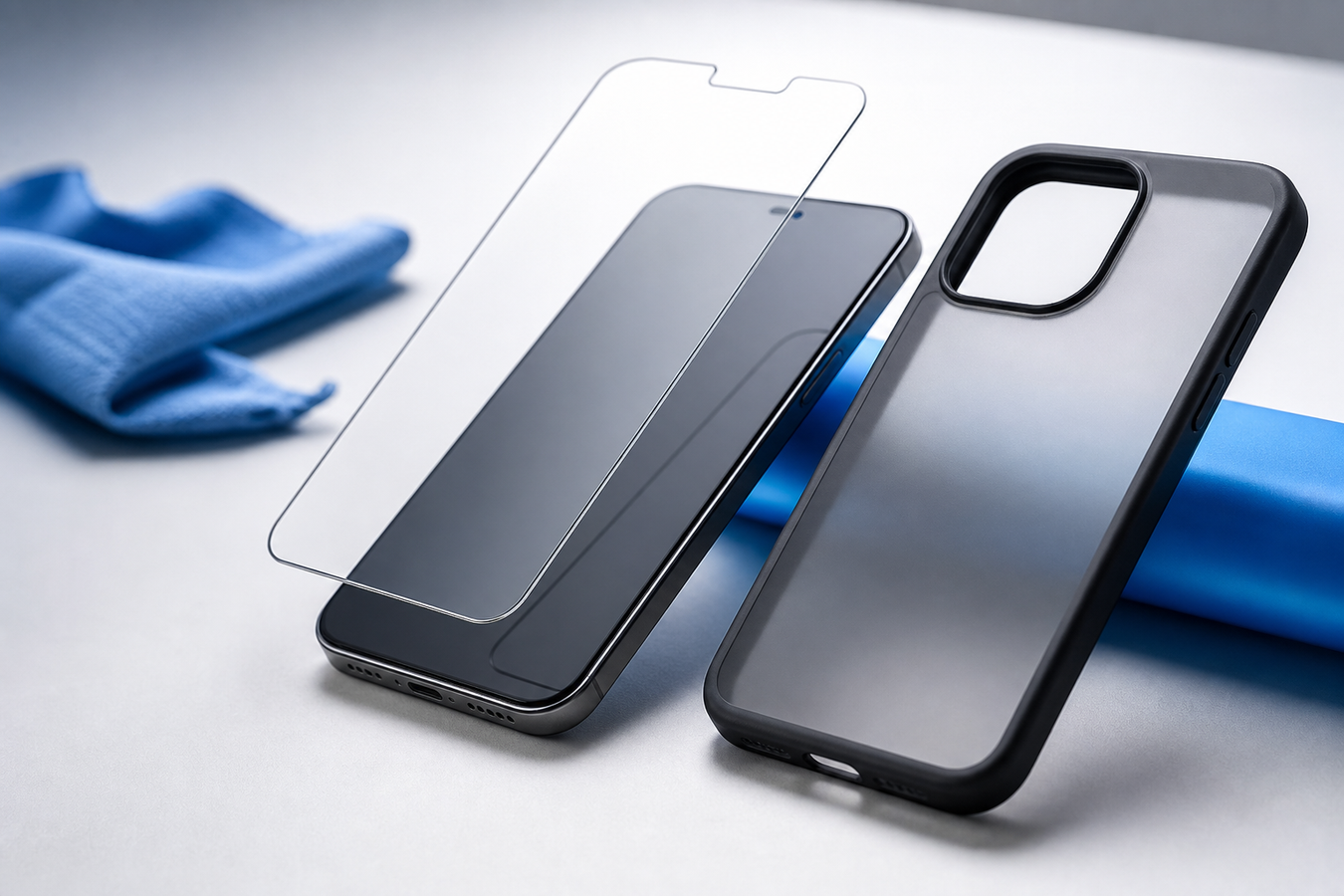
Wondering what to do with old phones? If you want to reuse yours, clean it, replace the case or screen protector, and see which apps and files you can delete. Already have a new device? Use your old phone as a navigation device or media player, for example.
Tip 1: Give your old phone a thorough clean
Follow the manufacturer’s cleaning instructions for your model.
-
1
Always remove the case first
Take the case off your phone so you can reach the edges around the camera.
-
2
Use a soft microfiber cloth on the screen
Wipe fingerprints and dust off the screen with a soft microfiber cloth. If a stain remains or there’s dirt in an opening, consult the cleaning instructions for your model.
Tip 2: Replace your phone case and freshen up the screen
A few new accessories can give your old phone a more polished look.
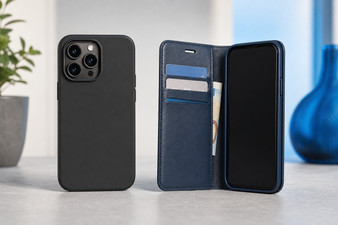
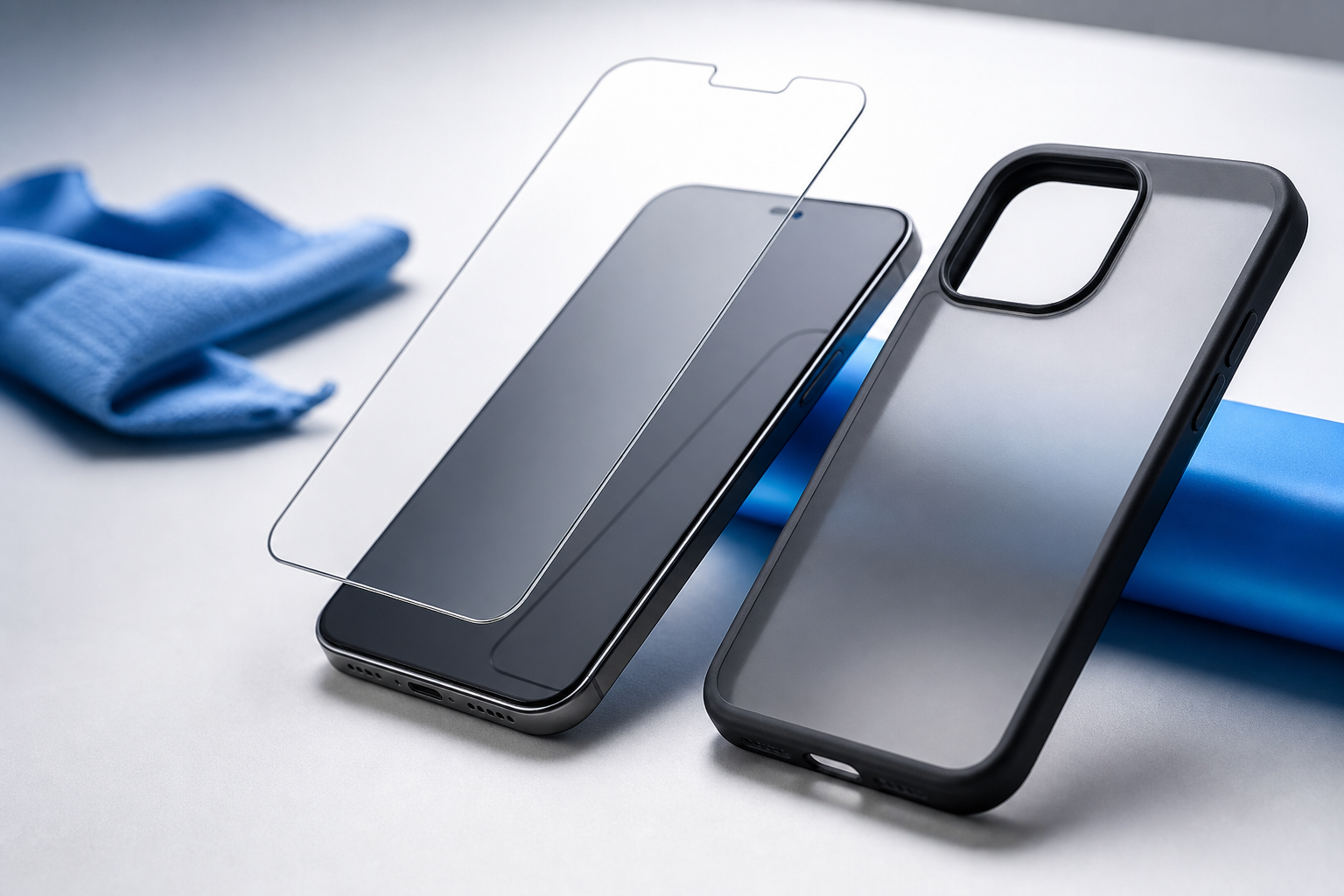
Replace a yellowed or scratched phone case. Discolored clear TPU or damaged plastic can make the entire phone look older. A new matte black case or leather phone case can cover dents in the body.
Apply a new screen protector. A new tempered glass screen protector can conceal fine scratches on the screen. The display looks clearer and responds better to touch than it does with a worn film.
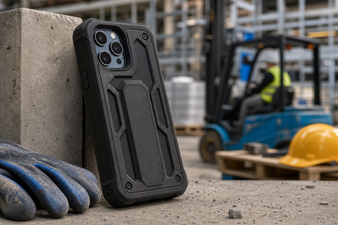
Choose a new shock-absorbing case. A sturdy case with raised edges around the screen and camera protects internal components from damage if you drop the phone. This can help your phone last longer.
Tip 3: Free up storage and speed up your phone
A few software changes can help a sluggish phone run more smoothly.
Start by deleting apps you don’t need. Remove apps you haven’t opened in months and move large photos and videos to cloud storage. Media folders in apps like WhatsApp can quietly take up gigabytes of space.
Clear the cache of apps that use a lot of space. Clearing temporary files in your storage settings frees up memory. Social media apps build up background data that can slow down your device.
Keep installing the latest updates. System updates often include performance improvements and bug fixes. These changes help older hardware work with newer apps.
Remove active widgets from your home screen. Weather widgets and live news feeds can keep running in the background and checking your location. Removing them can make the interface more responsive and extend battery life.
Tip 4: Give your device a second life
If your old phone no longer meets your needs as your main device, you can still put it to use.
Kenmerk |
How to use it |
What you’ll need |
|---|---|---|
Navigation or dashcam |
Use your old phone as a dedicated navigation device or dashcam in the car to save your new phone’s battery. |
A sturdy car mount, a 12 V car charger, and an offline maps app. |
Smart home remote |
Use the phone as an e-reader or as a remote for your smart lights, thermostat, and doorbell. |
A working Wi-Fi connection. Remove any apps you don’t need. |
Security camera |
Turn the phone into a baby monitor or an indoor security camera to keep an eye on your pets. |
A dedicated IP camera app and a power outlet you can leave it plugged into. |
Media player |
Use the phone as a dedicated media player to stream music to your Bluetooth speakers at parties or during workouts. |
A Bluetooth connection or an audio cable. |
Use your old phone as a dashcam if the camera lens is free of scratches. Set it up as a media player if the battery drains quickly and the screen still responds well. This gives the device another use.
Frequently asked questions about smartphone care
Answers to common questions about caring for your phone and making it last.
How often should I clean my phone?
Wipe the screen with a soft microfiber cloth when you see dirt or fingerprints. Follow the manufacturer’s instructions for cleaning the ports and speakers on your model.
When should I reset my phone to factory settings?
Consider a factory reset if freeing up storage and clearing the cache haven’t fixed persistent slowdowns. A factory reset erases your data and gives your phone a fresh start, which can resolve software issues. Back up your data to the cloud before you reset the device.
How can I keep heat from draining my old battery faster?
Keep your old phone out of direct sunlight and never leave it in a closed, hot car. Extreme heat can permanently degrade a lithium-ion battery and reduce its maximum capacity. Let an overheated phone cool down at room temperature. Rapid temperature changes, such as putting the phone in a refrigerator, can cause damaging condensation.