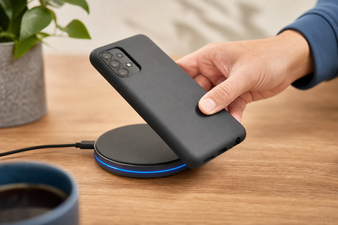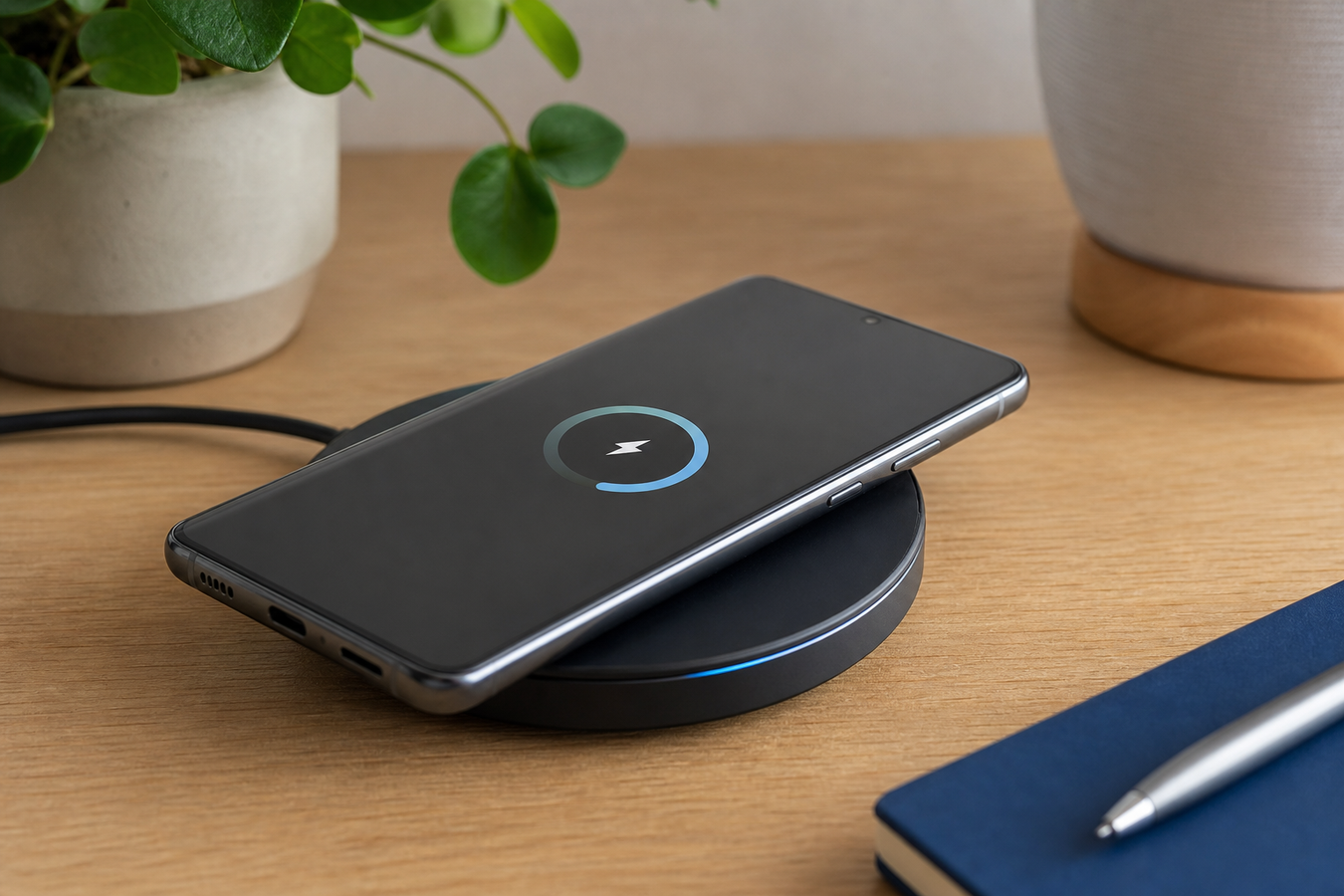
Samsung wireless charging comes standard on nearly all premium models. Galaxy S models from the S6 onward and all foldable Galaxy Z models use the universal Qi standard. The popular Galaxy A series does not have this feature.
Check whether your model supports wireless charging and how to turn on fast charging in Settings. You’ll also find tips for choosing a wireless charger and a phone case.
Samsung series |
Models |
Wireless charging? |
|---|---|---|
Galaxy S series |
All models from the S6 through the latest releases |
Yes (Qi standard) |
Galaxy Z series |
All foldable Z Fold and Z Flip models |
Yes |
Galaxy A series |
Models such as the A54, A55, and A56 |
No built-in support |
If you have a Galaxy A series phone, placing it on a charging pad won’t do anything. These models lack the hardware needed for wireless charging.
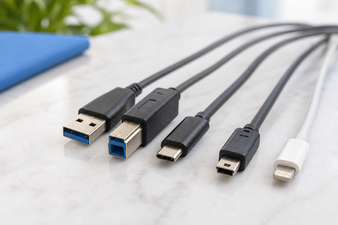
Use the USB-C port to charge a Galaxy A series phone. You’ll need a charging cable and a power adapter. A wireless charger alone won’t work with these phones.
On a Galaxy S or Z model, wireless charging normally starts as soon as you position the phone correctly on a Qi charging pad. If you’re unsure, check your exact Samsung model before choosing a charger.
Which wireless charger do I need for my Samsung phone?
For Fast Wireless Charging, choose a 15 W wireless charger. Samsung phones use the international Qi standard, so nearly any Qi-certified charger will work. Qi typically delivers 5 W to 15 W, depending on the pad or stand, the USB-C adapter, and your phone. A lower-powered charger will still charge your phone more slowly. The power adapter matters too: a lower-powered adapter can run the charging pad, but the pad may fall short of 15 W. Connect a 15 W charger to a USB-C wall adapter with sufficient power, such as a 25 W adapter.
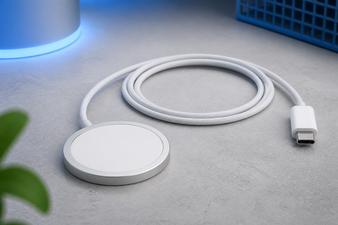
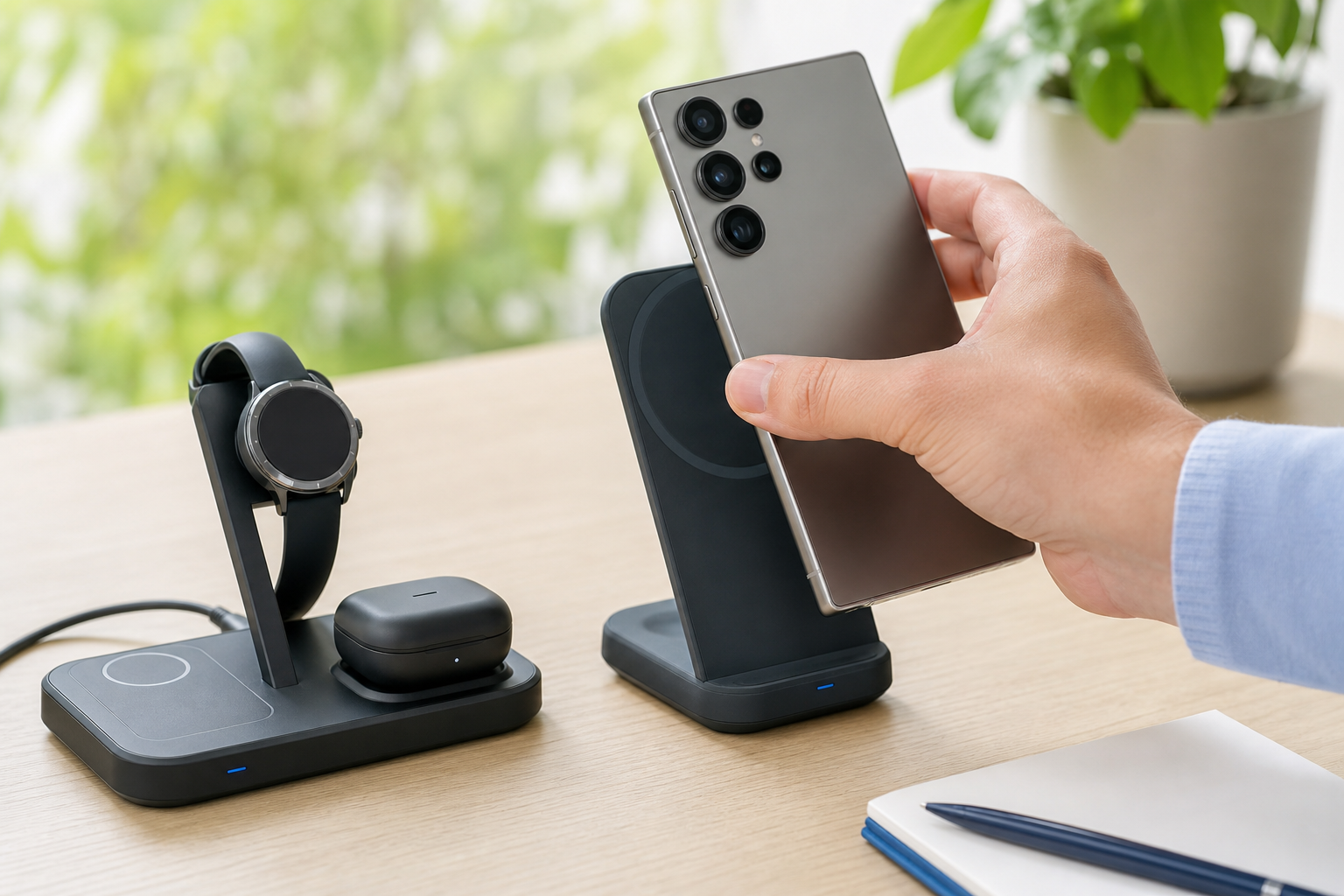
Choose a pad if you want your Samsung phone to lie flat on a nightstand or desk. A stand keeps the screen upright so you can see notifications while the phone charges. The Galaxy S25 series supports the newer Qi2 standard. Qi2 uses magnetic alignment to position a compatible magnetic charger over the charging coil. You can snap the charger into place without tools. This alignment reduces excess heat and improves charging efficiency. Choose Qi2 for magnetic charging. A regular Qi pad works without magnets.
If you have several devices, a 3-in-1 charging station lets you charge your phone, Galaxy Watch, and Galaxy Buds at the same time with one cable to the outlet. That means fewer cables on your nightstand. You can use a third-party Qi-certified wireless charger as long as it matches your phone’s and adapter’s power requirements.
Popular wireless chargers
What is Wireless PowerShare and how do I use it?
Say your Galaxy Buds run out of power on the train. Many recent Samsung Galaxy S and Z phones have Wireless PowerShare for situations like this. It’s a form of reverse wireless charging that turns your phone into a wireless charger.
To give an accessory a quick charge, swipe down to open the Quick Settings panel and tap “Wireless power sharing.” Set your phone face down and place your earbuds or Galaxy Watch in the center of its back. Charging starts right away. This comes in handy if you don’t have a charging cable, though it does use power from your phone’s battery.
How do I turn on wireless charging on my Samsung phone?
Turn on fast wireless charging manually. Otherwise your Samsung phone defaults to a slower charging speed as a precaution. Standard wireless charging starts as soon as you set your phone on the charger. For fast charging, you’ll need to turn on the option in One UI settings once.
-
1
Open Settings and go to Device care.
-
2
Tap Battery, select Options, and go to Advanced settings.
-
3
Turn on “Fast wireless charging” for the fastest charging speed. With this setting off, your phone charges at the standard rate and takes longer.
-
4
Place your phone in the center of the wireless charger.
Pay particular attention to that last step. If the phone’s charging coil is slightly out of line with the charger, charging can stop. You may think the battery is charging and come back to find the phone still dead.
Phone cases and wireless charging problems
Wireless charging uses magnetic induction, which works across a gap of just a few millimeters. Anything between your Samsung phone and the wireless charger can weaken or interrupt power transfer. A standard case usually works, but a particularly thick case, magnetic plates, or certain materials can block charging. Choose a case that limits heat buildup, since heat can slow charging.
Position matters too. In our experience, a rugged case can lift the phone slightly or cause it to tilt on the charger. If the phone isn’t flat and centered, charging can stop or the battery can get unnecessarily warm.
Check the fit as well. The case should fit snugly so the charging coil stays aligned. The cutouts should line up with the camera and buttons. A crooked case can affect how the phone sits on the charger.
Can I charge my Samsung phone wirelessly with a case on?
Do you need to remove your phone case before placing the phone on the charger?
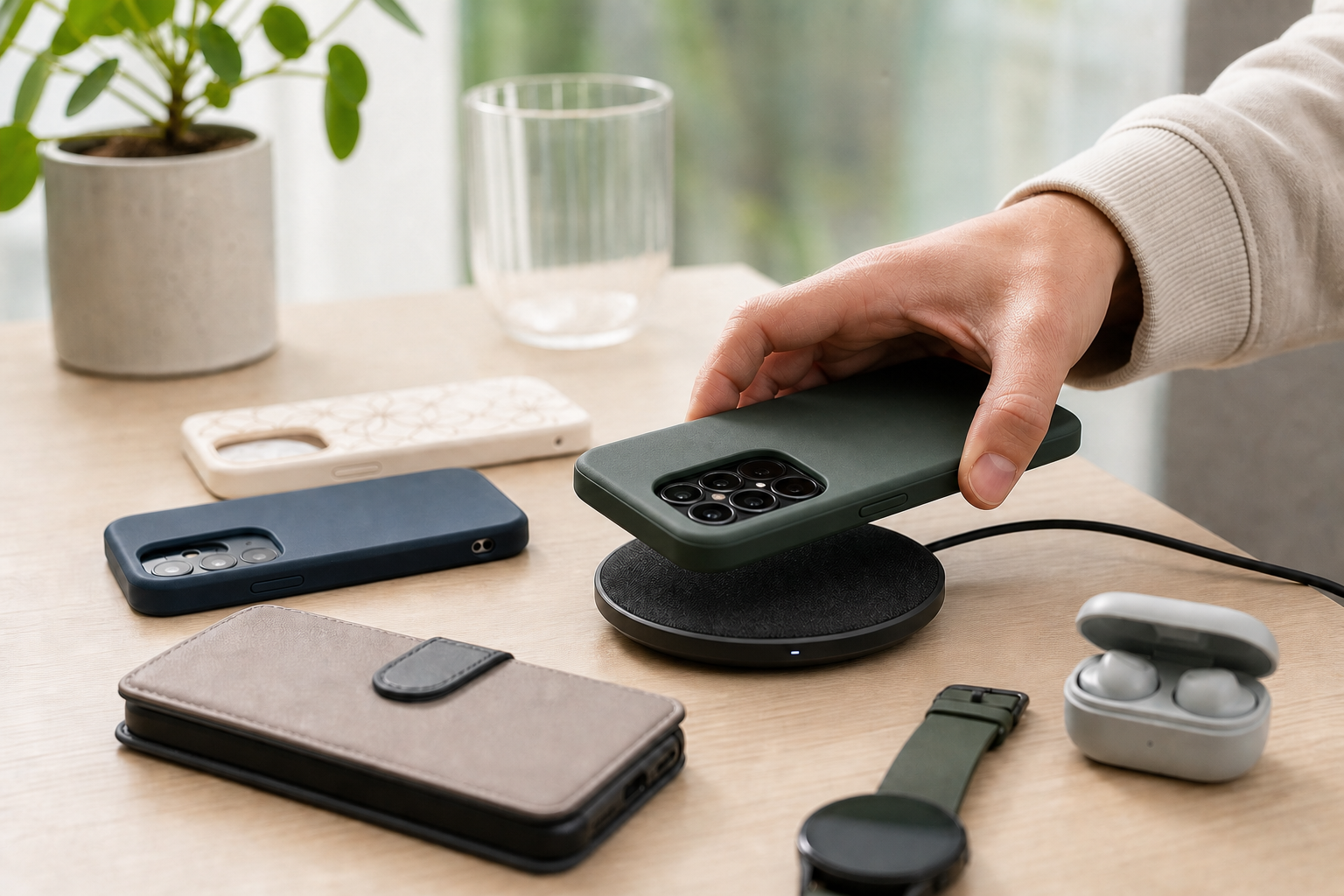
Usually, you can leave it on. Thin TPU cases generally work well. Silicone cases rarely interfere with charging, and polycarbonate cases are often compatible too. Power can usually pass through a standard case that’s fairly thin and has no metal parts.
Do you use a folio case with card slots? Wallet cases are more likely to interfere with wireless charging because cards and a thicker back increase the distance from the charger. Always take your bank cards out of the case before charging. Remove metal accessories too. This helps your Samsung phone sit flatter on the charger. Choose a case that’s easy to remove so you can quickly test charging without it if you run into problems.
Cases with metal parts or a ring holder can also interfere with charging. Metal can interrupt magnetic power transfer. If charging fails, take your Samsung phone out of the case and try again. Test that wireless charging works before using the combination regularly.
If you choose one of the latest Qi2 chargers, you’ll need a compatible magnetic case for precise alignment. Without built-in magnets, your phone won’t snap onto the charger. Take extra care to place it in the center.
Why won’t my Samsung phone charge wirelessly?
Wireless chargers now deliver up to 15 W or even 25 W for the latest Samsung models. If your phone still won’t charge, try these steps:
Start with the wall adapter. If it supplies less than 15 W to the wireless pad, the charger won’t get enough power to charge your Samsung phone.
Temporarily remove the case to see if its thickness or material is interfering. If your phone charges as soon as you remove the case, the case is blocking power transfer.
Center the phone on the charger. If the charging coil is out of line with the charging surface, charging may fail to start or may stop. Placement matters especially when there’s no magnetic alignment.
Heat: does the back feel very warm? If the phone overheats, Samsung’s software pauses charging to protect the battery. Take the phone off the charger and let it cool before trying again.
Frequently asked questions
How can I tell if my phone supports wireless charging?
Check your model name. If you have a Samsung Galaxy S or Galaxy Z phone, it’s likely compatible. Nearly every model in those series released since 2015 comes with Qi support.
Can I charge a Samsung Galaxy A56 wirelessly?
The Samsung Galaxy A56 has no built-in wireless charging coil. Use the included USB-C cable to charge it. If you still want to charge wirelessly, you’ll need a separate external Qi adapter that fits snugly behind the case.
Can I charge my Samsung Galaxy S25 wirelessly?
Yes. The Samsung Galaxy S25 supports wireless charging at up to 15 W. It works on any standard wireless charging pad and snaps securely onto the latest magnetic Qi2 chargers.
Do I need to remove my case while charging?
Usually, you can leave it on. Standard cases from brands such as Mobigear or Burga allow power to pass through. If you use a thick folio case with bank cards or a case with a metal ring, remove the phone before charging. Metal blocks the connection, and the radiation can damage the chips in your cards.
Why does my Samsung phone get warm on the charger?
Fast wireless charging generates heat, so some warmth is normal. If the temperature gets too high, Samsung’s software pauses charging to protect the battery. Remove the phone from the charger and let it cool.
Wireless charging cuts down on cables, whether you use a newer Qi2-compatible Galaxy S phone or add an external receiver to a Galaxy A model. Check what your particular phone needs. Enter your model at directcases.com to find a compatible wireless charger and case.