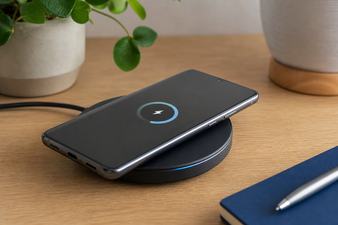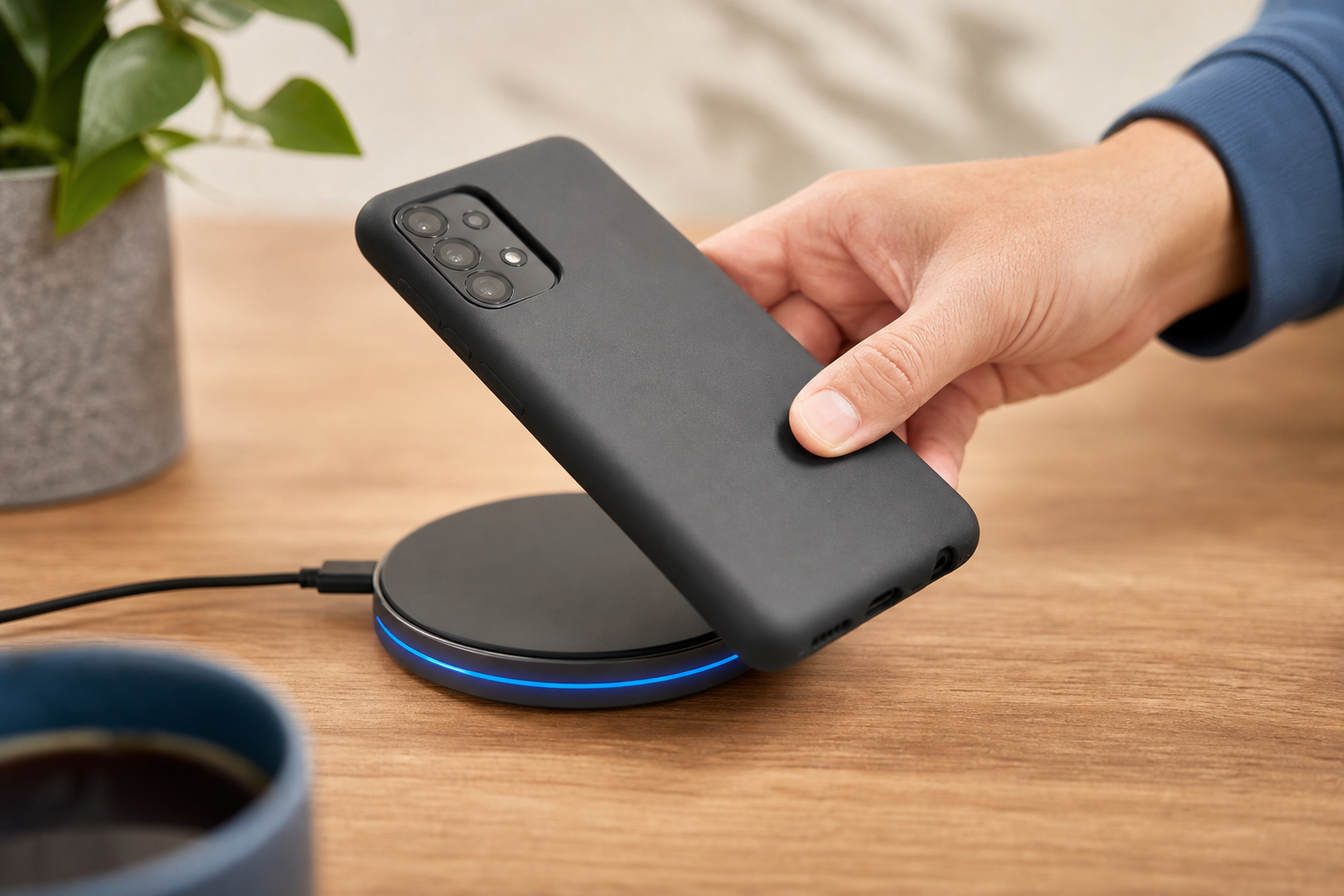
You put your Samsung on a wireless charger at night, but the battery is still dead the next morning. Could the case be the culprit? Here’s how wireless charging works with a case on your Samsung, which materials can block charging and how to troubleshoot it yourself.
How does wireless charging work on a Samsung phone?
To see why a case can cause problems, it helps to understand how the energy gets to your phone. Wireless charging uses electromagnetic induction. Both the wireless charger and your Samsung contain copper coils. When the charger has power and the coils are close enough together, they create an electromagnetic field. That field transfers energy without a cable plugged into your phone. Induction cooktops and electric toothbrushes use the same principle.
Samsung uses Qi, a widely adopted standard for safe, efficient and controlled power transfer regardless of charger brand. Charging depends heavily on the distance between the transmitter in the charger and the receiver in your phone. The electromagnetic field needs to remain uninterrupted for steady power transfer. If the coils are too far apart or something interferes with the field, power transfer drops sharply or shuts off for safety.
Does wireless charging work with a case? The 3 mm rule
Wireless charging with a case works on the first try 90% of the time when the thickness and spacing are right.
Up to 3 mm thick: Below this threshold, the phone charges without interruption. Case thickness can affect charging.
Total gap of up to 5 mm: A larger gap between the phone and the charger interrupts power transfer.
Placement: Is your case exactly 3 mm thick? Place your phone right in the center of the charger to keep the connection steady.
Does your Samsung Galaxy support wireless charging?
Before blaming the case, check whether your Samsung Galaxy supports wireless charging. Some models lack the necessary coils.
All premium Samsung Galaxy S and Note models support Qi. Popular midrange A-series models such as the Galaxy A53 and A54 lack the necessary hardware. Even an expensive wireless charger won’t charge these models.
| Samsung series | Wireless charging? | Example models |
|---|---|---|
| Galaxy S series | Yes | S22, S23, S24 |
| Galaxy Note series | Yes | Note 10, Note 20 |
| Galaxy Z series (Fold/Flip) | Yes | Z Flip 5, Z Fold 5 |
| Galaxy A series | No | A34, A53, A54 |
Always check your exact model’s specs before buying new charging accessories. That way, you can avoid buying something incompatible.
Which materials work with wireless charging?
The table shows which case materials are suitable for wireless charging.
| Material | Effect on wireless charging | Advice |
|---|---|---|
| TPU, silicone and hard plastic | Allows charging without power loss. | Choose these materials for everyday use. Mobigear and MIO offer thin options that don’t interfere with charging. |
| Genuine and faux leather | Works as long as the case is thin. | For a professional look, check Valenta or Decoded for a case in the right thickness. |
| Metal cases | Blocks the electromagnetic field completely. | Avoid metal cases. They block wireless charging and can get hot. |
| Magnets and magnetic stickers | Interfere with Qi and stop charging. | Always remove metal plates for car mounts before putting your phone on the charger. |
Choose TPU or silicone for the most reliable charging. Avoid metal cases if you rely on wireless charging every day.
Watch out for wallet cases and cards
A wallet case gives you somewhere to keep cards, but it can also get in the way of wireless charging. Extra layers and the contents of the card holder often interfere. If you use a wallet case, try these steps:
Avoid folding the flap behind the phone: This often puts the phone too far from the wireless charger. Charge with the flap open so only the thin back touches the charger.
Remove metal cards: Metal credit cards or heavy bank cards block charging. Induction can also make them dangerously hot and damage the case.
Check for RFID blocking: Many wallet cases have a metal RFID-blocking layer that interferes with charging.
Take out thick stacks of cards: Even regular plastic cards add to the distance. If charging cuts out, take them out temporarily.
Choose a simple back cover if you put your phone on a wireless charger several times a day and want to avoid having to take cards out.
What to do if your Samsung won’t charge wirelessly
Is your Samsung refusing to charge on the pad? A small detail in the setup or combination of accessories is often the cause. Follow these steps to find and fix it.
-
1
Check the placement
Put your phone right in the center of the charger. The coils inside the phone and charger need to line up. Even a centimeter of misalignment can stop charging.
-
2
Take the case off temporarily
Take your Samsung out of its case and put it directly on the charger. If it charges now, the case may be too thick or contain a hidden piece of metal.
-
3
Check the plug and power adapter
A 15 W wireless charger often needs a 25 W wall adapter to make up for energy lost during induction. An older, lower-powered adapter may leave the charger without enough power to charge through a case.
-
4
Remove external accessories
Accessories on the back of the case can interfere with wireless charging. Remove phone grips, metal ring holders or thick camera protectors that raise the phone and increase the gap.
Frequently asked questions about wireless charging with a case
Is wireless charging bad for your battery?
No, wireless charging is safe for your Samsung’s battery. The phone’s software manages charging speed and communicates with the charger. Charging automatically stops when the battery reaches 100%. This prevents overheating and overcharging, even if you leave the phone in its case on the charger overnight.
Does a case slow down wireless charging?
You generally won’t notice a slowdown with a case under 3 mm thick. A thicker case makes the charger work harder to maintain the electromagnetic field. This can produce some heat, and the phone may slow charging to protect itself. To charge faster, use the thinnest case you can or take it off.
What should you do if wireless charging doesn’t work?
First, remove the case to see whether it’s causing the problem. Check that you’re using the original cable and an adapter that supplies enough power. Many charging issues come from an underpowered adapter rather than a fault with the charger or phone.
Can I use a MagSafe case on my Samsung?
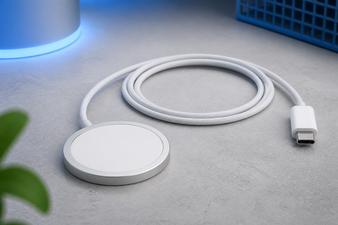
Yes, with the Qi2 standard or a compatible adapter ring. Although Samsung doesn’t include MagSafe magnets as standard, a magnetic case from a brand such as Mobigear can align your phone with a MagSafe-compatible charger. Check that the charger is Qi- or Qi2-certified so it can supply power to your Samsung.
You can charge your Samsung wirelessly with a nonmetal case no thicker than 3 mm. Choose the right material, keep the flap of a wallet case open and use a powerful enough adapter to avoid waking up to a dead battery. Browse compatible Samsung cases and wireless chargers at directcases.com.