No more tangled cables or a worn-out charging port: you put your phone down and it starts charging straight away. Switching to a wireless charger makes charging really convenient on your desk, bedside table or in the car. Still, plenty of people wonder: how does wireless charging work? In this article you'll find out exactly how the technology behind wireless charging works, which standards exist and whether it's the right choice for your smartphone. We look at the physics of the coils, compare the main charging protocols and give honest advice on the pros and cons in everyday use.
The technology: how does wireless phone charging work?
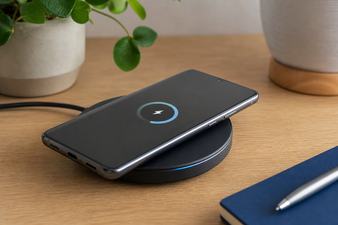
This technology is based on electromagnetic induction, usually called inductive charging. This principle lets energy be transferred without a physical cable connection between the power source and the device. Both the wireless charger and your smartphone contain a special component: copper wire wound into a flat circle. These essential components are called the coils. Wireless charging always uses two coils working together: a transmitter coil in the charging pad and a receiver coil in the back of your mobile phone.
As soon as you plug the wireless charger into the wall socket, electricity flows through the transmitter coil. This current immediately creates an invisible electromagnetic field around the charging surface. Place a compatible smartphone right on this field and the receiver coil in the phone picks up the magnetic field. In effect, the charger acts as a miniature transmitter mast for energy.
The receiver coil then converts the captured magnetic energy back into electric current. This current flows straight to your device's battery to charge the cells. The process works reliably and safely, as long as the two coils are close enough together and precisely aligned. If the phone sits crooked on the wireless charger, the magnetic field weakens considerably and the energy transfer stops.
Which wireless charging standards are there?
Not every charger works with every phone on the market. Manufacturers use specific protocols to make sure the transmitter coil and receiver coil speak each other's 'language' during wireless charging. If your phone doesn't support the charger's standard, nothing happens when you put it on the charging pad. The charging station simply doesn't recognise the device as a valid receiver.
Certification plays a decisive role in both the charging speed and the safety of your smartphone. A non-certified charger may produce an unstable magnetic field. In practice, this often results in extremely slow charging or unnecessary heat build-up that can damage the battery. Certified chargers, on the other hand, constantly communicate with your smartphone about exactly how much power it needs.
As soon as the battery reaches 100 percent, or when the temperature gets too high, a certified wireless charger automatically reduces its output. This active heat management prevents permanent damage to your smartphone's battery cells. So when buying accessories, always check whether the product is officially approved and tested for your specific make and model.
What is the Qi standard?
Qi (pronounced 'chee') is the foundation of modern wireless charging accessories. This protocol ensures that devices from different brands communicate safely with each other during wireless charging.
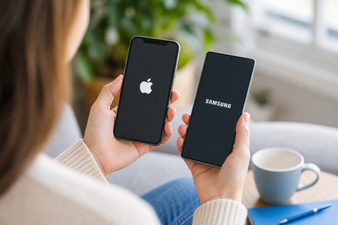
Universal compatibility: Since August 2009, the Qi standard has been the norm for wireless power transfer. That means you can charge a Samsung smartphone on exactly the same wireless charger you use for an Apple iPhone or wireless earbuds.
Strict safety requirements: Qi-certified chargers have smart safety mechanisms that constantly monitor the temperature. They cut the power immediately in case of extreme heat or when the system detects a metal object (such as a key or coins) on the wireless charger.
Fast charging support: While the first generation of chargers was limited to a slow 5 watts, modern versions support much higher outputs for fast wireless charging. Certain Android phones, such as specific OnePlus models, reach impressive charging speeds of up to 30 watts using optimised Qi profiles.
Qi charging vs. Apple MagSafe
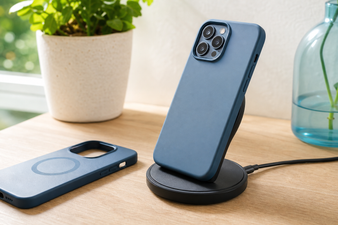
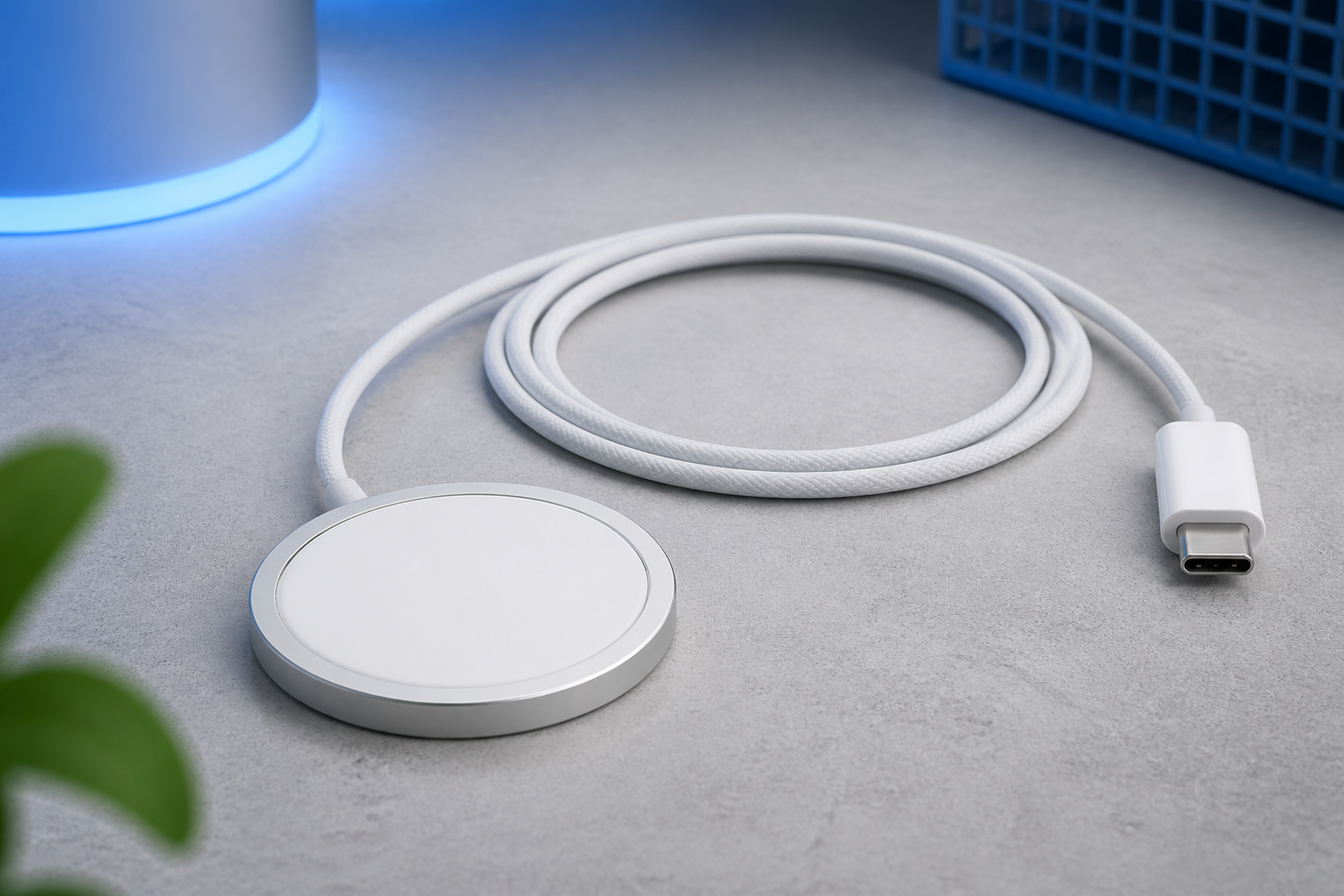
Both Qi charging and Apple MagSafe use electromagnetic induction, but how they work in practice differs a lot. MagSafe is Apple's own optimisation of the wireless charging process.
Kenmerk |
Standard Qi charging |
Apple MagSafe |
|---|---|---|
Coil alignment |
Requires precise manual positioning right in the centre of the charging pad. |
A built-in magnetic ring automatically pulls the coils into the perfect position. |
Compatibility |
Fully universal (works with Apple, Samsung, Google and accessories). |
Designed specifically for iPhones (from the iPhone 12 series) and MagSafe accessories. |
Maximum charging speed |
Limited to a maximum of 7.5 watts on an iPhone due to software restrictions. |
Supports fast wireless charging up to 15 watts for compatible Apple devices. |
Ease of use while charging |
The phone has to lie flat and still; awkward to use while charging wirelessly. |
The phone stays in place magnetically, even on a stand, so it's easier to use while charging. |

Choose a standard wireless charger with Qi support if your household has phones from different brands or you're looking for an affordable charger for your desk. Choose MagSafe if you have a recent iPhone and want the fastest charging speed combined with the certainty that your phone is always perfectly aligned on the charger.
The pros and cons of a wireless charger
Switching to a wireless charger or a compact wireless power bank directly affects how you use your phone every day. Weigh up the following advantages and disadvantages of wireless charging objectively before you decide.
Less wear on your charging port: Because you no longer plug a cable in and out, your smartphone's USB-C or Lightning port stays in perfect condition. In the long run, this prevents costly repairs to a loose, bent or dust-clogged port.
Convenience and integration: You simply put your phone down after a long day at work and wireless charging starts straight away. This technology is also easy to build into furniture, desk lamps and the centre console of modern cars, so you can top up your battery wherever you are without thinking about it.
Less efficient due to energy loss: Wireless charging is simply less efficient than a direct copper wire. Some of the energy is lost as heat during the transfer, which means wireless charging is often a bit slower than wired charging with a powerful fast charger.
Limited freedom of movement: As soon as you pick your smartphone up off the wireless charger to type a message or make a call, the connection between the coils breaks and charging stops. With a traditional wired connection, you can keep using your phone freely while the battery charges.

Do wireless chargers work through cases?
A dedicated MagSafe case has built-in magnets that line up your Apple iPhone's coils precisely with a wireless charger. If you use a standard, thicker case without this magnetic ring, the connection weakens considerably and your phone charges more slowly or not at all. So always choose a certified MagSafe case if you want to keep the maximum charging speed of 15 watts without having to take your smartphone out of its case every time.
Step by step: how to charge your smartphone wirelessly
Want to get started with this technology right away? Follow these practical steps for safe and efficient wireless charging of your smartphone.
-
1
Check whether your smartphone supports wireless charging:
Not every phone has a built-in receiver coil under its housing. Check the specifications online; in practice, iPhones from the iPhone 8 onwards and Samsung Galaxy S models from the S6 onwards support this charging technology.
-
2
Connect the wireless charger to a powerful power adapter:
Connect the charging station to a wall adapter that delivers enough wattage for your specific charger. If you use a weak, outdated adapter, the wireless charger will never reach its maximum speed for fast wireless charging.
-
3
Remove thick cases and metal obstructions:
Remove very thick cases, metal bank cards or magnetic car mount plates from the back of your phone. These materials block the magnetic field between the coils and can get dangerously hot during wireless charging.
-
4
Place the phone right in the centre:
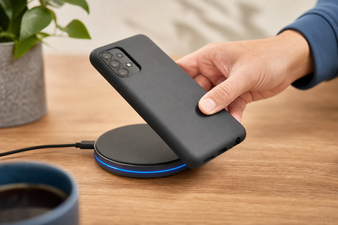
Place the phone carefully on the charging pad so the coils line up perfectly and the connection is made. If you use a magnetic system such as MagSafe, just let the phone snap into the right position.
Wireless charging in the car
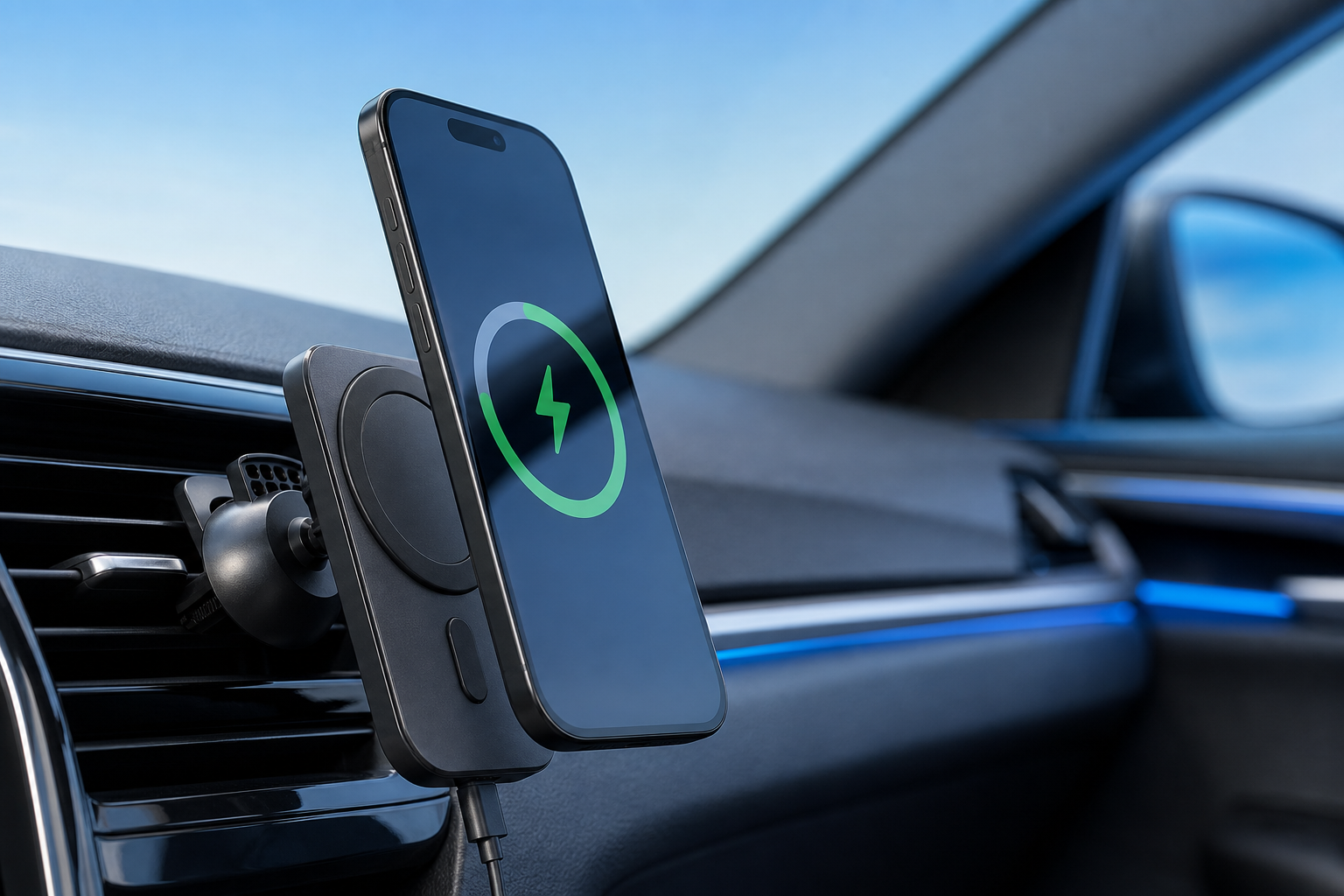
Everyone knows the traditional USB car charger for the cigarette lighter socket. Very handy, but there's an even easier and safer option: a wireless car charger.
The biggest advantage of wireless charging in the car? Comfort and safety. Because you don't have to deal with loose cables, you just get in and clip your smartphone into place. This means you're less likely to get distracted while driving, which helps keep your journey safe.
A wireless car charger is almost always built into a practical car phone holder. You can easily attach it to the air vent, the dashboard or the windscreen with a strong suction cup. That way, your phone is always charged on the go and you can use it safely as a sat nav straight away.
Frequently asked questions about wireless charging
Is wireless charging bad for your battery?
No, wireless charging doesn't damage your battery, as long as you use a reliable, certified wireless charger. Modern smartphones and Qi chargers communicate constantly to prevent overcharging. As soon as the battery reaches 100 percent, the power supply stops automatically to protect the battery's lifespan. Do always choose reputable brands to avoid inferior, non-certified components generating unnecessary heat.
Can you charge a phone wirelessly with a case on?
Yes, you can charge a smartphone wirelessly without any problems as long as the case isn't too thick (usually no more than 3 to 4 millimetres). However, always avoid cases with metal parts, cards inside or bulky grips on the back. Metal interferes with electromagnetic induction and forces the wireless charger into safety mode, which stops wireless charging immediately.
Why does my phone get warm on the charger?
This is a completely normal physical effect caused by the unavoidable energy loss in electromagnetic induction. Because the energy travels through the air between the coils via a magnetic field, a small part of it is converted into heat. If your phone feels extremely hot, though, take it off the wireless charger straight away and check that it's positioned right in the centre.
Now you know that wireless charging works through safe magnetic fields and is ideal for a tidy desk with no wear on your phone. Check your smartphone's specifications and pick a certified wireless charger that suits your needs today.