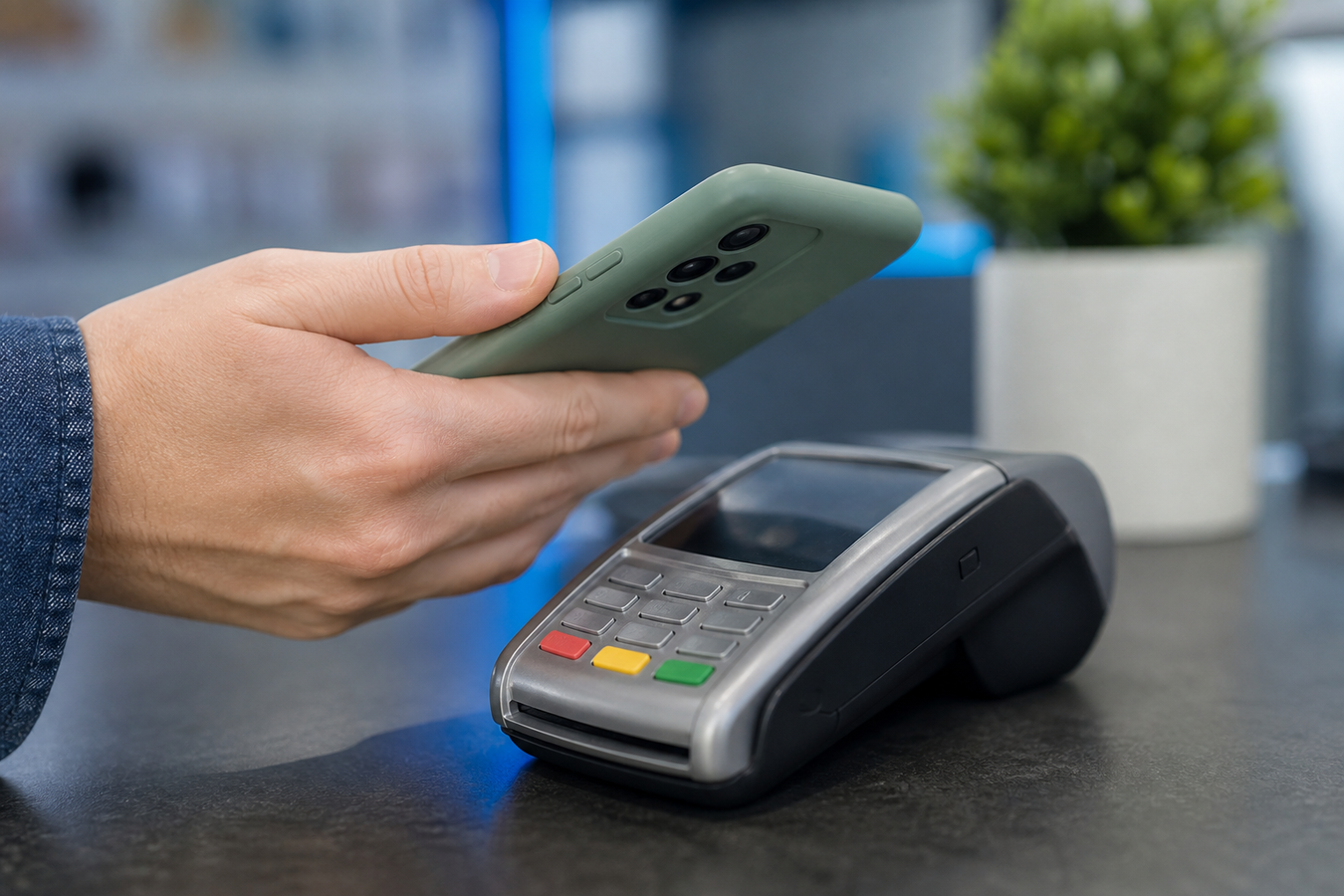
You're at the checkout, holding your mobile phone against the card reader, and nothing happens. Do you really have to take off your phone case every time you want to pay with Samsung Pay? Below you'll find out how NFC and contactless payments on Samsung work with a case, which materials interfere with contactless payments and how to fix problems with the NFC chip.
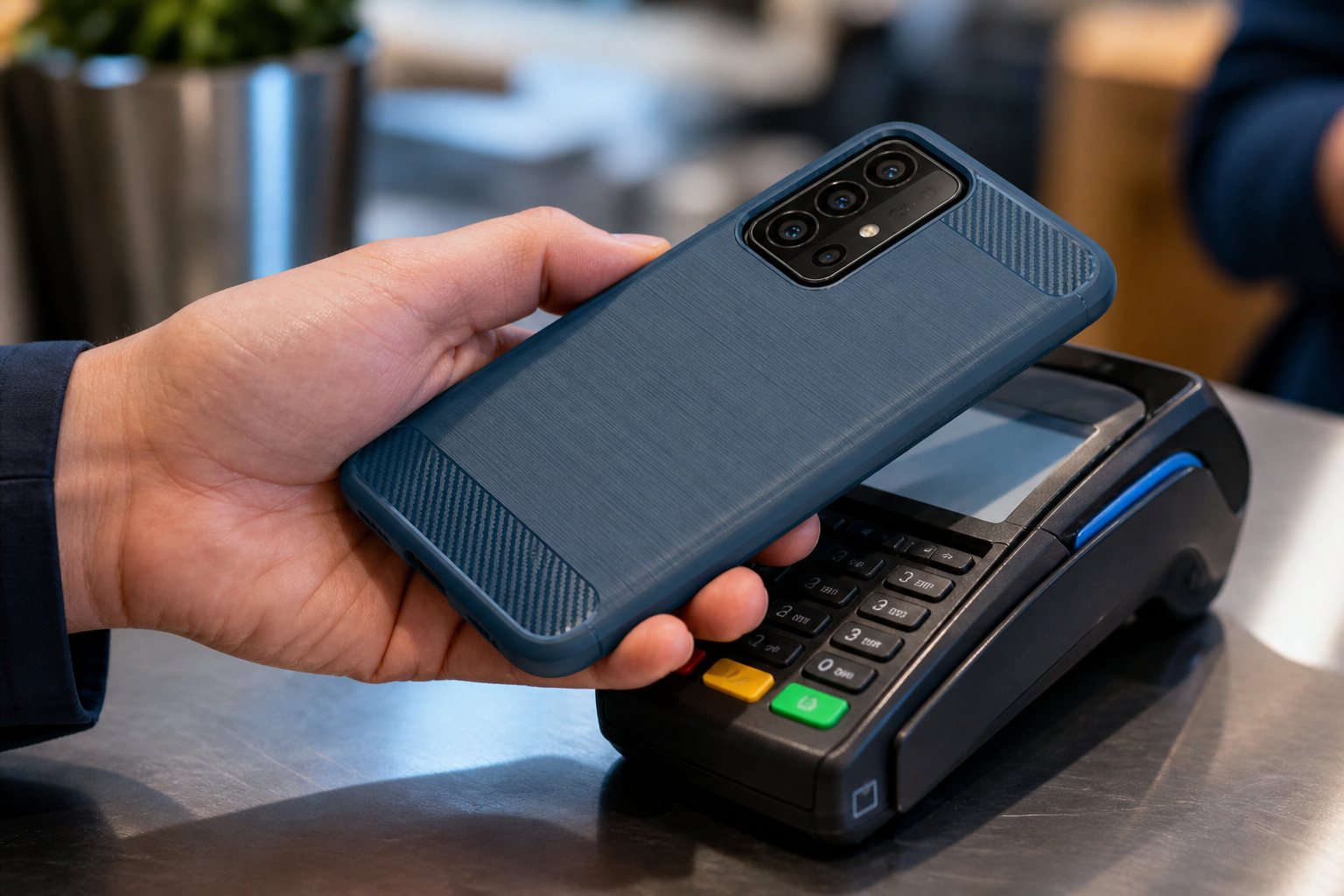
Does Samsung Pay work with a phone case?
Samsung Pay and Google Pay both use a built-in NFC chip in your Android smartphone. This technology, short for Near Field Communication, uses radio waves to send a secure signal to the card reader. That signal passes through thin plastic or leather cases without any trouble, so a regular case won't stop contactless payments. Samsung Pay is now part of the Samsung Wallet app.
For contactless payments with Samsung Pay to go through, your phone needs to be within a few centimetres of the card reader. As long as your protective case doesn't add a huge amount of distance, the terminal picks up the signal straight away. Older Galaxy models, up to and including the S20 series, also had MST: a technology for older card readers with a magnetic stripe. MST was dropped from the Galaxy S21 onwards, so you now pay using NFC only.
In practice, this means your phone can stay safely in its case for Samsung Pay while you do your everyday shopping. The signal is strong enough to pass through standard protective layers, as long as you pick the right materials. So you don't have to choose between a scratch-free smartphone and the convenience of paying with your phone.
Which cases can interfere with the NFC chip?
Not every material lets wireless signals through equally well. If you're choosing a new case, check which materials let the signal through. Below you can see at a glance which types of protection work perfectly and which ones make contactless payments impossible.
Case type |
Effect on contactless payments |
Suitability for Samsung Pay |
|---|---|---|
Thin silicone and TPU cases |
No signal interference at all. The material lets radio waves through completely, so the terminal recognises your phone straight away. |
Excellent |
Leather and faux leather cases |
Real and synthetic leather don't block the chip, as long as there's no metal reinforcement built into the back. |
Very good |
Extremely thick rugged cases |
Can put too much distance between your phone and the card reader. If the gap is more than four centimetres, the connection drops. |
Fair to good (depending on thickness) |
Metal cases |
Aluminium and other metals block the signal completely. These cases act like a Faraday cage and make card payments impossible. |
Unsuitable |
Cases with RFID blocking |
Specifically designed to block signals to protect physical bank cards. This automatically blocks your Samsung Pay payments too. |
Unsuitable |
Go for a silicone, TPU or leather case if you want to be 100% sure of a quick transaction. Avoid metal covers or cases with heavy aluminium bumpers if you use your smartphone at the checkout every day. Besides blocking contactless payments, metal cases also stop your phone from charging wirelessly.
Watch out with magnetic cases and wallet cases
A multi-purpose case is handy if you use Samsung Pay on the go, but it can cause unexpected problems when you use contactless payments:
Interference from physical cards: A wallet case full of bank cards disrupts communication between your phone and the terminal. The radio waves essentially clash with each other.
Confusing the card reader: As soon as the terminal detects several chips at once (your phone's and your plastic bank card's), the system declines the transaction. This is a built-in security measure to prevent double charges.
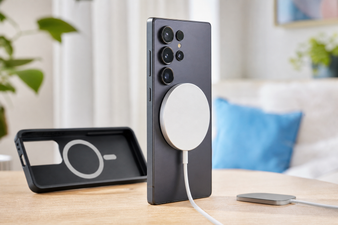
Magnetic fields: A strongly magnetic case, or one with a large metal kickstand, can in rare cases disrupt the magnetic fields of the built-in chip. This leads to a patchy connection.
Pick a simple back cover if you only pay digitally. Using a case with cards anyway? Open the flap all the way, fold it flat against the back and keep only the screen facing the terminal.
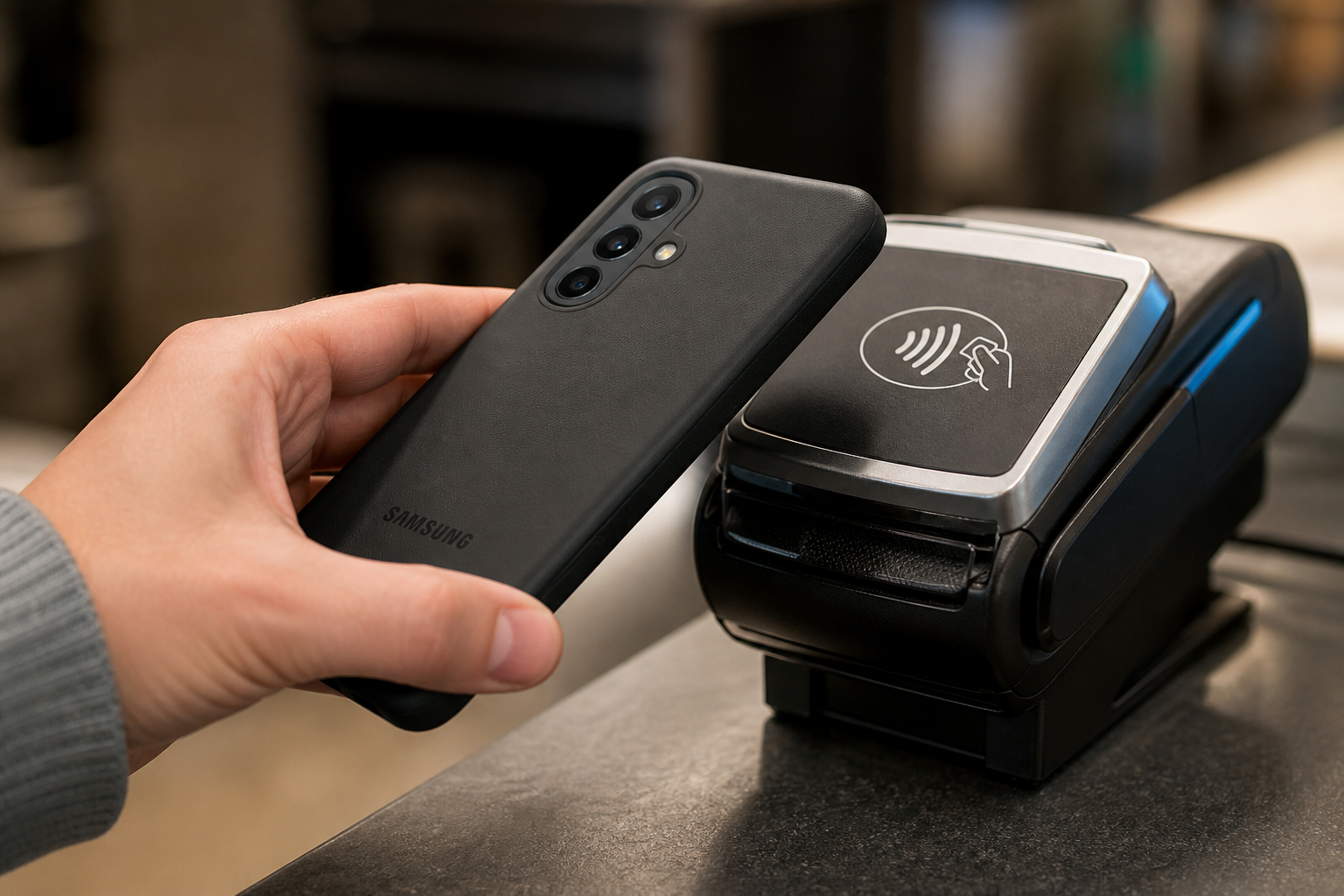
Troubleshooting: what to do if mobile payments don't work
Standing at the till and your contactless payment fails while the queue waits? Stay calm and follow these steps to find and fix the problem straight away.
-
1
Check your settings
Go to Settings > Connections and check whether NFC and contactless payments is switched on. If it's off, the card reader can't see your phone.
-
2
Remove obstacles
Temporarily take your card holder or bank cards out of your case. This immediately rules out signal confusion from overlapping chips and gives the built-in transmitter a clear path.
-
3
Unlock your phone and open the app
Make sure your phone is fully unlocked. To be safe, open Samsung Pay or Google Pay manually and select the right digital card.
-
4
Change your position
Hold your phone against the card reader in a different way. On most models the transmitter sits in the middle or near the top of the back, so point exactly that part at the terminal's logo.
-
5
Test without a case
Take your phone out of its case to test whether the accessory is the problem. If it works now, your current case is too thick or contains interfering material.
-
6
Check your default wallet app
In Settings > Connections > NFC and contactless payments, tap Contactless payments and check which payment app is set as default. A banking app can sometimes take over that setting.
The best phone cases for contactless payments
Want a new case that lets you use Samsung Pay without any hiccups? Use these specific criteria to make sure it works every time and avoid frustration at the checkout.
Go for shock-absorbing cases: Choose thin, flexible materials such as silicone or TPU. These shockproof phone cases offer excellent drop protection while letting radio signals through 100%.
Check the material: Mobigear and Mobilize offer plenty of thin TPU and silicone cases. Check the product description to make sure there's no metal plate inside.
Choose smart toughness: Need heavy-duty protection for building sites or outdoor sports without losing signal? Otterbox makes tough plastic cases for heavy use.
Avoid metal add-ons: Skip cases with heavy metal plates, thick aluminium edges or built-in steel rings on the back. They may look tough, but they block every form of wireless communication.
Choose a Mobigear TPU case if you want a slim design for smooth everyday use. Choose an Otterbox if you need extreme protection for heavy work but still want Samsung Pay to work without problems.
Handy alternatives: wallet cases and card holders
Still want to carry physical cards with your smartphone without losing Samsung Pay functionality? Then choose a well-designed flip case with the cards in the front flap. That keeps them well away from the transmitter on the back of your phone. Open the case fully when you make a contactless payment and you'll avoid any interference with the terminal.
Another very practical solution is a detachable card holder. You simply unclip these magnetic or slide-on modules when you want to pay with Samsung Pay or Google Pay. Whatever you use, make sure bank cards with their own RFID chip don't sit directly over your Samsung phone's transmitter area. That way you keep all your cards in one place without any surprises or declined transactions when you pay contactless.
In most cases, Samsung Pay works fine with a case, as long as you deliberately avoid metal, extreme thickness and overlapping physical cards. A slim silicone case, a smart cover or a rugged plastic case protects your phone if you drop it and still lets you pay at the checkout. Looking for a new case that's guaranteed to work with contactless payments? Browse the wide range of NFC-friendly cases at directcases.com.