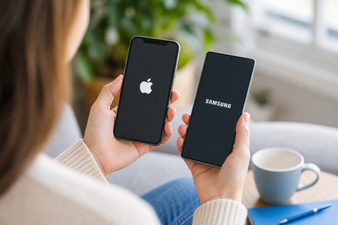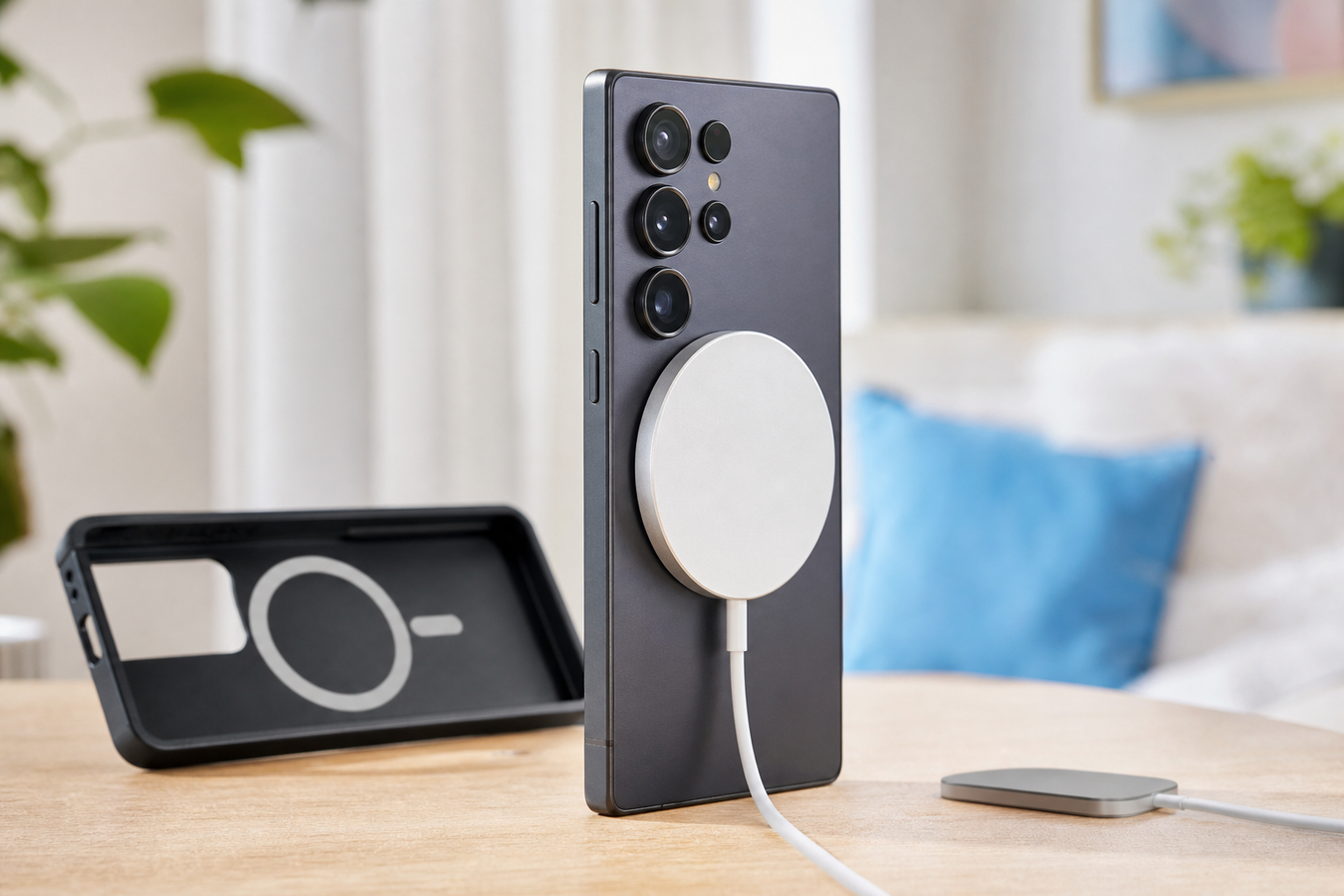
You can use MagSafe on your Samsung or another Android phone, but the magnets usually aren't built in. That's why you need a MagSafe case or a separate magnetic ring. Wireless charging only works if your phone supports Qi. The magnets handle attachment and alignment; Qi handles the power.
You'll learn how MagSafe, Qi and Qi2 differ, which solution suits your Android model, and how to align and use magnetic accessories properly and safely.
Does Samsung have MagSafe?
Can you use MagSafe on Samsung? Yes, often you can, but Samsung phones usually don't have built-in MagSafe magnets. That means a MagSafe accessory won't snap on by itself. With a matching MagSafe case or a separate magnetic ring, you add that magnetic attachment. The same goes for OnePlus and most other Android phones. The Google Pixel 10 series is an exception: the magnets for Qi2 are already built into the phone.
Snapping on magnetically and charging wirelessly are two different things. The magnet holds a car phone holder, card holder or charger in place, for example. Qi determines whether the phone can receive power wirelessly. So a phone without Qi support won't charge on a MagSafe charger, not even with a ring. That's why you should check for Qi support first, then pick a case or ring that lines up properly with the charging coil. If you use a thick case, the connection may be weaker. Also make sure the ring doesn't block the cameras, NFC or the fingerprint sensor.
Does Android have MagSafe?
Usually not natively: Android phones, including Samsung devices, generally don't have built-in MagSafe magnets. That's true even when a phone does support Qi. In 2026, Qi2 is the open standard that combines magnetic alignment with wireless charging.
| Technology | What does it do? | Magnetic attachment? |
|---|---|---|
| Apple MagSafe | Combines a magnetic ring with wireless charging. | Yes, built into compatible iPhones. |
| Qi | Only handles the wireless power transfer. | Not as standard. |
| Qi2 with Magnetic Power Profile | Combines wireless charging with fixed magnetic alignment. | Depends on the phone and accessory. |
So an Android phone with Qi can charge, but without a ring or a suitable case, a MagSafe accessory won't stay attached reliably. Qi2 brings magnetic alignment to more Android phones, although support varies by model and accessory.
Does a MagSafe charger work on Android without a case or ring?
Yes, an Android phone can charge via Qi without a case or ring, but there's no magnetic attachment.
Android without a ring: Charging may work via Qi, but there's no magnetic attachment or automatic alignment.
Android with a magnetic ring: The ring lets accessories snap on and improves alignment. It doesn't add charging capability itself.
Android with a MagSafe case: Qi charging and magnetic accessories work together, as long as the phone supports Qi and the case fits properly.
Android with Qi2: Magnetic alignment and wireless charging are part of the standard, but check support for each model and accessory.
How do you make an Android phone work with MagSafe accessories?
Use a MagSafe case or add a magnetic ring, and check whether your phone supports Qi.
-
1
Check whether your Samsung or Android model supports Qi wireless charging. Without Qi, a ring can't add charging capability.
-
2
Choose a MagSafe case made exactly for your model. The case needs to support wireless charging. The built-in magnetic ring usually gives you the best fit and protection.
-
3
Prefer to keep your current case? Then stick a separate magnetic ring on the back. Pick a flat spot without metal. Clean and degrease that spot first so the adhesive bonds properly.
-
4
Find where the wireless charging coil sits and centre the ring exactly over it. Keep it away from the camera bump, NFC, the fingerprint sensor and buttons.
-
5
Let the adhesive bond fully before using a MagSafe phone holder, card holder or power bank. Putting weight on it too soon can loosen the ring.
-
6
Check the specs of your phone, charger and case, then test with a wireless charger. Make sure the accessory stays firmly in place, the phone doesn't get too hot and it stays steady while charging.
Difference between MagSafe and Qi2
MagSafe is Apple technology; Qi2 is an open standard for magnetic alignment and wireless charging. That's why Qi2 can support more Android phones, but how well it works still depends on the phone and accessory.
Kenmerk |
MagSafe |
Qi2 |
|---|---|---|
Basis |
Apple's own technology |
Open standard with Magnetic Power Profile |
Magnetic alignment |
Built into compatible iPhone models |
Part of the standard, if the phone supports it |
Android |
Usually via a MagSafe case or ring |
Support varies by model and accessory |
Charging speed |
Not automatically the same on Android |
Depends on the phone, charger and version |
For Android, a MagSafe case is the most secure option for magnetic accessories. Go for a separate MagSafe ring if you want to keep using your current case; the ring doesn't add charging capability. Pay attention to fit and placement: a case that's too thick, made of metal or soft and flexible can interfere with the connection and charging. A sturdy case often gives better protection around the camera and corners.
If your Android model officially supports Qi2, choose a Qi2 charger for faster charging. A case or ring only adds the magnetic attachment; how fast you charge depends on your phone.
Does my Samsung or Android model support wireless charging, and how fast does it charge with a MagSafe charger?
Whether your Samsung, Google Pixel or OnePlus model charges wirelessly varies by version: Qi support is required, and the speed depends on your phone, charger and accessory.
Note down your exact model. Wireless charging varies by series and version; a Galaxy S model may support it, while a Galaxy A model usually doesn't.
Check whether the phone supports Qi and look up where the wireless charging coil is located.
A MagSafe ring doesn't add charging capability and doesn't increase charging speed.
Speed depends on your phone, charger, charging protocol, case thickness and temperature. So an Android phone won't automatically reach the same speed as a compatible iPhone. If your phone gets hot, stop charging and check the alignment.
Wireless charging is usually slower than wired fast charging.
With Qi2 or Qi2 Ready, always check the specific phone and accessory. Support varies by version.
On a phone with standard Qi only, a MagSafe charger usually won't charge faster than 7.5 W. Qi2 is faster: the Galaxy S26 charges wirelessly at up to 15 W, the S26+ at up to 20 W and the S26 Ultra at up to 25 W. These phones don't have magnets themselves, so you still need a case with a ring for magnetic attachment.
Which MagSafe accessories can you use with an Android phone?
You can use chargers, phone holders, car phone holders, card holders, stands and power banks, among others, as long as your phone supports Qi and has a magnetic ring or case.
For accessories, it mainly comes down to the magnetic ring in your MagSafe case.
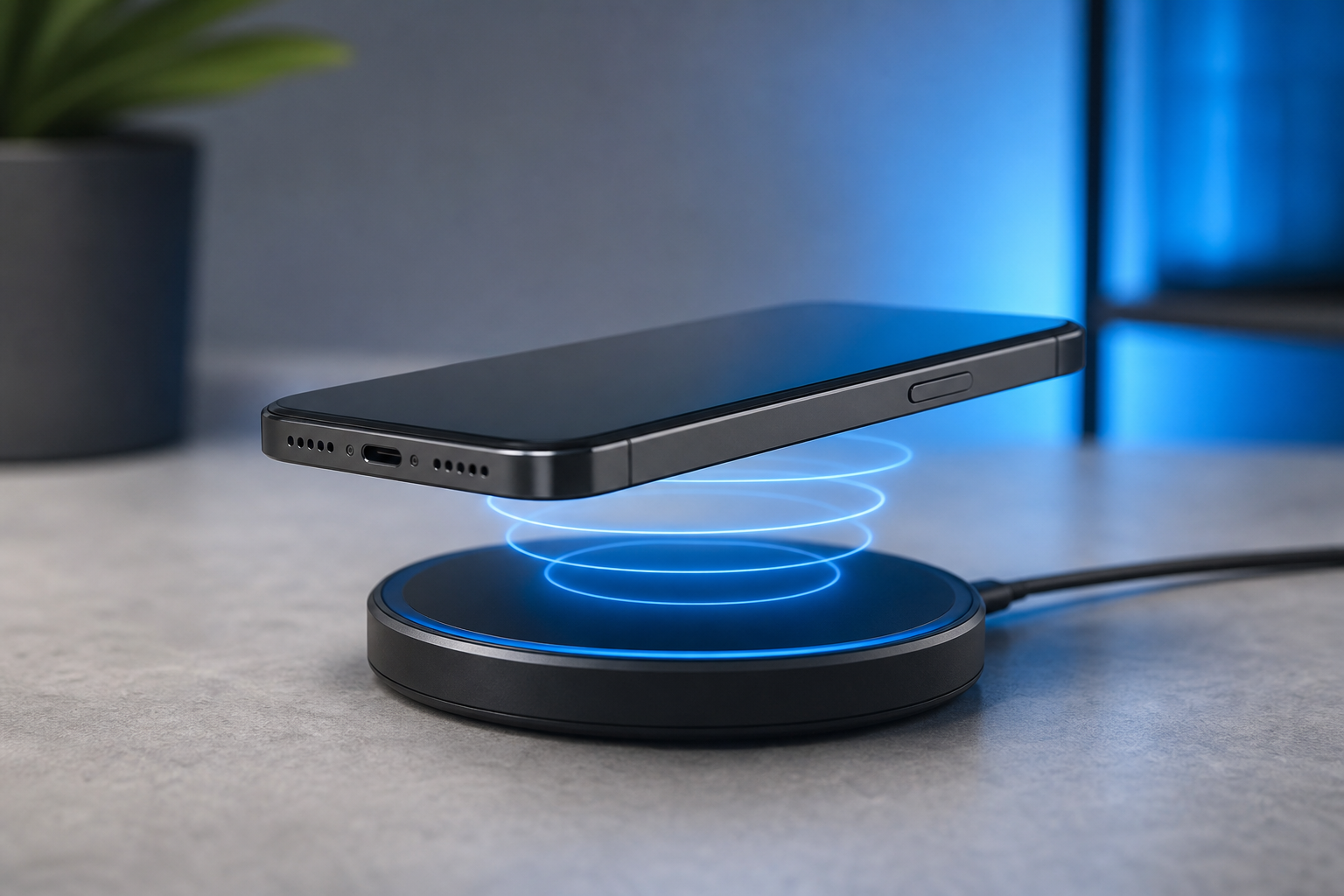
MagSafe chargers
Wireless chargers work if your phone supports Qi. The magnetic attachment is handy for fixed alignment, but it isn't needed to get power.
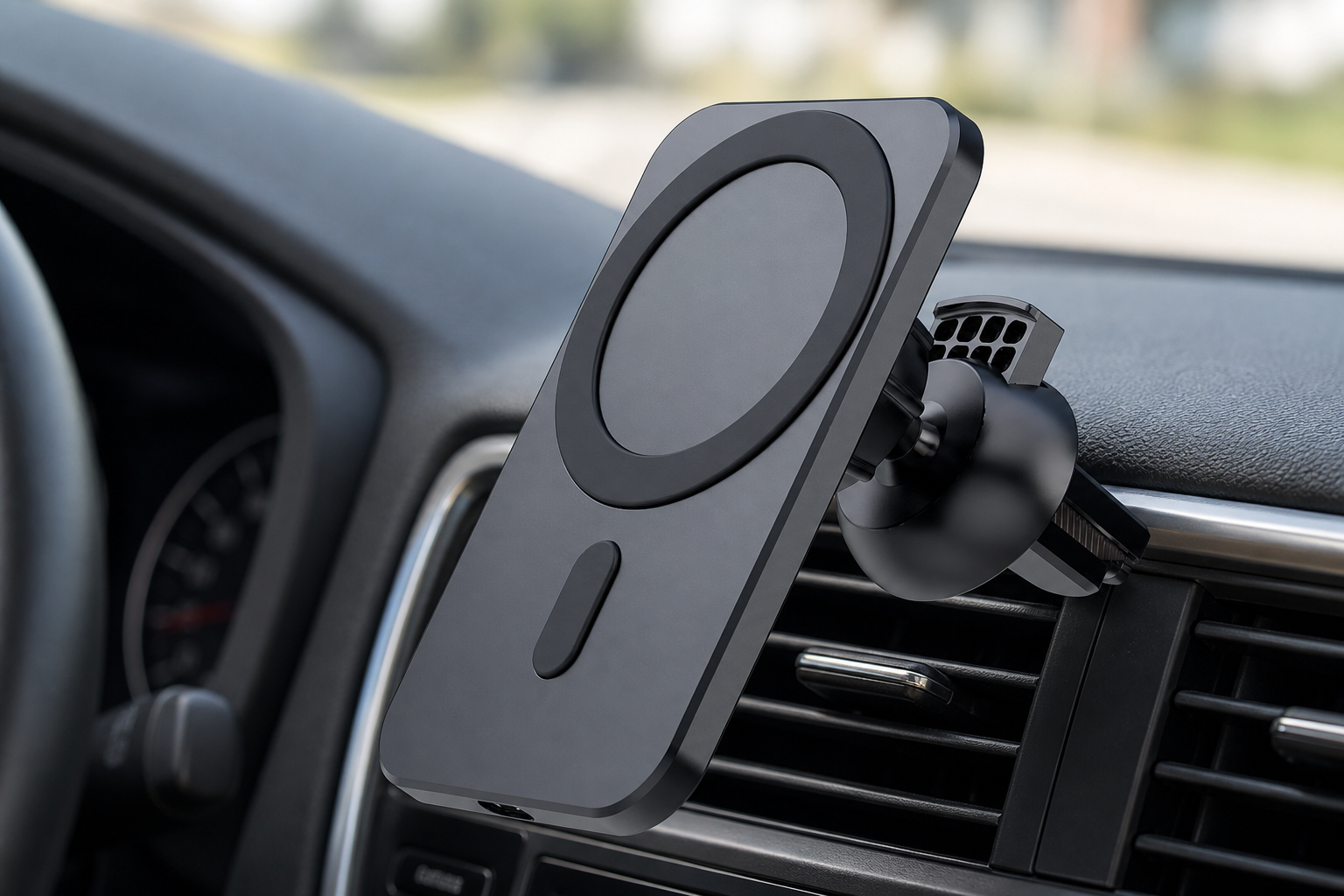
MagSafe car mount
A MagSafe car phone holder stays in place thanks to its magnets. If there's a lot of vibration or your phone is heavy, choose a sturdy MagSafe case with a well-aligned ring. Without a ring or MagSafe case, your Android phone will usually fall off.
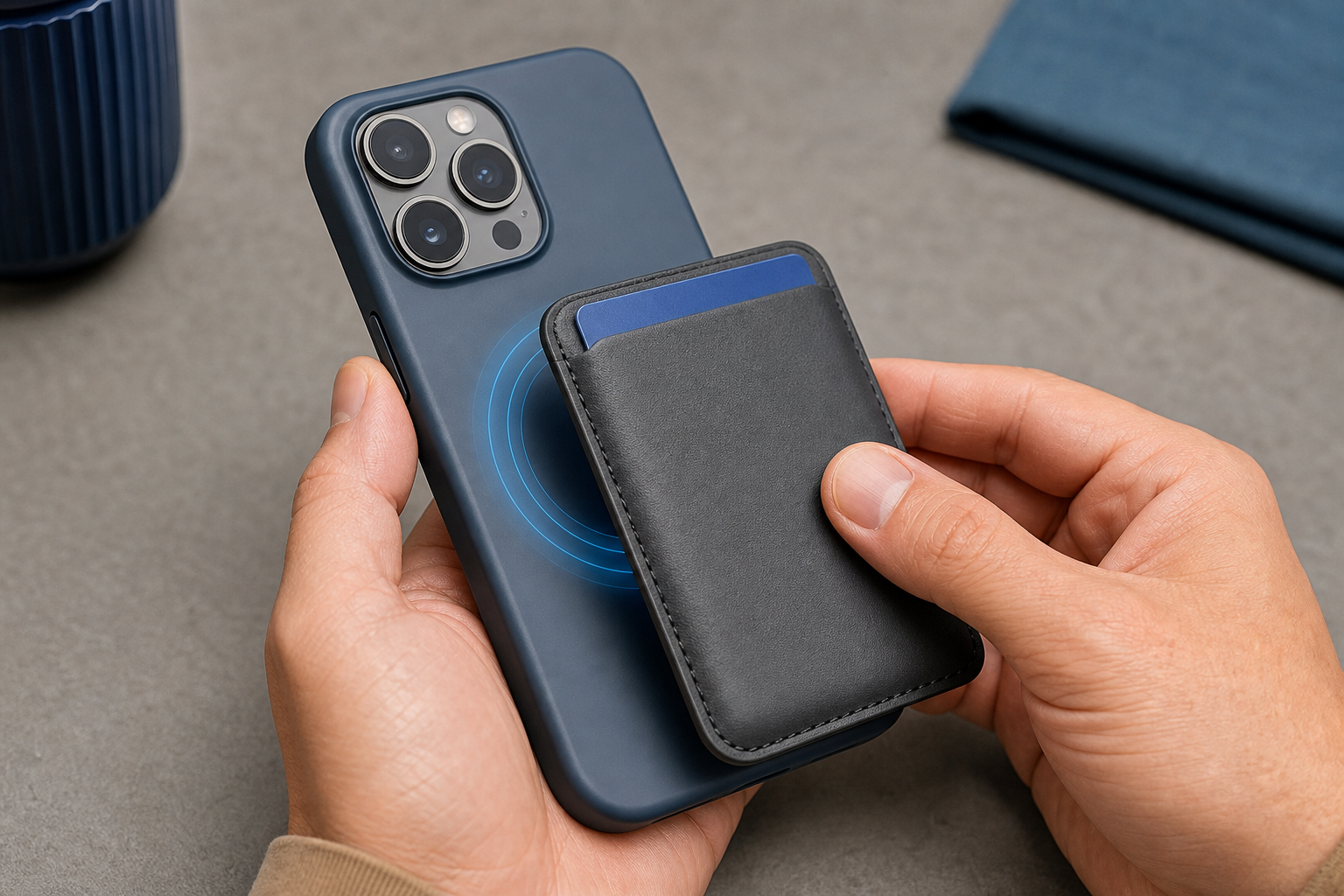
MagSafe card holder
A MagSafe card holder needs magnetic attachment. Check that the case is flat enough; a large camera bump can make the holder sit crooked.
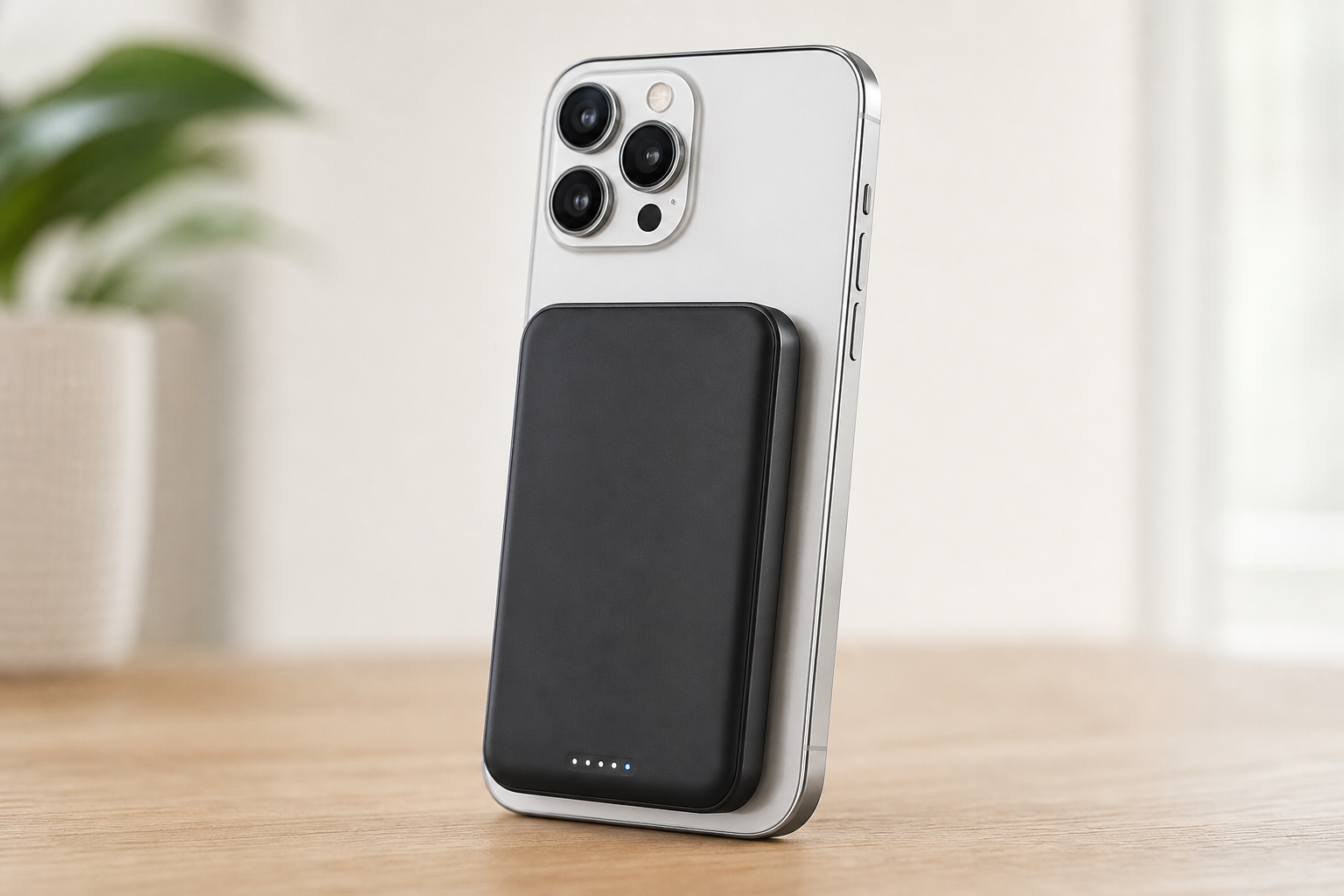
MagSafe power bank
A MagSafe power bank uses magnets to stay attached to the phone. This only works reliably with a strong ring or a sturdy MagSafe case.
If you use a separate ring, test the charging position and holding strength first. A thick case, metal or the wrong placement can slow down charging and make accessories less secure. Also watch out for NFC, the camera bump and the fingerprint sensor: a ring or accessory shouldn't block them.
First check the exact model of your Samsung, Google Pixel or OnePlus and whether it supports Qi. Then choose a MagSafe case if you want the magnetic ring built in, or a separate ring if you want to keep your current case. Check out which MagSafe accessories fit your Android case at directcases.com.