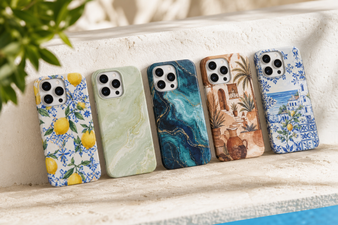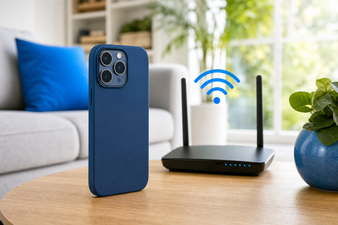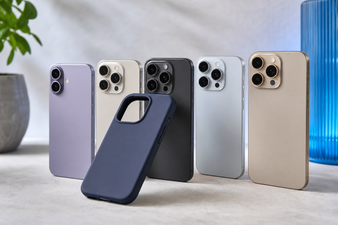
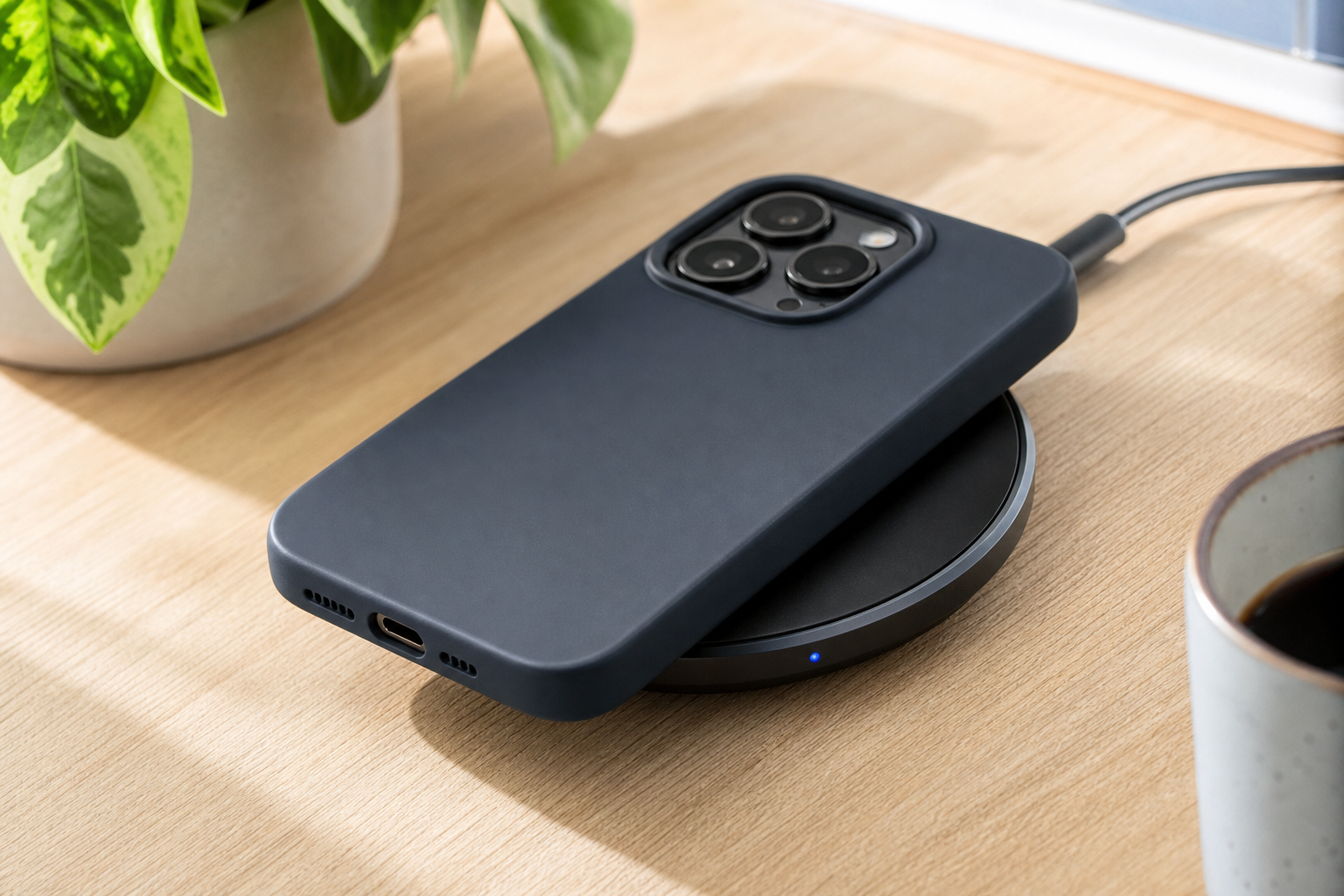
Can you charge your iPhone wirelessly with a case on? Yes, as long as the case is no more than three to five millimeters thick and contains no metal.
Charging depends on what sits between your phone and the charger. Thick layers or cards can interfere with power transfer, while materials such as silicone or TPU let the phone charge at full speed. With the right accessories, your iPhone sits correctly on the charger and the battery charges quickly.
Does wireless charging work with a case on?
Can I use any case for wireless charging?
No, but most standard phone cases work with iPhone wireless charging. It comes down to the distance between the phone and the wireless charger. A thin silicone or plastic case lets power transfer because the charger stays close enough to the battery. If a thick back puts too much distance between them, the charger can no longer pick up the signal.
Which iPhones support inductive charging?
Your phone needs to support Qi to receive power wirelessly. Apple has included Qi charging since the iPhone 8, and newer models support it too. An older model such as the iPhone 7 lacks the internal coil, so even a special case won't give the phone built-in wireless charging. The phone itself charges through its charging port.
What affects wireless charging?
Once the gap between your phone and the charger exceeds 5 millimeters, power transfer almost stops. Wireless charging is sensitive to distance because of how it works:
Wireless charging uses copper induction coils in the charger and your phone. When your phone is in the right position, the coils use an electromagnetic field to transfer power.
Anything between the charger and the iPhone weakens the field. Power can pass through a thin case, but thicker materials increase energy loss before it reaches the battery.
The charger works harder to compensate for the obstruction. This generates excess heat around the phone, which can shorten battery life considerably.
Case thickness and metal cases
You put your phone on the charger at night and wake up to a dead battery. Your case could be the reason. The material can affect how well your phone charges.
If your iPhone charges slowly or won't start charging, take off a thick or metal case and try again.
Material & type |
Thickness |
Effect on wireless charging |
|---|---|---|
Silicone, TPU, and polycarbonate (including many cases from Mobigear or Xccess) |
Under 3 mm |
Try it with the case on. When the charging icon appears on your iPhone, charging has started. |
Heavy-duty back covers |
3 to 5 mm |
Limited. Charging usually works, but energy loss often makes it slower. |
Metal cases |
Any thickness |
Doesn't work. Metal blocks the electromagnetic field completely and can get dangerously hot. |
A warning about cards and wallet cases
Always remove cards from your phone case before charging. Bank cards, ID cards, and transit cards can contain magnetic stripes and RFID chips.
Putting the phone on a wireless charger creates a strong electromagnetic field. This can permanently damage those stripes and chips, leaving you with a bank card that won't work at checkout.
If you use a folio case or a back cover with a card holder, remove all cards first. It could save you from having to replace your bank card.
MagSafe vs. the Qi standard
If you want to avoid wasting energy when charging your iPhone, MagSafe is worth considering. The universal Qi standard works well, but you need to place the phone directly in the center of the wireless charger. Move it slightly out of position and charging slows down.
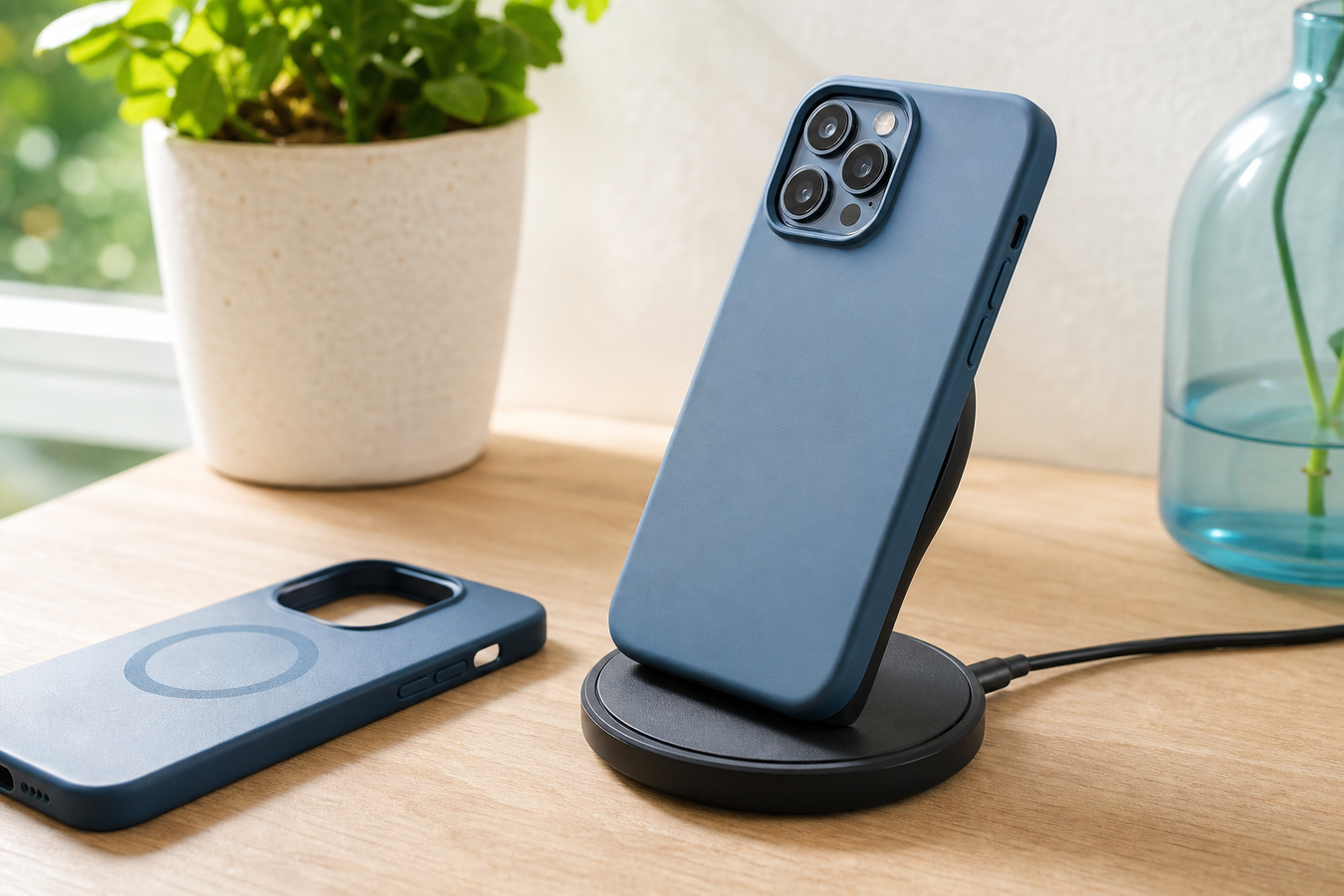
Apple uses built-in magnets in MagSafe to line up the charger with the induction coils in the phone. A standard case weakens the magnetic hold, so you need a compatible case. A case with a built-in MagSafe ring, such as one from Otterbox or SAFE by PanzerGlass, supports the fastest, most efficient charging.
Kenmerk |
Qi standard |
Apple MagSafe |
|---|---|---|
Alignment |
Place it directly in the center by hand |
Magnets align it automatically |
Use with a case |
Can shift out of place |
Snaps securely onto a MagSafe ring |
Efficiency |
Potential for energy loss and heat |
Always charges at full speed |
Popular wireless chargers
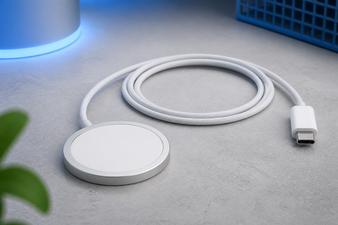
Popular MagSafe chargers
Does a case slow down wireless charging?
Does a standard phone case make charging take longer?
No, charging takes about the same amount of time with a thin case. Fast charging can still get your battery to 50% in about 30 minutes. A thin layer of silicone or plastic between the phone and charger makes little difference.
Why does charging take so long with a rugged case?
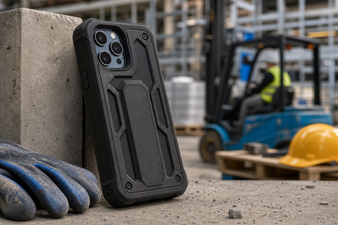
Thick rugged cases increase the distance between your phone and the wireless charger. Those extra millimeters lead to energy loss and slower charging. Temperature matters too. A thick case traps heat. If your iPhone gets too warm during wireless charging, its software slows charging to protect the battery.
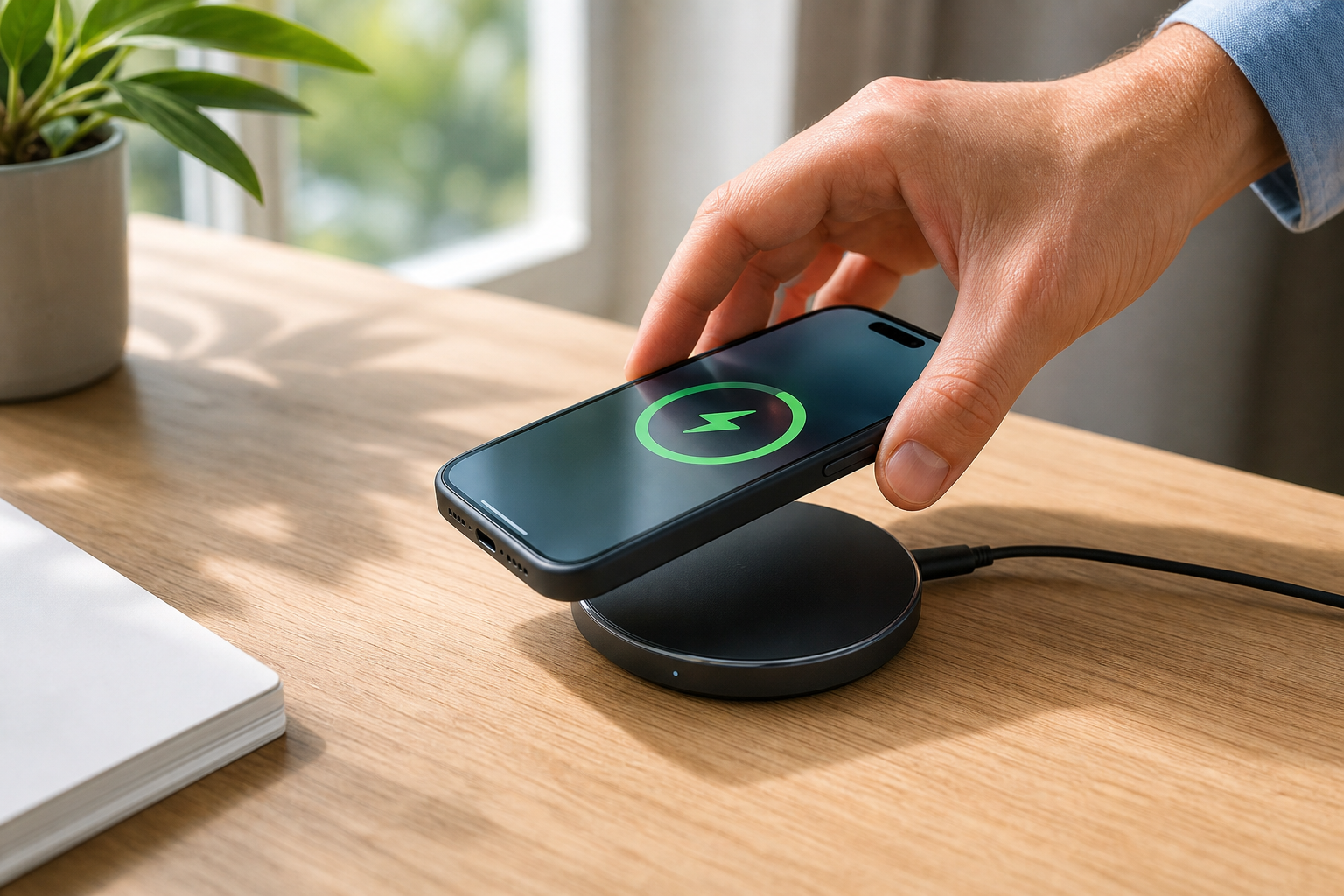
Checklist for wirelessly charging your iPhone
Reaching 50% in 30 minutes depends on having the right setup. Run through these steps before charging.
Make sure your phone case is less than 5 millimeters thick, since a thicker layer blocks power transfer.
Take bank cards and metal plates out of the case to avoid damaging magnetic stripes.
Place your iPhone directly in the center of the wireless charger or let the MagSafe magnets snap it into position.
Check your iPhone screen for the charging icon.
Wireless charging with an iPhone case is safe and efficient if you keep metal, cards, and overly thick materials out of the way. Choose a case with built-in magnets to get the most from your wireless charger. Browse MagSafe-compatible cases at directcases.com and filter by your iPhone model.