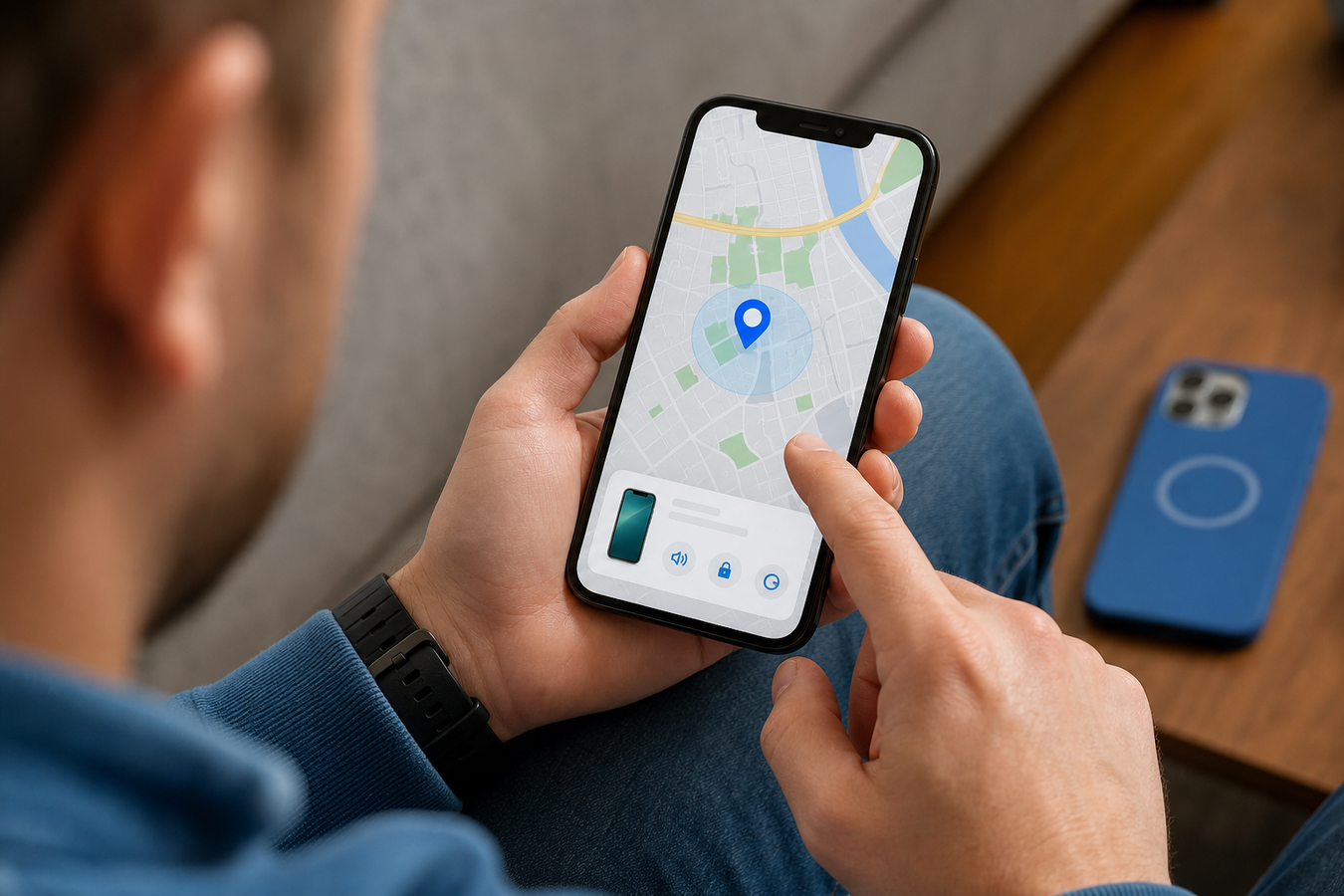
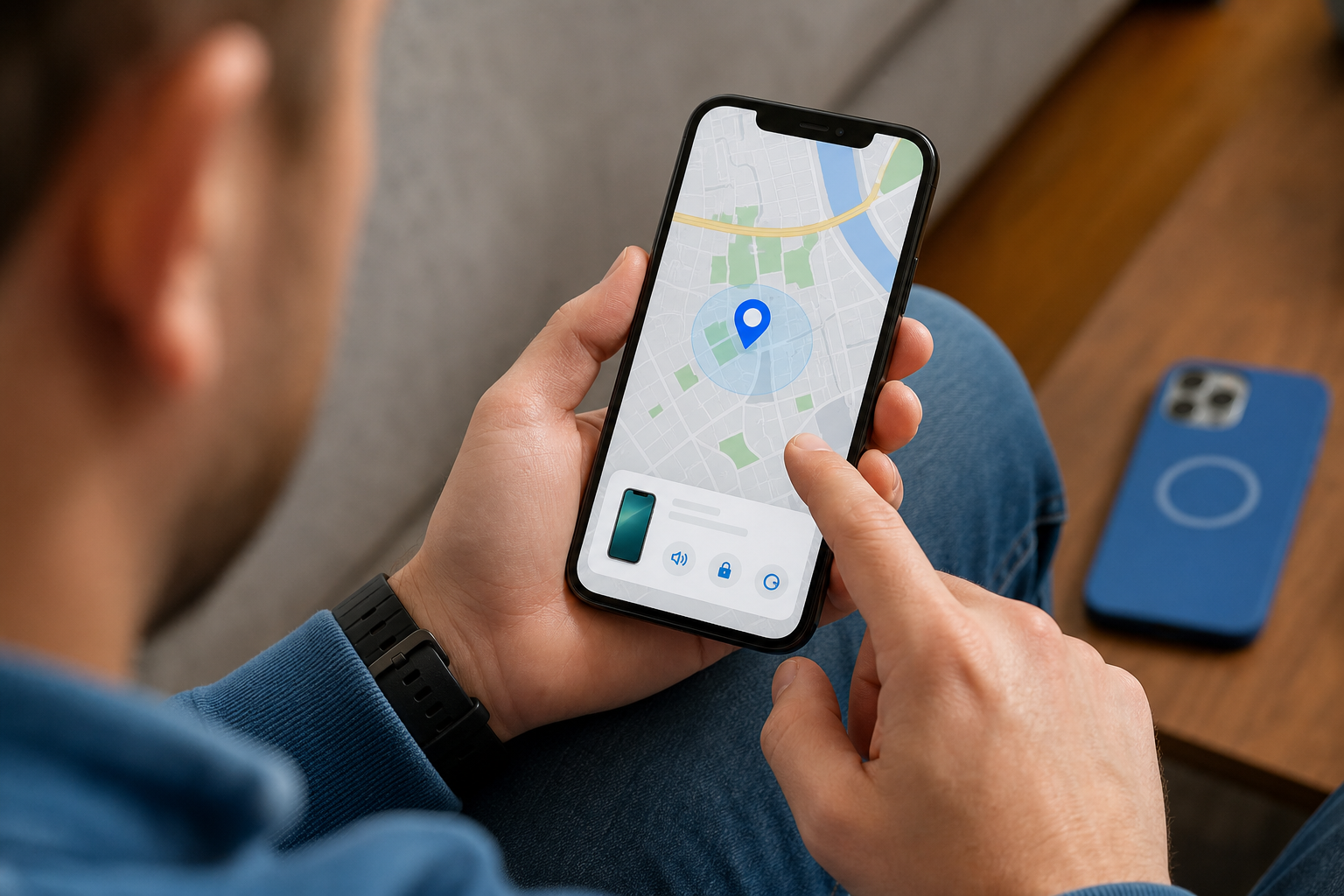
Lost your phone? Here's how to find my phone features work for you: on another device, sign in to iCloud (Find My iPhone) or Google Find Hub with the same account you use on your phone. The map shows you where it is, and you can play a sound. If you have a Samsung, you can also use SmartThings Find, even when your phone is offline.
That moment of panic: you reach into your pocket and your smartphone is gone. Your whole life is on it, but take a breath. Acting quickly makes it far more likely you'll get your phone back.
Is your phone somewhere at home, or did you leave it on the train? Taking the right steps straight away can mean the difference between losing it for good and getting it back. If your phone really has been stolen, lock it remotely and block your SIM card so your personal data and bank details stay safe.
How does a phone tracker work?
Tracking a lost phone relies on a combination of hardware and software that constantly communicate in the background.
GPS and Bluetooth as the basis: GPS uses satellites to pinpoint your exact location outdoors. Indoors, Bluetooth often takes over to improve accuracy, because its signal gets through walls better than a GPS connection.
You must set it up in advance: Tracking features only work if you've turned them on beforehand. Without a find feature enabled in your phone's settings, locating it through official channels is technically impossible.
Offline networks offer hope: A phone that's completely switched off doesn't send out a standard GPS signal. However, modern offline networks use anonymised Bluetooth signals from other nearby devices to pass on the location of your switched-off phone.
Use standard GPS tracking if your phone is still on and has battery left. Rely on offline networks when your battery is dead, provided you deliberately turned this feature on in your settings beforehand.
How tracking differs by operating system
Each brand uses its own ecosystem to locate a lost smartphone.
| Operating system / Brand | Tracking service | Unique feature |
|---|---|---|
| Apple (iOS) | Find My | Uses the huge network of all active Apple devices worldwide for highly accurate offline tracking, even when the iPhone is switched off. |
| Android (General) | Find Hub (Google) | Works on almost any Android phone and can be accessed straight away from any web browser with a standard Google account. |
| Samsung (Android) | SmartThings Find | Offers an advanced offline search feature via other Galaxy devices that works even when the phone no longer has an active internet connection or SIM card. |
Use Apple's Find My or Google's Find Hub as your main method for iOS and general Android phones respectively. Go for SmartThings Find specifically if you own a Samsung and suspect the thief has cut the internet connection.
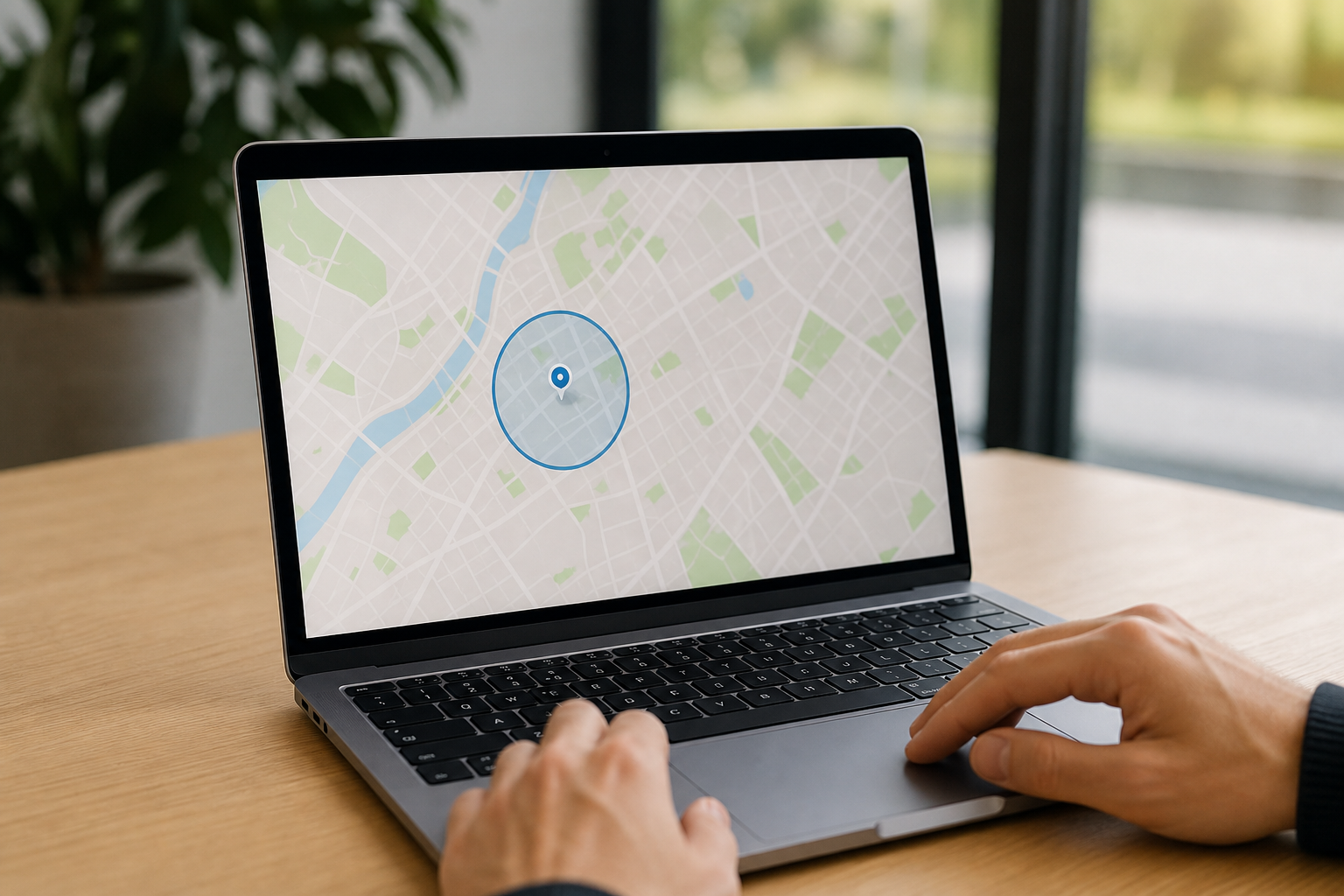
Step by step: how to use Find My iPhone
Apple users can locate their phone quickly through the secure iCloud portal.
-
1
Go to the web portal
Open icloud.com/find on any computer, tablet or a friend's smartphone.
-
2
Sign in with your details
Enter the Apple ID and password linked to your lost iPhone.
-
3
Select the right device
Click the iPhone you're looking for in the overview. The map zooms straight in on its last recorded location.
-
4
Take action
Play a loud sound if the map shows your phone is nearby. If it's further away, use the directions feature to get there.
Always play a sound first before you head out. More often than not, the phone is simply stuck between the sofa cushions on silent.
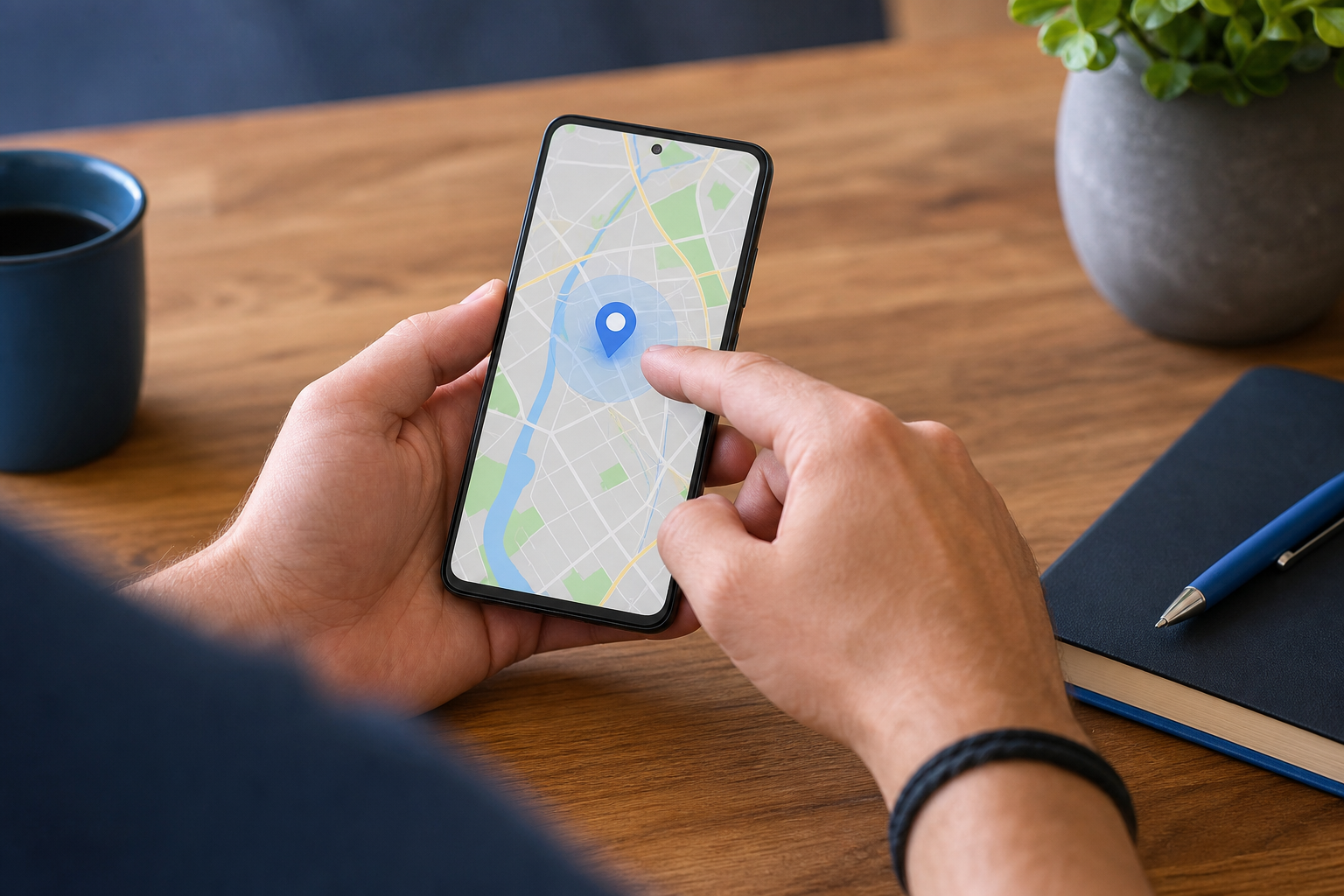
Step by step: how to track an Android or Samsung phone
For Android users, the search runs through Google or Samsung's own portal.
-
1
Choose the right website
Go to android.com/find for regular Android phones, or open findmymobile.samsung.com if you own a Galaxy device.
-
2
Verify your account
Sign in with the Google account or Samsung account that's active on the missing smartphone.
-
3
View the live location
Once you're signed in, a map appears showing your phone's current or last known location. At this point, the phone itself receives a silent notification that it's being tracked.
-
4
Use advanced features
On a Samsung, turn on the offline search feature straight away if the map isn't showing up-to-date GPS data. If you're searching indoors, tap the button to make the phone ring at full volume for five minutes.
If you have a Galaxy, choose the Samsung portal over Google's. The offline features of SmartThings Find give you a much better chance of success when the internet connection is off.
What if the standard methods don't work?
Sometimes an official app fails because the settings are wrong or the battery is completely flat. In that case, switch straight to other ways of finding your phone to save time.
First, check your Google Timeline, the location history in Google Maps, via the app or the website. As long as this feature was running in the background, the timeline shows exactly the route you took today. This is a big help in narrowing down your search area to, say, that one café or that stretch of cycle path. Also, always call your own number from another phone straight away. If someone answers, you can arrange to collect the phone safely.
Were you travelling by train or bus when you lost your phone? Contact the transport company right away. Don't spend hours searching platforms yourself; report the loss straight away through their official customer service portal. Give them your phone model and details such as the colour of your case. Then check the lost property list on the operator's website regularly, for example the one from NS.
Phone stolen or really lost? Do this straight away!
If the map shows an unfamiliar neighbourhood or your phone suddenly switches off, assume it's been stolen. Go through the checklist below straight away to prevent financial loss and identity fraud.
Lock your phone remotely: Use the tracking portal to put a digital lock on your phone right away. You lock an iPhone via iCloud and an Android phone via Find Hub. You can also leave a message on the screen with an alternative phone number for anyone honest who finds it.
Block your SIM card immediately: Log in to your network provider's online account. Block the SIM card to stop thieves making calls at your expense or, even more dangerous, intercepting text codes for your bank's two-factor authentication.
Erase your data as a last resort: Wipe the phone remotely if you're certain it's been stolen and you need to protect sensitive work data. On an iPhone this is called "Erase This Device" and on Android "Factory reset device". Note: once you've done this, tracking the phone via GPS is no longer possible.
Look up your IMEI number: Find the 15-digit IMEI number on the original box or your purchase receipt. Normally you'd get it by dialling *#06# on the phone itself, but that's not an option now.
Report it to the police: Report the theft within 24 hours. The police need the IMEI number to register the phone as stolen in the national system, which makes it much harder for the thief to sell it on.
Frequently asked questions
Can I track my phone if it's switched off?
No, not with standard GPS. A phone that's completely switched off no longer sends out its own signal. Only if you have a recent model with active offline networks, such as Apple's Find My network or Samsung's SmartThings Find, can the software pick up anonymised Bluetooth signals via passers-by's devices.
What if I didn't turn on Find Hub?
Then, unfortunately, GPS tracking through official channels isn't possible. Without your prior permission in the settings, a manufacturer can't simply retrieve the location. In this situation, you'll have to rely on your Google Location History or simply calling your own number.
How can I see where my phone is without internet?
This only works through the crowd-sourced tracking networks mentioned above. Other smartphones nearby detect the Bluetooth signal from your offline phone and send its location, encrypted, to Apple's or Samsung's servers. This all happens in the background without the other user noticing.
Is it a good idea to go after a stolen phone yourself?
Avoid this at all costs. Never confront a possible thief yourself, as this can lead to unpredictable and dangerous situations. Always pass the tracked location on to the police and let them handle recovering the phone.
Whether you have an iPhone or an Android, acting fast through the right web portals is crucial to find your phone or keep your data safe. Don't wait in the hope that searching for your smartphone gets easier on its own. Sign in to iCloud or Google Find Hub straight away to check its location, or contact your network provider to block your SIM card if the situation seems suspicious.