Want to know how to find saved passwords on your iPhone? In iOS 18, use the Passwords app to view and manage them. On a Mac or an older iPhone, you can find your sign-in details in Settings.
Follow the steps below to find and manage the passwords you've saved with Apple. You'll also see what to try if your devices stop syncing through iCloud.
Where can I find my saved passwords on my iPhone?
Just updated to iOS 18 and wondering where your sign-in details went?
-
1
Find the Passwords app
Open the Passwords app.
-
2
Unlock the app
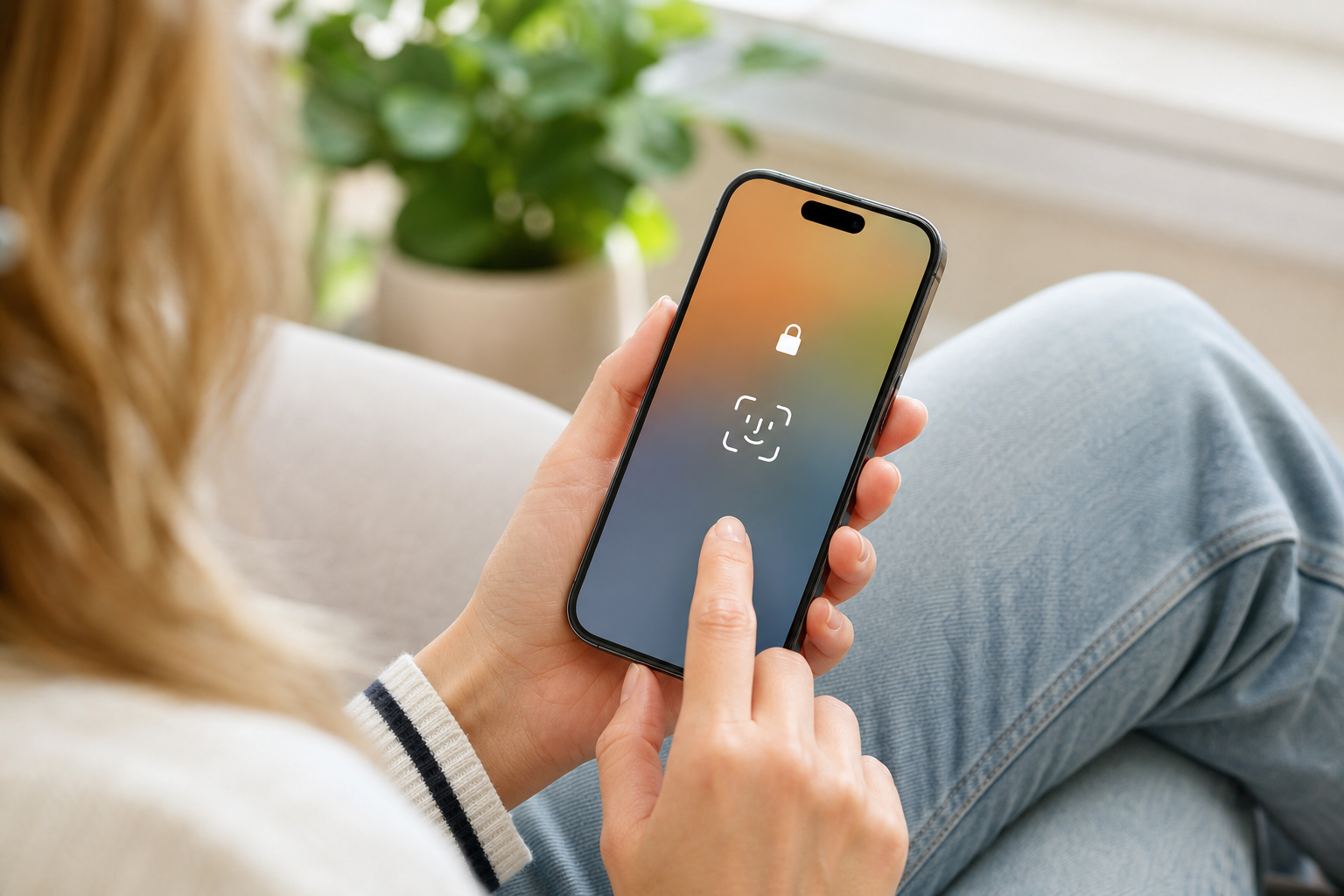
Open the app and unlock it with Face ID, Touch ID, or your passcode.
-
3
Copy your sign-in details
Tap All to see an alphabetical list of your saved passwords for apps and websites. Tap an account to see and copy its password.
Find saved passwords in iOS 17 and earlier
Apple's updated 2026 guidance still points to Settings for devices running older software. Here's how to find your passwords:
Open the Settings app on your iPhone or iPad. Look for the gray gear icon on your Home Screen.
Scroll down and tap Passwords.
Confirm your identity with Face ID, Touch ID, or your passcode.
Use the search bar at the top to look up a specific account, or browse the alphabetical list.
How do I view and manage passwords on a Mac?
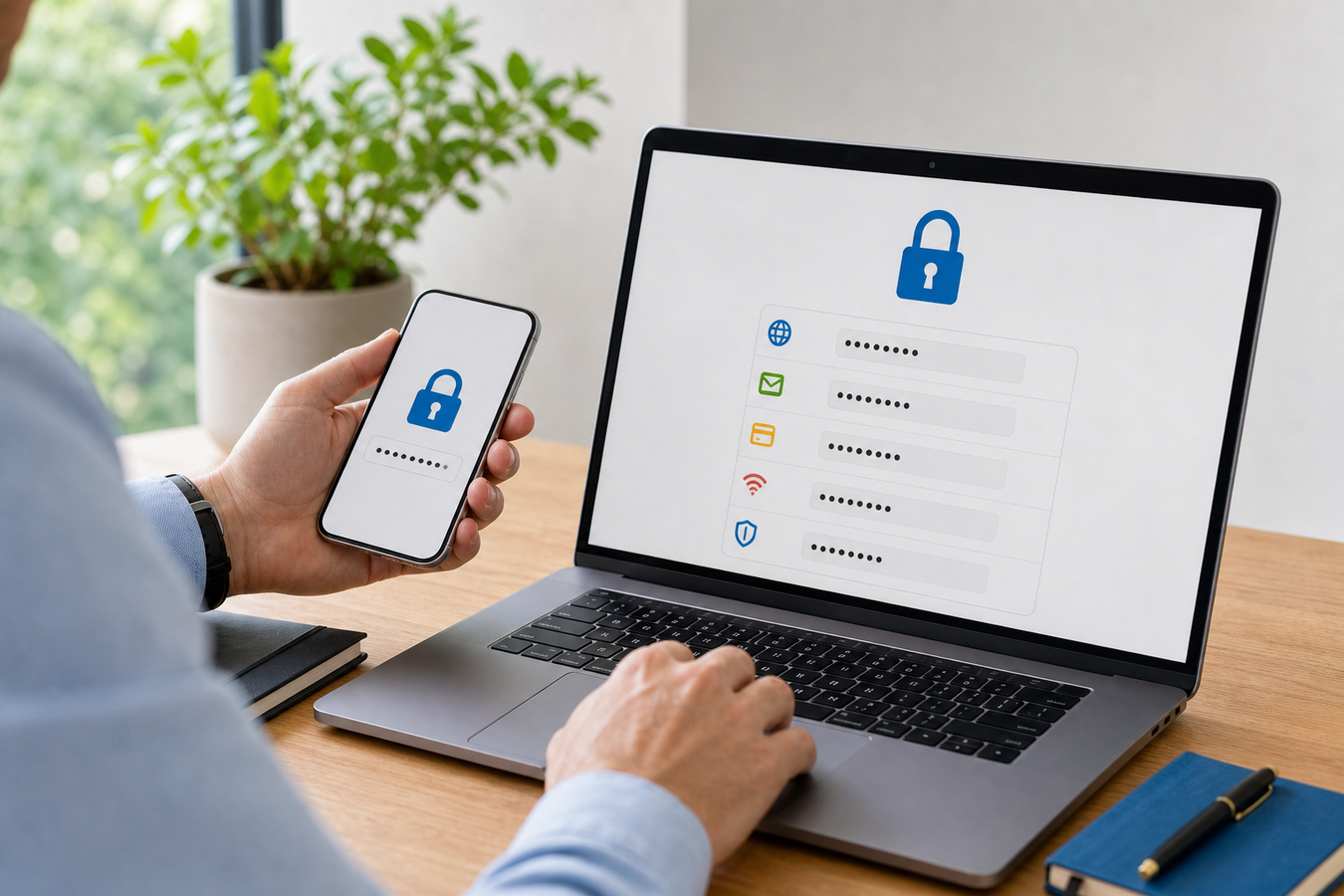
If you're working on your MacBook and can't remember your login for an online store, there are two ways to look up your saved passwords in macOS.
-
1
Use System Settings
Click the Apple menu in the upper-left corner of your screen. Open System Settings and scroll down to Passwords.
-
2
Use Keychain Access
You can also use Keychain Access. Press Command + Space to open Spotlight, then search for the app.
-
3
Find the account
Enter the domain name, such as apple.com, in the search field. Double-click the account in the results.
-
4
View the password
Select Show password in the window that opens. Enter your current Mac login password to view the saved password.
How does iCloud Keychain sync passwords?
Turn on iCloud Keychain so you can use your saved sign-in details on your other devices without retyping them.
On your iPhone, check that Sync this iPhone is turned on. Go to Settings > [your name] > iCloud > Passwords.
When syncing is on, iCloud Keychain uses end-to-end encryption to sync your sign-in details across your iPhone, iPad, and Mac.
If your saved passwords don't show up everywhere, try turning iCloud Keychain off and back on across your devices.
Check that all your Apple devices are signed in with the same Apple ID and have the latest software updates.
How do I change or delete a saved password?
Old sign-in details can pose a security risk, especially after a data breach. Review your saved passwords regularly and update or remove entries as needed:
Select an account: Open the Passwords app or Settings on your iPhone and tap the account in your list.
Edit: Tap Edit in the upper-right corner to update the saved username, password, or notes.
Delete: Tap the red Delete Password option at the bottom of the details screen to remove unused sign-in details from your keychain.
Review: Check for password security alerts regularly so you can act on possible data breaches, reused passwords, or weak passwords.
Is Apple's password manager safe?
If you're wondering how Apple protects the sign-in details you store in one place, it uses several layers of security. Here's how each one helps protect your information:
| Security feature | How it works | What it does for you |
|---|---|---|
| Apple Passwords | Protects saved sign-in details with end-to-end encryption. | Unlock the app to view your saved details, for example with Face ID or Touch ID. |
| Passkeys | A password-free way to sign in using a unique cryptographic key. | Passkeys help protect against phishing because you don't give the website your private key. |
| Two-factor authentication (2FA) | Adds a second step to signing in, which can use a code that changes regularly (TOTP). | You can generate and store these codes in the Passwords app. |
Frequently asked questions
How do I find app passwords on my iPhone?
On iOS 18 or later, open the Passwords app. On earlier versions, open Settings and tap Passwords.
How do I open my password manager?
On your iPhone, use Settings or the Passwords app. On a Mac, open System Settings or search for Keychain Access in Spotlight.
How do I see all my saved passwords?
Unlock the password manager with Face ID or your passcode, then tap All. You'll see your saved websites and apps in alphabetical order.
The latest Apple updates make your saved passwords more secure and easier to reach. Someone looking over your shoulder on the train can still see what's on your screen. To shield your sign-in details from side views, browse the privacy screen protectors at directcases.com.