A cracked or peeling screen protector isn't just annoying, it also stops protecting your screen properly. Air bubbles under the surface reduce touch sensitivity, and dirt quickly builds up along the edges. Once the protective layer stops doing its job, it's time to act. In this article, you'll learn how to remove a screen protector the right way, including tips for shattered glass and stubborn sticky residue. We often see the wrong technique cause unnecessary damage to the display. With the right approach, you avoid scratches from tools and won't be left with a screen covered in sticky leftovers.
Preparation: what do you need?
Always start with a clean, well-lit workspace to avoid dust and scratches during the process. Good preparation greatly reduces the risk of damaging your display. Go through the following steps and keep the right tools within reach before you start your screen protector removal.
Switch off the device: This prevents accidental taps, bright screen light in your eyes and unwanted actions on your mobile phone or tablet.
Take off the phone case: Remove the case so the edges of the screen are fully exposed, which is especially important with an edge-to-edge screen protector.
Wooden toothpick: Ideal for safely lifting the first corner without scratching the glass underneath.
Plastic card: An old bank card or loyalty card works perfectly to pry the protector loose evenly.
Microfibre cloth: Essential for safely wiping the screen afterwards.
Duct tape: Handy for extra grip on smooth edges or for holding broken pieces together.
Never use metal objects such as knives or screwdrivers. Metal is harder than screen glass and will cause permanent scratches straight away.
Removing a glass or plastic screen protector: what's the difference?
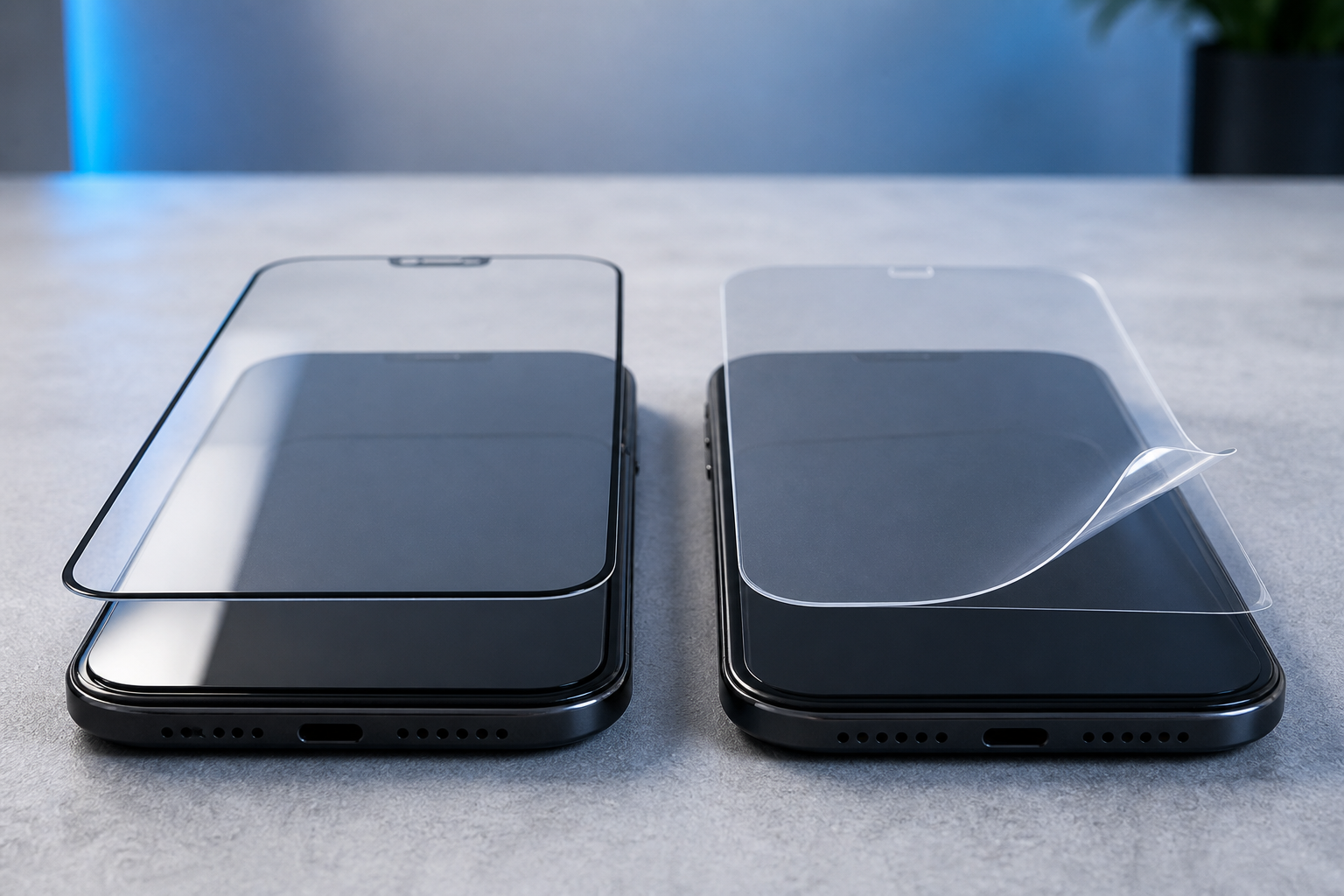
How you take off a screen protector depends entirely on the material on your display. A tempered glass screen protector reacts completely differently to bending than a thin plastic film. Adjust your expectations and technique accordingly to avoid damage.
Kenmerk |
Tempered glass |
Plastic film (PET/TPU) |
|---|---|---|
Flexibility |
Very rigid, barely bends. |
Very flexible, rolls up easily. |
Risk during removal |
Breaks easily and can form dangerous shards. |
Stretches or tears, but never shatters. |
Removal technique |
Needs a slow, careful approach with support. |
Usually peels off in one smooth motion without breaking. |
Sticky residue |
More likely to leave stubborn residue along the edges. |
Rarely leaves much residue on the display. |
With an edge-to-edge screen protector, the edge can be harder to find, whatever the material. These protectors follow the curves of the device closely, which makes it difficult to get your nail underneath. Use the careful card method when removing a tempered glass screen protector to minimise the risk of breakage. Go for quicker removal by hand if you're sure it's a flexible plastic one. Avoid pulling hard on tempered glass, as the built-up tension will make the material crack instantly.
Step by step: how to take off a screen protector safely
Work on a flat, soft surface such as a mousepad or towel so the camera on the back of your device doesn't get damaged. Follow these steps to remove your screen protector safely without scratches. Take your time with this process.
-
1
Choose the right starting corner
Always start at a corner that's already slightly loose, has air bubbles, or is the least damaged. This gives you instant grip and stops you putting unnecessary pressure on the screen.
-
2
Carefully lift the edge
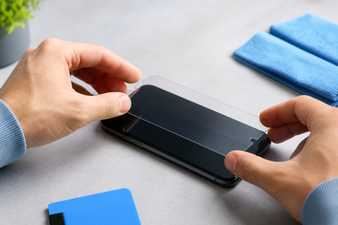
Use a wooden toothpick or plastic card to lift the edge. Slide the tool less than a millimetre under the protector and gently pry upwards.
-
3
Loosen the adhesive with heat (optional)
For stubborn adhesive, warm the screen protector for no more than 15 seconds with a hairdryer on its lowest setting. Keep a distance of about 15 centimetres to stop your mobile phone's internal components from overheating.
-
4
Slide the card further in
Once the corner is loose, slide the plastic card further under the protector. Move slowly along the edges to break the adhesive bond all the way round.
-
5
Peel off the protector
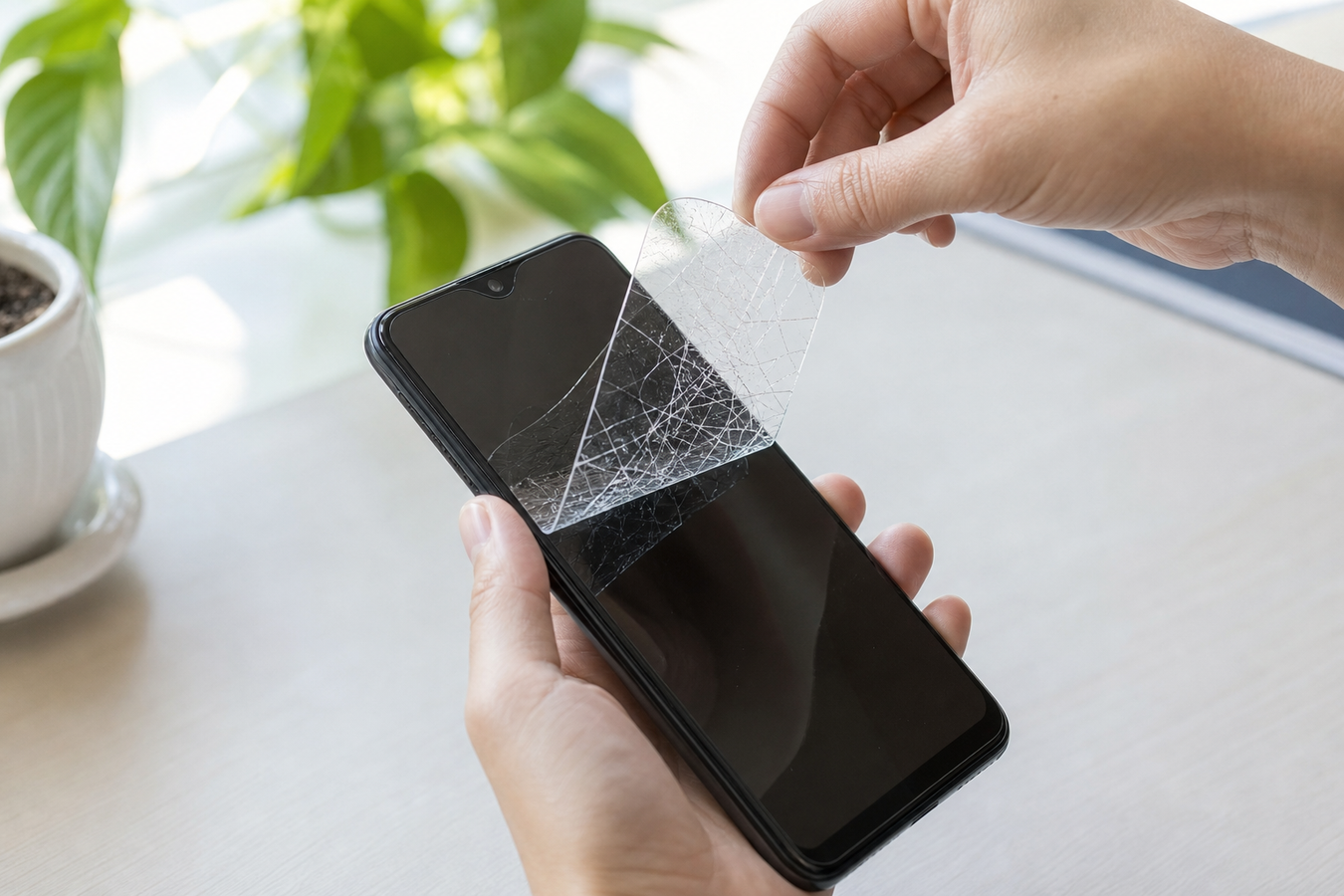
Peel the protector off slowly and steadily at an angle of 30 to 45 degrees. A steeper angle increases the risk of cracking, while an angle that's too flat won't release the adhesive properly.
What should you do with a cracked glass screen protector?
A damaged screen protector calls for extra safety measures to stop sharp fragments from injuring your fingers or damaging the display. Glass that's already under tension will crack further with the slightest bend.
Secure the cracks: Stick duct tape over the cracks to hold glass shards together safely while you remove it. This creates a temporary, flexible top layer so the protector doesn't fall apart into thousands of pieces.
Slow down: Peel the protector off extra slowly to prevent further breakage and splinters in your fingers. The slower you work, the more the adhesive layer can stretch instead of tearing off.
Remove it in stages: Work in small sections if the tempered glass still crumbles while you peel it. Use your plastic card to support each broken piece individually and lift it off the screen.
Consider wearing safety glasses or gloves if the glass is badly shattered.
Removing sticky residue afterwards
After removing a tempered glass screen protector, a thin layer of residue is often left on the display. This is normal, but it needs to be removed completely before you apply a new protective layer. Use a clean, soft microfibre cloth to gently wipe the screen. Rub in circular motions to roll up the leftover adhesive without scratching.
For stubborn residue, put a small amount of isopropyl alcohol (ideally 70 per cent) on the cloth. Never spray or drip the liquid directly onto the display. The alcohol breaks down the adhesive, so the residue wipes away easily. This works much better than scrubbing hard with a dry cloth.
Always keep moisture out of your mobile phone's speakers and charging port. Even a small drop of alcohol or cleaning product can cause an internal short circuit or damage the microphone. So use a slightly damp, almost dry cloth and wipe the edges of the device very carefully.
Popular screen protectors
FAQs about replacing a screen protector
How do I safely remove a screen protector?
The safest way to remove a screen protector is to switch off the device, lift a corner with a toothpick and then slide a plastic card under the layer. Then peel the protector off slowly at an angle of 30 to 45 degrees. Avoid metal objects and work carefully to prevent scratches on the original screen.
Can I use a hairdryer?
Yes, you can use a hairdryer to soften the adhesive, but only briefly and on the very lowest setting. Aim the warm air at the display for no more than 15 seconds and keep the hairdryer at least 15 centimetres away. Too much heat can permanently damage your device's battery and motherboard.
Is duct tape really useful?
Yes, duct tape is ideal for extra grip on smooth or broken corners. You can wrap a piece of tape around your finger, sticky side out, to lift a stubborn edge. It's also the best way to hold a shattered glass protector together while you remove it.
Now you know exactly how to remove your old screen protector safely with the right tools and a little patience. Don't leave your display unprotected once you're done. Clean your screen straight away with a microfibre cloth and apply a new screen protector to prevent scratches.