Ever been on a train and noticed the person next to you looking at your phone? A privacy screen protector helps keep your WhatsApp chats and work emails away from prying eyes. Here’s how it works, what the trade-offs are, and how to choose and fit one. We share what we’ve learned from using privacy glass so you know what to expect, whether you have an Apple iPhone or a Samsung Galaxy.
What does a privacy screen protector do?
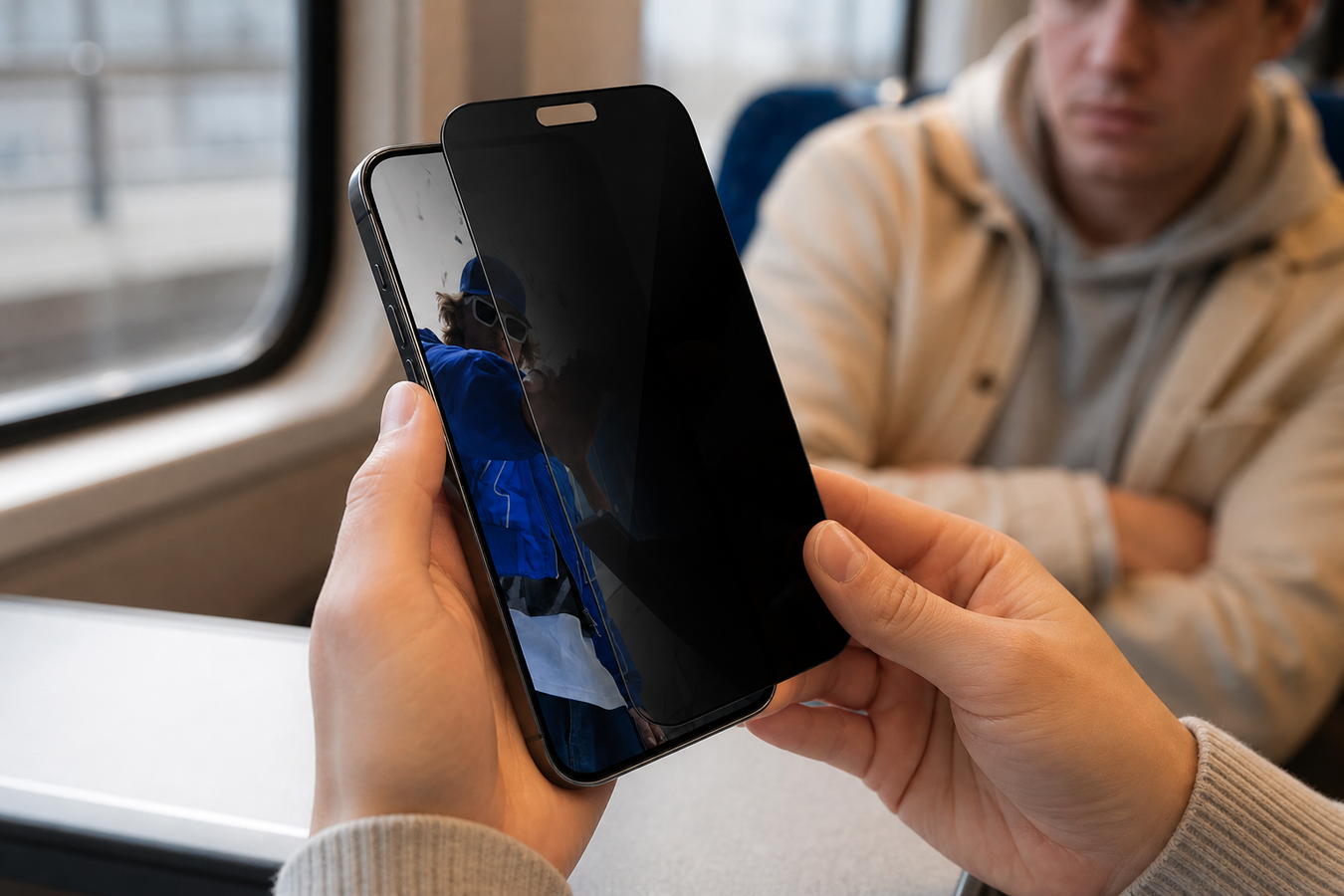
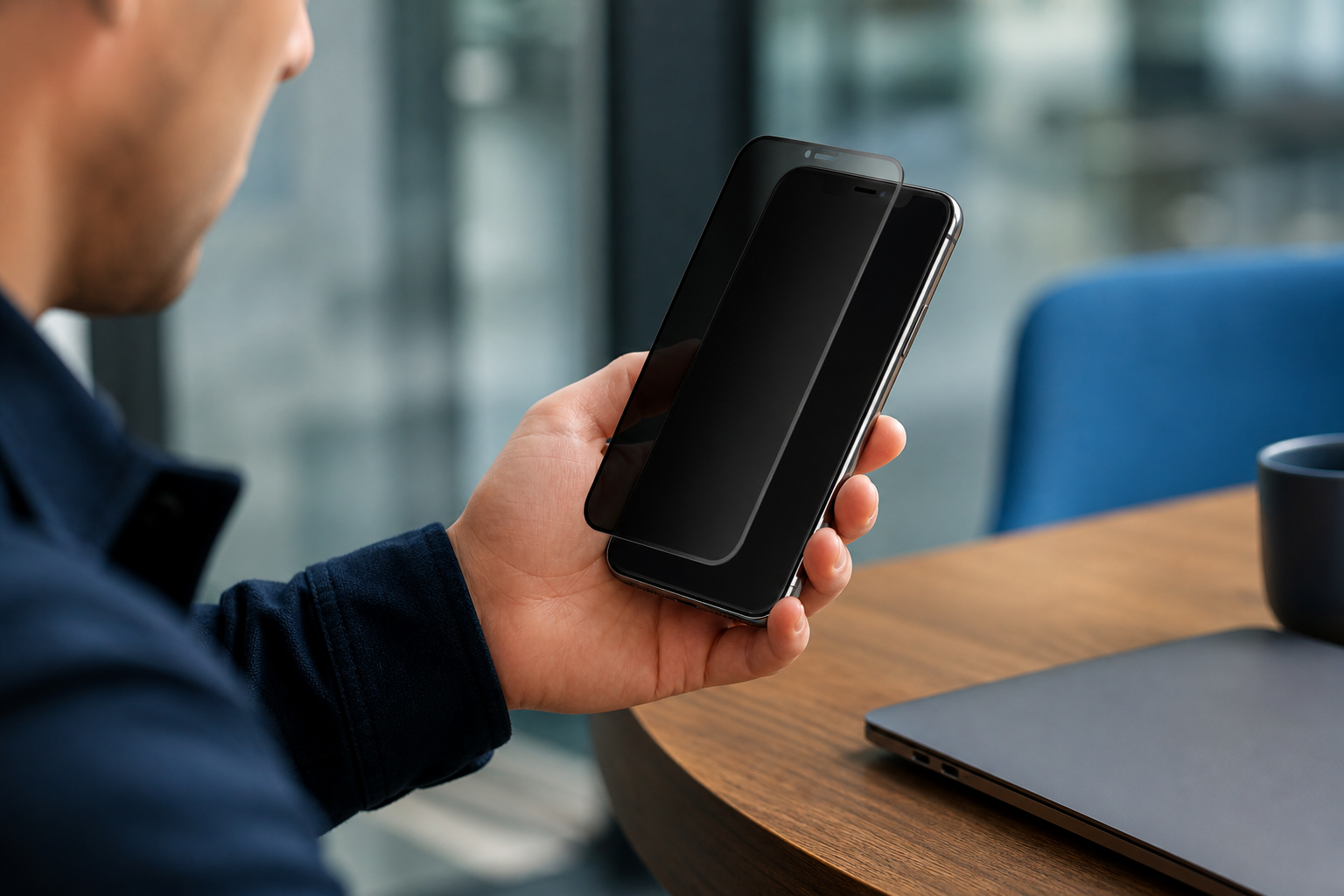
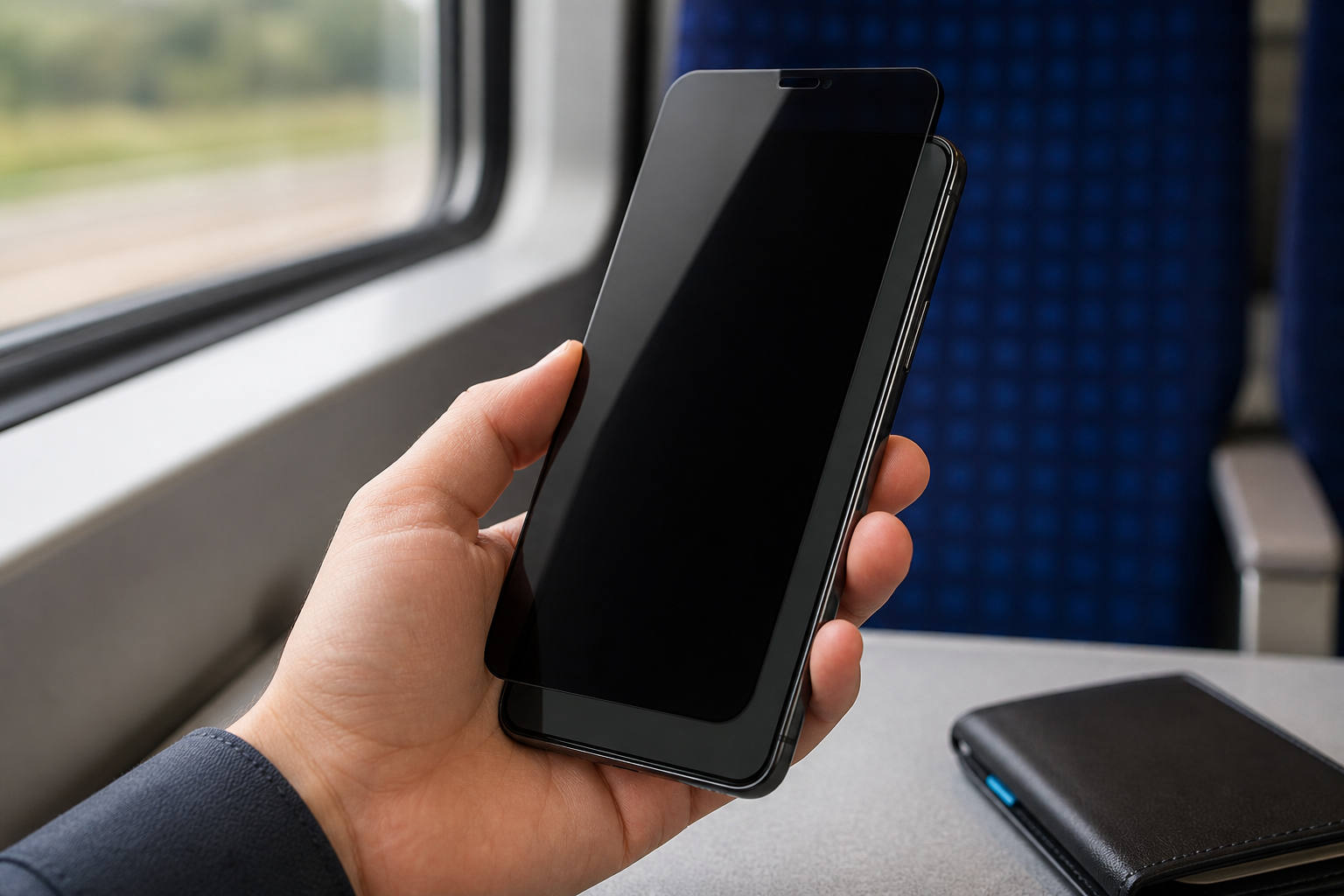
A privacy screen protector is designed to narrow your screen’s viewing angle. A polarising layer in the glass works much like the slats in a blind. Look at the screen head-on and the filter lets the light through, so the display looks clear. From the side, the glass blocks the light and the display looks dark or black.
This is the most effective way to prevent people from reading your screen in public. You’ll notice the difference on public transport or in a busy open-plan office. With a standard screen film, people nearby can see the display. Privacy glass blocks their view, so you can check your bank account or read confidential documents without someone right next to you seeing what’s on your screen.
Benefits: keeping your screen private and protected
A privacy filter protects both the screen and what’s on it. In our experience, these are the main reasons people choose privacy glass:
Stops people from looking over: At an angle of around 28 to 30 degrees, the glass makes the display look completely black. This keeps someone next to you from reading your screen.
Protects against scratches and cracks: The protector is made from 9H tempered glass. If you drop your phone, it absorbs the impact and breaks in place of the original screen.
Hygiene: Many premium privacy glass protectors have an antibacterial coating that kills most bacteria on the screen surface immediately.
Are there any downsides to a privacy filter?
The filter layer in the tempered glass dims the light from your display slightly. Your screen will look darker than usual, so you may need to turn up its brightness manually.
Higher brightness drains the battery faster. If you use your phone heavily with a privacy filter, you’ll need to charge it more often. A privacy screen protector also costs more than a standard screen film. Basic films often cost a few euros, while good privacy glass for popular models starts at around €11.95. Consider these points before you fit a privacy filter.
Privacy screen protector or Ultra-Clear screen protector?
Choosing between a privacy filter and a standard clear protector depends on how and where you use your phone. Here’s how they compare.
Feature |
Glass with privacy filter |
Ultra-Clear screen protector |
|---|---|---|
Viewing angle |
Narrow (the filter keeps the display visible only from straight ahead) |
Wide (clear from all angles) |
Light transmission |
Slightly dimmed, so privacy glass requires higher screen brightness |
100% clear, retains the display’s original brightness |
Screen privacy |
Maximum privacy, with the protector blocking side views |
None, so people nearby can read the screen |
Price range |
Mid to high (privacy glass starts at about €11.95) |
Low to mid |
Materials |
Mainly rigid tempered glass |
Tempered glass or flexible screen film |
Choose a privacy screen protector if you take public transport daily or often open confidential information in public. Choose an Ultra-Clear protector if you often show photos to others, want the longest possible battery life and aren’t concerned about people seeing your screen.
Choosing the best privacy glass for your phone
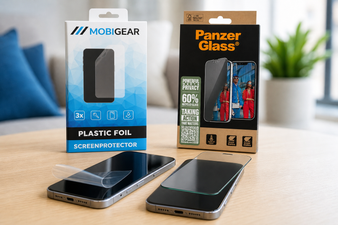
A privacy filter works best when it fits your phone. Apple iPhones and Samsung Galaxy phones need different cutouts. We stock several brands that specialise in privacy screen protectors. Compare the options below to see which suits you.
Brand |
Design & quality |
What’s in the box |
Price range |
|---|---|---|---|
Premium, highly scratch-resistant privacy glass with Privatech technology. |
Full cleaning kit, often with an installation tray. |
High |
|
Reliable privacy and drop protection at a more affordable price. |
Standard cleaning wipes and dust removal stickers. |
Mid-range |
|
Best value for money. Sturdy 9H privacy glass with no unnecessary extras. |
Basic cleaning kit or fitting tool for quick installation. |
Budget-friendly |
|
Precise fit that works well with snug phone cases. |
Often comes with an installation tray to align the privacy filter. |
Mid-range |
Choose GrizzlyCoat for an affordable, effective privacy screen protector for daily use. Choose PanzerGlass for maximum drop protection, a precise fitting tray and extra features.
Popular privacy screen protectors
Browse the full range of privacy screen protectors at directcases.com to find one that fits your phone.
Privacy filter FAQs
Is a privacy filter bad for my eyes?
No, a privacy screen protector does not harm your eyes. It limits the viewing angle without distorting the image when you look straight at it. You can use your phone just as safely and for just as long with a privacy filter fitted.
Will my touchscreen and fingerprint scanner still work?
Yes. If you fit the privacy glass correctly, your touchscreen will still respond as usual. On phones with an ultrasonic fingerprint scanner under the display, such as some Samsung Galaxy models, you may need to register your fingerprint again or increase touch sensitivity after fitting the protector.
At what angle does the screen go black?
With most privacy glass protectors, the display starts to dim at around 28 to 30 degrees from straight ahead. Beyond that angle, it appears completely black, so people to the side can’t see what’s on it.
A privacy screen protector helps protect your phone against drops and keeps people nearby from reading your screen. You give up some brightness in exchange for privacy and a screen protected from scratches. Browse the full range of screen protectors at directcases.com to find one for your phone.