Glass vs. plastic screen protector: which should you choose? It depends on how you use your phone. Tempered glass can absorb the impact of a hard knock, while thin plastic film mainly protects against light scratches.
Both materials have pros and cons. Comparing thickness, scratch resistance, and flexibility can help you decide which one will keep your screen scratch-free longer.
What’s the difference between glass and plastic screen protectors?
Why put a thick layer of glass on your screen if a thin sheet of plastic can also keep scratches away?
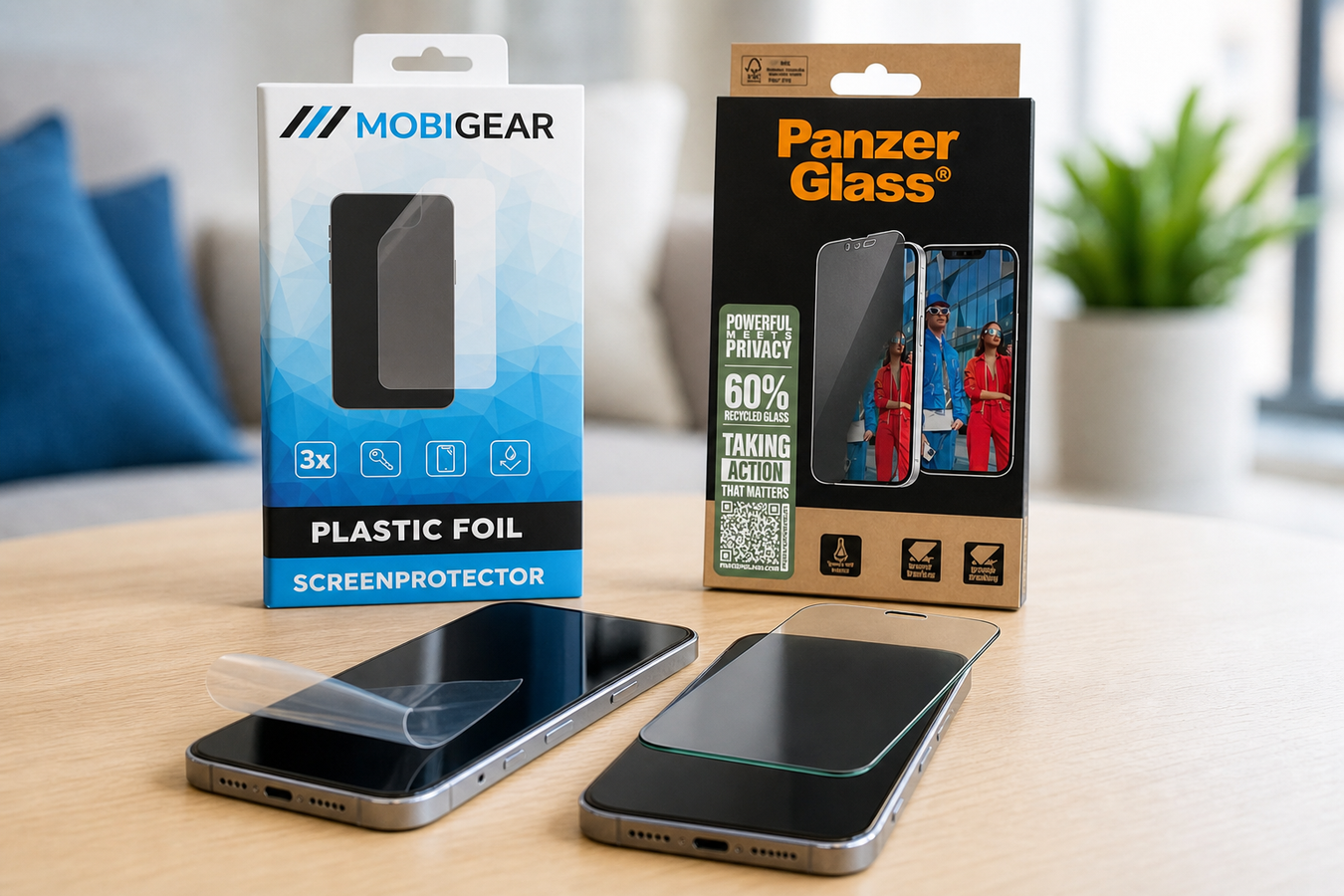
The biggest difference is how they handle impact. Glass screen protectors are thicker and sturdier. If you drop your phone, the tempered glass absorbs the impact. The protector often cracks first, leaving the original screen intact. Plastic screen protectors are much thinner. The film doesn’t shatter and mainly protects against scratches and bumps from things like keys in your pocket.
You’ll also notice a difference when you swipe. Glass feels smooth, just like your original touchscreen. A film may feel a little less smooth under your fingertip at first.
Feature |
Tempered glass |
Plastic film |
|---|---|---|
Thickness |
Thicker and sturdier |
Very thin |
Protection |
Absorbs impact from a drop |
Mainly protects against scratches and bumps |
Touchscreen |
Smooth like the original screen |
May feel a little less smooth |
Material |
Rigid (9H hardness) |
Flexible (PET or TPU) |
Benefits of a glass screen protector
With a 9H hardness rating, tempered glass offers a high level of scratch resistance for your screen. It’s designed to absorb hard impacts and has a few practical advantages.
Keys and coins in your pocket won’t scratch it. The 9H rating means it resists scratches and helps keep your screen clear for years.
If your phone lands on the sidewalk, the protector absorbs the impact. The glass protector often cracks first, leaving the screen on your iPhone or other smartphone undamaged.
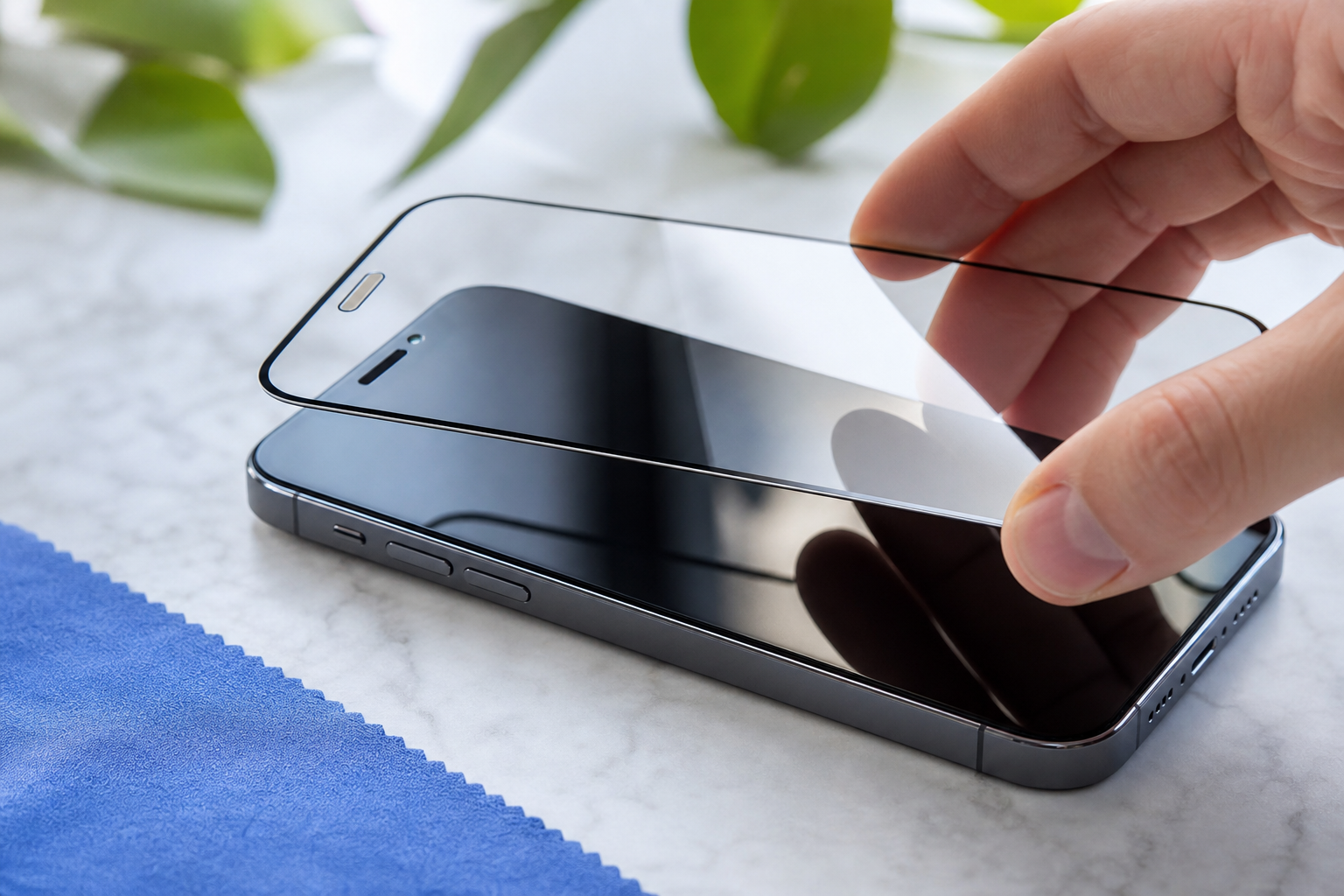
It’s easier to apply a glass screen protector without bubbles. The rigid material won’t fold as you put it on. Once aligned, the glass usually adheres to the screen on its own.
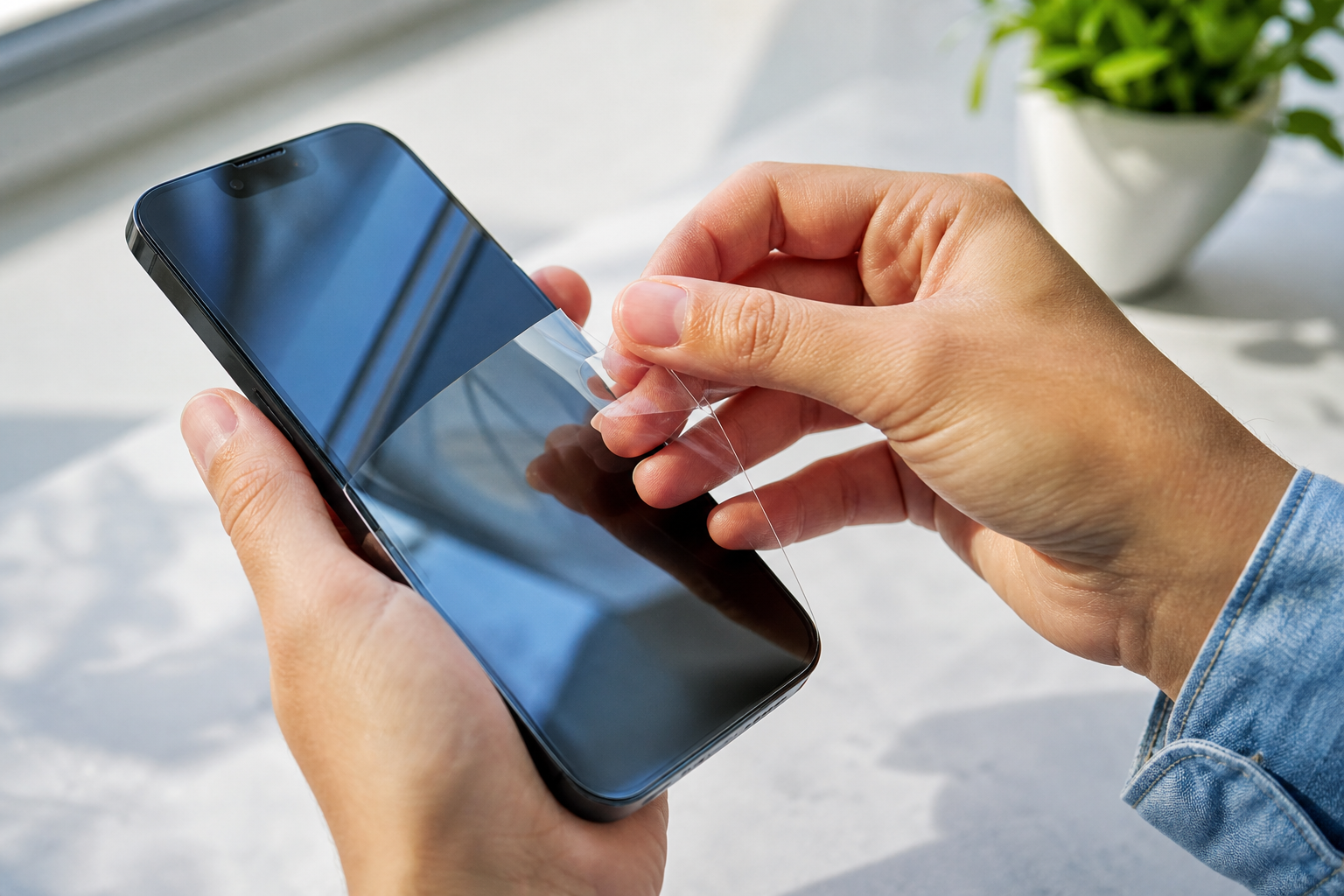
Benefits of a plastic film screen protector
Maybe you slip your phone into the same jacket pocket as your keys, or you’ve just bought a phone with curved screen edges. A plastic screen protector can guard against scratches and bumps while keeping your phone slim.
Film is thin enough to barely show once it’s on the screen, and it bends around curved edges. Where rigid glass can sometimes lift from a curved display, a flexible film follows the curve of the screen.
Film is made of PET or TPU, so it won’t crack or shatter like glass on impact. That means less hassle and fewer replacements than with glass.
Many TPU films can heal minor scratches. If sand or a sharp object leaves a light mark, the material can smooth out again after a few hours, keeping your screen looking clear longer.
Which screen protector should I buy?
Think about how often you drop your phone. If you’re active or your phone regularly slips out of your hands, choose tempered glass. It absorbs the impact and can break in place of your screen.
If you rarely drop your phone and want to keep it slim, a plastic film may be a better fit. It’s barely visible and offers basic scratch protection without adding much thickness.
Do you use a snug case, or does your phone have steeply curved edges? Choose a film that bends around the edges of the screen. If you go with glass, look for a case-friendly label. A snug case can otherwise push up the edges of the protector.
How do you apply a screen protector?
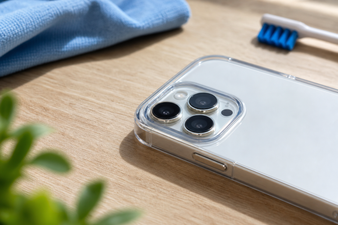
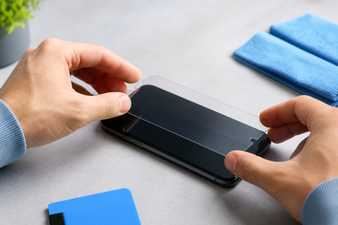
Take care when applying tempered glass. Even one air bubble can interfere with the fingerprint sensor beneath your screen. Work in a clean, well-lit room. Clean your phone’s screen with an alcohol wipe and dry it with a microfiber cloth. Use a dust removal sticker to pick up any remaining specks. Dust is a common cause of bubbles. Line up the edges, slowly lower the protector, and press the center. The protector will stick on its own. Push any remaining bubbles firmly toward the edges. For step-by-step instructions, see our guide to applying a screen protector on the directcases.com blog.
Frequently asked questions about glass and plastic screen protectors
Is a glass screen protector better than a plastic film?
Tempered glass is the better choice for drop protection. The rigid material absorbs the impact and can break in place of your screen.
When should I choose a plastic film?
Choose a plastic screen protector if you want a thin, discreet layer that fits a strongly curved screen. The flexible material follows the curve where rigid glass can sometimes lift, and it offers protection against scratches and bumps.
Does a screen protector affect touchscreen sensitivity?
No. Good glass and film screen protectors maintain touch sensitivity, so you won’t notice a delay when you type or swipe.
Will my fingerprint sensor still work with tempered glass?
Yes, as long as you apply the glass without air bubbles. Bubbles under the glass can interfere with the sensor. This is less common with a thin film.
How often should I replace my screen protector?
With daily use, a film usually needs replacing after six to twelve months because of visible wear. Good tempered or hybrid glass often lasts for years without losing quality.
Tempered glass helps protect against drops, while film gives you discreet scratch protection. To avoid an expensive screen repair, look up your phone model on directcases.com and find a screen protector from a brand such as PanzerGlass or Mobigear.