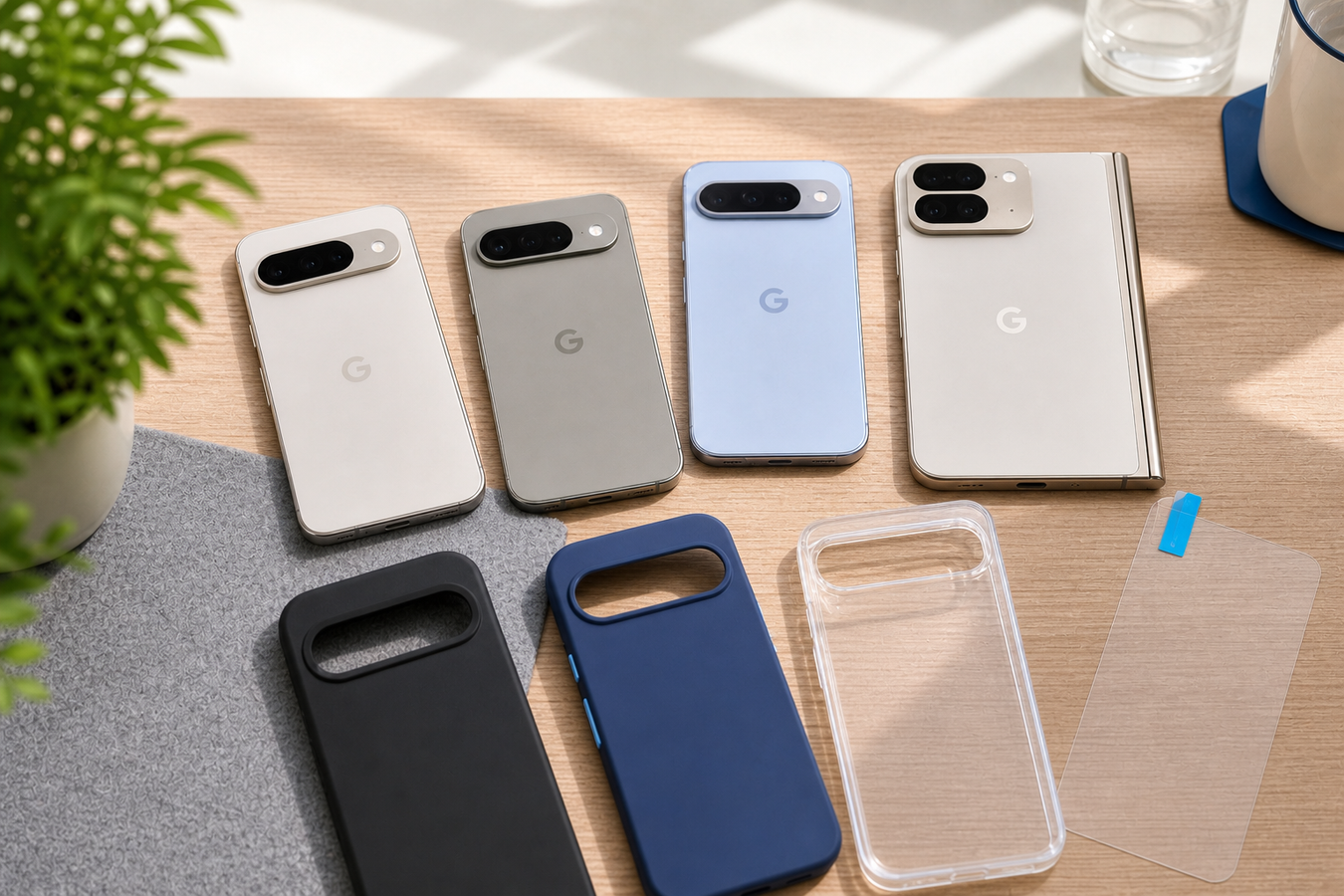
Choose a Google Pixel 11 case and screen protector to protect your new phone from day one. A close-fitting case helps keep scratches off the protruding AI camera bar, while a sturdy screen protector shields the bright Super Actua display without affecting picture quality. Whichever model you choose, find accessories for it at directcases.com.
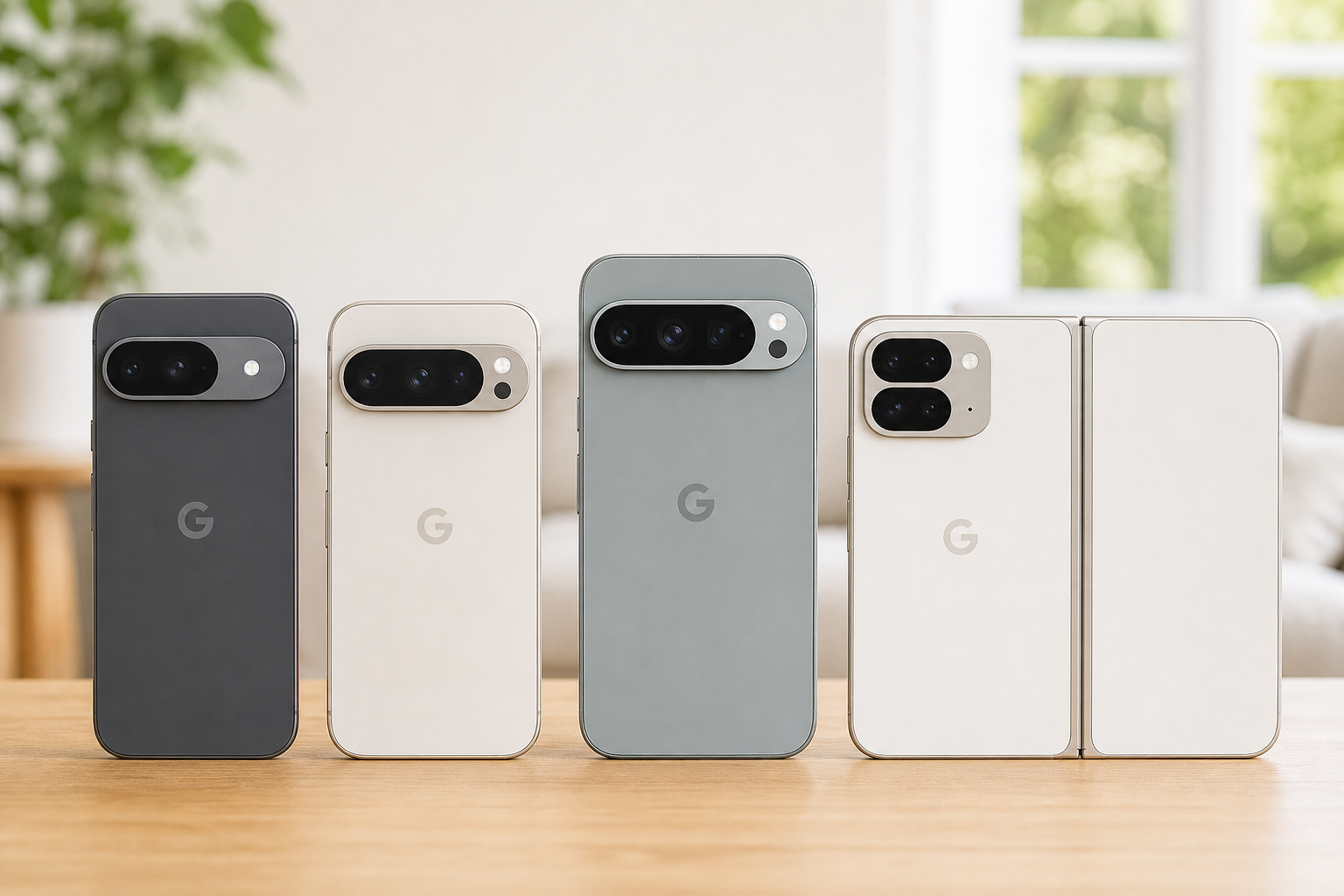
Which models are in the new Google Pixel 11 series?
Which Google Pixel 11 model do you have? The lineup includes four phones, each with its own dimensions and button layout. A Google Pixel 11 case needs to fit precisely, so start by checking your model.
The standard Google Pixel 11 packs a 6.3-inch OLED display and high-end performance into a compact phone.
The Google Pixel 11 Pro steps up to more advanced cameras and an LTPO OLED display capable of higher brightness. Its dimensions are similar to those of the standard model, but the larger camera bump calls for a different case.
The Google Pixel 11 Pro XL suits power users who want a bigger screen and battery. Its larger body means cases for the smaller models won't fit.
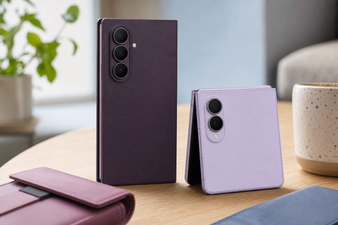
The Google Pixel 11 Pro Fold stands out for its foldable design. Its dimensions, two displays, and hinge call for a two-piece case that moves with the phone as you open it. A standard back cover won't fit.
Why use a case on your Pixel 11 from day one?
More than 80 percent of smartphone owners in Europe use a case. The Pixel 11 has a sleek glass-and-metal body with even slimmer bezels than earlier models, and it can feel slippery in your hand. A sturdy Google Pixel 11 case gives you extra grip to help prevent drops. With repairs costing up to several hundred euros, it makes sense to protect your phone from the start.
The redesigned camera bar is another vulnerable spot. It stretches across the back and sticks out farther to accommodate the new lenses. Without a case, the phone rests on the camera when you set it down. A case with raised edges lifts the lens glass off the table to help prevent scratches.
The new HiLight LEDs can also affect your choice. The Pixel 11 has small notification lights around the camera bump. A bulky case or a poorly positioned cutout can cover them. Look for a case with a precise camera cutout or a clear surround so you can see incoming notifications.
Which case suits the way you use your phone?
You toss your keys into your bag, grab your phone, and drop it in after them. What you do with your phone every day helps determine which Google Pixel 11 case you need.
Choose a flexible TPU or silicone back cover if you want to keep your phone slim. Both materials absorb shocks while keeping the case thin enough to slip into a pocket. Choose clear TPU if you'd like the original design to show through.
If your phone often sits loose in a crowded bag, a leather folio case from a brand like Mobiparts or Valenta protects it on all sides. Closing the flap shields the screen from keys and zippers. Card slots also give you the option of leaving your wallet at home.
For more demanding use, look for a rugged hybrid case from a brand like Otterbox or Mobigear. These cases combine a hard polycarbonate shell with a soft TPU bumper for drop protection when you're doing DIY or playing sports.
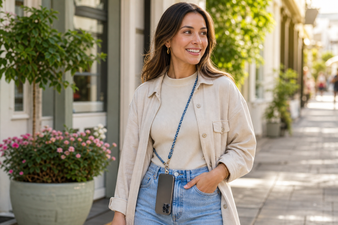
If you use the camera a lot on vacation or spend the day on the move, a case with a strap lets you carry your phone around your neck or over your shoulder. It keeps your hands free and helps prevent drops while you take photos.
Popular Google Pixel 11 cases
Popular Google Pixel 11 Pro cases
Popular Google Pixel 11 Pro XL cases
Popular Google Pixel 11 Pro Fold cases
Do these cases work with magnetic charging and Pixelsnap?
Check the case specifications before attaching magnetic accessories. A regular case protects your phone, but it lacks the built-in magnets of a Pixelsnap case. Without that magnetic ring, a card holder or charger can slide off with little movement.
To use the Google Pixel 11 series with the new Qi 2.2 wireless charging standard, choose a Pixelsnap-compatible MagSafe case or a very thin back cover. A thin, flexible case lets you put the phone on the charger at night without taking the case off.
If wireless charging matters to you, avoid thick cases without a built-in magnetic ring. Thick materials can weaken the magnetic connection, so a bulky shock-resistant case can slow charging or keep your phone from attaching securely to a car mount. For drop protection and wireless charging, look for explicit Pixelsnap support in the case description.
How do I protect the Pixel 11 Pro Fold?
A foldable phone like the Pixel 11 Pro Fold needs a flexible two-piece case that leaves the folding mechanism free to move.
Look for a case with hinge protection, such as one from Mobigear. The extra cover helps keep grains of sand and fine dust from getting into the hinge and wearing it down.
Both displays need protection. A raised edge around the delicate inner display and the glass outer screen helps take the impact before either screen hits the pavement. Find fitted cases at directcases.com.
Which is better: a film or glass screen protector?
Why choose thicker glass when a thin film is barely noticeable?
Plastic films are very thin and protect against light scratches from keys in your pocket. They don't absorb the impact of a hard drop. Tempered glass, such as a PanzerGlass protector, absorbs the shock and often cracks in place of the display beneath it.
The Pixel 11 Pro's Super Actua display reaches up to 3,600 nits, and a good glass screen protector preserves that brightness. Tempered glass also lets you use the new under-display infrared Face Unlock without interruptions.
Choose a case-friendly Google Pixel 11 screen protector. The protector is cut slightly smaller to keep the edges of your Google Pixel 11 case from lifting it.
| Feature | Film (plastic) | Tempered glass |
|---|---|---|
| Drop protection | Light scratches only | Absorbs hard impacts |
| Screen brightness (3,600 nits) | May look dim | Preserves full brightness |
| Face Unlock (infrared) | Sometimes slower | Works as usual |
| Fit with a case | Usually fits as is | Choose a case-friendly protector for the best fit |
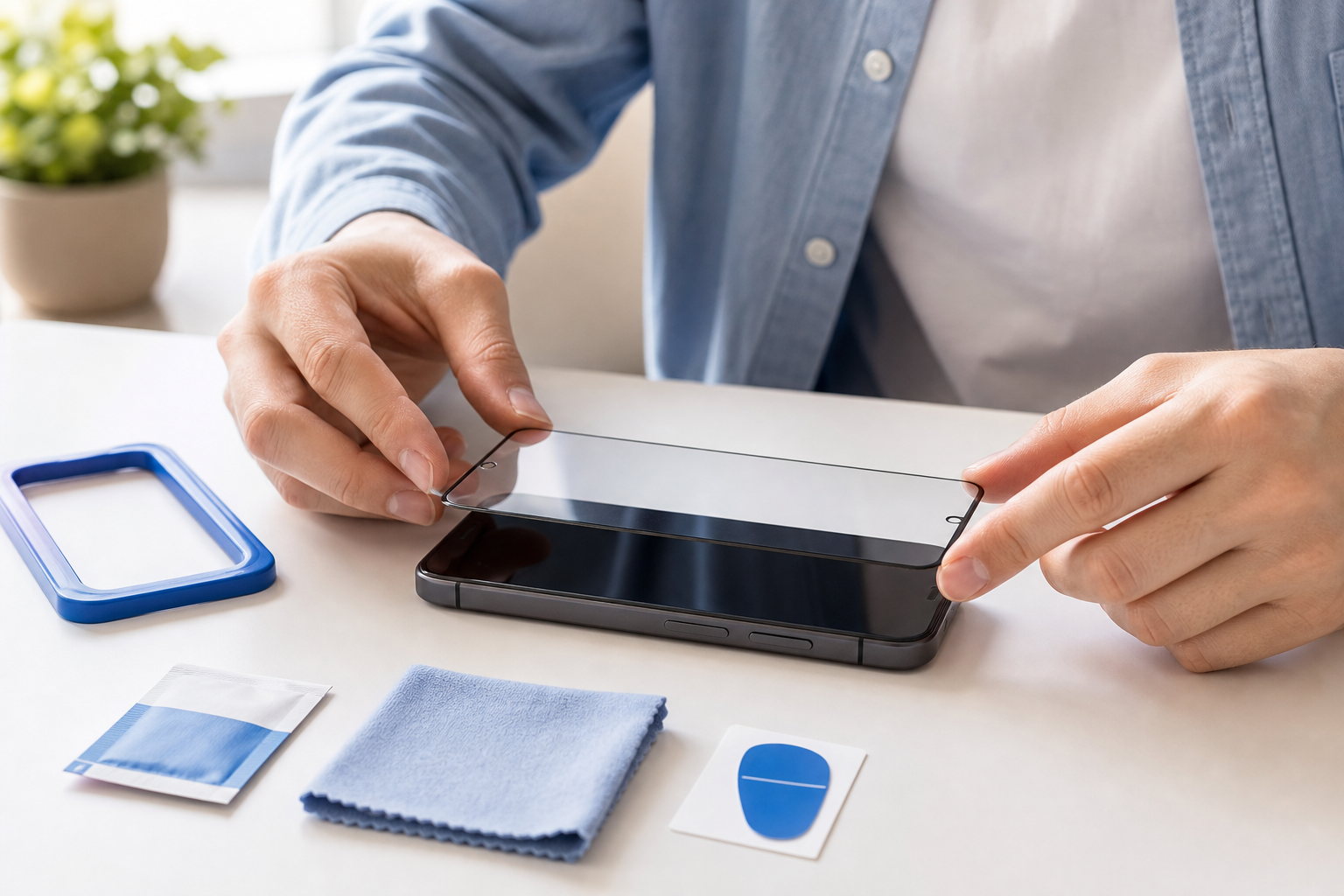
How do you apply a screen protector without bubbles?
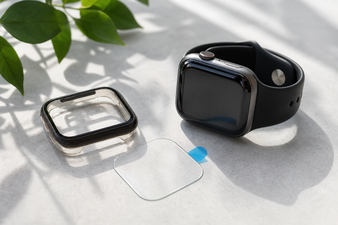
About 60 to 70 percent of smartphone users put a screen protector on their phone. You can line up a glass protector yourself and avoid bubbles by working on a clean, dust-free surface. Turn off your Pixel 11 so dust is easier to see. Clean the screen with an alcohol wipe, dry it with a microfiber cloth, and lift off any remaining dust with a dust-removal sticker. Carefully line up the glass, using the alignment frame if one came with it, and lower it onto the screen. Press in the center so the glass adheres, then push any remaining bubbles toward the edge with your thumb. For step-by-step photos, see our guide to applying a screen protector.
Frequently asked questions
You've just taken your new phone out of the box. Does it need extra protection right away? Think about what the phone will face in everyday use.
Do you really need a screen protector?
Yes. Even tough factory glass can pick up tiny scratches from a stray grain of sand or keys in your pocket. If the phone hits pavement, the extra layer of glass absorbs the impact to help keep the display intact.
What is the strongest type of screen protector?
Want to protect your screen from scratches and knocks? Look for a tempered glass screen protector that fits your Pixel 11 model.
What are the downsides of a screen protector?
Cheap plastic films can make the display look dimmer, and their edges can lift and collect dust. A good glass protector keeps the display clear and lets the fingerprint reader work as usual.
Does every screen protector fit with a case?
No. Look for a case-friendly version. It's cut one millimeter smaller so the edges of your Google Pixel 11 case don't accidentally lift the glass.
How do I choose the right case for my Google Pixel 11?
Check which Pixel 11 model you have and choose a case that lists that model in its product description.
Whether you have the compact Pixel 11, the Pro XL, or the Fold, a well-fitting phone case and screen protector help keep it looking new. Browse the full range at directcases.com and order the accessories that suit how you use your phone.