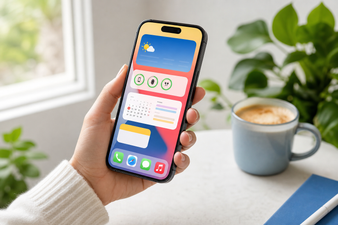
Want to check Screen Time on your iPhone? Here’s where to find your report, how to set a time limit for an app, and how to manage Screen Time for your child.
What Screen Time tells you about your iPhone use
The built-in iOS feature shows you how you use your iPhone.
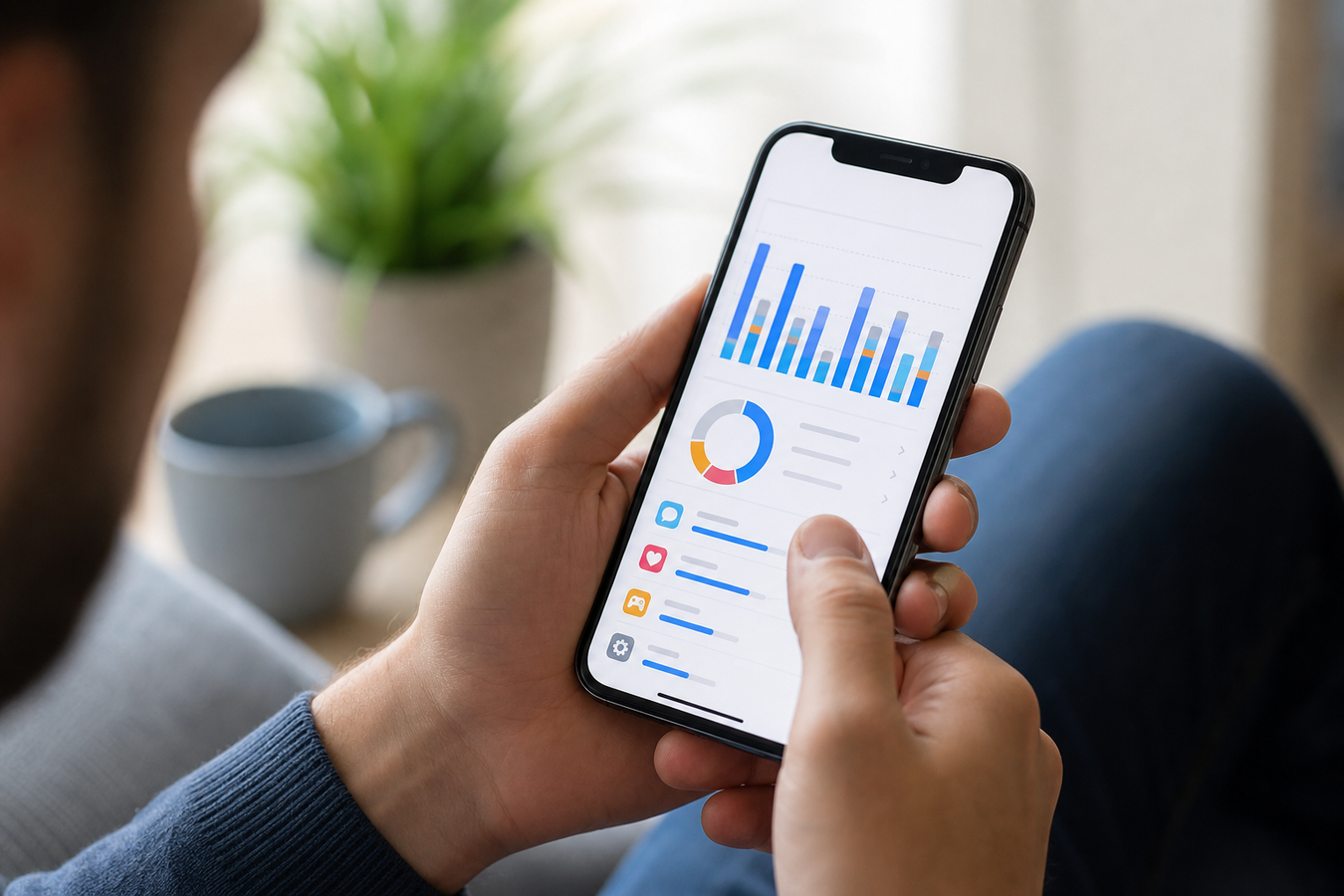
Screen Time tracks your daily and weekly app use in the background. The report shows which categories take up most of your time, such as social media or productivity apps. Your daily average may be higher than you expect.
The Screen Time report shows how much time you spend on apps and websites. It also shows how often you pick up your iPhone and how many notifications you get.
As well as tracking time, the report counts pickups and incoming notifications. Do you pick up your phone 80 times a day when it vibrates? Turning off notifications you don’t need is a good first step toward using your iPhone less.
Turn on Screen Time and view your report
-
1
Turn on Screen Time
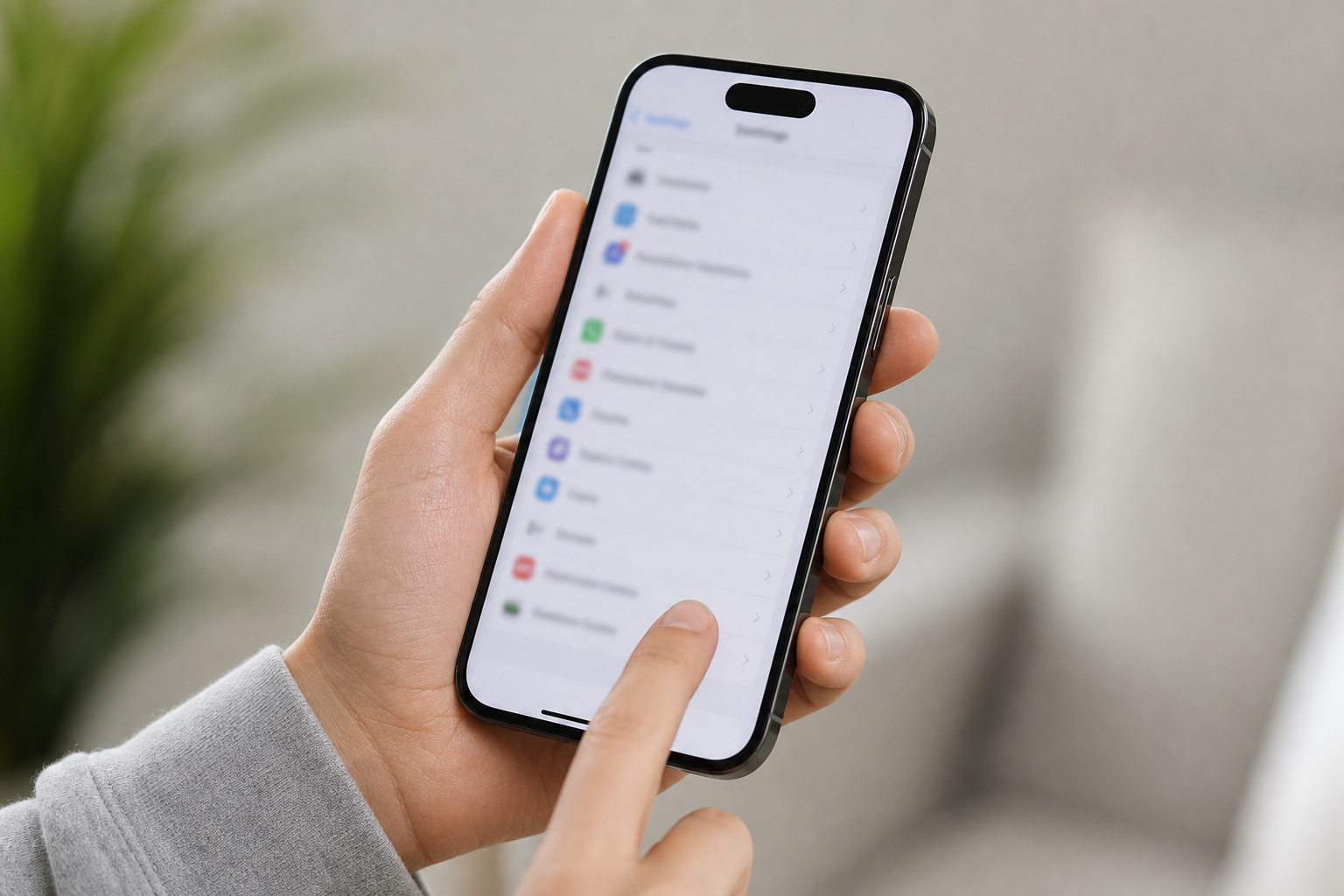
Go to Settings → Screen Time. In iOS 26, tap App & Website Activity. In iOS 27, tap Manage Screen Time. Then select Turn On App & Website Activity.
-
2
View your report
Go to Settings → Screen Time. In iOS 26, tap See All App & Website Activity. In iOS 27, tap Daily Average. Choose Day or Week. Scroll down to see how often you pick up your iPhone and how many notifications you receive.
When you first turn on Screen Time, the report will be empty for the first few hours. It takes at least a few days to see patterns and get a reliable average. If the report shows after a week that you spend two hours a day on YouTube, you know where to start.
Set time limits on your iPhone
Want to spend less time on an app or a category of apps, such as games? Go to Settings → Screen Time and choose App Limits in iOS 26 or Time Allowances in iOS 27.
| Feature | How it works | When to use it |
|---|---|---|
| App Limits (iOS 26) / Time Allowances (iOS 27) | Set how much time you want to spend on an app or category each day | Play games for no more than an hour a day |
| Downtime (iOS 26) / Screen Time Schedule (iOS 27) | Schedule when to limit certain apps | Limit app use between 10 p.m. and 7 a.m. |
Want to spend less time on one app? Set a time limit. Want to restrict certain apps in the evening? Set a schedule.
Parental controls: Manage your child’s iPhone
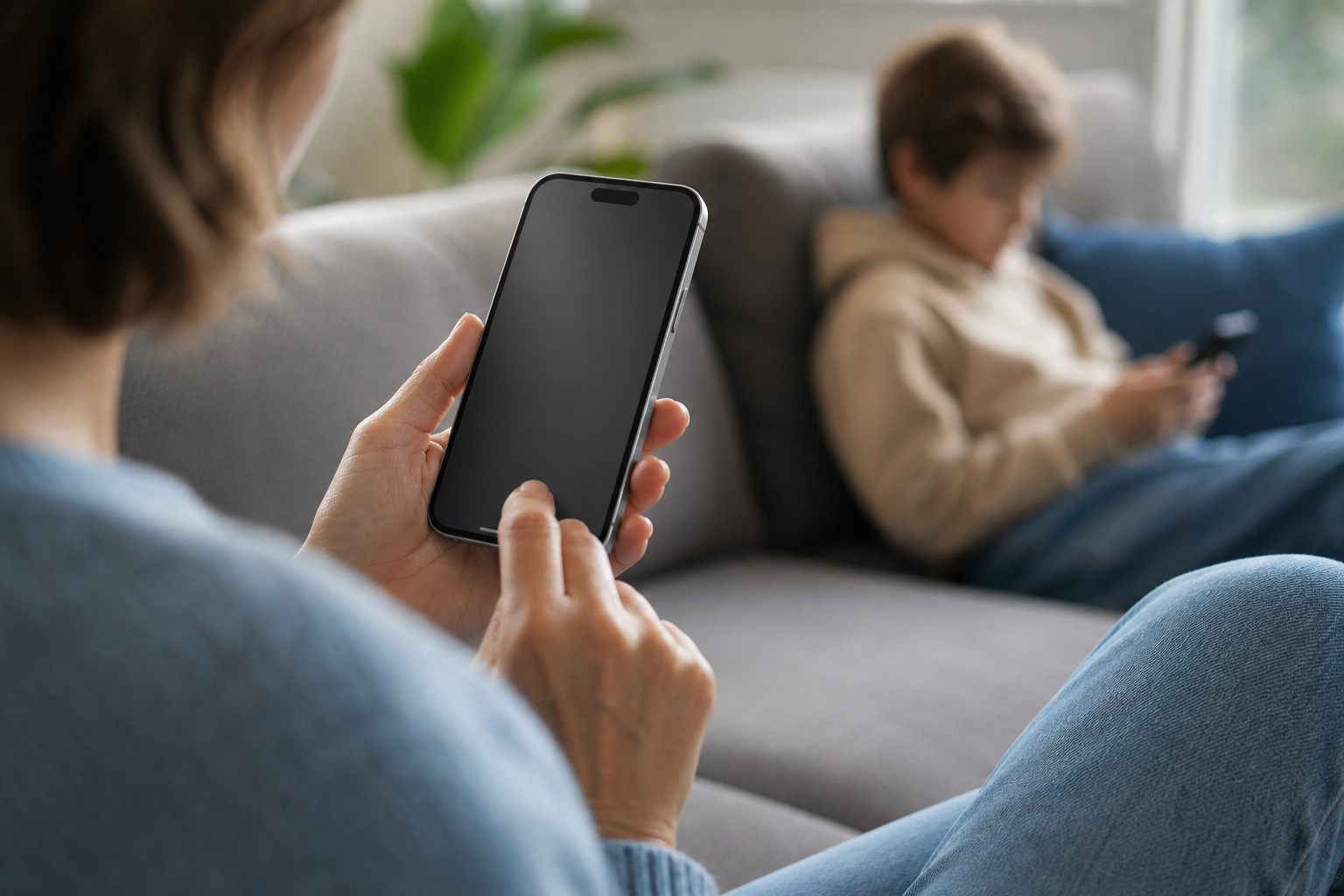
Is your child’s Apple Account in your Family Sharing group? If so, you can set up and manage their Screen Time from your own iPhone.
When your child reaches an app’s time limit, the app is blocked. They can ask for more time from their device, for example to finish a homework assignment. You get a notification on your iPhone and can approve or decline the request remotely.
Is syncing slow, or are requests not coming through? Check that both phones are online and running the same up-to-date software. An older version of iOS can interrupt communication between the devices.
Parental controls checklist for your child’s iPhone
Set communication limits: Choose who your child can call or message. Set one list of permitted contacts for normal hours and a shorter list for scheduled Screen Time.
Block explicit content: Filter adult content in movies, music, and web browsers. Under Restrictions, select the strictest web content setting to block harmful sites.
Turn off in-app purchases: Block in-app purchases to prevent unexpected credit card charges. In iOS 26, look under iTunes & App Store Purchases. In iOS 27, go to Screen Time → Apps & Websites → App Store, then set In-app Purchases to Blocked.
Protect your settings: Set a Screen Time passcode your child doesn’t know. Without those four digits, they can’t bypass the restrictions or pause tracking.
Restrict account changes: Block changes to passwords and accounts. This prevents your child from signing out and starting over with a different profile.
Screen Time FAQ
How do I turn off Screen Time?
Go to Settings → Screen Time. In iOS 26, scroll down to Turn Off App & Website Activity. In iOS 27, tap Manage Screen Time first and choose the same option there.
Is my Screen Time shared across all my Apple devices?
Yes, your iPhone, iPad, and Mac sync their data if you turn on Share Across Devices in the main menu. If you only want to track your phone use, turn this off to keep laptop use out of the average.
What if I forget my Screen Time passcode?
Did you add a recovery option when you set up your Screen Time passcode? If so, you can reset it using the Apple Account you used for setup. In iOS 27, go to Settings → Screen Time → Passcode & Management to change the passcode. Choose a new code and enter it again to confirm.
Why do the figures in my Screen Time report look wrong?
Do you use Screen Time on more than one Apple device? If Share Across Devices is on, your report can include time spent on your iPad or Mac. To see only your iPhone in iOS 26, open the report, tap Devices, and select your iPhone.
Built-in iOS features help you manage your own screen time and keep your child safer online. Open Settings on your iPhone, check today’s Screen Time, and set your first app limit.