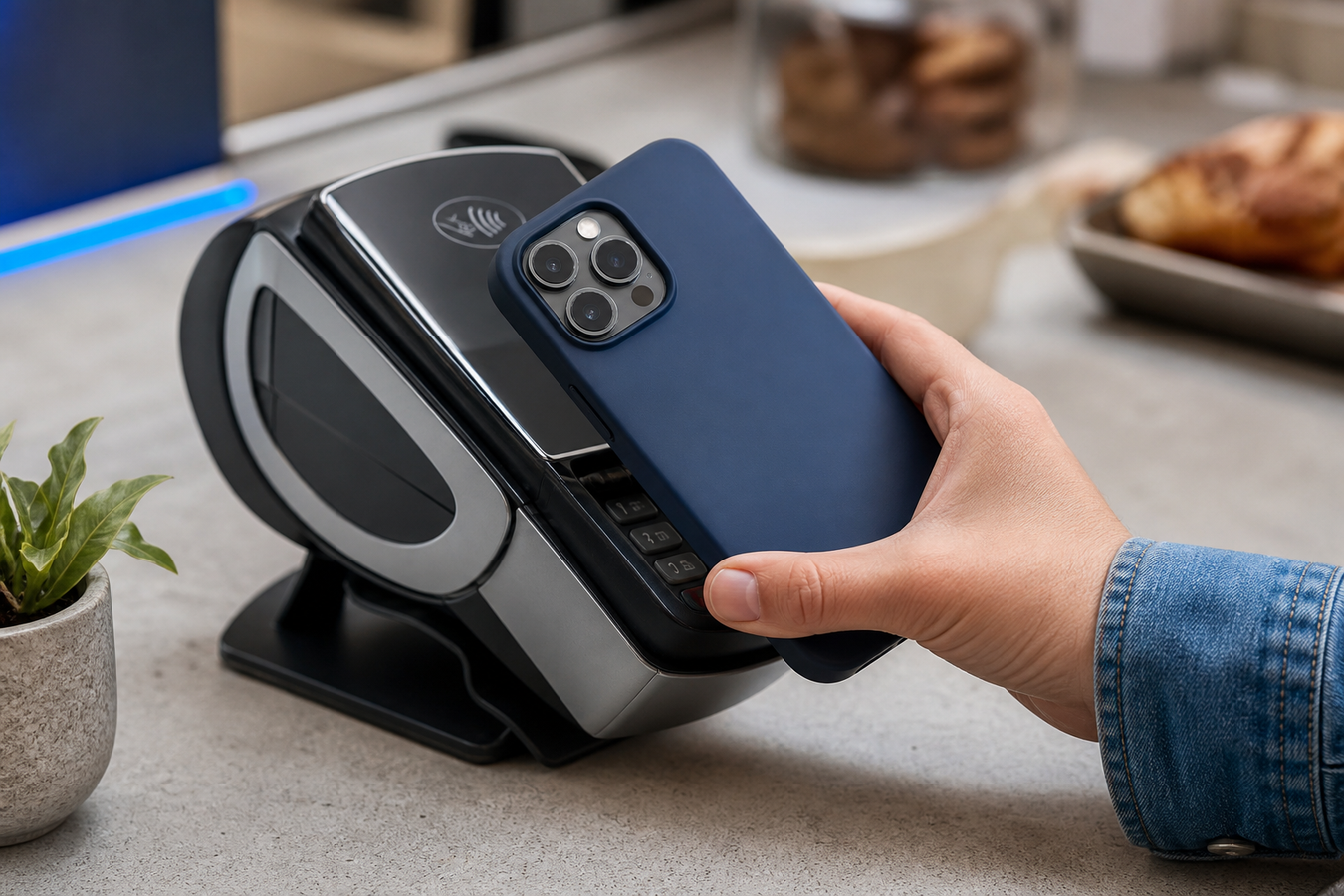
Yes, Apple Pay works with a case. The NFC signal used for contactless payments passes through silicone, TPU, leather and plastic without any trouble, so you can leave your case on. Only a case with metal inside or an extremely thick case of more than 3 to 4 mm can block the signal.
You're at the checkout, your shopping has been scanned and you want to pay quickly. You grab your iPhone, but then you hesitate: does that sturdy phone case need to come off for tap to pay to work? Nobody wants to hold up the queue because the card reader won't pick up their mobile phone.
Does Apple Pay work with a phone case on?
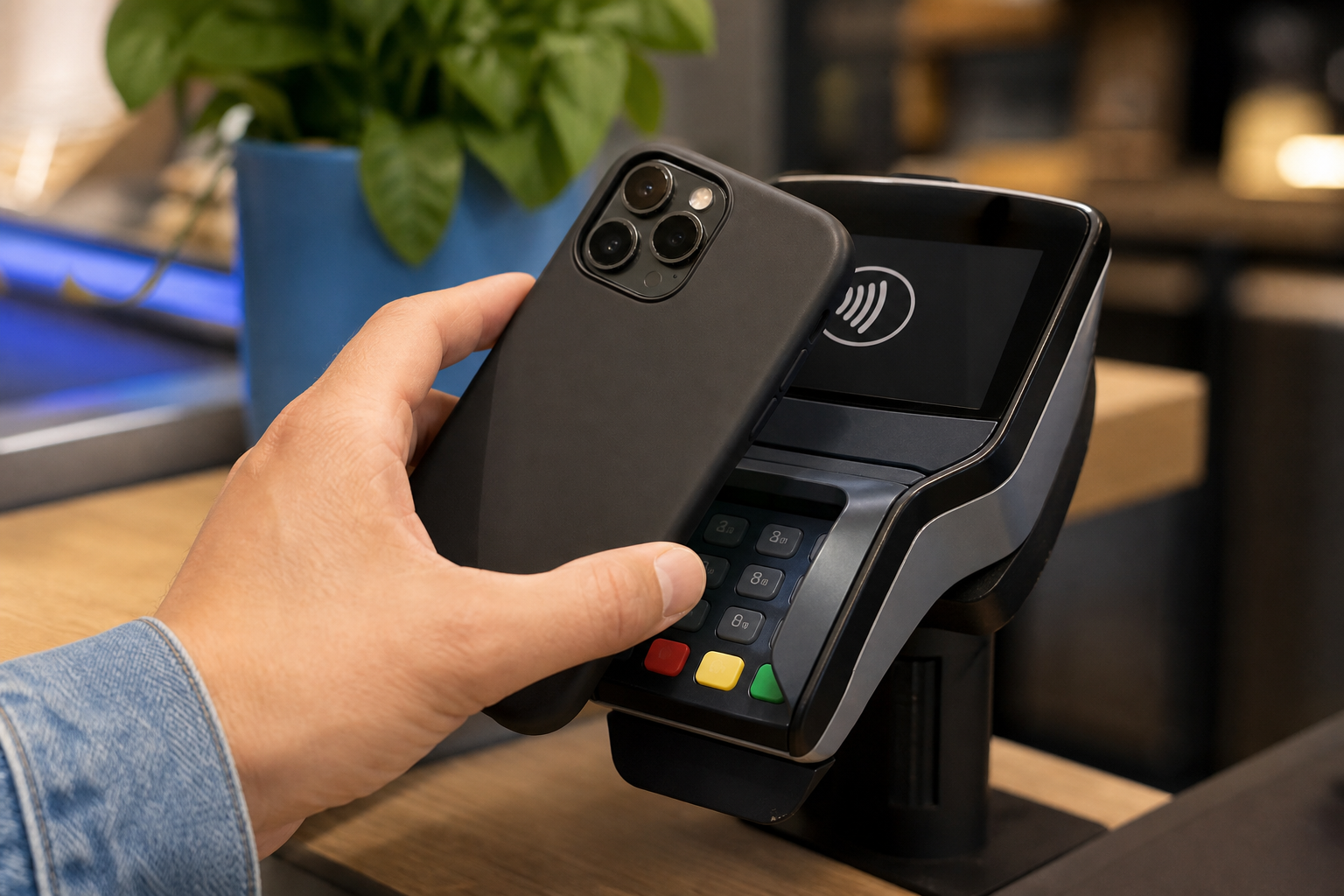
Contactless payments with your iPhone work via NFC (Near Field Communication): a very short-range wireless connection between your mobile phone and the card reader. A regular case won't block that signal. So you don't need to take your iPhone out of its case to pay with Apple Pay.
Just hold your iPhone, case and all, near the card reader. According to Apple, you should hold the top of your iPhone near the reader. Point that part towards the screen or the side of the terminal. If the reader doesn't respond, there's usually metal in the case or the case is very thick.
A screen protector on the front or a lens protector on the camera makes no difference when you pay.
Can a phone case block the NFC signal for Apple Pay?
Although most materials work fine, there are exceptions that can stop contactless payments from working or slow them down. When buying protection for your iPhone, look out for the following:
Solid metal: Metal cases or cases with a large built-in metal plate (often used for magnetic car phone holders) block the signal completely. Metal acts as a shield, so the card reader can't detect your iPhone when you try to tap to pay.
Extreme thickness: Rugged, extra-thick cases from brands such as Ghostek or Otterbox offer maximum drop protection, but they increase the distance between your iPhone and the reader. A case thicker than 3 to 4 millimetres can block the NFC signal, which means Apple Pay stops working. If you often pay with your iPhone, check the thickness before choosing a case like this.
Safe materials: Standard materials such as silicone, TPU, genuine leather and polycarbonate (hard plastic) cause no problems at all. These materials let radio waves pass straight through, so Apple Pay responds instantly on your iPhone.
How do you set up Apple Pay on your iPhone?
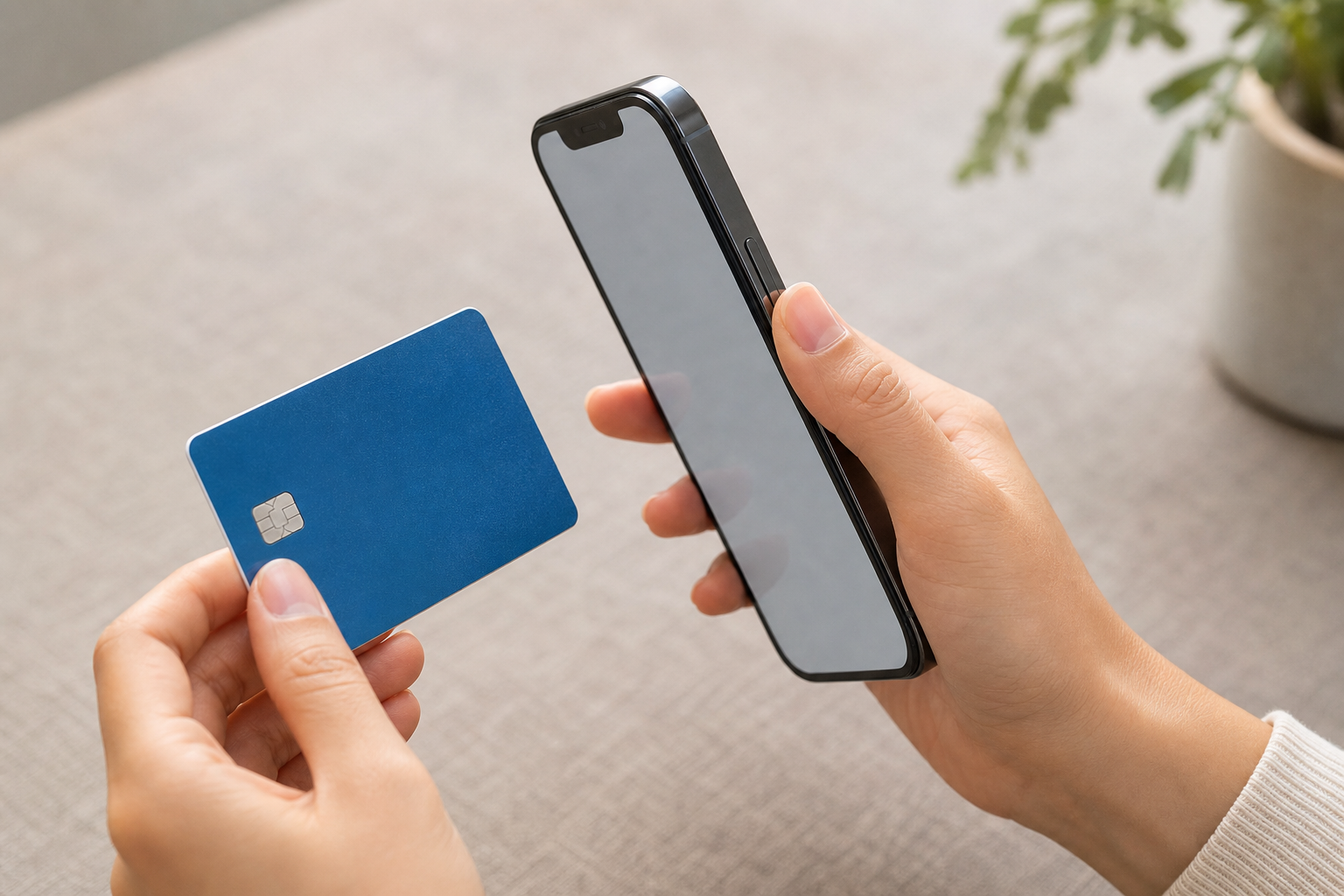
Before you use contactless payments in shops, you need to add your digital card to your iPhone. It only takes a few minutes and works straight away, whether or not your phone already has a case on it.
-
1
Open the Wallet app
Open the Wallet app on your iPhone and tap the 'Add Card' button (the plus sign).
-
2
Add a card
Choose 'Debit or Credit Card' and tap 'Continue'. Hold your credit or debit card near your iPhone so it can be recognised, or tap 'Enter Card Details Manually'.
-
3
Verify with your bank
Accept the terms and conditions in the Wallet app. You'll then be taken to your bank's app to confirm the link securely.
-
4
Pay in store
On an iPhone with Face ID, double-click the side button and glance at your screen. On an iPhone with Touch ID, rest your finger on the Touch ID button. Then hold the top of your iPhone near the reader. When you see 'Done' with a tick, your payment has gone through.
Cases with cardholder: the perfect backup
Even though Apple Pay works flawlessly, it's sensible to always carry one physical bank card. A flat iPhone battery, a bank outage or a faulty card reader can make contactless payments temporarily impossible. A phone case with card holder is then the ideal solution for your iPhone.
Type of case |
Pros |
Cons |
Ideal for |
|---|---|---|---|
Wallet case |
With the flap closed, both the screen and the back of the iPhone are covered. There are slots for several cards, but the number varies by model, so it's worth checking. |
Makes the iPhone noticeably thicker; the flap has to be open when you're on a call or taking photos. |
People who want to replace their whole wallet. |
Back cover with cardholder |
Stays compact, gives you a clear view of the iPhone screen and quick access to your most important bank card. |
Limited space (often 1 or 2 cards at most); the screen is more vulnerable without a screen protector. |
Minimalists who only carry an ID card or an emergency bank card. |
Whether a phone case with card holder lets Apple Pay through doesn't depend on the brand but on how the model is built. Plastic and silicone let the NFC signal pass through, but a metal frame or plate and a case more than 3–4 mm thick can block the signal, so check this for each model.
Keep in mind: if you keep a physical bank card with its own chip in the card holder on the back, take it out briefly when you tap to pay with your iPhone. Two chips close together can confuse the card reader.
Choose a wallet case if you need several cards, your driving licence and cash every day and want to leave your wallet at home.
Popular wallet cases with cardholder
Choose a back cover with cardholder if you want to keep your iPhone slim but still carry that one essential bank card as a backup for emergencies.
Popular back covers with cardholder
Frequently asked questions
Is it safe to make contactless payments with a case on?
Yes. Your case makes no difference to security. Apple Pay doesn't store your actual card number on your iPhone; instead, it uses its own encrypted device number. You confirm every in-store payment with Face ID, Touch ID or your passcode. Without that confirmation, nobody else can pay with your iPhone.
Does paying also work with an Apple Watch in a protective case?
Yes, you can pay without any problems using an Apple Watch fitted with a screen protector or a rugged case. When paying, turn your Apple Watch screen towards the reader, and a gentle tap on your wrist lets you know the payment went through. Because protective accessories for the Apple Watch are made from thin glass, TPU or polycarbonate, contactless payments work through them without any delay.
Does this also apply to Google Pay and Samsung Pay?
Yes, the rules on materials are exactly the same for Android users who make contactless payments. Systems such as Google Pay and Samsung Pay use exactly the same technology as Apple Pay on the iPhone. As long as you don't use a solid metal case, contactless payments work perfectly through silicone, leather and plastic.
Which banks support contactless payments?
The quickest way to find out whether your bank supports paying with your phone is to check your own bank's mobile banking app. You'll need that app anyway, because you verify your bank card through your bank when setting up Apple Pay. If you can't add your card to the Wallet app, check with your bank. Your case plays no part in this.
Apple Pay and other contactless payment methods work with almost any case. As long as you don't choose a case with metal inside or an extremely thick case, the card reader will pick up the signal from your iPhone straight away. Want a backup for a flat battery or an outage? Then choose a case with room for a bank card. Browse our iPhone cases and pick one for your iPhone, with or without a card holder.