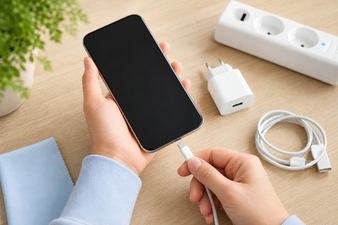
Knowing how to charge your Apple Watch helps you avoid a dead battery just as you're heading out. When your watch runs out of power, you miss notifications and it stops tracking your health. Here's how to charge it, which adapters work for fast charging, and what to do if it won't charge.
How to charge your Apple Watch, step by step
Your Apple Watch charges via a magnetic connection, so the setup differs from a smartphone. Follow these steps to charge it safely.
-
1
Get the power adapter ready:
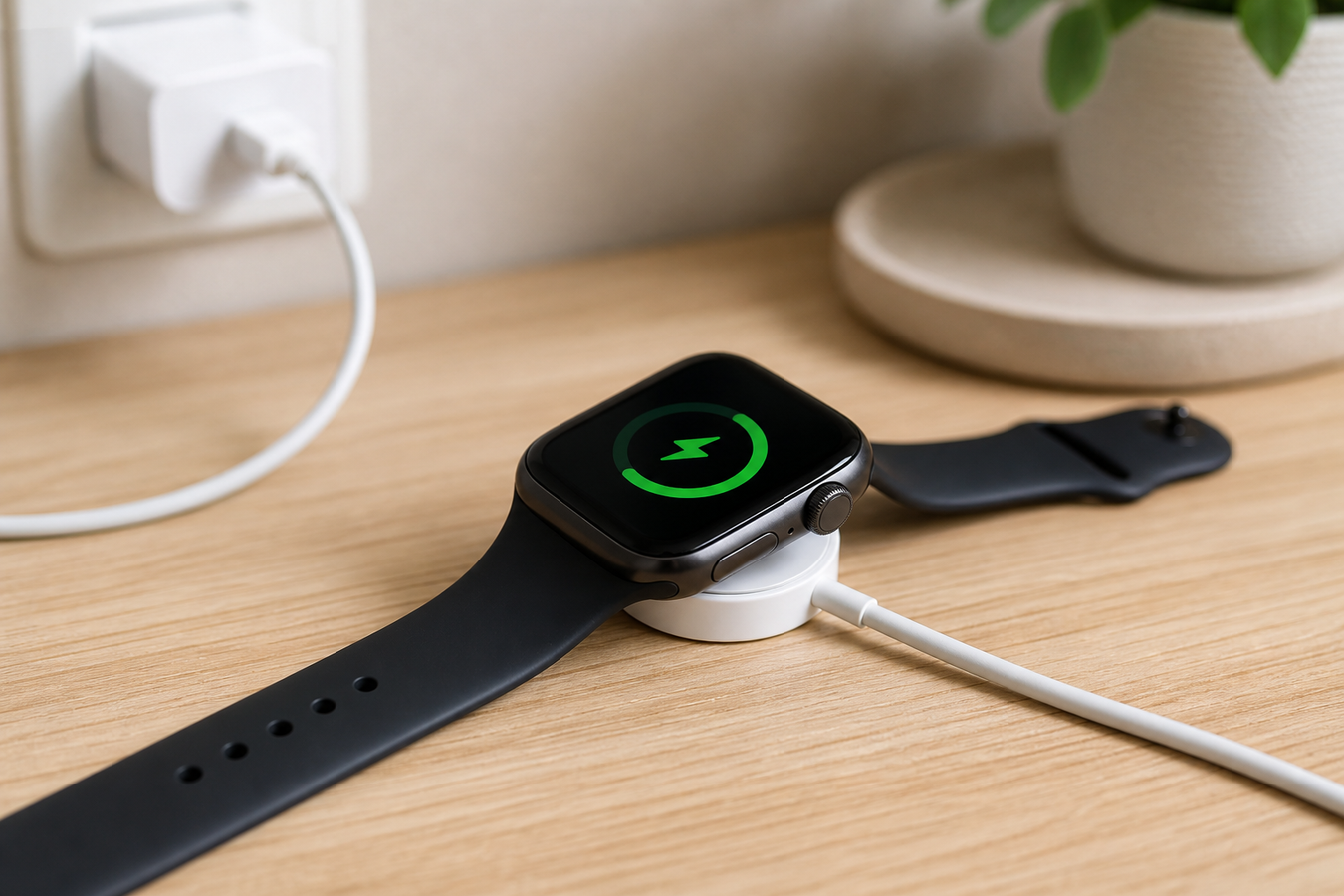
Connect the included magnetic charging cable to a compatible USB power adapter. Use an adapter rated at 18 W or more for the best charging speed.
-
2
Choose a safe spot:
Plug the USB power adapter into a working wall outlet. Set the charging puck on a flat surface in a well-ventilated area to prevent overheating.
-
3
Place the watch on the charger:
Take off your Apple Watch and place its back on the magnetic charger. The concave surface of the puck snaps into place.
-
4
Check that it's charging:
Look for a green lightning bolt on the screen. You'll also hear a short chime unless Silent Mode is on.
A red lightning bolt means your Apple Watch battery is nearly empty. Leave the watch on the charger for at least 30 minutes before turning it back on.
Which charger do you need for your Apple Watch?
Apple no longer includes a USB power adapter as standard. This makes the packaging smaller and cuts transport emissions. You'll need to get a compatible adapter or reuse one you already have.
For fast charging, use a USB-C adapter rated at 18 W or more. Charging takes considerably longer with an older 5 W USB-A adapter. The table below compares common ways to charge your watch.
| Charger type | Features | Best for |
|---|---|---|
| Original magnetic charging cable + 18 W adapter | Supports fast charging from Series 7 onward. Needs a separate USB-C adapter. | Charging at home at the highest possible speed. |
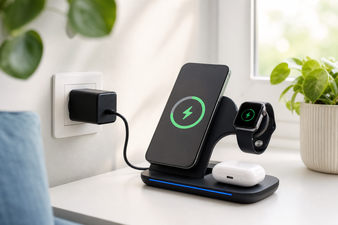
| Universal docking station | Often charges your iPhone, AirPods, and Apple Watch at the same time. Speed varies by model. | Keeping your desk or nightstand clear of loose cables. |
| Power bank with Apple Watch charger | Portable battery with a built-in magnetic charger. Usually charges more slowly. | Travel and places without a wall outlet nearby. |
Choose an Apple Watch charger with an 18 W adapter if speed matters most. Choose a universal docking station if you want to charge several Apple devices in one place.
Can you charge your Apple Watch wirelessly with a Qi charger?
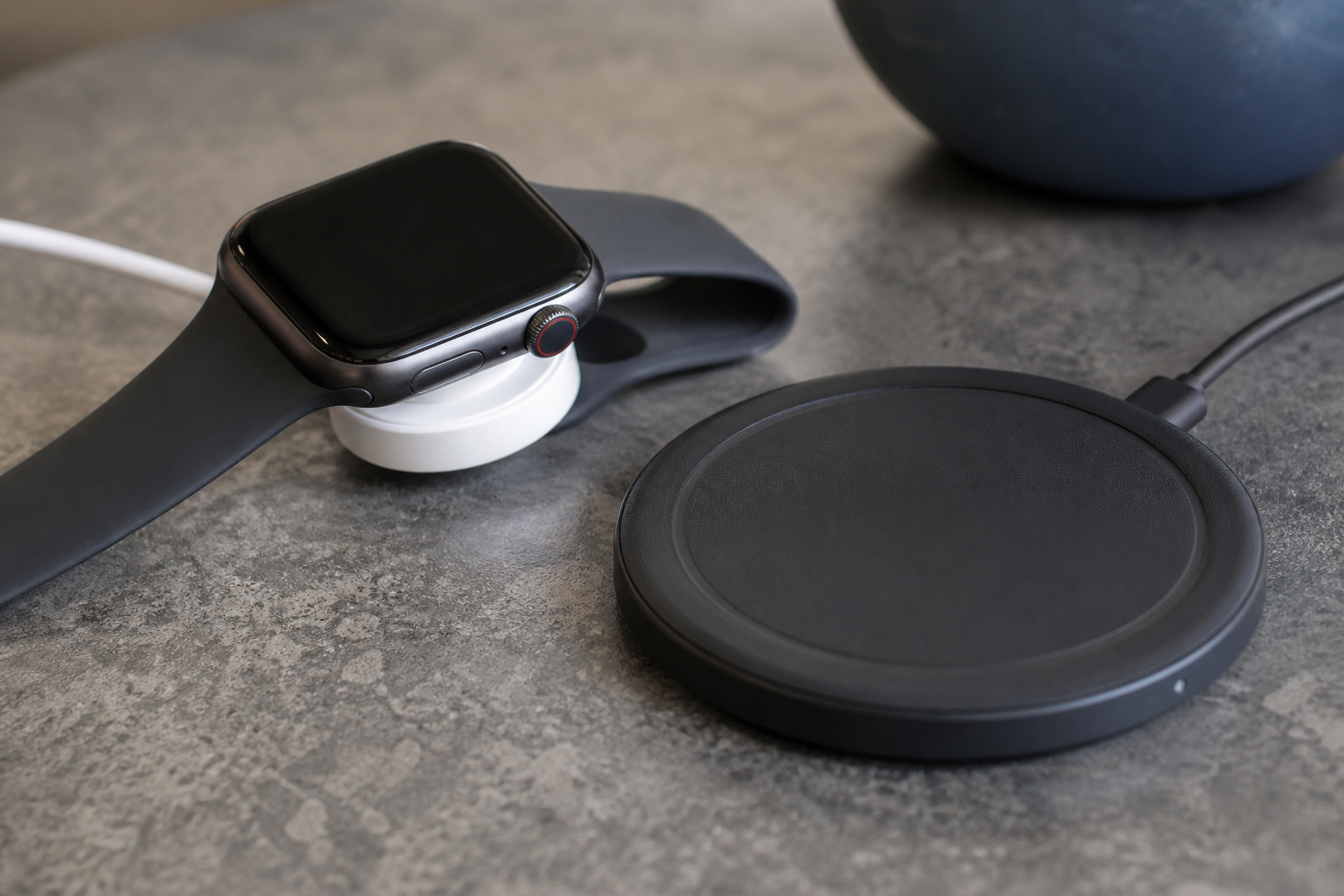
Although the Apple Watch is technically Qi-compatible from Series 3 onward, it charges wirelessly differently from a smartphone. Standard flat Qi phone chargers won't charge it. Use a magnetic charger that's compatible with your Apple Watch.
watchOS doesn't support reverse wireless charging from a phone either. You can't charge your watch by placing it on the back of your iPhone, even though some Android brands offer this feature. Use a dedicated charging dock or get a replacement Apple Watch charger if you've lost the original cable. Never force the watch onto an incompatible wireless charger. This can cause overheating without charging the battery.
Fast charging and charge times by model
Fast charging is handy if you wear your watch at night to track your sleep. Apple Watch models from Series 7 onward support fast charging with the right USB-C cable and a powerful enough adapter.
Charging time depends largely on the battery capacity of your model. Older models and the SE range lack fast charging, so they take longer to reach 100%.
| Apple Watch model | Time to 80% | Time to 100% | Fast charging? |
|---|---|---|---|
| Series 7, 8, and 9 | 45 minutes | About 75 minutes | Yes (with an 18 W or higher USB-C adapter) |
| Apple Watch Ultra (1 & 2) | 60 minutes | About 90 minutes | Yes (larger battery capacity) |
| Apple Watch SE (all generations) | 90 minutes | About 150 minutes | No |
| Series 3 through 6 | 90 minutes | About 150 minutes | No |
The Apple Watch Ultra has a larger battery, so fast charging takes about 15 minutes longer than on a standard Series 8. Choose a model that supports fast charging if you tend to top up your watch while you shower in the morning. If you have an SE or an older model, set aside at least an hour and a half for charging.
Tips for optimized charging and battery health
A battery ages faster if it's kept fully charged all the time. A few watchOS settings can help extend the life of your Apple Watch battery.
Turn on Optimized Battery Charging: Go to Settings > Battery > Battery Health and turn on Optimized Battery Charging. The watch learns your daily routine and pauses charging at 80%. It then charges to 100% shortly before you get up.
Use Low Power Mode: If your battery is running low and you don't have a charger nearby, turn on Low Power Mode. It limits background activity and heart rate measurements so your watch can stay powered for hours longer. Use it on long trips too.
Turn on Nightstand Mode: If you charge your watch on your nightstand, enable Nightstand Mode in Settings. Tap the screen lightly to see the time, date, and alarm in dim green. Your watch doubles as a bedside alarm clock.
What to do if your Apple Watch won't charge
If your Apple Watch won't charge, the battery is rarely the first thing to suspect. Dirt may be interfering with the connection, or there may be a power issue you can fix yourself.
Remove any packaging: If the charger is new, check that you've removed all the clear plastic film from the magnetic charging puck. Even a thin layer of plastic can interfere with charging.
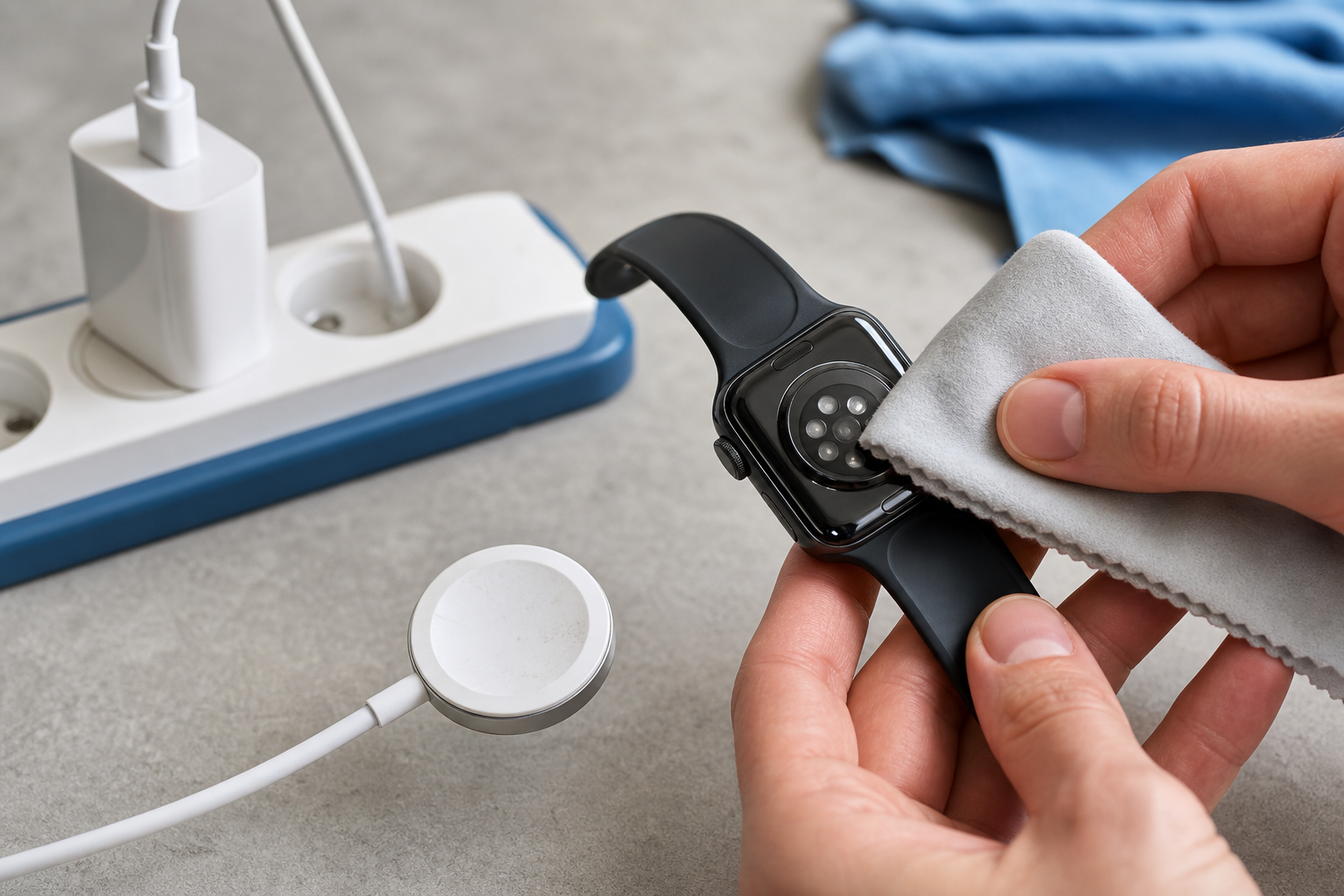
Clean the contact surfaces: Wipe the back of your Apple Watch and the concave side of the charger with a soft, lint-free microfiber cloth to remove sweat, skin oils, or dust.
Try another power source: Use a different wall outlet or connect the magnetic charging cable to a different USB power adapter to rule out a faulty outlet or adapter.
Check the display: If the screen is dim and the watch doesn't seem to be charging, check whether Low Power Mode is on. It reduces screen brightness during charging.
Force a restart: If the screen stays black while the watch is on the charger, hold down the Digital Crown and side button together for at least 10 seconds, until the Apple logo appears.
If you see only a red lightning bolt after connecting the charger, the watch is charging, but the battery is too low for it to start right away. Leave it on the charger and give it time.