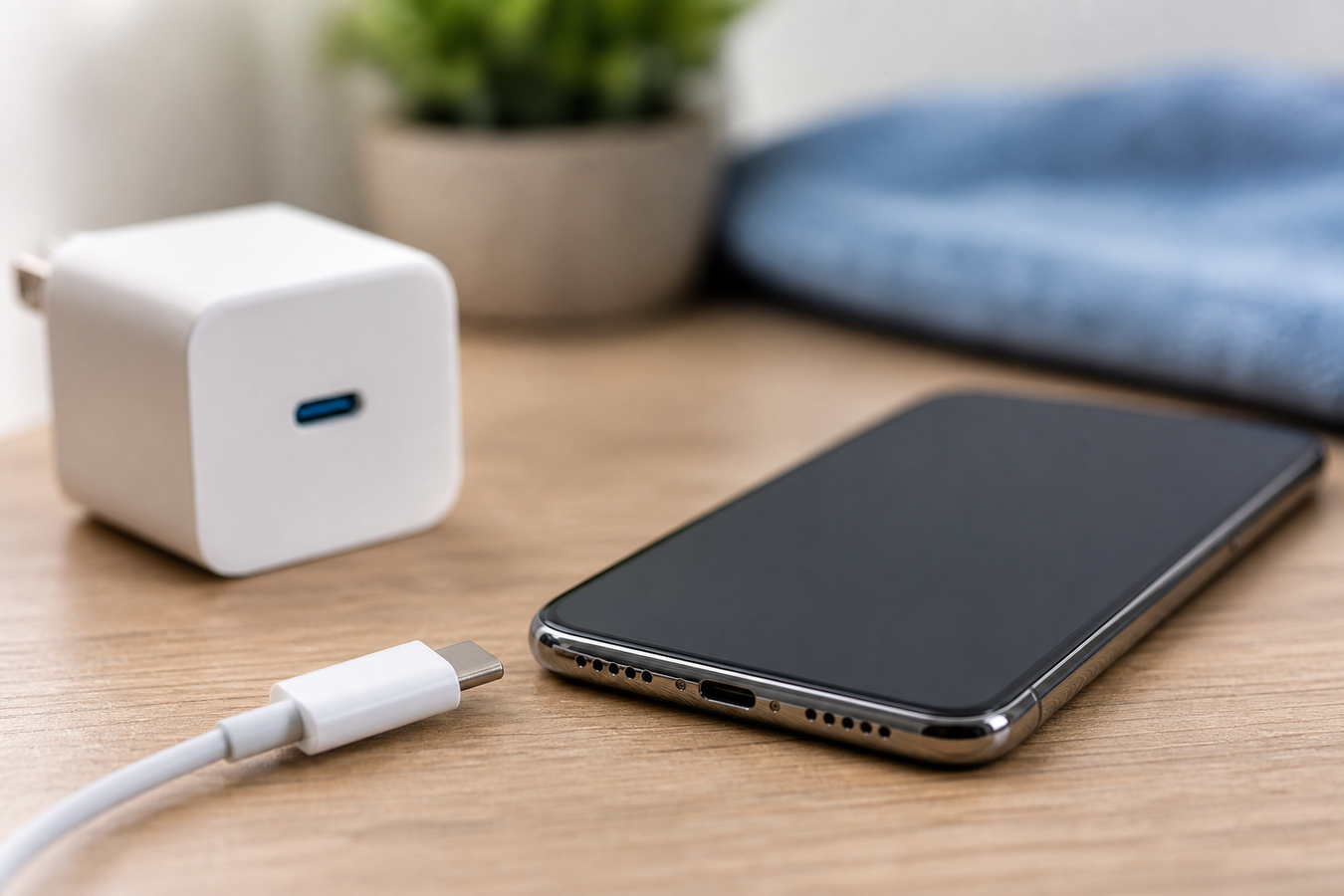
If you’re wondering why your phone is charging slowly, the charging cable, power adapter, or charging port could be the cause. Charging can also slow down or pause if your phone gets too warm.
How your charging cable and wall charger affect charging
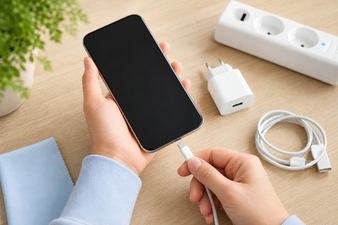
First, try another compatible charging cable. Is your phone still charging slowly? Try another compatible power adapter.
Comparing wired fast chargers
Check which charging power and charging standard your phone supports. Choose a power adapter and cable that match. How quickly your phone charges depends on the phone, power adapter, and cable.
| Charger type | What to check |
|---|---|
| Standard charger | Choose a power adapter and cable that are compatible with your phone. |
| Fast charger | Also check which charging power and charging standard your phone supports. |
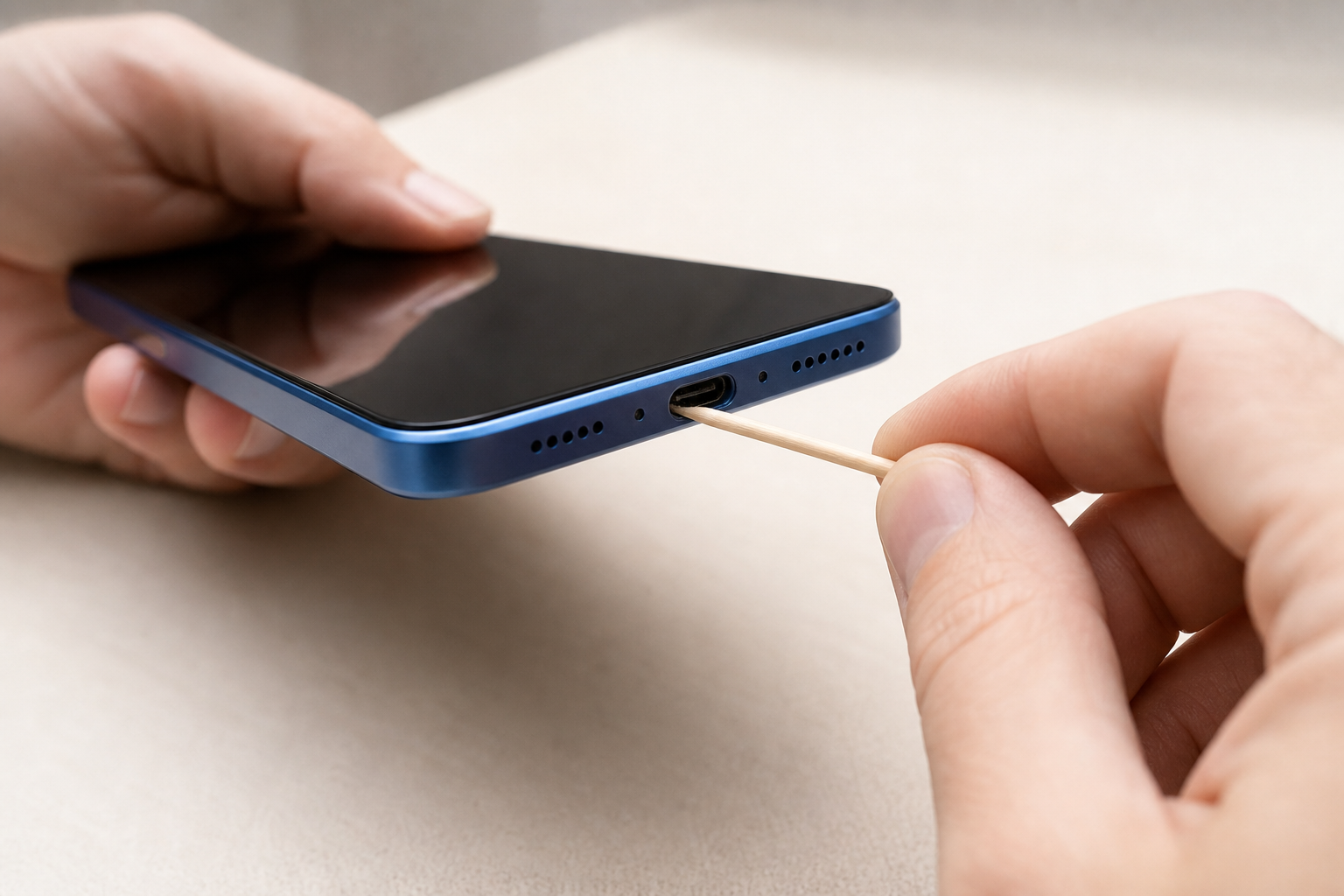
What should you do if there’s dirt in your charging port?
Is there dirt in the charging port, or does the plug feel loose? Check the port.
-
1
Disconnect the charging cable from your phone.
-
2
Don’t insert anything into the charging port.
-
3
If dirt remains or the plug still feels loose, follow the manufacturer’s instructions for your phone.
Software, background apps, and settings
Check your settings while your phone is plugged in. Software uses power, and demanding processes can slow charging by as much as 15 to 20 percent. Try these steps:
Close demanding apps running in the background. Games and apps that use your location can use a lot of power while your phone is plugged in.
Turn on power-saving mode or airplane mode. This reduces power use so more energy can go toward charging the battery.
Install any pending software updates. Manufacturers often use them to fix issues with battery management.
Battery health and the effect of temperature
A battery loses a little capacity each time it’s charged. After about 500 full charge cycles, you’ll notice a drop in battery health. With daily use, that usually takes about two years. By then, the battery cells store around 20 percent less energy. They also take in power more slowly, so your phone needs to stay plugged in longer.
If your phone gets too warm while charging, charging can slow down or pause.
Is your phone getting too hot while charging?
Move your phone out of the sun and let it cool down. Charging can resume once it has cooled.
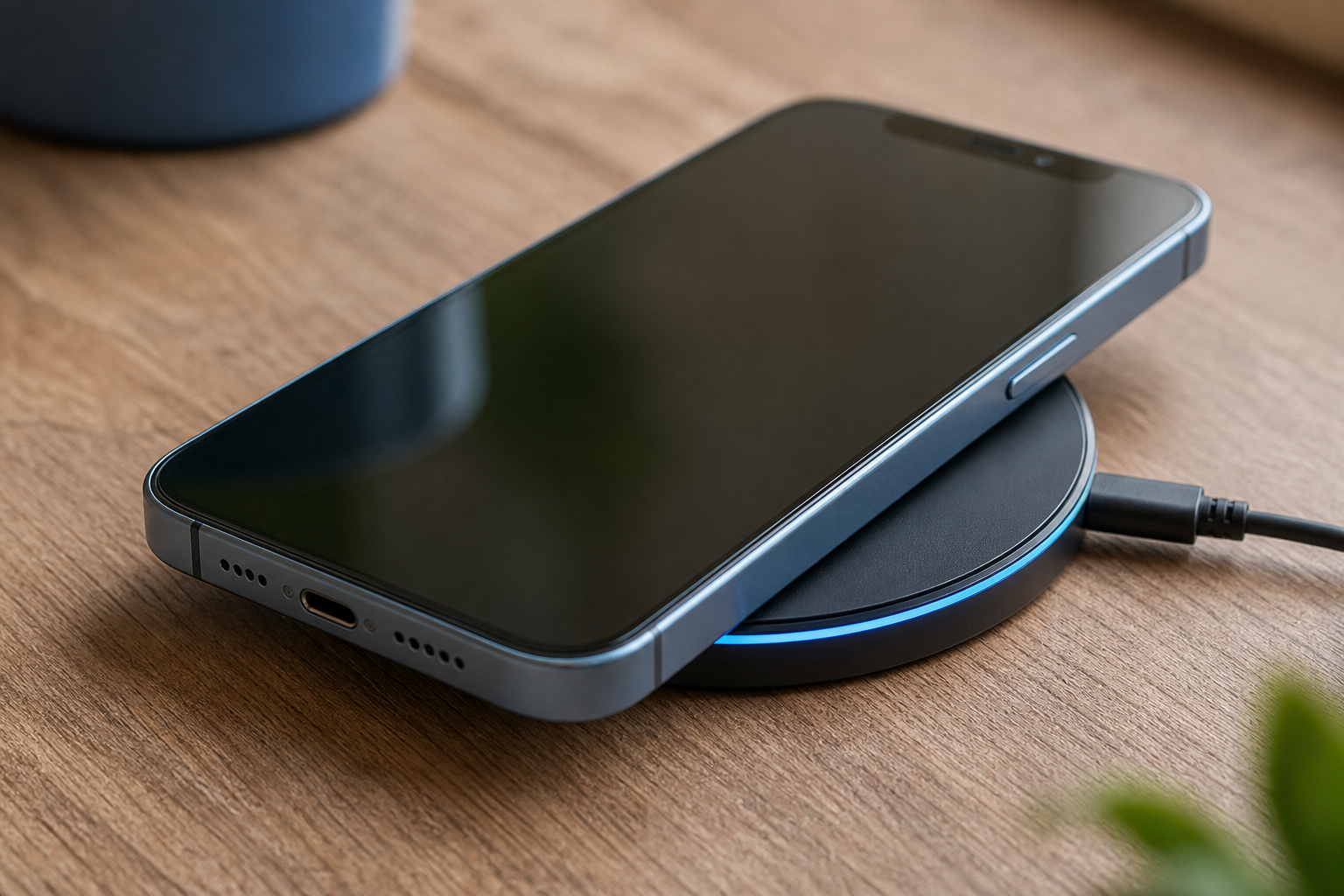
Is wireless charging slower?
Yes, wireless charging is almost always slower than charging with a cable because some energy is lost as heat. A charging cable delivers energy directly to the battery. A wireless charger uses a magnetic field, which generates heat. If your phone gets too warm, charging can slow down or pause.
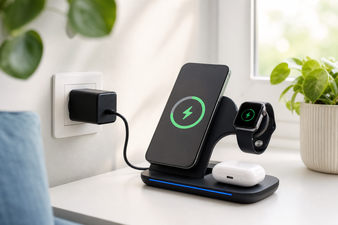
Prefer wireless charging? Choose a Qi-certified charger for the best wireless charging performance. Inexpensive chargers lose a lot of energy as heat. A certified charger transfers energy more efficiently, so your phone stays cooler and charges faster.
Why is my phone suddenly charging slowly?
Why did my phone start charging slowly overnight?
If your battery charged quickly yesterday and is taking much longer today, it almost always points to a newly damaged cable, a faulty adapter, or dirt that has collected in the port. Any of these problems can suddenly reduce the power reaching your phone.
Charging problems can also start after a drop damages the connector. The small pins in the port can bend and make poor contact. If a drop or your charging accessories aren’t the cause, a stuck software update is often to blame. The update can keep running in the background and use up the power as it comes in. Restarting your phone fixes this right away.
Check which charging power your phone supports before buying another adapter. Browse fast chargers and cables at directcases.com.