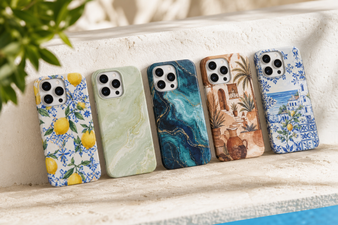
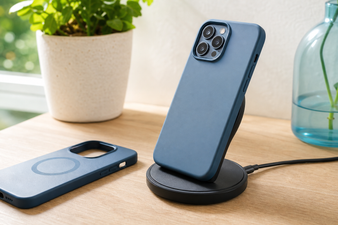
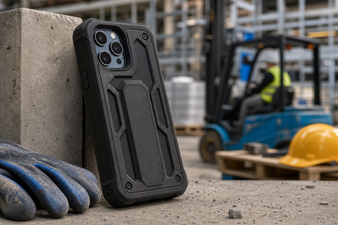
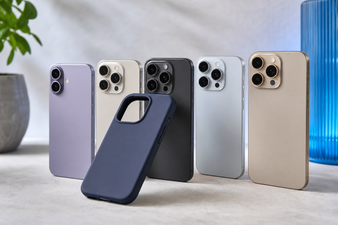
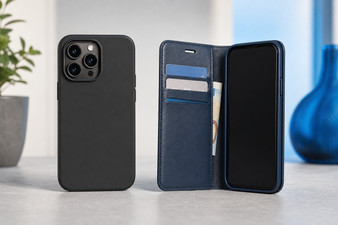
Can phone cases block Wi-Fi? If your iPhone’s connection keeps cutting out, test it in the same spot with and without the case. If Wi-Fi works better without it, repeat the test to see if you get the same result.
Can an iPhone case interfere with the Wi-Fi signal?
Why do metal cases block reception?
Metal shields against radio waves. An all-metal case acts like a Faraday cage. It absorbs or reflects the incoming Wi-Fi signal before it reaches your iPhone’s antennas. That can slow your connection or cause it to drop altogether.

What materials block Wi-Fi signals?
| Material | Effect on reception | Worth choosing or best avoided? |
|---|---|---|
| All metal | Blocks or significantly weakens the signal | Best avoided if your connection is weak |
What can interfere with your Wi-Fi?
You walk from the living room to the kitchen and your video starts to stutter. It’s easy to blame the phone or its case, but the cause is often in your surroundings. Some materials and devices can interfere with your connection far more than a phone case can.
Obstacles in your home can weaken Wi-Fi. Reinforced concrete, thick glass, and metal in walls can all shield against the signal.
Other electronics can also interfere. Smart devices and microwave ovens emit electromagnetic radiation that can disrupt your router’s signal and slow down the connection.
The frequency band affects how well the connection holds up. The 5 GHz band is fast but has more trouble getting through walls and doors. The slower 2.4 GHz band gets through those obstacles more easily.

How can I improve my Wi-Fi signal at home?
Check your home network first before looking for a problem with your phone.
-
1
Check where your router and access point are placed for better coverage. Keep them out of a closed utility cabinet and put them higher up in an open spot for a stronger Wi-Fi signal.
-
2
If you have thick walls or several floors, consider Wi-Fi extenders. Solid concrete blocks Wi-Fi, but a well-placed extender or an additional wired access point can bring the connection upstairs.
-
3
Hold your iPhone upright so your hand stays clear of the antennas. If you grip the phone tightly in landscape mode while gaming, you can cover the edges and interfere with the connection.
How to test whether your case affects Wi-Fi
Play a video on your iPhone with the case on.
Take the case off. Stay in the same spot, use the same Wi-Fi network, and play the same video again.
Notice a difference? Repeat the test.
Still having Wi-Fi problems without the case? Check whether other devices on the same network are also having trouble.
Choosing an iPhone case
Brands such as Decoded, Mobilize, and PanzerGlass make cases from TPU, polycarbonate, or leather without using thick metal frames.