Dropped your phone in water? Here's how to get water out of your phone: take it out straight away and switch it off immediately, without testing whether it still works. Then remove the case, the SIM card and any SD card, pat the outside dry with a lint-free cloth and leave the device to dry out at room temperature for at least 48 hours. No charger, no hairdryer and no rice.
Your heart sinks: a splash, and there's your expensive smartphone in the toilet, the pool or the sink. Acting fast improves the chances of your device surviving. Below you'll find out which steps prevent further damage, why the well-known rice trick can actually harm your device, and how warranty and insurance work.
Step by step: what to do if your phone falls in water
Every second counts when you've dropped your phone in water. Follow these four steps right away to minimise the risk of permanently damaged components.
-
1
Get the device out of the water as quickly as possible
The shorter the exposure, the less moisture seeps in through the speaker grilles and charging port. Grab it out of the sink or toilet straight away, without hesitating.
-
2
Switch the phone off immediately
This is the most important step to prevent a short circuit. Don't try to test whether your screen still responds or your apps still work. Hold down the power button and switch the phone off. On many devices, such as an iPhone or a Samsung Galaxy, you do this by holding the side button and a volume button at the same time.
-
3
Remove the case and all loose parts
Take your smartphone out of its case, as water often gets trapped there. Pop open the SIM tray, take out the SIM card and remove any microSD card. Does your device have a removable battery? Take it out straight away.
-
4
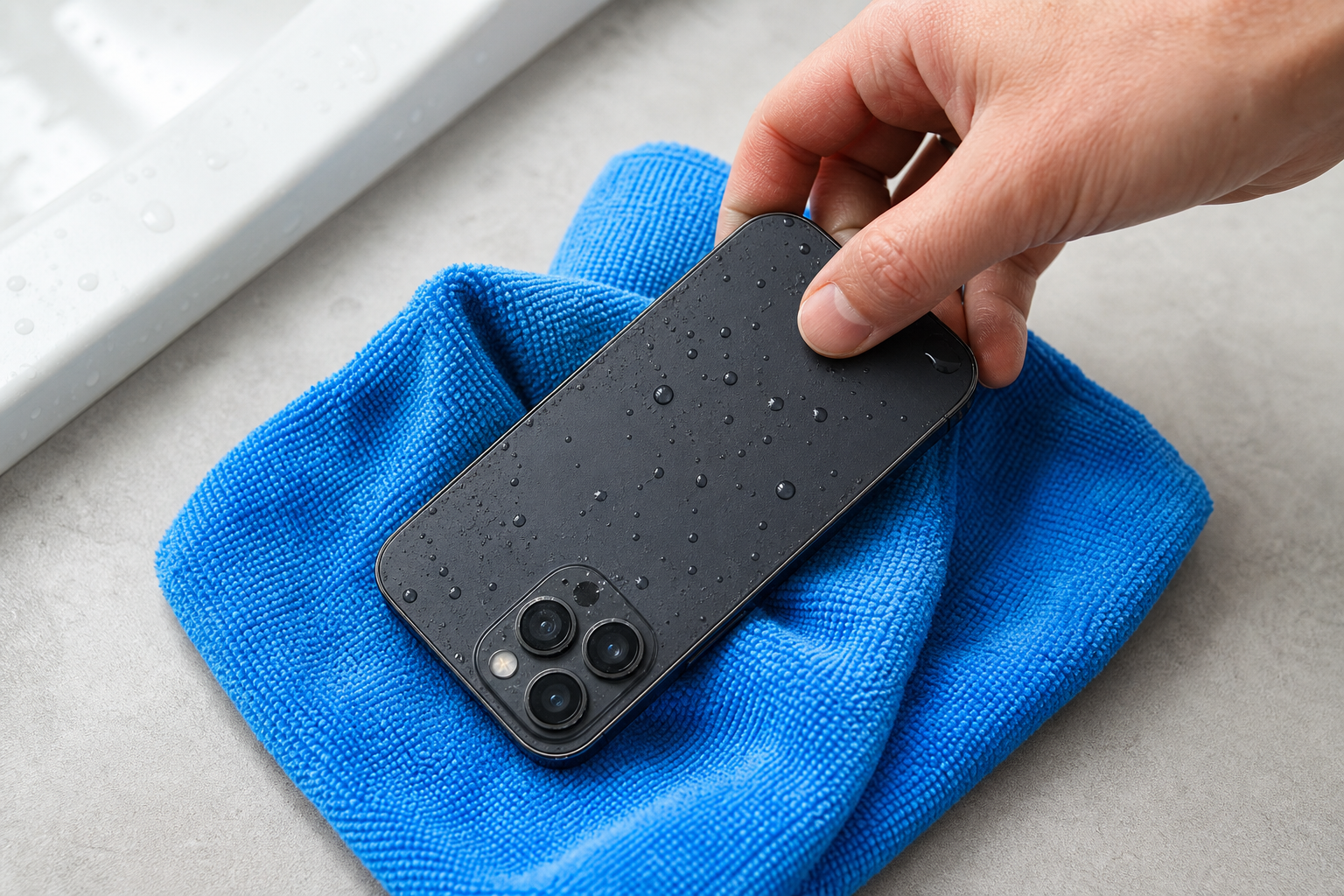
Gently pat the outside dry
Use a clean, lint-free cloth or sturdy kitchen roll. Don't rub; gently pat the screen and the back. Pay extra attention to the seams around the buttons and the USB-C or Lightning port, but don't push any paper inside.
Speed makes the difference: the faster you switch off and dry your phone, the better its chances of recovery. The longer you wait, the more time the moisture has to cause short circuits and corrosion. You won't always see that damage straight away: even a phone that still works after drying can develop problems later.
What you should definitely NOT do
The wrong rescue attempt often causes more damage than the water itself. Avoid these common mistakes so you don't wreck your device for good.
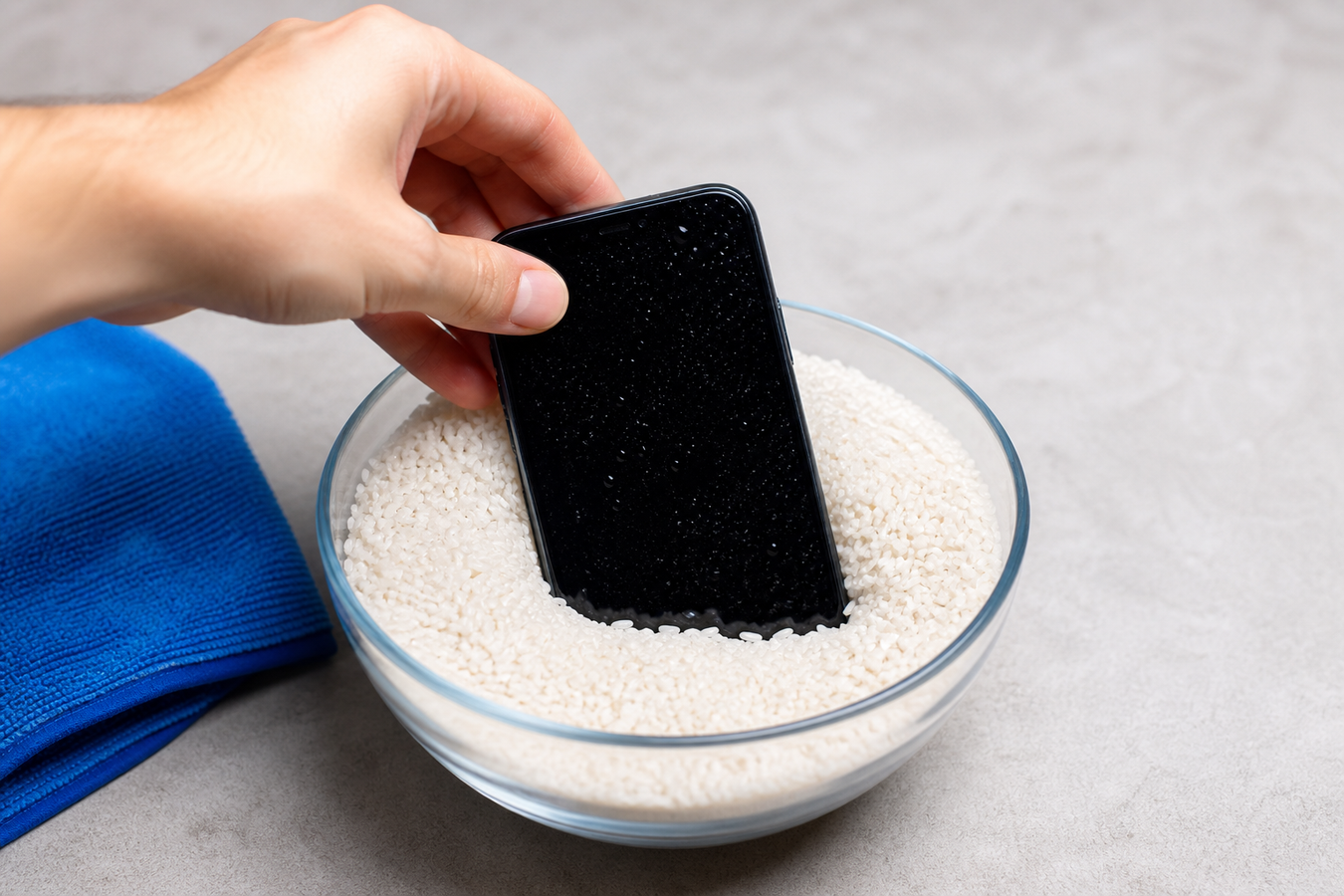
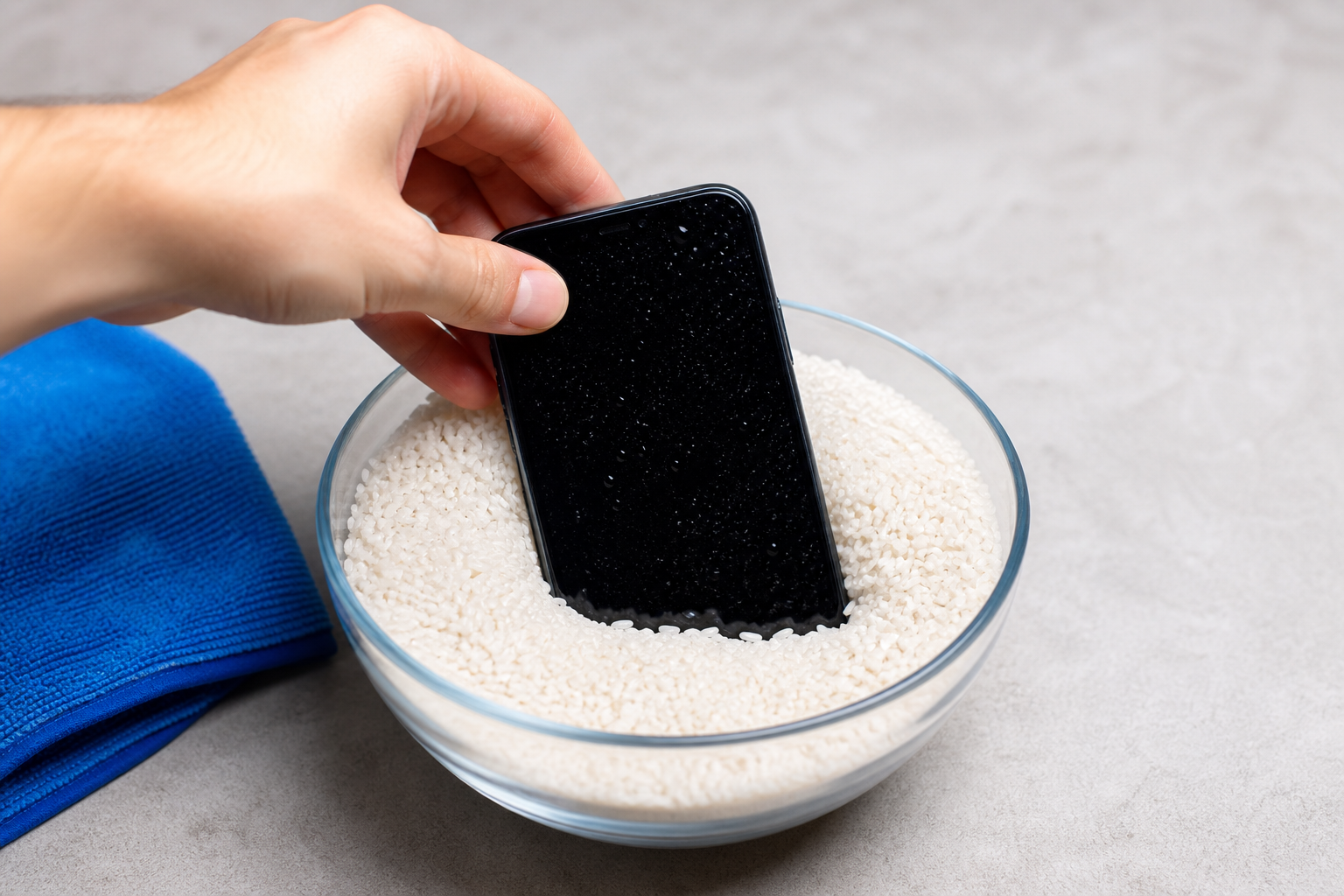
Don't use uncooked rice. Although the internet is full of this myth, using rice is a bad idea. Rice grains leave behind fine dust and starch. This gets into the damp charging port and speakers, where it can form a sticky film.
Never use a hairdryer or put the device on a radiator. Heat can damage the device and its seals. On top of that, the strong airflow from a hairdryer only blows the water droplets deeper into the phone, right towards the vulnerable chips.
Don't plug in the charger. Moisture in the charging port can cause a short circuit as soon as power flows through it. So wait to charge until the phone is completely dry. Don't charge it wirelessly while it's wet either.
Don't shake it or blow into it. It's tempting to shake the water out of the ports. In reality, this spreads the moisture from the safer outer edges to the unprotected internals.
When you're trying to save a water damaged phone, choose patience over quick fixes.
Is your smartphone waterproof? IP ratings compared
A waterproof phone often gives a false sense of security. Manufacturers test devices in labs using clean, still fresh water, which is nothing like a drop into a chlorinated pool or the salty sea.
Rating |
What it means in theory |
In practice and limitations |
|---|---|---|
No IP rating |
Not protected against moisture. |
A non-waterproof smartphone will survive a light shower of rain at most. If it's submerged, switching it off immediately is a must. |
IP67 rating |
Up to 30 minutes at a maximum depth of 1 metre. |
Often found on mid-range devices. Enough for a quick drop in the toilet, but not suitable for swimming. |
IP68 rating |
Withstands submersion deeper than IP67. The manufacturer decides how deep and for how long. |
Standard on a premium Apple iPhone or Samsung Galaxy. Samsung states that even devices with a high IP rating are not suitable for use for longer than 30 minutes at a depth of 1.5 metres. |
IPX8 |
Protects against submersion under conditions set by the manufacturer. The X means: not tested for dust. |
See this label on a device or accessory? Always check the stated depth and duration, as they vary per product. |
Keep in mind that the seals on an IP68 device wear over time. Knocks, heat and everyday use make the adhesive edges porous. Salty seawater and harsh chlorine also attack these seals.
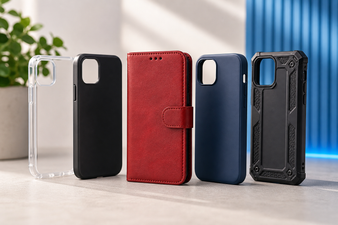
Choose a sturdy waterproof case if you're heading into the sea, and never blindly trust the factory specs of a two-year-old device. A case like this is usually made of TPU, polycarbonate or flexible PVC. Go for a transparent version so your phone's design and screen stay visible.
Popular waterproof phone cases
Water damage to your phone: is it covered?
Your standard manufacturer's warranty almost never covers liquid damage. Manufacturers build small white moisture indicators into the charging port or SIM tray slot. As soon as you've dropped your phone in water, these stickers turn permanently red. When you request a repair, the technician checks this sticker, and the manufacturer usually treats a red indicator as proof of liquid damage, which often means you'll have to pay for the repair yourself.
Still, you don't always have to cover the cost yourself. Did your device fall into the toilet at home, or did you knock a glass of water over your screen? Then your home contents insurance may cover the damage if you have accidental damage cover. Check your policy to see exactly what's included. Do bear in mind an excess and the fast depreciation of your device's current value.
Dedicated phone insurance is the safest route if you're accident-prone. These policies explicitly cover accidents and liquid damage, often with a quick replacement service. Choose separate phone insurance if you own a brand-new flagship and couldn't afford an expensive repair yourself. With an older device it's a different story, as its value drops every year. So compare the premiums you'll still be paying with what your phone is worth now, and skip the extra insurance if the premiums come out higher.
Frequently asked questions
Should you switch your phone off straight away if it falls in water?
Yes, switch your phone off immediately, even if it still seems to work normally. As long as power is running through the device, water in the phone can cause a short circuit. So don't quickly check whether your photos are still there either.
Can you dry out your phone in rice?
No, rice isn't a good way to dry out your phone. Rice doesn't draw moisture out of the device any better than ordinary air, and dust and starch can get into the charging port and speaker holes. That's why Samsung recommends letting the phone air-dry in a well-ventilated room instead.
How long do phones take to dry out after water damage?
Wait at least 48 hours before you try to switch the device on again. Let it dry in a well-ventilated room, without heat, as Samsung recommends. Take your time: you can't see moisture deep inside the device, and waiting an extra day costs nothing.
Let the phone dry in a well-ventilated room at a steady room temperature. Lay it flat on a dry towel, ideally somewhere with a gentle airflow, such as near an open window or a fan on a low setting. Avoid direct sunlight, as it overheats the battery and damages the internal adhesive.
Want to dry your phone out quickly but safely? Use silica gel sachets instead of rice. These little sachets (which you often get with new shoes or bags) are designed specifically to pull moisture out of the air without leaving dust behind. Put your phone in an airtight container with a handful of these sachets and leave it for at least two full days.
Can a waterproof phone still be damaged by water?
Yes, even a waterproof phone with an IP68 rating can suffer water damage. Samsung states that even devices with a high IP rating aren't suitable for more than 30 minutes at a depth of 1.5 metres. On top of that, the seals wear over the years, and a drop or a crack in the glass also makes the device less watertight.
Does it matter whether your phone fell in seawater, cola or coffee?
Yes, seawater, soft drinks and coffee are more harmful to your phone than clean tap water. Salt and sugar stay behind when the liquid evaporates, and those residues speed up corrosion on the motherboard. Did your phone end up in the sea or in a glass of cola? Then get it checked by a repair specialist sooner, even if it still works after drying.
Your phone works again after drying. Are you in the clear?
No, a phone that starts up again can still develop problems later due to corrosion. Samsung warns that moisture can cause serious damage, even if the device seems to work afterwards. Over the following weeks, watch out for buttons that stick, a charging port with a poor connection or crackling sound, and back up your photos and data straight away.
Can a phone still be repaired after a short circuit?
Yes, in many cases a professional repair specialist can save a device with a special chemical clean. During this treatment, they take the smartphone apart and clean the motherboard with a special cleaning agent. This removes all leftover minerals and stops the oxidation process.
The success of this repair depends entirely on how quickly you act. If you wait too long, corrosion eats away the copper connections on the motherboard beyond repair. Even if the device seems to work again after a week of drying, invisible corrosion can still cause failing cameras or a glitchy touchscreen weeks later.
Have you already switched the wet phone on to test it, or plugged it into the charger? Then the risk of a short circuit is higher, so tell the repair specialist about that too.
Always weigh up the costs and benefits carefully before agreeing to a repair. A chemical clean is usually the cheapest step, but if the OLED screen or the battery also needs replacing, costs add up. Choose repair if you have a recent Apple iPhone or Samsung Galaxy with valuable data that isn't backed up. Avoid expensive motherboard repairs on budget models where the repair cost exceeds the phone's current value.
Is water damage to your phone covered?
No, the standard manufacturer's warranty almost never covers water damage to your phone. Every device contains small moisture indicators that turn red on contact with water, and the manufacturer checks these first. If your phone fell in the toilet or sink at home, check whether your home contents insurance covers accidents, or claim on phone insurance or accidental damage cover if you have it.
Switching off quickly, drying the outside and leaving it to dry out for at least 48 hours with silica gel (without heat or rice) is the best first aid for a wet device. The shorter the exposure to moisture, the better the chances your device will survive.
Has your phone been drying for 48 hours? Then carefully switch it on and test the charging port, speaker and camera straight away. If it won't turn on or behaves strangely, take it to an authorised repair specialist today for a chemical clean, because corrosion doesn't wait.