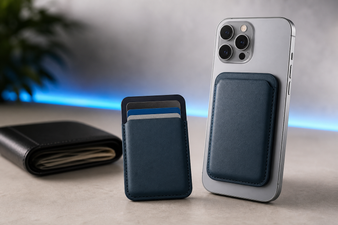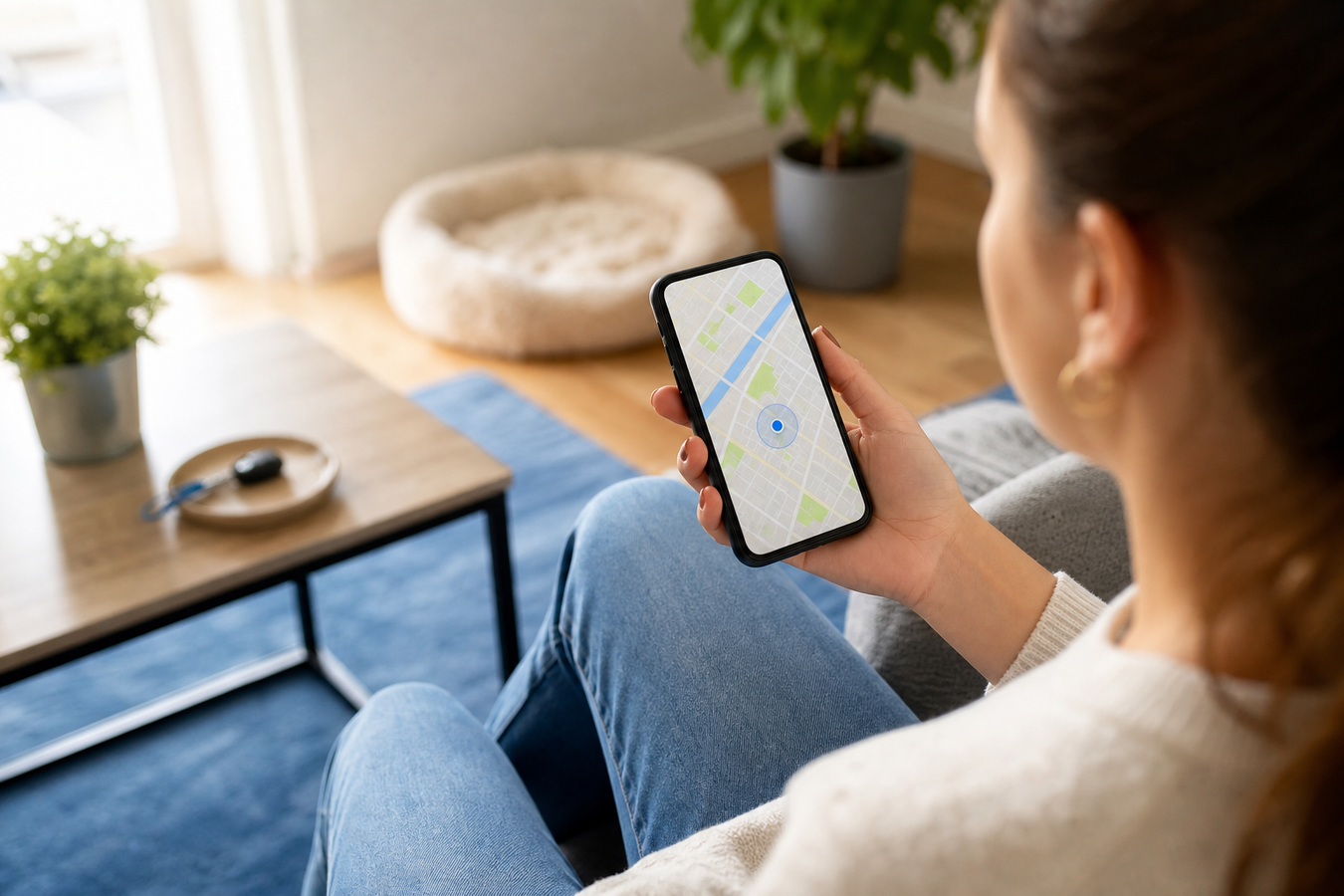
Wondering how to find your phone? Start with the built-in tools from Apple, Google, or Samsung. They’re the most reliable way to locate a missing phone if location services were enabled and your account was already signed in on the device.
Offline Bluetooth networks can often help you find your phone even if it has no internet connection. You can also see someone else’s location if they explicitly agree to share it. A case or a phone strap can help you avoid losing your phone in the first place.
How do you track a phone?
Where do you start if your phone is missing and you can’t hear it ring?
Start with the tools from your phone’s manufacturer. Skip unfamiliar tracking apps and use the built-in options. For an iPhone, use Find My. For an Android phone, use Google’s Find My Device. Samsung phones can also use SmartThings Find.
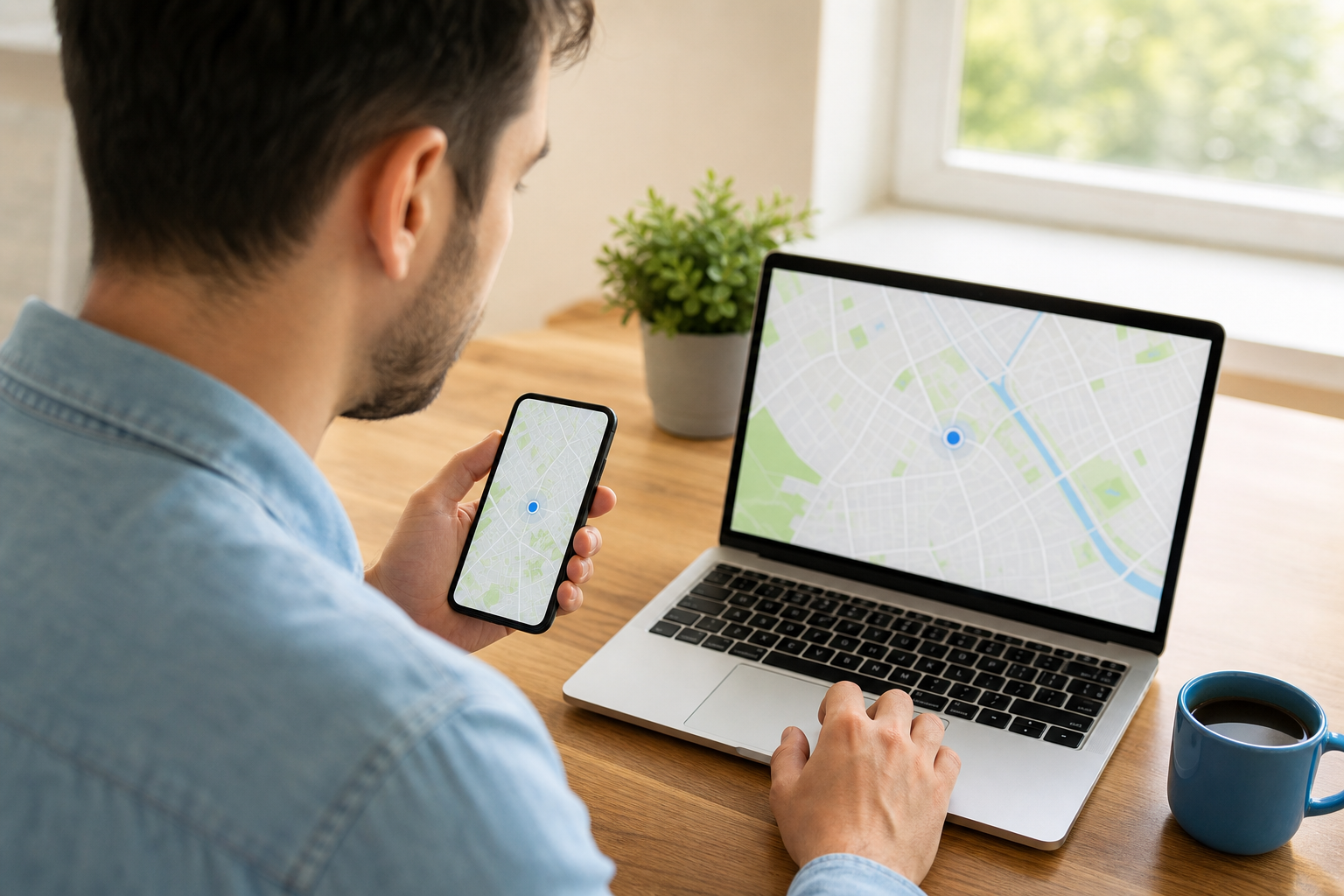
To track your own lost or stolen phone, sign in to your Apple, Google, or Samsung account on another device. Select your phone from the list and look for it on the map. If you can’t safely get it back, play a sound or mark it as lost right away.
Set up the search feature before you need it. Keep location services and internet access enabled on your phone. Keep your SIM card active so the phone can detect the network. Leave Wi-Fi on too, since Wi-Fi can help pinpoint the phone more accurately indoors than GPS alone.
Use battery saver carefully when the battery is low. Some battery-saving settings can turn off GPS in the background, which can prevent live tracking. Check whether your phone lets you exempt location services from these settings.
How to find your phone by operating system
Mobile carriers recommend using the tools from Apple, Google, Samsung, or Microsoft to find a missing device. Grab a laptop or borrow another phone and follow these steps:
-
1
Sign in to the right website
Looking for an iPhone? Open Find My and sign in with the Apple Account linked to the missing phone. To locate an Android phone, use Google’s Find My Device website. For a Samsung phone, you can also use SmartThings Find. Sign in with the Google or Samsung account linked to the missing phone.
-
2
Select the missing phone
Once you sign in, you’ll see a list of linked devices. Select the phone you’re looking for. Check when its location was last updated.
-
3
Check its location and take action
The map shows the phone’s current or last known location. If the phone is nearby, play a sound. If you lost it while you were out, mark it as lost right away. The built-in search feature can lock the phone remotely. If you’re sure you won’t recover it, you can also erase your personal data. If live tracking isn’t working, check whether the phone still had power, internet access, and location services enabled. Strict battery-saving settings can interfere if they restrict background access or location services.
Can I track a phone if it’s turned off?
You’re on the train when your battery hits one percent and the screen goes black. Just then, your phone slips out of your jacket pocket. It might seem impossible to track a phone that’s turned off or offline, but newer smartphones have ways to help.
Modern operating systems can use offline finding networks. Nearby devices pick up your phone’s secure Bluetooth signal and relay its location anonymously, even when your phone has no internet connection.
If the battery is completely dead, the network can show the last known location if it was saved. That can tell you where the phone was last on.
Offline finding only works if you enabled Find My or an equivalent feature beforehand. Without it, you can’t pinpoint the phone after it loses its connection.
After turning on battery saver, check that location services are still enabled. Live tracking needs location services and internet access. Otherwise, you may only see the last known location.
How can I find someone else’s phone?
Always get explicit permission before tracking someone else’s phone. It’s illegal to track someone secretly without their consent. Knowing someone’s phone number doesn’t give you access to their location. Use a feature that lets them choose to share it with you.
How you share your location depends on the situation. You might want to know when a friend will reach the train station, or you might want to set up ongoing sharing for your family.
| App | Best for | How it works |
|---|---|---|
| Meeting up | Share your live location in a chat for a set time and stop sharing once you’ve met up. | |
| Google Maps | Ongoing sharing (Android & iOS) | Choose which contacts can see your location and whether to share it indefinitely or until a set time. |
| Apple Find My | Families with iPhones | Built into iOS. Set up location sharing with family members so you can see where each other’s phones are. |
Share your live location on WhatsApp if you’re meeting up and already have a chat open. If you want to check your partner’s or kids’ locations more often, use Google Maps or Apple Find My. These apps let you share your location with family over time and choose who can see it.
Decide together who can see your location and turn off sharing when you no longer need it. In Google Maps, the other person has to choose to share their location with you. Location history only shows locations that were previously recorded.
Bluetooth trackers and accessories that help prevent loss
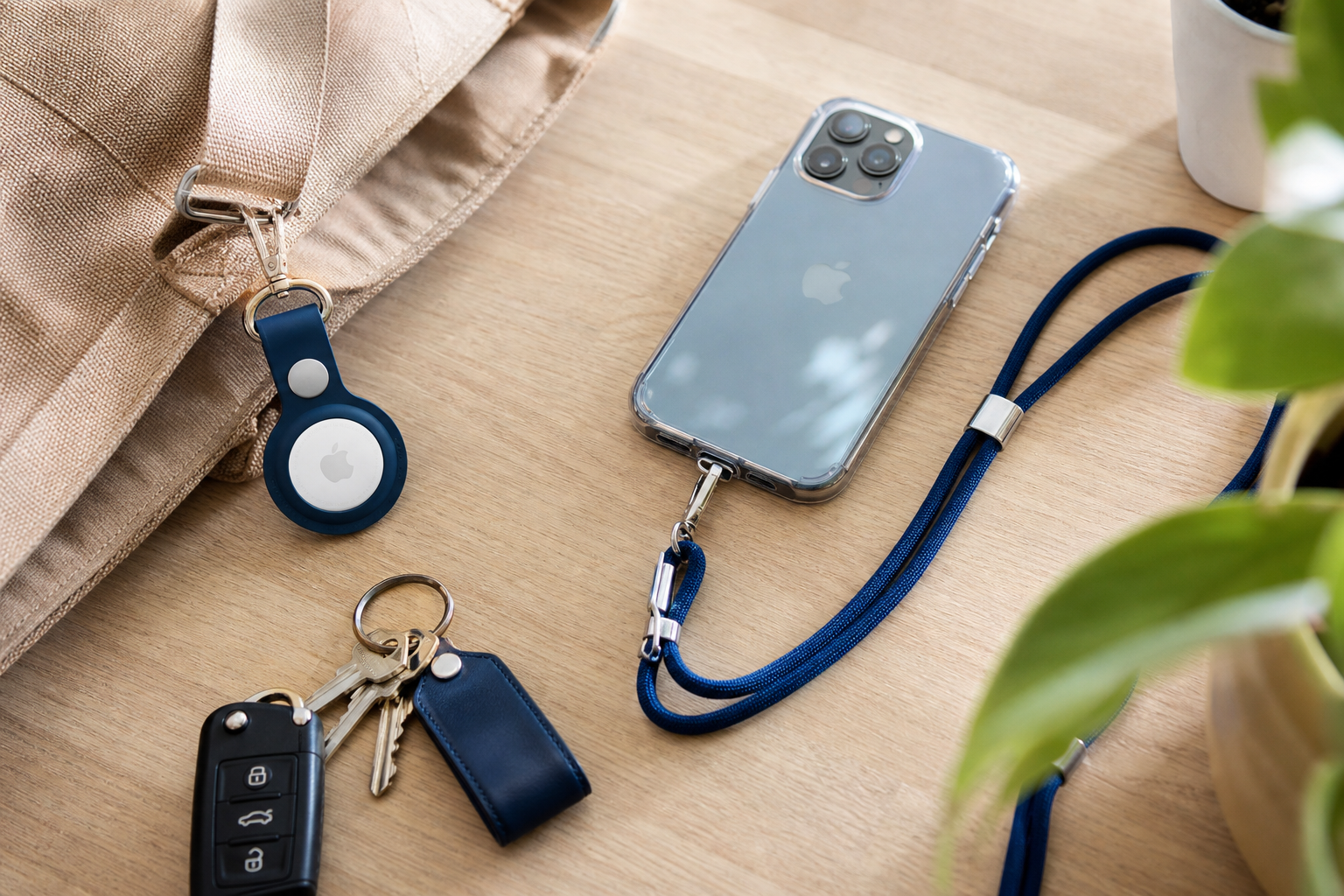
Prepare before anything goes missing. A Bluetooth tracker like an Apple AirTag or Samsung SmartTag can help you find your belongings. Turn on Bluetooth to check whether the tracker is nearby. If your belongings are under a car seat or somewhere around the house, the tracker can help you find them. Set up movement alerts so you notice if your bag, keys, or other items are no longer with you. Review your tracker’s privacy settings and test its finding features before you need them.
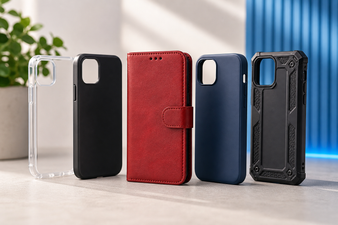
Pair your phone’s finding features with accessories that help keep it from falling or getting left behind. Try phone straps or phone cases from brands such as Mobigear and Valenta. Wear your phone on a sturdy strap around your neck or over your shoulder so it won’t slip out of an open jacket pocket while you’re biking.
Keep your Bluetooth tracker secure, too. A loose tracker can fall out of a roomy zippered pocket, so put it in a holder. Clip the holder securely to your bag, key ring, or the inside of your suitcase so it stays with the item you want to find.
Popular AirTag keychains
What should I do if I can’t find my phone?
Is the map still blank, with little chance of getting your phone back?
Lock the phone remotely through your Apple or Google account as soon as possible. If you’re sure you won’t recover the phone, consider permanently erasing your personal data through the same settings. First check whether you can still see a last known location.
Contact your mobile carrier as soon as possible to block your SIM card. This prevents someone from using it to make calls, send texts, or receive access codes by text.
If the phone was stolen, report it to the police. Write down the phone’s unique IMEI number beforehand so you can include it in the report.
Keep your receipt. It can help identify your phone and may come in handy if you need support.
Frequently asked questions
Can I see where someone is on WhatsApp?
Yes, if they choose to share their location with you in a chat. WhatsApp doesn’t secretly share a contact’s current location in the background. When the other person taps “Share live location” in a chat, you can follow their location on the map for up to eight hours.
How can I see my partner’s location?
Set up location sharing together using an app such as Google Maps or Apple Find My. Each partner needs to agree to share their location in the app settings. You can see each other’s locations for as long as you both keep sharing enabled.
How can you see where someone is?
In the Netherlands, you can’t look up someone’s exact location as a private individual without their consent. You can see their location if they’ve enabled sharing on their phone. The phone also needs location services and an internet connection.
Set up your phone’s finding features before you need them, and enable location sharing ahead of time if you want to share your whereabouts with a friend. You can also browse sturdy phone straps and AirTag holders at directcases.com to help prevent future losses.