Wondering “Who called me?” after an unfamiliar number rang? Search for the full number on Google or try an online phone directory.
How to look up a phone number, step by step
Want to find out who left you that missed call?
-
1
Save the number temporarily on your mobile phone and open WhatsApp. If you see a name or profile picture, treat it as a clue.
-
2
Type the full number in quotation marks into Google. Check whether it appears on a company’s website.
-
3
Try a reverse phone lookup in online directories or databases. A reverse lookup searches public sources for the person or business associated with a specific number.
-
4
If your search points to spam or fraud, block the caller in your iPhone or Android settings to stop further calls from that number.

Looking up mobile numbers and business landlines
Think a business called you? Check whether the number appears on its official website.
| Item | Business landline | Personal mobile number |
|---|---|---|
| Where to start | Look up the number on the company’s official website | Search for the full mobile number |
Online phone directories and reverse phone lookup
You missed a call from an unfamiliar local number. Was it the dentist or a pushy salesperson? For Dutch landlines, try a directory such as De Telefoongids or Telefoonboek.nl. Enter the number to see whether a name is listed.
There are also international reverse phone lookup services that search public sources for the person or business behind a number. Be careful about the data you share. Some sites collect your information under the guise of a free search.
If a lookup app flags a number as spam, treat the alert as a clue. Stay cautious around unfamiliar callers even when there’s no alert.
Has a site offered to reveal hidden information for a few euros? Try free, reputable search engines before paying for a report. Because of Dutch privacy rules, these paid reports rarely provide much more information.
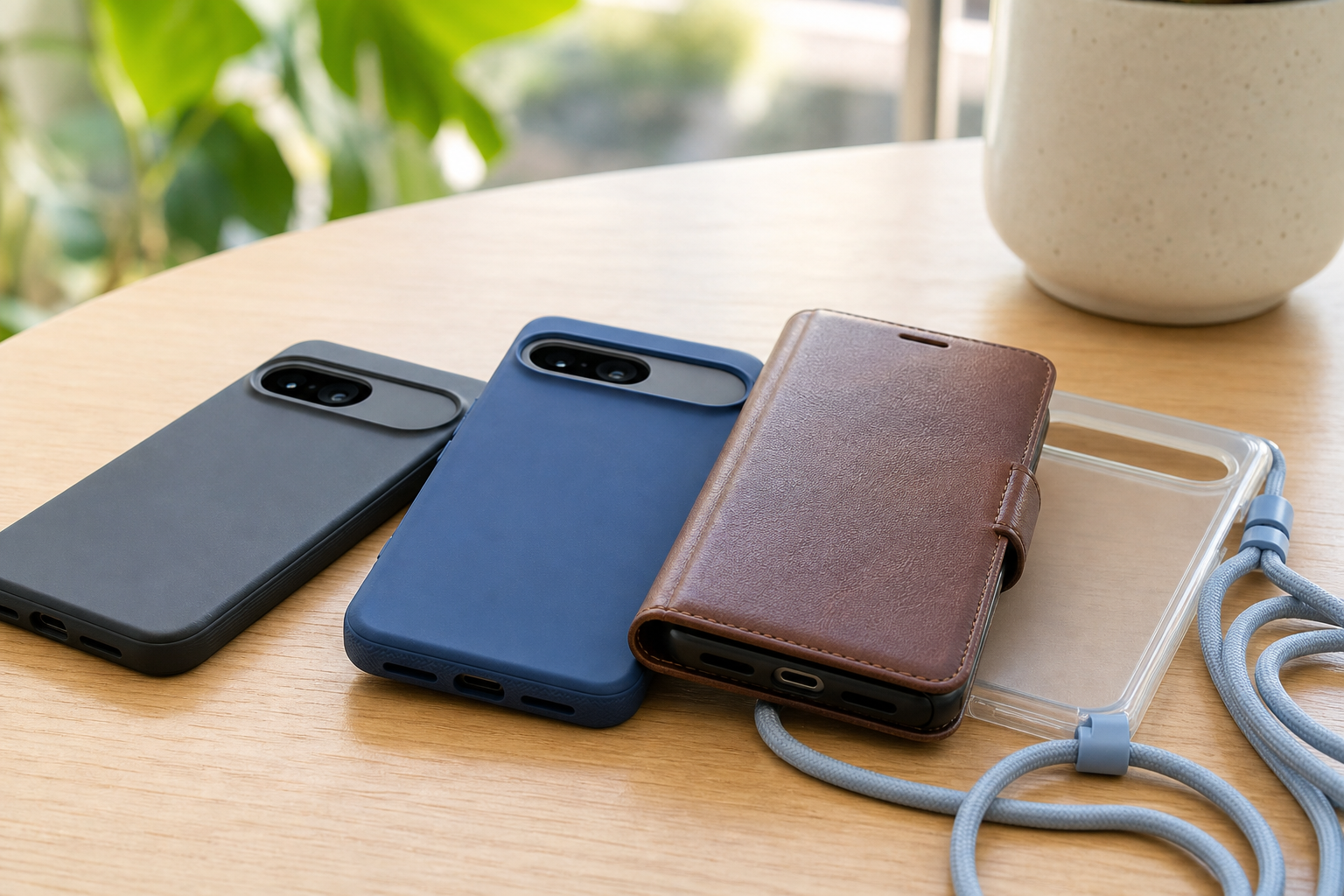
Looking for a new case?
Give your mobile phone a new look with a different case. Choose from bright, bold designs or something more understated. Filter by device to find a phone case you like.

Can I find a phone number on social media?
If directories turn up nothing, try searching on social media. People sometimes share contact details online without realising it.
Type the number into Facebook’s search bar. Some people have linked a phone number to their public profile without realising it.
Try LinkedIn to check a business number or see whether someone who called is a recruiter or works for the company they mentioned.
Look on Instagram or TikTok if you suspect the call came from a business or online shop. Businesses and creators often put their contact details in their bio or below a video.
What should you do about unfamiliar international numbers and spam?
If you don’t recognise the international number, think twice before calling it back.
Check the suspicious number in online forums and spam databases. People use them to warn each other about current scams.
Use your smartphone’s call blocking feature to stop calls from that spam number. You can block it from your list of recent calls.
If nuisance calls keep coming, contact your phone provider. In the Netherlands, you can also report them to the ACM, which uses reports to address persistent fraud.
Frequently asked questions
How can I find out who called me for free?
Enter the full number in quotation marks on Google, then try a reverse lookup in an online directory. It’s free and works well for businesses or known spam numbers.
Can I identify a caller who withheld their number?
You can’t look up a number the caller deliberately withheld. The phone provider keeps that information private. In serious cases of repeated harassment, your provider or the police can request the caller’s identity after a formal report.
Who does this mobile number belong to?
Start by searching for the full mobile number. You can also search on social media or check whether WhatsApp shows a name or profile picture.
Is it safe to use a reverse phone lookup app?
Stick to reputable apps that comply with European privacy rules. Some questionable paid international services collect contacts from your address book without making it clear. Check which permissions you grant when you install an app.
If you’re wondering ‘Who called me?’, trying to identify an unfamiliar number or looking for someone’s contact details, the right tools can help you find answers quickly. Once you’ve finished your search, take a moment to check how well your mobile phone is protected.
Browse our range of phone cases and accessories, including cases in different styles, chargers and other accessories for everyday use. Choose what suits your mobile phone and keeps it protected.