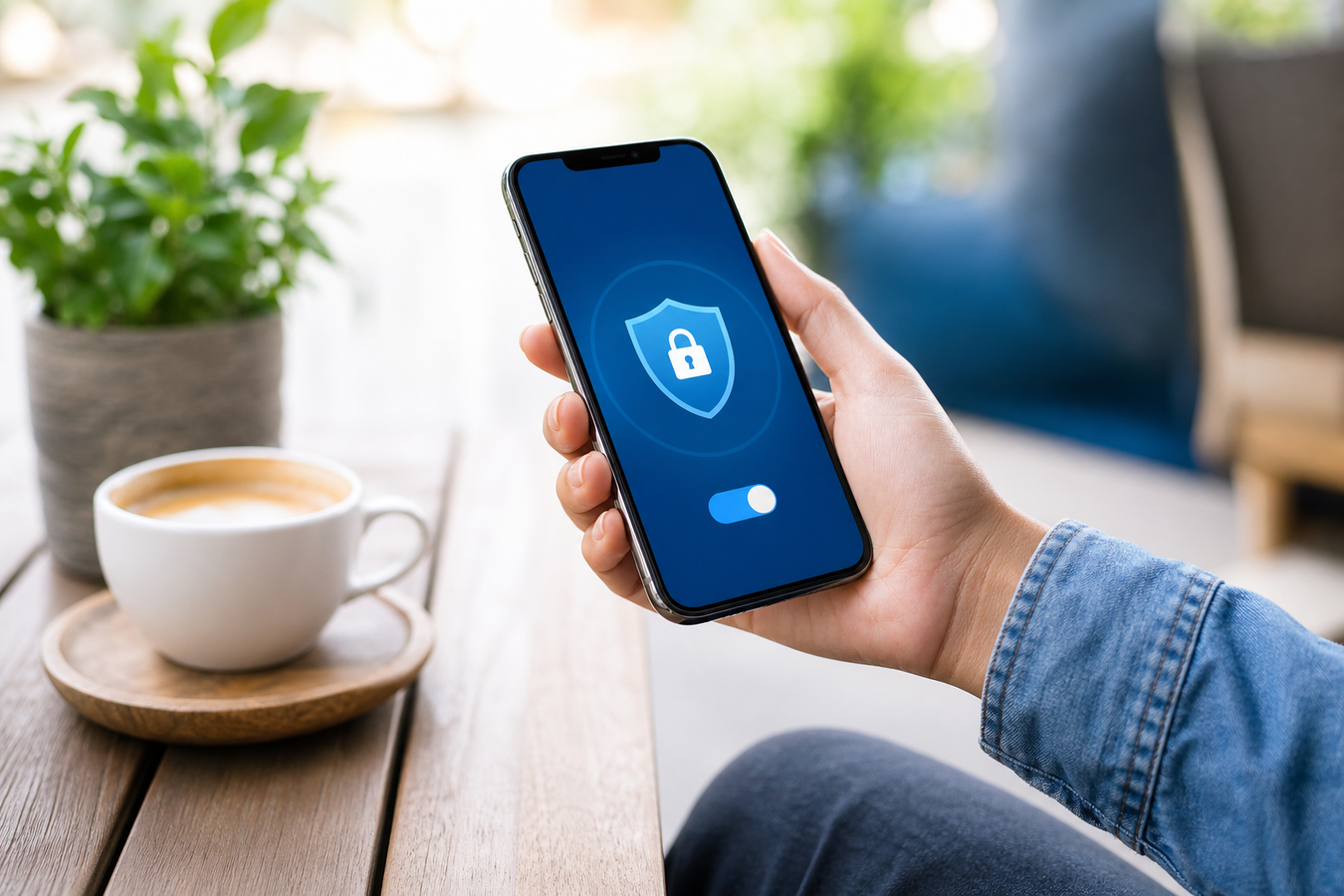
What is a VPN on a phone? A VPN, or virtual private network, encrypts your internet traffic through a secure tunnel and hides your IP address from the sites you visit. It can give you more privacy online and add protection on public Wi-Fi.
You can use a VPN through an app on your phone or tablet. Think about where and how you go online before deciding whether you need one.
What is a VPN and how does it work?
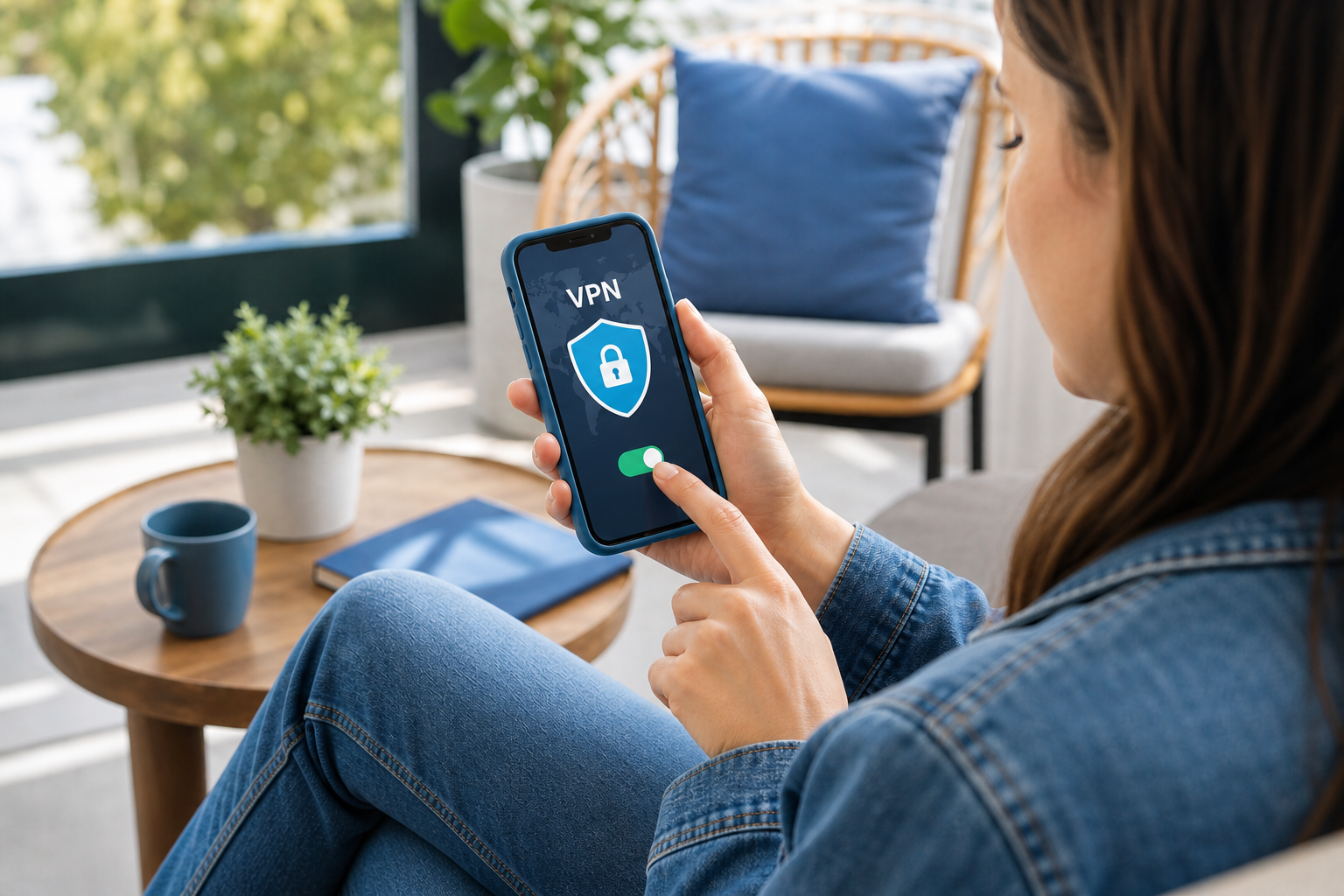
How does data travel from your device to a website without others reading it along the way? A VPN sets up a secure connection in the background. The app on your phone or tablet connects to a remote server through an encrypted connection called a VPN tunnel.
The VPN encrypts incoming and outgoing traffic inside the tunnel. That keeps other people from reading or changing it in transit. Someone monitoring the Wi-Fi on a train can see the encrypted traffic, but they can't read what's inside it.
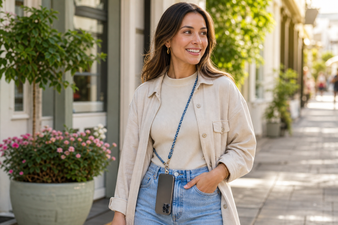
A sturdy phone case from Mobigear or Otterbox protects your phone from scratches and damage from drops. A VPN protects the data traveling between your device and the VPN server.
When your traffic leaves the tunnel and reaches a website, the site sees the VPN server's IP address. It can infer the server's location from that address. Hiding your own IP address makes it harder to track your browsing based on your connection.
What is a VPN on a phone?
On iOS and Android, a VPN usually runs through an app. When it's on, the app encrypts the traffic it routes through the VPN, whether you're on Wi-Fi or using 4G or 5G.
Your phone may switch networks several times a day. You might leave your home Wi-Fi, use 5G outside, and connect to public Wi-Fi on the train. If your VPN app supports it, set it to connect automatically on unfamiliar Wi-Fi. Check that the app shows the VPN as connected.
On your phone, use the app to pick a server and connect. A desktop computer often uses a separate program. A nearby server is often a good choice for everyday use because a more distant server can slow your connection.
Keep the VPN on when signing in to webmail, cloud storage, or other accounts on public Wi-Fi. On a secure home network, you can turn it off to save battery or improve speed. An active VPN can also use a little more mobile data.
What can you do with a VPN?
Say you open your banking app on free airport Wi-Fi. Other people on the network may be able to read unencrypted traffic. A VPN encrypts your traffic between your device and the VPN server.
Here are some other ways you might use a VPN:
Use public Wi-Fi. On the train, at the airport, or in a coffee shop, encryption helps prevent others on the network from reading passwords or messages traveling through the tunnel.
Hide your IP address while browsing. This makes it harder for websites and advertisers to use your IP address to infer your location or track your activity. Cookies can still recognize you.
Some streaming services and websites are available only in certain countries. Choosing a server in the relevant country may let you access familiar shows or restricted news sites while traveling.
When working from home or traveling, you can use an encrypted tunnel to connect to your office network. Encryption helps protect documents and sign-in details in transit.
Do you really need a VPN?
Before you subscribe, think about which networks you use. Do you commute by train every week or work from coffee shops? If your phone often connects to unfamiliar Wi-Fi, a VPN can add another layer of protection.
A protected connection is especially useful if you sign in to work systems while traveling or handle confidential client data. On your own network with a well-secured router, the risk of someone nearby reading your traffic is lower. Your basic security needs may already be covered.
Consider what you do online, too. A VPN may help you watch shows from home while traveling or access content available in other regions. If you mostly read the news, check social media, and use WhatsApp on your own 5G plan, your browser and apps may already provide the protection you need. In that case, there's little reason to route all your traffic through a remote server all day.
What are the drawbacks of a VPN?
Extra encryption uses some of your device's resources and can affect your connection. Here's what you might notice:
Encrypting and decrypting traffic in the background can drain your battery faster, especially if you leave the VPN connected all day.
Your traffic takes a detour through a VPN server before reaching the website. This can slow your connection.
On 4G or 5G, the VPN adds information to each data packet. That can slightly increase your mobile data use.
Free plans often cap your speed or monthly data. Some also have unclear privacy policies, which can make it hard to tell whether your data might be sold to advertisers.
How do you set up a VPN on a phone or tablet?
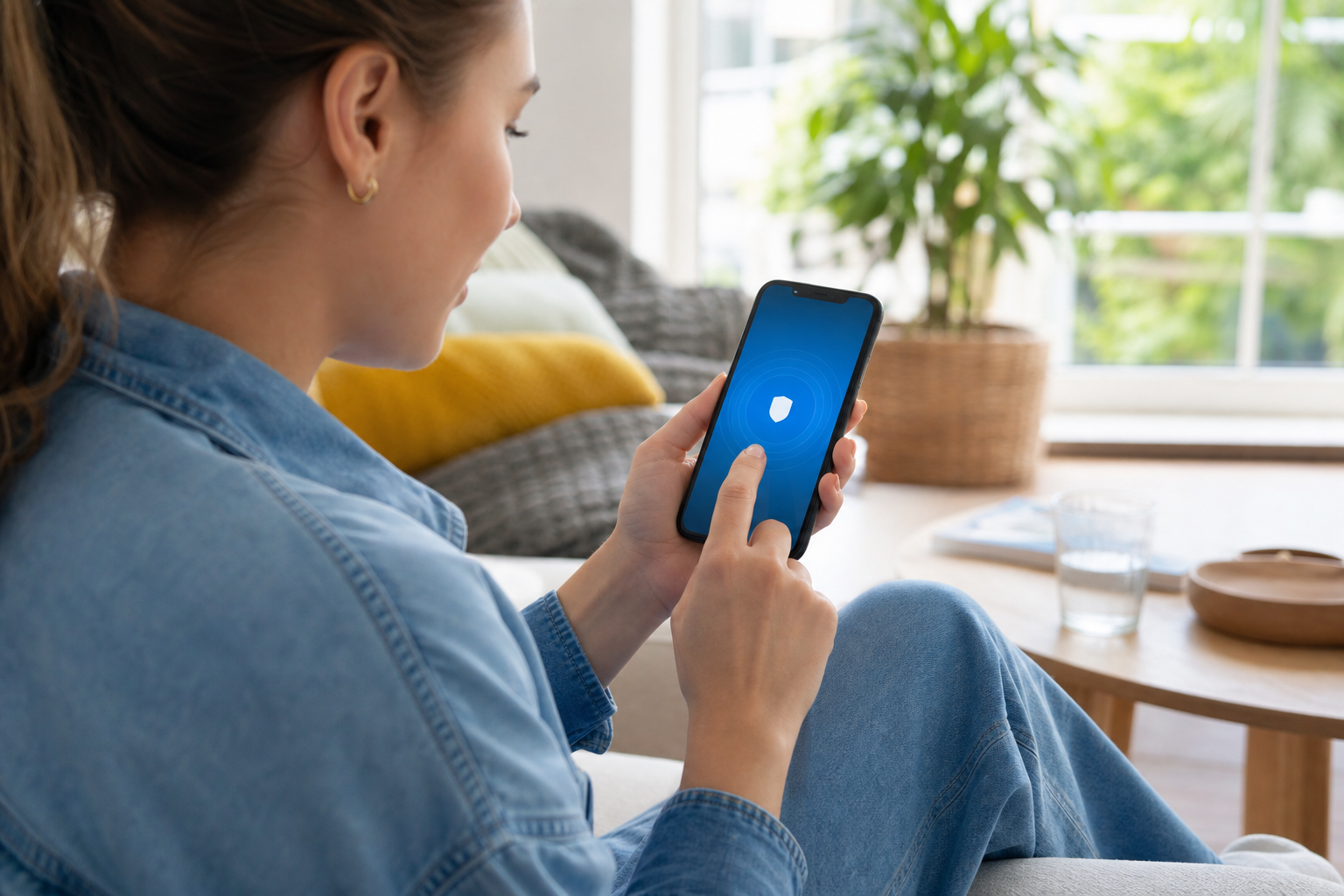
You can set up an encrypted VPN connection on your phone or tablet through an app. Follow these four steps.
-
1
Choose a VPN provider
Sign up for a plan or create an account with a provider you trust. A paid service may offer more consistent speeds and clearer privacy terms.
-
2
Download the official app
Look for your provider's official app in the App Store for iOS or the Google Play Store for Android. Install it on your phone or tablet.
-
3
Set up automatic connections
Sign in to the app and open its settings. If the app supports it, turn on automatic connections for unfamiliar or unsecured Wi-Fi networks. The app can then connect in the background.
-
4
Save battery on your home network
If you're at home on a trusted network, you can disconnect the VPN manually. Since running a VPN uses power, disconnecting may help your battery last longer.
Frequently asked questions
Should I leave my VPN on all the time?
We recommend keeping it on when you use public Wi-Fi. You can turn it off on a secure home network to reduce battery use and avoid a possible drop in speed.
Is it legal to use a VPN?
Yes, using a VPN to secure your internet traffic is legal in the Netherlands. The Dutch government recognizes VPNs as a tool for online security, and experts recommend them for everyday use.
Does a VPN protect me from viruses?
A VPN encrypts your connection. You can still open a phishing link or download a malicious file. Pay attention to the links and files you open, and use antivirus protection where appropriate.
Does a VPN make me completely anonymous?
A VPN hides your IP address from the sites you visit. Sites can still recognize you through cookies or when you sign in to a personal account.
Are free VPN services safe to use?
Usually, no. Free services often limit your data or speed, and their privacy policies may be unclear. A paid app is generally a better choice if you want reliable security and a stable connection.
Can I use one subscription on multiple devices?
Many providers offer apps for phones, tablets, and laptops. A single account often lets you connect several devices at the same time.
A properly configured VPN can help protect your connection at home and on public Wi-Fi while traveling. For everyday protection against drops and scratches, enter your model at directcases.com and find a phone case for your device.