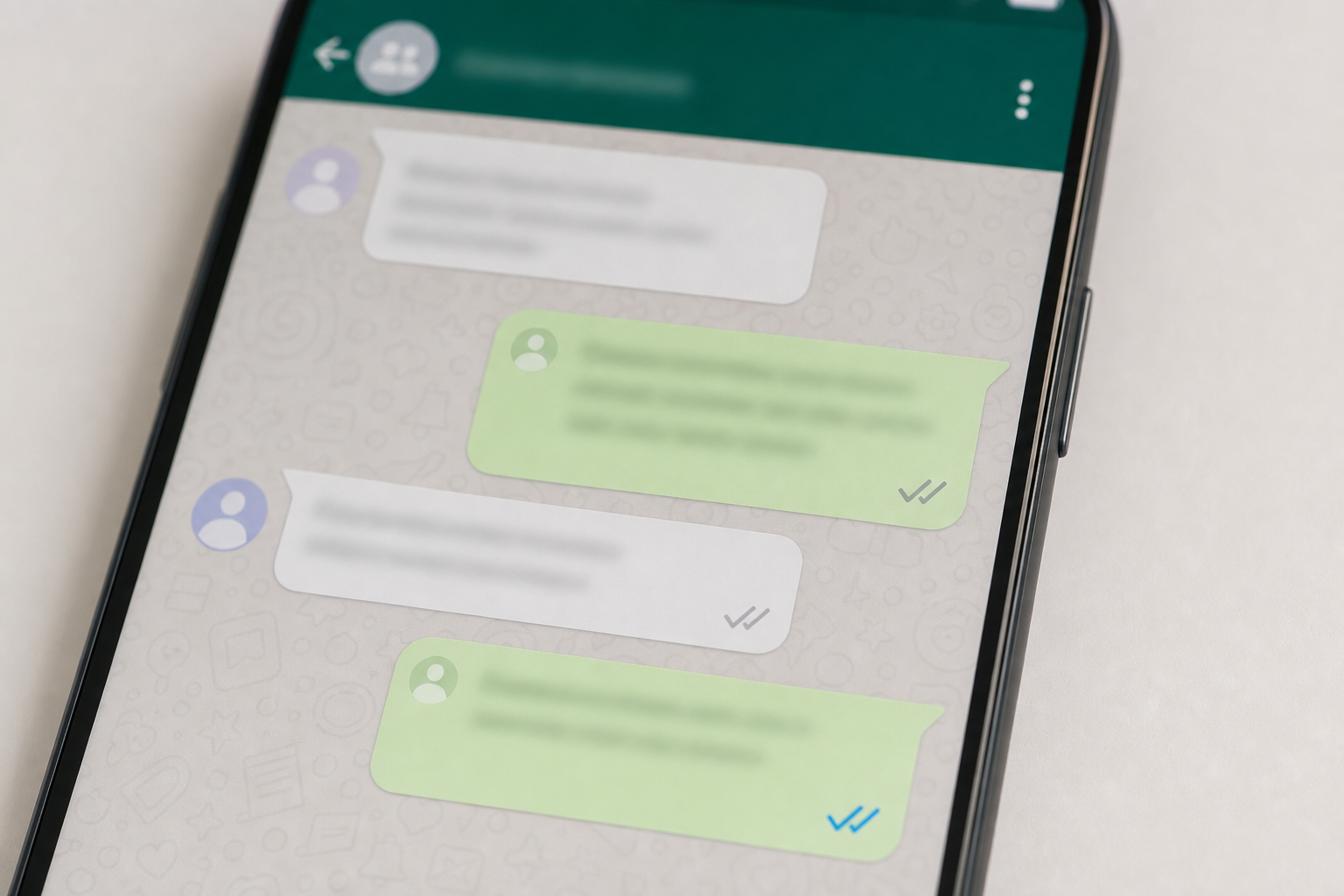
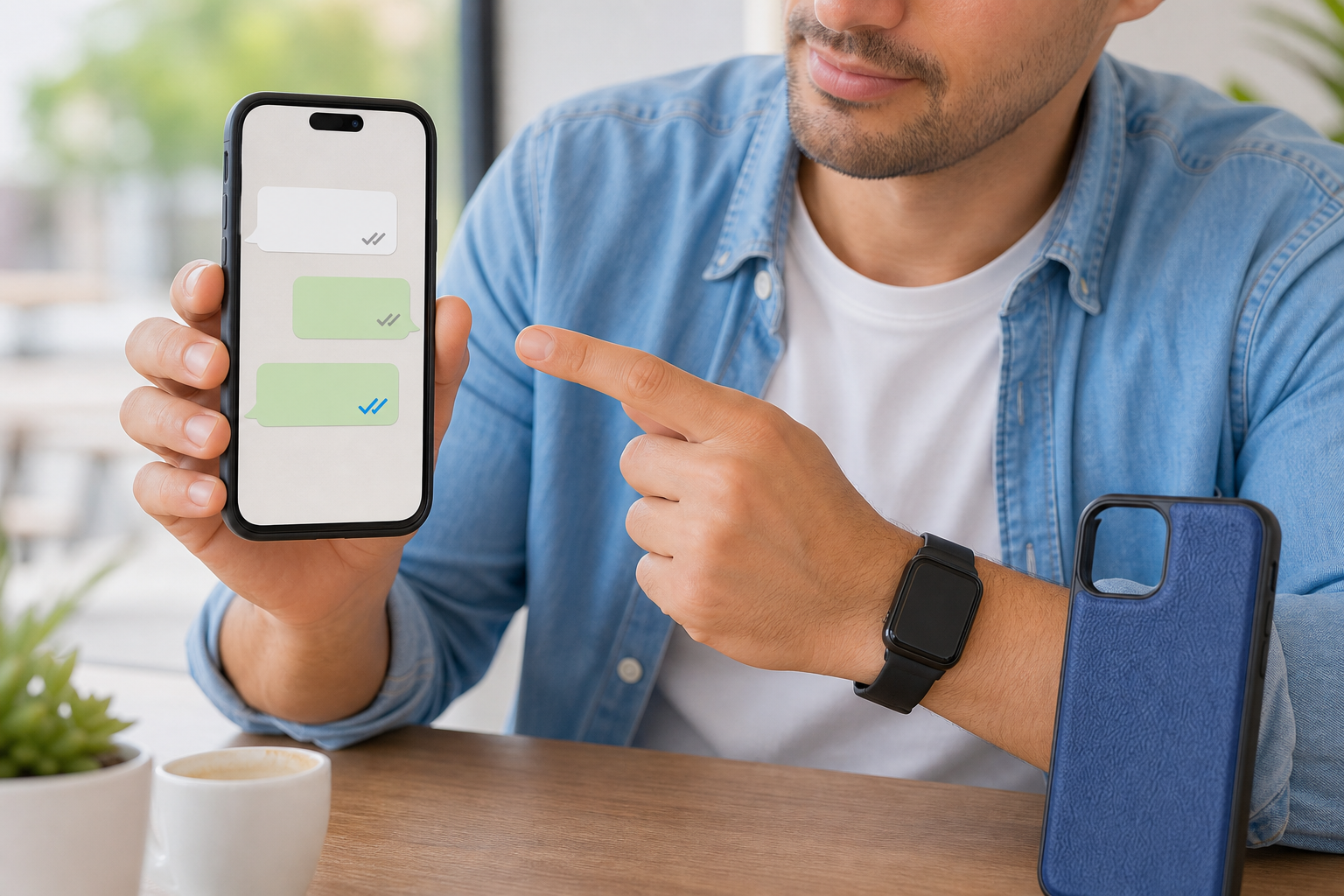
What do the ticks mean on WhatsApp? One gray tick means your message was sent. Two gray ticks mean it was delivered, and two blue ticks mean it was read.
Sometimes a message stays on one tick, or the ticks stay gray even though the other person replies. Common reasons include connection problems, a dead battery, and privacy settings. You can adjust your settings to control who sees your read receipts.
What do the WhatsApp ticks mean?
Why does a clock sometimes appear before the first tick? The symbols next to your message show its status.
| Icon | What does it mean? |
|---|---|
| Clock icon | Your message is pending. An unstable internet connection has kept it from being sent from your device. |
| 1 gray tick | The message was sent to WhatsApp’s server and is waiting to be delivered to the recipient. |
| 2 gray ticks | Your message was delivered. |
| 2 blue ticks | Your message was read. |
How do ticks work in WhatsApp group chats?
Ticks work a little differently in group chats than in private conversations.
Two gray ticks appear once the message has been delivered to every member. The ticks turn blue once everyone in the group has opened the chat.
To see who has seen your message, press and hold it, then select “Message info.” You can see who has received or read it.
Why is my WhatsApp message stuck on one tick?
You send a quick message about an appointment, and hours later there’s still one gray tick. Your message was sent and is waiting to be delivered. Here are the most common reasons:
The recipient’s phone has no active Wi-Fi or 4G/5G connection, or airplane mode is on.
The recipient’s battery is dead and their phone is off. To keep your own phone charged on the go, carry a Mobigear power bank.
The recipient may have blocked you. If so, WhatsApp will keep those messages from being delivered.
A regional or global outage on WhatsApp’s servers is temporarily delaying syncing.
How do I turn off blue ticks?
Use your phone’s WhatsApp privacy settings to control who can see when you read messages.
-
1
Open WhatsApp and go to Settings. On an iPhone, it’s at the bottom right. On Android, tap the menu in the top right.
-
2
Tap Privacy in the list.
-
3
Scroll down to Read receipts and turn it off.
Read receipts work both ways. When you turn them off, you also lose the ability to see when others read your messages. In group chats, the ticks still turn blue once everyone has opened the message.
How can you tell if someone read your message without blue ticks?
You can read messages without immediately triggering blue ticks while keeping your privacy settings as they are.
Read incoming messages on your lock screen or in the notification center. The sender’s ticks stay gray as long as you leave the chat unopened.
Use a paired smartwatch to read new notifications on your wrist without triggering a read receipt in the app.
To keep people nearby from reading your screen on the train or at work, fit a privacy screen protector and pair it with a phone case. People beside you will see a dark screen when you open WhatsApp.
Frequently asked questions
Why aren’t my ticks turning blue?
Usually, the recipient has turned off read receipts in their privacy settings. They might also have yet to open the chat.
How can I tell if a WhatsApp message was delivered?
Two gray ticks next to the time on your sent message confirm that it was delivered to the other person’s device.
Can I tell if someone is looking at my WhatsApp chat?
WhatsApp doesn’t show whether someone has your chat open. You can see the “typing…” indicator when they’re typing, or check their “last seen” status at the top of the screen.
My message was read, but I haven’t had a reply. What can I do?
Give the other person some time. They may have skimmed the message from a notification or read it while working. Blue ticks tell you the message was read. The person may need time to reply.
Knowing what WhatsApp ticks mean can help avoid misunderstandings about unanswered messages. You can manage read receipts in the app’s settings. To keep people nearby from seeing your conversations on the train or at work, browse privacy screen protectors at directcases.com.