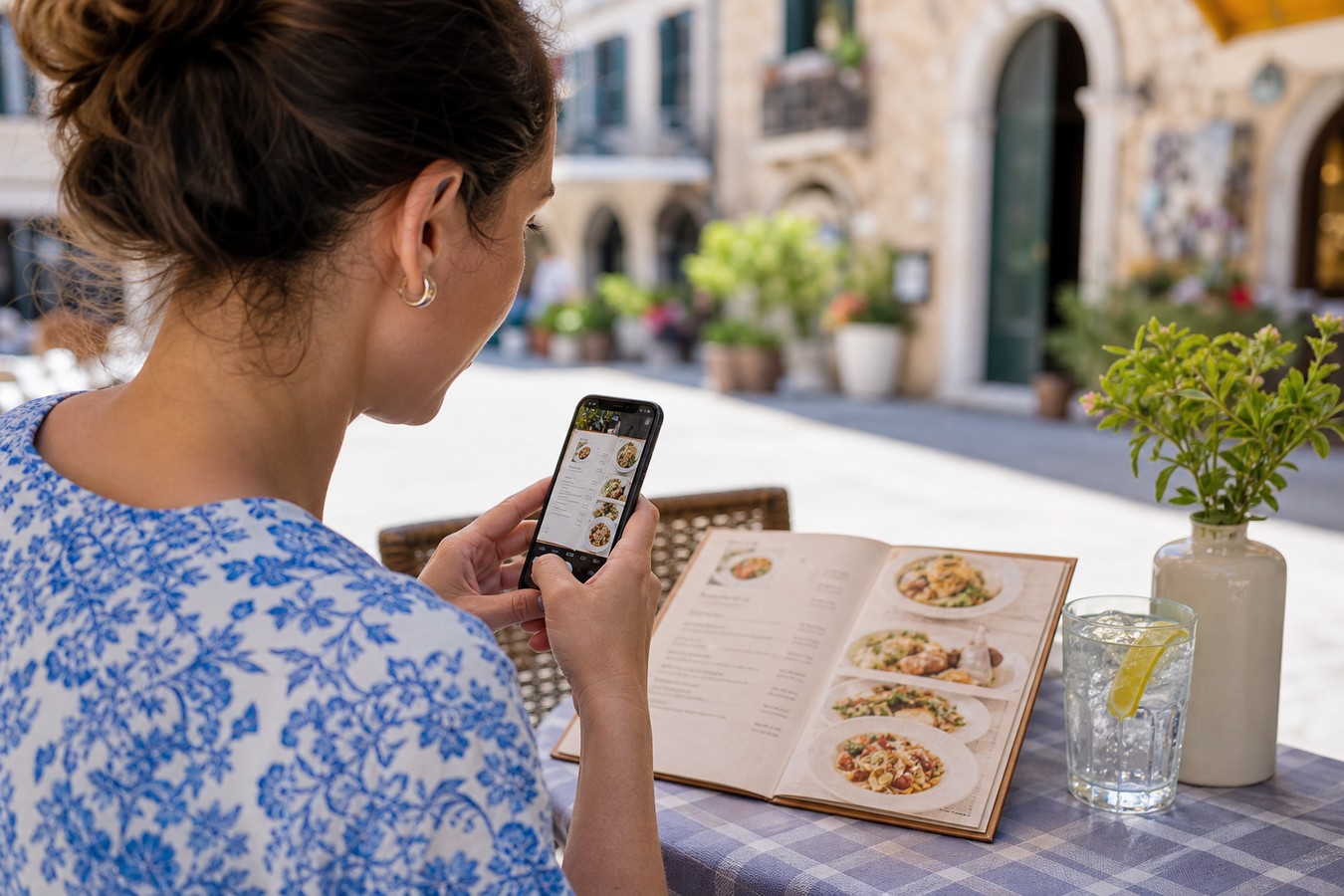
To translate a menu with your camera, open the camera feature in the Google Translate app and point it at the menu. You can then read the text in English.
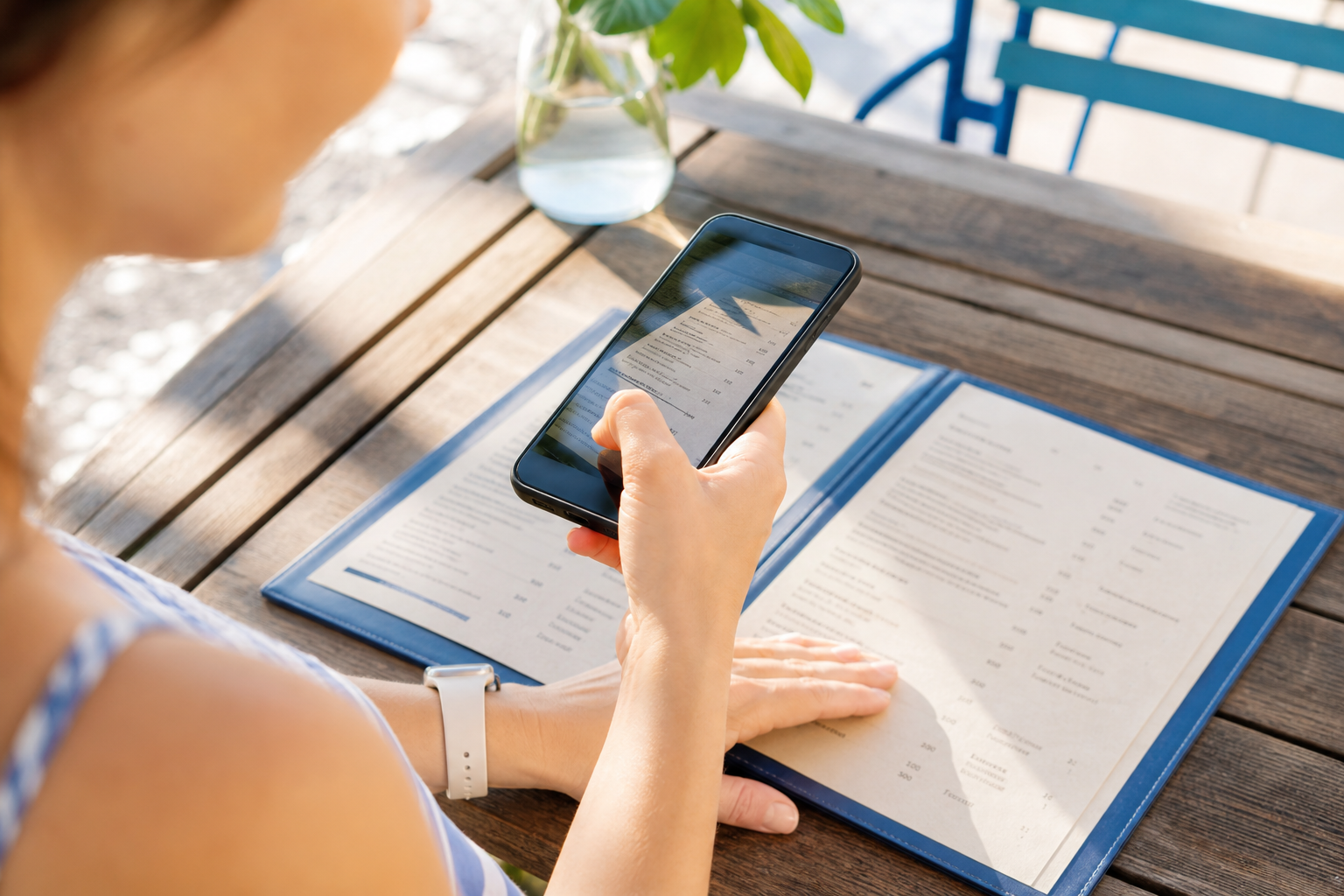
How can I translate a menu with my camera?
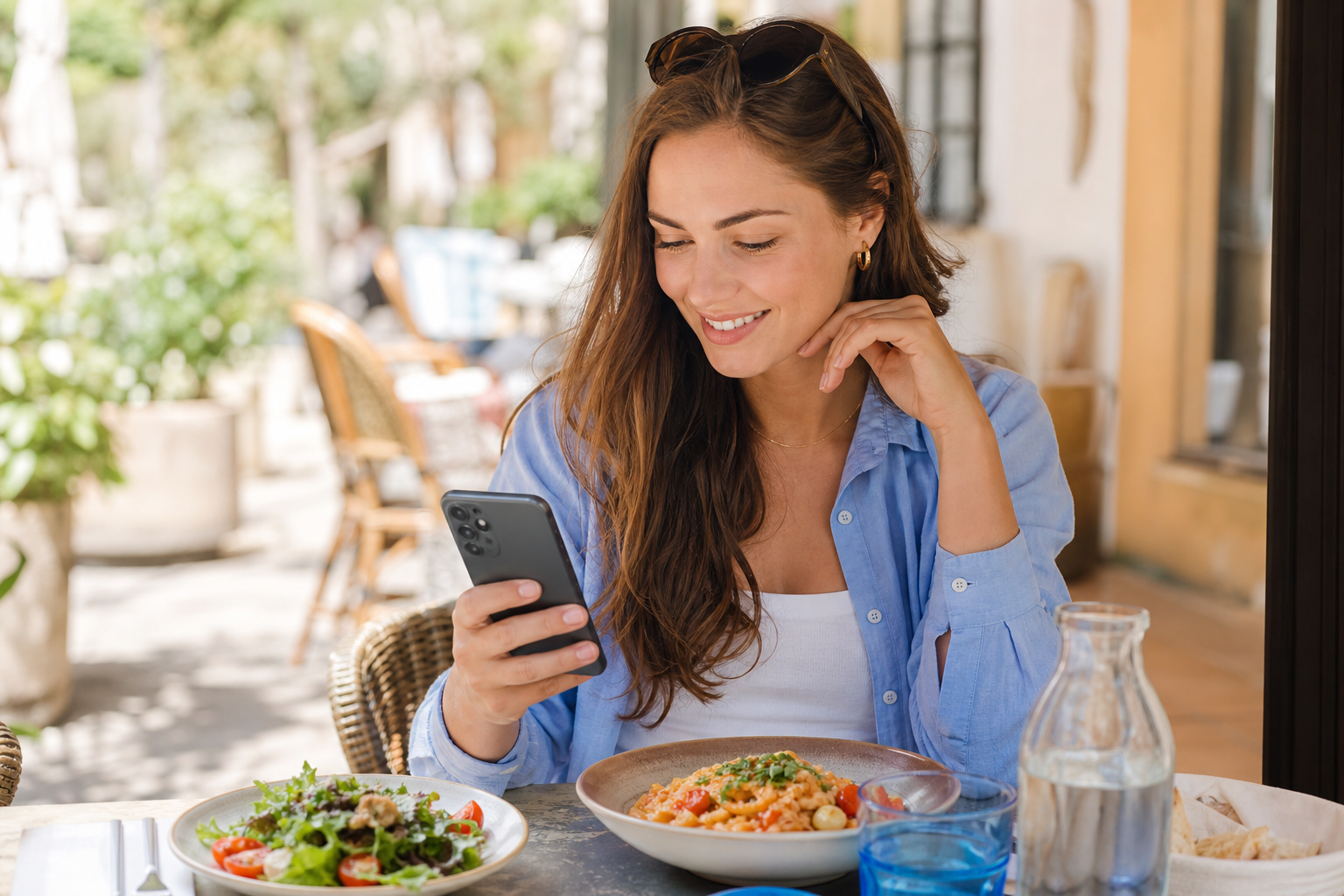
Just sat down and wondering what today’s special is? Your phone can translate the text if the camera can see the letters clearly. Here’s how to do it.
-
1
Lay the menu flat.
Lay the menu as flat as you can on the table. Folds and curved pages distort the letters and can confuse your phone’s text recognition (OCR). Use your hand to hold the page flat if needed.
-
2
Find good lighting.
Light is easy to come by in a sunny square, but outdoor seating can be dim at night. Use your phone’s flashlight to reduce shadows in poor lighting. The camera needs enough contrast to recognize the letters.
-
3
Scan the text.
Open Google Lens or the camera feature in the Google Translate app. Point your phone at the menu and hold it still for a few seconds. The app can display the English translation over the original text on your screen. Google Lens is handy for a quick visual translation. Google Translate is also an option if you want to work offline later.
-
4
Scan one section at a time.
Start by photographing and translating the appetizers, then point your camera at the main courses. The app is more likely to read the text correctly when it has less to process at once.
-
5
Check the translation.
Translating a menu gives you a general idea of what’s on offer. Research suggests that AI translation often works well for many European languages, while cultural terms and Asian languages can be harder to capture. If a translation looks odd or you have an allergy, scan that line again, look for allergen symbols, and ask the staff to confirm.
What app can you use to translate a menu?
Google Lens displays the translation over the text on the menu. Google Translate also lets you type individual words. If you want to translate offline, download the languages you need in advance if the app offers them for download.
See a regional dish you don’t recognize? Give ChatGPT its name and ask for a short explanation. If the ingredients affect what you order, ask the staff what the restaurant uses.
| App | What can you use it for? |
|---|---|
| Google Lens | See the translation on the menu |
| Google Translate | Scan or type text and translate offline with downloaded languages |
| ChatGPT | Ask for an explanation of a regional dish |
How do I translate offline?
You might be eating outdoors in the mountains or have just arrived in a country outside the EU where your data plan doesn’t apply. Even with no signal, you can translate a menu in Google Translate if you downloaded the language packs in advance.
Offline translation comes in handy when roaming is expensive or the connection is slow. Set it up before you go:
Free up space. Your phone needs enough storage to keep the language packs on the device for offline translation.
Download over the hotel Wi-Fi. Open Google Translate and download the language packs you need. Download English as well as the local language.
Test in airplane mode. Switch your phone to airplane mode in your room and try a quick translation to check that the downloaded languages work.
Scan the menu one section at a time. Use the camera to take a picture of the main courses, for example. Try translating individual words again if the first translation looks odd.
Preview the menu in Google Maps
Look up the restaurant in Google Maps before you leave your hotel or apartment. Check the restaurant’s photos for a picture of the menu so you can see what’s available before you sit down.
-
1
Find the restaurant.
Type the restaurant’s name into Google Maps while you still have Wi-Fi at your accommodation.
-
2
Browse the photos.
Open the Photos tab and look for menu pictures. Some restaurants don’t have them, and the menus may be out of date, so use them to get a general idea.
-
3
Translate the text.
Take a screenshot of a clear menu photo and open it in Google Lens to translate it at your own pace. Zoom in first if the print is small.
-
4
Check your options.
Use the menu to see whether the restaurant has enough options for your tastes or dietary needs. If you have an allergy, look for allergen symbols and always confirm with the restaurant staff before ordering.
Using AI to ask about allergies and local dishes
A word-for-word translation can miss the meaning of a regional dish or cultural reference. A translation app might render the name of a traditional Cuban stew as “old clothes.” That tells you little about what’s on the plate. Ask an AI assistant for a brief explanation of the ingredients.
With an app like ChatGPT, you can ask about a local dish. Copy the text from the menu or your translation app and ask a specific question. For example: “What is this dish? Describe the usual ingredients, how it’s prepared, what it tastes like, and any animal products it may contain.” You can also ask: “Translate this Spanish menu and tell me which dishes are strictly vegetarian.” Follow up by asking: “For each dish, explain the usual ingredients and how it’s prepared.”
AI can point out ingredients that might make a dish unsuitable for vegetarians, such as fish stock in paella or diced bacon in a vegetable dish. Treat the answer as background information. The ingredients in regional dishes can vary from one kitchen to another.
Do you have a food allergy? Ask the staff which allergens the dish contains and whether there’s a risk of cross-contact. You can use ChatGPT to translate that question.
Keep your phone charged and protected while dining outdoors
Has your phone ever gone dark just as you were about to order?
On vacation, bright sunlight can keep your screen at full brightness. Add GPS navigation and frequent camera use for photos and menu scans, and your battery can drain quickly. Translating a long menu with the camera also uses power. Carry a dependable power bank so you can recharge on the go. A power bank from Mobilize or Cygnett can top up your phone before it runs out of power halfway through dinner.
Battery use is especially high when the camera, GPS, and bright screen are all active. Charge your power bank before you leave and pack a cable that fits your phone. Check that you have both before leaving the hotel.
Crowded outdoor tables also leave little room for passing servers, phones, and drinks. It’s easy to bump your phone or spill a glass of wine when you set it down or hold it over the plates to scan the menu. Protect it with a sturdy case from a brand such as Mobilize, Mobigear, Decoded, or Otterbox.
Raised edges keep the screen and camera off the table when you lay your phone flat. To help protect it in a fall onto stone, look for a case that covers the corners and edges.
Choose a case material that helps absorb impact. TPU is flexible and absorbs shocks, while silicone gives you more grip with wet hands. Hard plastic feels thinner and more rigid but usually absorbs less impact. Leather has a refined look and resists wear. Back coverage mainly protects against scratches. For more corner protection, look for a case that covers those edges too.
A thicker case takes up more room in your pocket or bag. A slim case may offer less coverage around the edges. A removable case is easier to clean if something spills on your phone.
Choose a case for your exact phone model. The correct fit keeps the buttons accessible and stops the phone from moving inside the case.
Check that the cutouts line up with the camera and ports so you can take pictures and plug in a charging cable. A clear case lets the original color show through.
A slim case fits more easily in a pocket or small bag. If you use magnetic accessories, choose a MagSafe-compatible case when your phone and accessory support it.
A phone strap can help keep your phone from falling onto the pavement. Wear it over your shoulder or around your wrist to keep the phone within reach when it’s time to order.
Frequently asked questions
Which app can translate text as you scan it?
Google Lens and the camera feature in Google Translate can show a translation as you scan. Point your camera at the text and the app translates the words on screen.
How do you turn on live translation?
Open the Google Translate app, tap the camera icon, and point your phone at the menu. The translation appears over the original letters. Lay the menu flat to reduce shadows and curves that can interfere with text recognition.
Can I translate a menu through WhatsApp?
WhatsApp doesn’t translate text in photos. If someone sends you a menu photo, save it and open it in Google Lens or Google Translate. You can translate typed text in the chat with a keyboard such as Gboard.
Do these apps work well for Asian languages?
If you’re unsure what a dish is or don’t recognize the name of a regional specialty, ask the restaurant staff to explain it.
Do I always need internet access to scan a menu?
No. If you download the language packs in Google Translate at your hotel, the camera feature also works offline. This can save mobile data and roaming charges outside the EU. A bright screen and active camera drain your battery quickly, so bring a charged power bank.
Translation apps and downloaded language packs can help you order what you want when you’re abroad. Keep your phone charged so it doesn’t die while you’re scanning the menu. Browse compact power banks and phone cases on directcases.com and pack them in your carry-on for your next trip.