Wondering how to stop losing your phone? That sinking feeling when you reach into your pocket and it’s empty can send you frantically searching every pocket and bag. Often your phone is sitting on the dining table at home. Three simple changes to your routine and the right accessories can help you avoid leaving it behind.
Why do we lose our phones so often?
Distraction is the main reason we misplace our belongings. When you’re paying at the supermarket, boarding a train, or rushing through a conversation, your attention shifts. You set your phone down on a counter or bench for a second and walk away before you realize it’s no longer in your hand.
Without a regular spot for your phone, it’s easy to misplace it at home or at work. You might leave it on the arm of the couch, on the kitchen counter, or even in the fridge while putting away groceries. Giving your phone a dedicated spot and using accessories that support your routine can help break the habit.
3 tips to help you stop losing your phone
Make your phone easy to spot and carry. Choose something that stands out, and keep your phone attached to you or your bag.
Build small daily habits. Give your phone a regular spot at home or get into the habit of checking for it before you leave a room.
Choose accessories that support your routine. They can help you get used to putting your iPhone or Android phone somewhere safe.

Tip 1: Choose a case that stands out
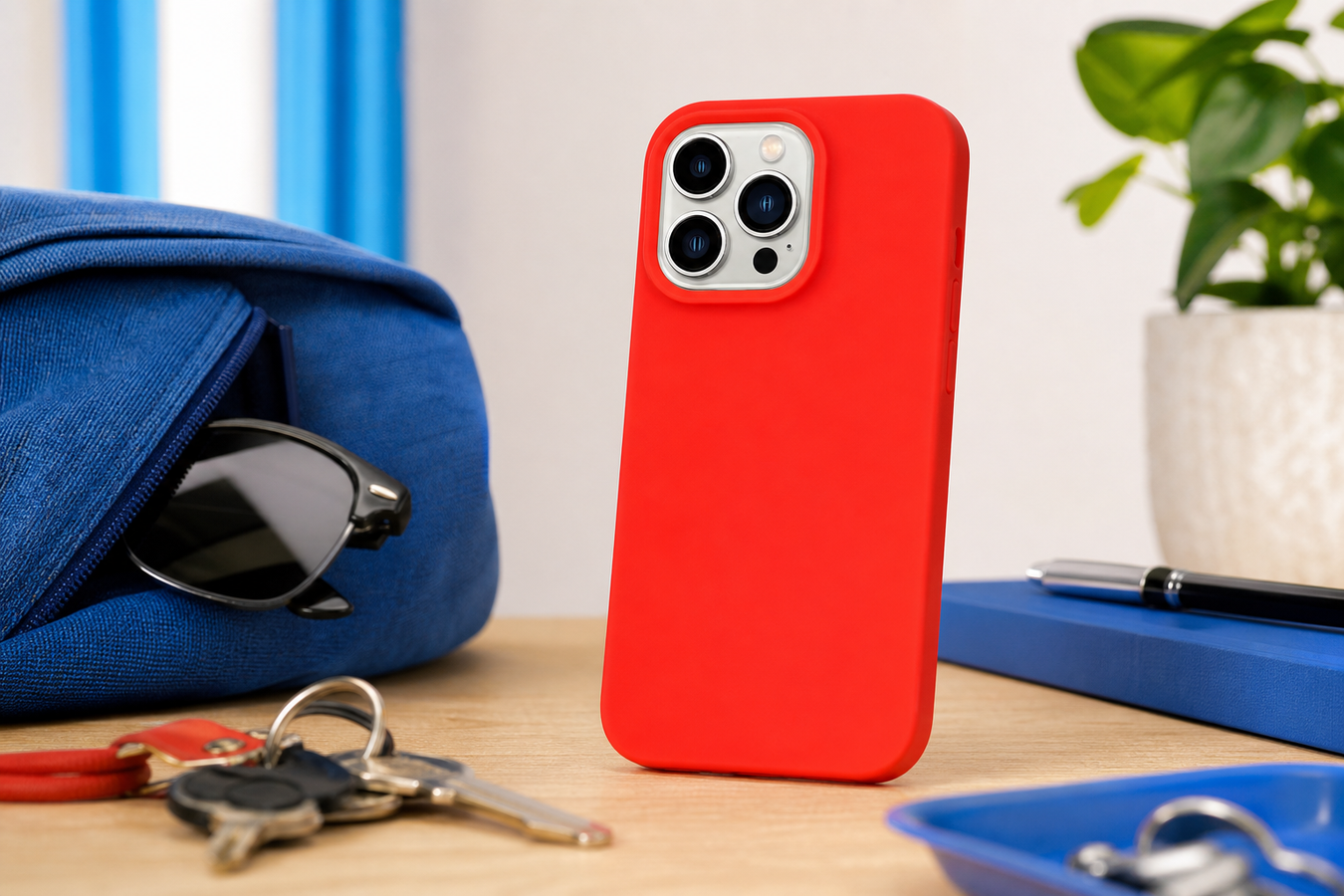
Bright colors are easy to spot in a dark bag, on a cluttered desk, or between couch cushions. A matte black phone in a black case blends into the background, so you might look right past it. A bright case in red, neon yellow, or a bold print makes it easier to pick out.
A bright color also catches your eye when you glance around a room. If you’re leaving a café or meeting room, it’s easier to spot a colorful case on the table than a dark rectangle. A case that stands out can help you notice your phone before you walk away and find it faster when you misplace it.

Tip 2: Use a phone strap
Choose a phone strap if you spend a lot of time on the go, take public transportation often, or have your hands full with kids or groceries. Avoid straps when working near rotating machinery, where loose accessories can get caught. Use a closed pouch that stays close to your body in that setting.
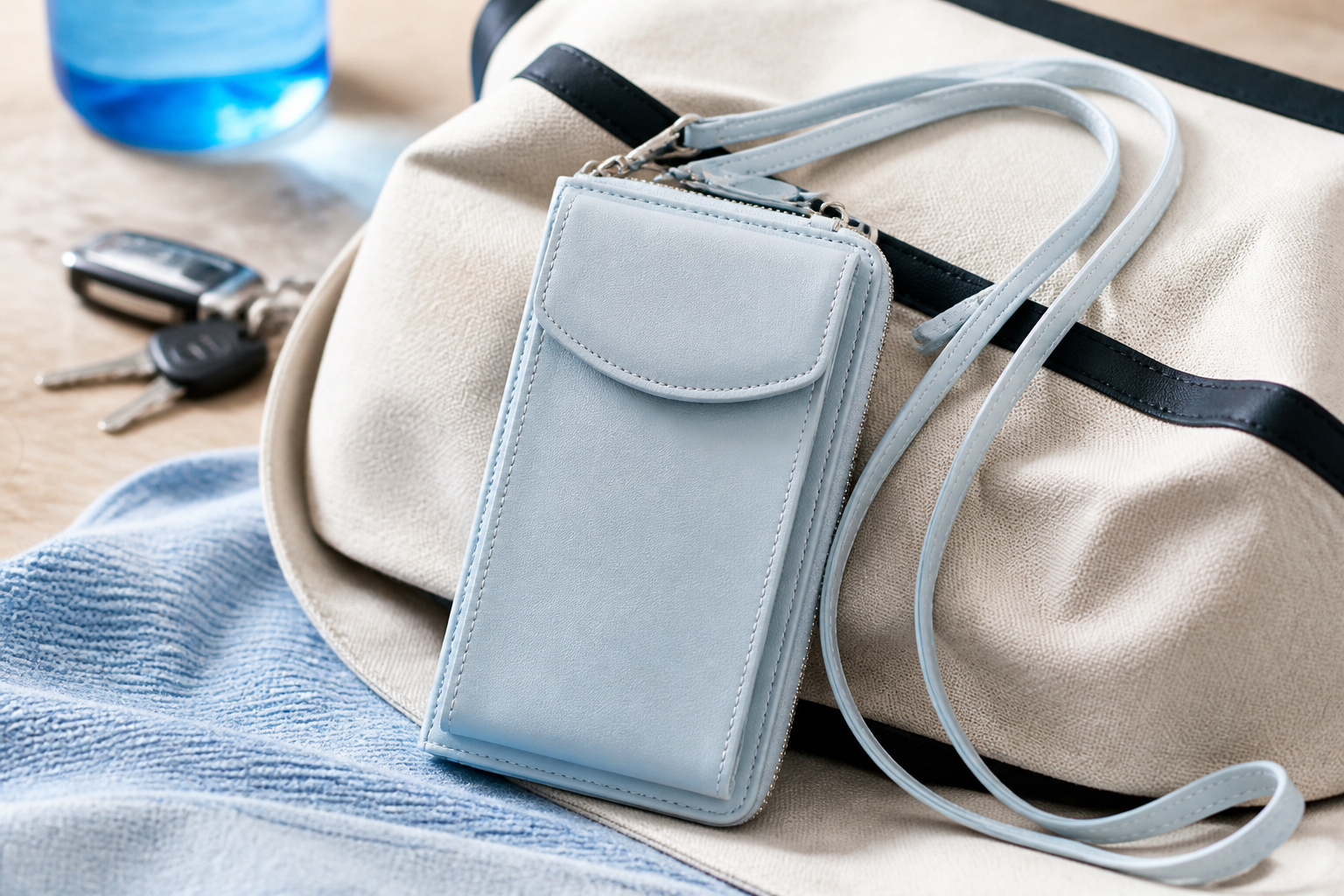
Tip 3: Keep your phone in a dedicated phone bag
Give your phone a regular spot at home or on the go with a phone bag. Get into the habit of putting it back in the bag when you’re done using it. That keeps it from rattling around loose in a purse or backpack where keys or pens could scratch it. You’ll know which pocket to check.
A phone bag is handy if you switch bags often and like to keep things organized. Move the small bag with your phone and cards into whatever bag you’re taking. That way, you’re less likely to leave something behind or forget where you put your phone.
Which accessory suits your routine?
Accessory type |
Best for |
Main benefit |
Main drawback |
|---|---|---|---|
Bright case |
Remote workers, office workers, and students. |
Makes your phone easier to spot on a desk or in a cluttered bag. |
Doesn’t attach to you, so you can still leave your phone behind. |
Phone strap |
Travelers, festivalgoers, and parents of young children. |
Keeps your hands free while your phone stays attached to you. |
Can get in the way during strenuous work or exercise. |
Phone bag |
People who switch bags often or don’t have pockets. |
Gives your phone a dedicated, protected spot with room for cards. |
You have to take your phone out to use the screen. |
Choose a bright case if you tend to lose sight of your phone at home or at work. Use a phone strap if you frequently need your phone for directions or photos and want to keep your hands free between uses. Choose a phone bag if you want to keep your phone protected and don’t need it in your hand all the time. You can also combine accessories, such as a brightly colored case and a sturdy strap.
Lost your phone? Here’s what to do
-
1
Locate your phone
iPhone: Open Find My on another Apple device or go to iCloud.com/find. Select your iPhone to see its location or play a sound. Turn on Find My on your iPhone ahead of time.
Android: Open Find Hub on another Android device or go to android.com/find. Sign in to the Google Account you use on your phone. Select your phone to see its location or play a sound. Check ahead of time that Find Hub is turned on.
-
2
Block your SIM card right away
Contact your mobile carrier to block your SIM card. This prevents whoever finds or takes your phone from making calls or using mobile data at your expense.
-
3
Protect your personal data
If you’re sure your phone was stolen, use its find feature to erase sensitive data remotely. Make sure you can approve two-factor authentication for your most important accounts from another device.
-
4
Report the theft
File a police report. Have your phone’s unique IMEI number ready. It can help with the investigation and with your insurance claim.
Frequently asked questions about finding your iPhone or Android phone
What should I do with my IMEI number ahead of time?
Keep your IMEI number somewhere you can access it without your phone. If you report the theft, you can give the number to the police.
Does travel insurance cover my phone if it’s stolen on vacation?
A comprehensive travel insurance policy will often cover what your phone was worth at the time of the theft if you can show you took reasonable precautions. If you leave it unattended on a beach chair, your insurer may deny the claim. Report the theft to local police and submit the official police report with your IMEI number to your insurer. Check your policy in advance for the limit on electronics coverage.
What can I do if I still can’t find my phone?
Try using the find feature for your iPhone or Android phone. Still can’t find it? Ask your carrier to block your SIM card.
Choose a bright case, a phone strap, or a phone bag, and set up your phone’s find feature today. Browse our phone bags and phone lanyards for ways to keep your phone from getting lost.