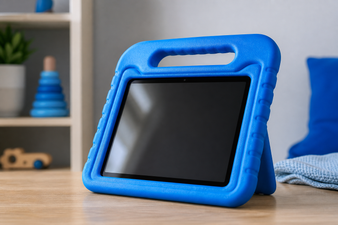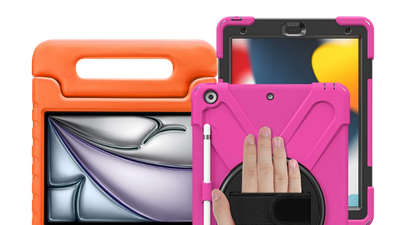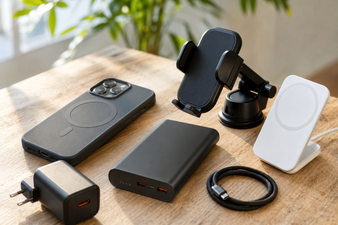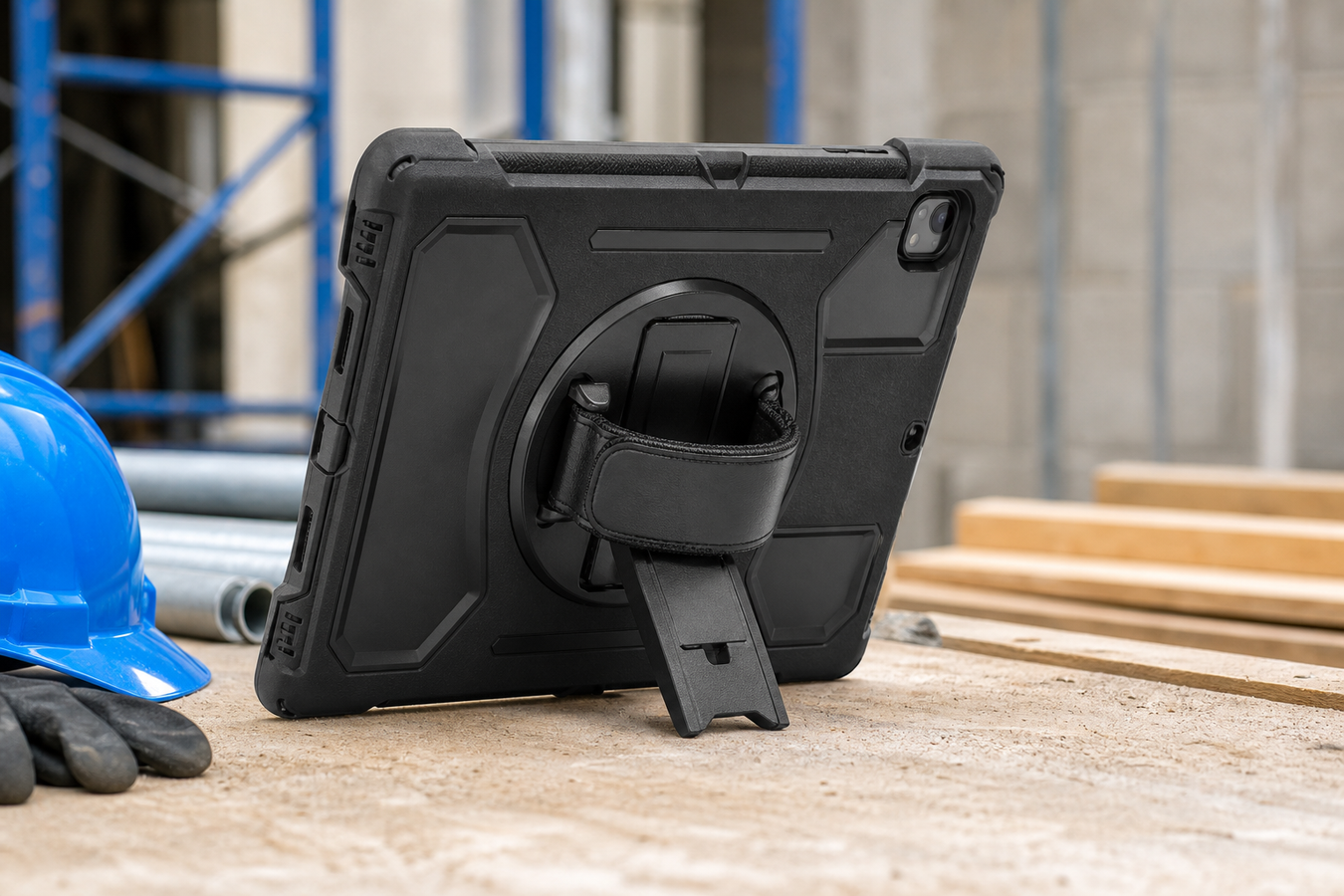
On scaffolding or in a busy warehouse, a hard drop or a knock against racking is unavoidable, and a standard consumer case often won't last a week. Below you'll find which rugged tablet cases actually protect your devices on site and in the warehouse. A case that fits your exact model and is built from multiple layers absorbs a fall far better. Invest in the right tablet protection and avoid unnecessary downtime of your most important digital tool during critical projects.
Why standard consumer cases fail on the job
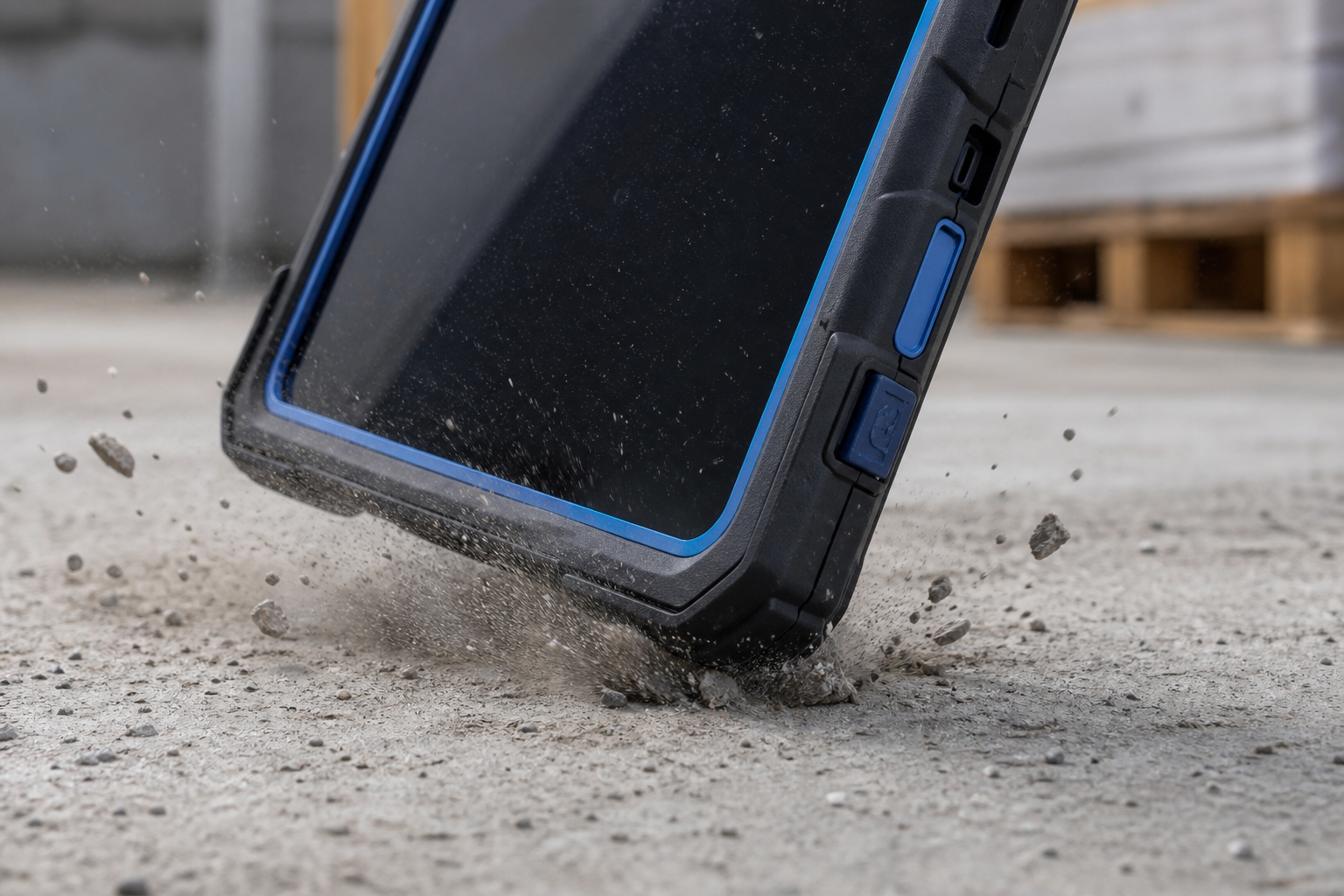
A fall onto a rough concrete floor calls for multi-layer shock absorption that standard tablet cases simply don't offer. Regular cases are designed for use on the sofa or in the office, where a single layer of plastic or thin rubber is enough. In logistics or on a building site, a screen cracks straight away if the force of the impact isn't spread properly across multiple materials. In practice, we see that repairing this drop damage often costs more than buying professional tablet cases in the first place.
On top of that, fine dust, moisture and sharp debris get into your device's unprotected charging ports very quickly. Heavy-duty work calls for specialised cases with sturdy, sealable port covers that prevent internal short circuits or charging problems. We often see tablets become unusable simply because the charging port is clogged with stubborn dirt that easily gets in with a standard tablet case.
Finally, a model-specific heavy duty tablet case stops the device from popping out of the case on hard impact. A universal tablet case quickly develops play, so the tablet can still hit the ground corner-first when dropped. A snug fit for, say, an iPad or a Samsung Galaxy Tab Active isn't a luxury but an absolute must for reliable tablet protection.
Checklist: essential features of a heavy duty tablet case
Tick off the following features before you buy new tablet cases for heavy professional use:
Multi-layer construction: Go for a combination of a hard polycarbonate shell and a shock-absorbing inner layer. This double layer in a rugged tablet case takes the hit and spreads the energy, so the internal hardware stays intact.
Exact model-specific fit: Make sure your tablet case has no play and doesn't slide around, so the impact of a fall is spread evenly across the whole housing. A case that's too loose gives a false sense of security and greatly increases the risk of irreparable damage.
Built-in screen protector: This prevents deep scratches from sand, grit and loose tools, without losing touch sensitivity. That means you no longer need to apply separate glass protectors, which quickly come loose under your tablet case in dusty environments.
Sealable ports: Protect vital openings from moisture and dust with sturdy rubber flaps. Charging stays easy, while you use your tablet safely in an environment full of drifting sawdust or warehouse dust.
Handy extra features for logistics
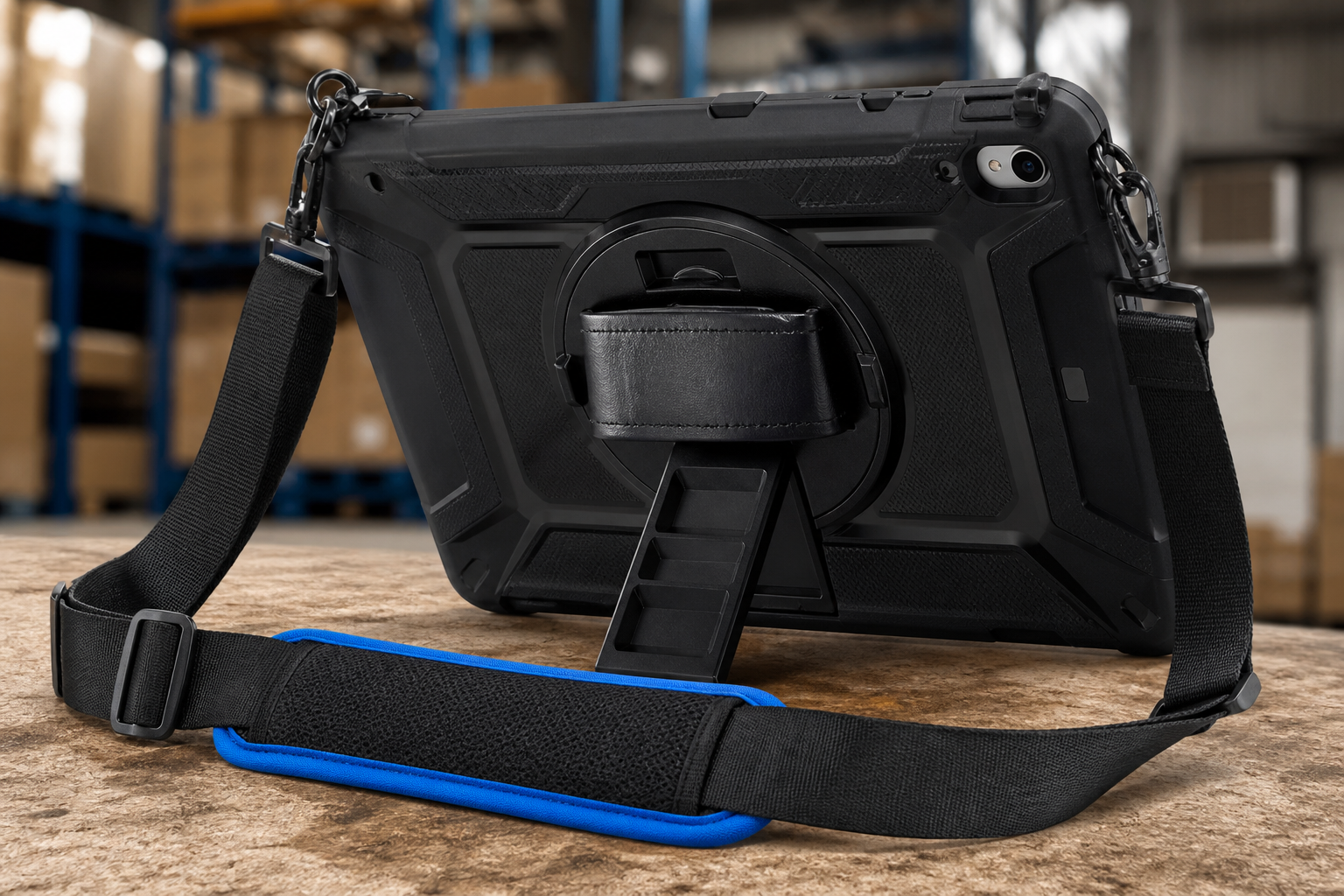
360-degree rotating hand strap: This feature is ideal for long stocktakes where you hold the tablet securely and steadily in one hand. You can quickly switch the screen from portrait to landscape, which takes the strain off your wrist during hours of barcode scanning.
Adjustable shoulder straps: Keep your hands completely free while moving heavy boxes or driving internal transport equipment. Just let the tablet hang at your side while you do physical work, and grab it again straight away without putting it down somewhere unsafe.
Sturdy stand: A fold-out stand is handy for setting the tablet down securely on a workbench when reading orders or construction drawings. Make sure your tablet case's stand supports multiple viewing angles, so you can easily avoid glare from bright warehouse lights or sunlight.
Comparison: which rugged setup suits your working day?
| Work situation | Recommended setup | Biggest advantage |
|---|---|---|
| Mobile work (warehouse, inspections) | Tablet cases with hand strap and shoulder strap | Maximum mobility and fewer drops straight from the hand. |
| Stationary work (site cabin, workbench) | Rugged housing with an extra-reinforced stand | Ideal for reading digital drawings hands-free for long periods. |
| Vehicle use (forklift, crane) | Cases compatible with heavy-duty construction tablet mounts | Vibration-free navigation and safe order picking on the move. |
Base your choice on your main tasks. Choose models with a shoulder strap if you use a tablet for logistics and constantly need your hands free to lift parcels. Choose a tablet case with a wide fold-out stand if you mainly go over construction drawings at a table. Avoid standard consumer cases and invest in a sturdy forklift tablet mount when you fit your device in a moving vehicle; this stops vibrations from damaging the internal hardware of, for example, Zebra tablets or iPads.
Popular rugged tablet cases
Step by step: how to fit your tablet in the case safely and dust-free
-
1
Clean the tablet and screen really thoroughly first
Use a clean microfibre cloth and a suitable screen cleaner before fitting the tablet case. This stops trapped sand or dust particles from acting like sandpaper through friction and leaving permanent scratches on the display.
-
2
Seat the tablet snugly in the soft, shock-absorbing inner layer
Press the corners in firmly and pay close attention to the cut-outs for the camera and buttons. Make sure the tablet isn't pinched or sitting crooked anywhere, as this significantly reduces your tablet case's drop protection.
-
3
Click the hard outer shell firmly into place
Work your way systematically around the edges and check all the way round that every part fits tightly with no gaps. Even a small opening can let moisture or construction dust get into the heavy duty tablet case and cause damage.
-
4
Test all moving parts and ports
Fold out the built-in stand to check it's stable on a flat surface. Then open the rubber dust flaps to make sure all charging ports, headphone jacks and physical buttons are quick and easy to reach in the new tablet case.
FAQ: protecting your tablet on construction sites
Are rugged tablet cases fully waterproof, or only protected against light rain and splashes?
Most heavy duty tablet cases offer excellent protection against light rain, splashes and damp environments, but they're definitely not fully submersible. For work in pouring rain or in wet trenches, you need specifically certified waterproof cases with an IP68 rating. Always check your tablet case's specifications to prevent irreparable water damage in extreme weather.
Does the touchscreen still work smoothly when I'm wearing work gloves with the built-in screen protector?
Yes, as long as you choose work gloves designed specifically for touchscreen use. The built-in screen protector on a shockproof tablet case is thin enough to keep touch sensitivity during normal work. With thick leather work gloves, however, the screen won't register your touch; use a stylus instead.
What's the best way to clean a shockproof case with lots of grooves after a really dusty day on site?
Use a soft brush or compressed air to remove coarse sand and dust from the grooves and port covers without damaging the seals. Then wipe the outside of the case with a slightly damp cloth, without harsh chemical cleaners. Take the tablet out of the case completely every now and then to clean the inside as well.
A one-off investment in a model-specific, multi-layer rugged tablet case prevents costly repairs and lets you keep working comfortably on site and in the warehouse. You protect your hardware and keep your project data within reach. Browse our wide range of heavy duty, model-specific tablet cases and give your work devices the protection heavy-duty work demands today.