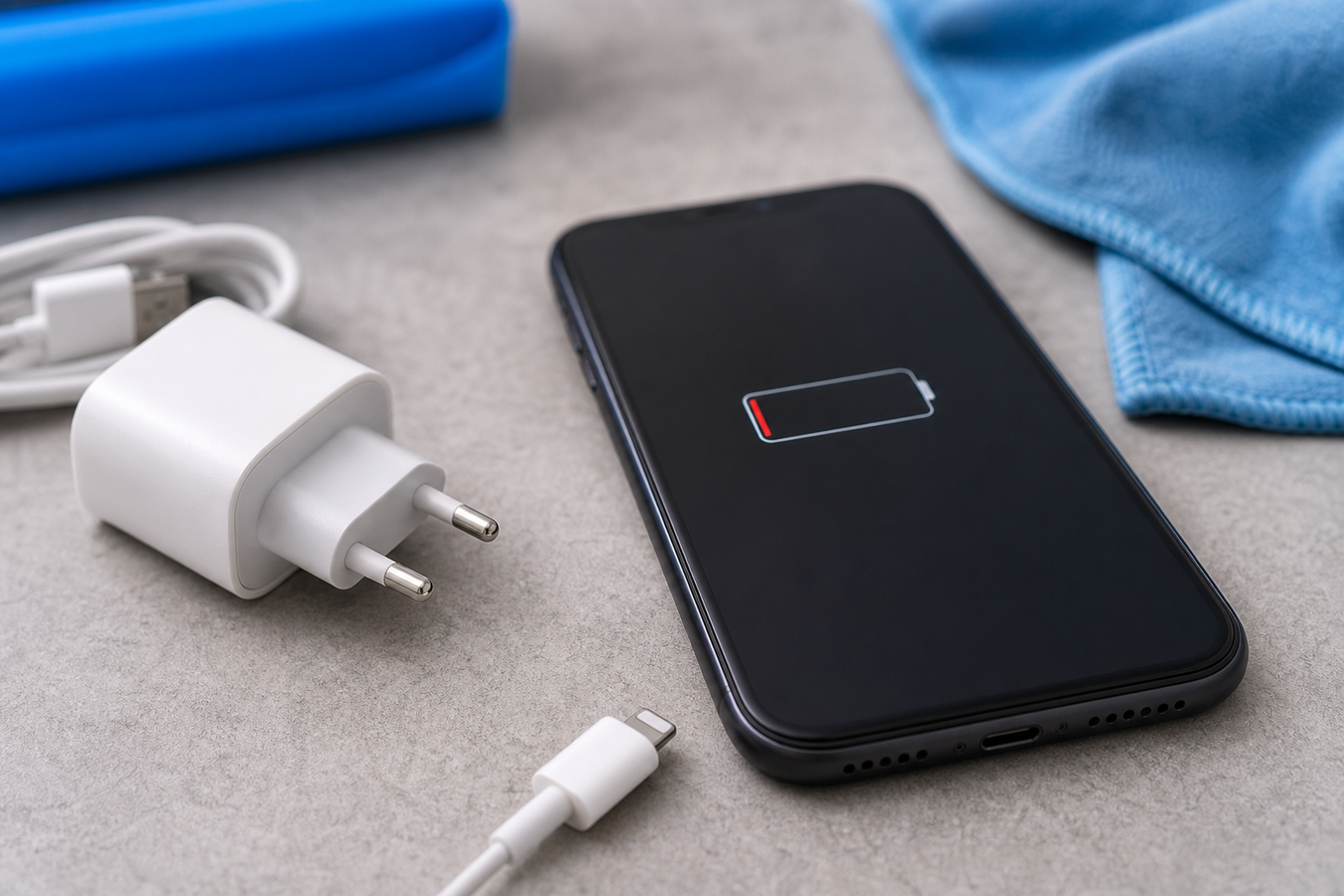
Why is my phone not charging? You plug in the charger, but the battery icon on your screen stays empty. It’s especially frustrating when you need your mobile phone most. This guide helps you find out whether the problem is your charging cable, a dirty port, a software glitch, or the battery, and shows you how to fix it step by step.
Why is my phone not charging? 5 common causes
Cause |
What you notice |
Why it happens |
|---|---|---|
1. Faulty charging cable or adapter |
Your mobile phone only charges when you bend the cable or hold it at a certain angle. |
This is the most common cause of charging problems. Broken wires inside the cable or a burned-out chip in the adapter can stop power from reaching the device. |
2. Dirty charging port |
The charging cable no longer clicks into place and slips easily out of the bottom of the device. |
Dust and pocket lint in the USB or Lightning port can block the contacts. Modern smartphones automatically stop charging in this situation to prevent a short circuit. |
3. Problem with the power source |
Other devices won’t charge from the same outlet or power strip either. |
A faulty wall outlet, a switched-off power strip, or a weak power bank fails to supply enough voltage. The device detects no incoming power and won’t charge. |
4. Temporary software glitch |
The screen shows a lightning bolt, but the battery percentage doesn’t go up. |
A frozen background process in iOS or Android can interfere with communication between the hardware and the battery. The software then pauses charging. |
5. Worn-out or faulty battery |
The device shuts off unexpectedly at 20% and doesn’t respond when you plug it in. |
As the battery ages, chemical changes make it harder for it to hold a charge. Once the cell is worn out, it can no longer accept a charge from the adapter. |
How to troubleshoot charging problems step by step
-
1
Test with different accessories.
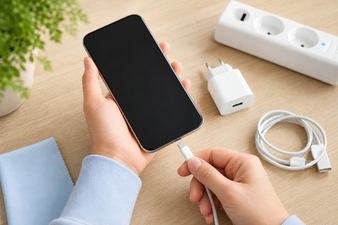
Try a different charging cable and a different adapter. If a spare cable works, your mobile phone is fine and you only need to replace the faulty accessory.
-
2
Try another power source.
Plug the charger into a different outlet in another room. You can also connect your mobile phone to the USB port on a laptop that’s turned on using an original cable to rule out a faulty wall outlet.
-
3
Give a deeply discharged battery time to charge.
Leave a completely drained mobile phone plugged in for at least 30 minutes before drawing a conclusion. A fully depleted battery needs time to reach the minimum voltage required for the screen to turn on.
-
4
Check for moisture warnings.
See a water droplet icon? Unplug the charging cable immediately and let the device dry upright in a well-ventilated room.
How to clean your charging port without damaging it
Turn your mobile phone all the way off before cleaning the charging port to stop current from flowing.
Never use metal objects such as needles, paper clips, or SIM eject tools. They can short out the contacts and damage them permanently.
Use a clean, soft toothbrush or a wooden toothpick to loosen compacted dust very gently.
Use short, gentle bursts of compressed air to blow the loosened debris out of the opening.
Shine a flashlight into the port to check that the metal contacts are fully visible and free of lint.
Rule out a software glitch on iPhone or Android
A persistent software glitch can prevent charging even when the hardware works properly. Force your mobile phone to restart (hard reset) to stop any frozen processes. On most devices, you do this by holding down the power and volume down buttons at the same time for 15 seconds.
After the restart, check your settings for available software updates. Manufacturers regularly release patches for known charging bugs and battery calibration errors in the operating system. Install available updates, as they often contain important fixes for power management.
Use built-in diagnostic apps to check your device without extra equipment. On a Galaxy device, for example, open the Samsung Members app and run the battery diagnostic. The app checks your current battery health and whether the USB connection is working properly.
Hardware failure: Should you replace the battery or repair the charging port?
Kenmerk |
Signs of a faulty battery |
Signs of a faulty charging port |
|---|---|---|
Physical connection |
The charging cable clicks securely into place and doesn’t wiggle. |
The cable fits loosely, slips out at the slightest movement, or feels spongy. |
Charging behavior |
Your mobile phone charges very slowly or the percentage suddenly jumps from 10% to 40%. |
Your mobile phone only charges when you push the connector up or down at a certain angle. |
During use |
The device shuts off unexpectedly in the cold or runs out of power within two hours. |
Battery life is normal, but you can no longer recharge the device through the port. |
Software indicators |
The battery health information in your settings shows a capacity below 80%. |
The device doesn’t show a charging icon when you plug in the cable. |
Replace the battery if: your mobile phone responds immediately to the charger but loses its charge very quickly or shuts off unexpectedly. This wear is inevitable in devices over two years old.
Repair the charging port if: you’ve tried several working cables and the port is clean, but the connector still can’t make contact. In this case, the pins inside the port are bent or broken.
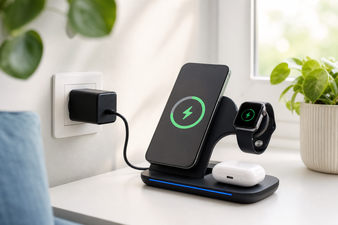
Temporary fix: If the port is faulty, use wireless charging. Place your device on a Qi-certified charger to keep it powered while you wait for a repair appointment. This only works if the battery itself is still working.
Frequently asked questions about charging problems
Why is my phone not charging when the cable looks fine?
A cable can look fine on the outside and still have broken copper wires inside. Try a second cable to rule this out. If the cable isn’t the issue, debris in the charging port or a software glitch is almost certainly preventing power from reaching the device.
How can I tell if my battery is faulty?
A faulty battery can cause a sharp drop in performance. Your device might turn off suddenly at 30% or drain very quickly. If you leave a fully drained mobile phone on a working charger for 30 minutes and the screen stays black, the cell is probably too worn out to take a charge.
What if my phone only charges wirelessly?
If wireless charging works but wired charging doesn’t, the battery is working properly. In this case, the problem is a faulty or very dirty USB port. Clean the port. If that doesn’t help, the port needs repair.
Did fast charging damage my battery or port?
Modern smartphones regulate incoming power and only draw as much as they can safely handle. An original or certified fast charger won’t cause charging problems or damage the port. The overheating risk comes from very cheap, unbranded adapters without safety chips.
When your mobile phone stops charging, trying a different cable or carefully removing dust from the port can often save you an expensive repair. If you’ve tried every step and your device still won’t charge, book an appointment with an authorized repair technician to have the battery or charging port tested.