Did you know that we replace our phones every two and a half years on average, even though they can technically last four to six years? Replacing them so often costs money and puts extra strain on the environment. A slow phone or a battery that drains quickly can make it seem like time for a replacement, but these problems can often be fixed. These smartphone care tips can help you make your phone last longer and save hundreds of euros.
Protect your phone from drops and knocks
In our experience, accidental drops are the most common reason people replace their phones early. If an unprotected phone hits a tile floor or asphalt, the screen can shatter or the frame can bend. Fixing a cracked screen or damaged body can cost hundreds of euros, sometimes more than the device is worth. Even tiny scratches weaken the glass and can make it crack on the next knock. A shock-resistant case that surrounds the edges helps protect your phone and preserve its trade-in value.
Which shock-resistant case suits you?
How much protection you need depends on how and where you use your phone:
TPU and silicone cases: Flexible materials absorb shocks. Mobigear offers good value for everyday protection. Choose a slim case for regular use at home and at work.
Hard cases: Rigid materials resist impacts. Mobigear and Mobilize make cases that offer drop protection without adding much bulk.
Folio cases: These protect the whole phone and cover the screen when closed. They can get in the way if you use your phone one-handed, but can add features such as card slots. Valenta and Decoded offer leather folio cases.
Rugged cases: Multiple layers and thick bumpers help protect against knocks. Consider a brand such as Otterbox if you work in demanding conditions or have damaged phones before.
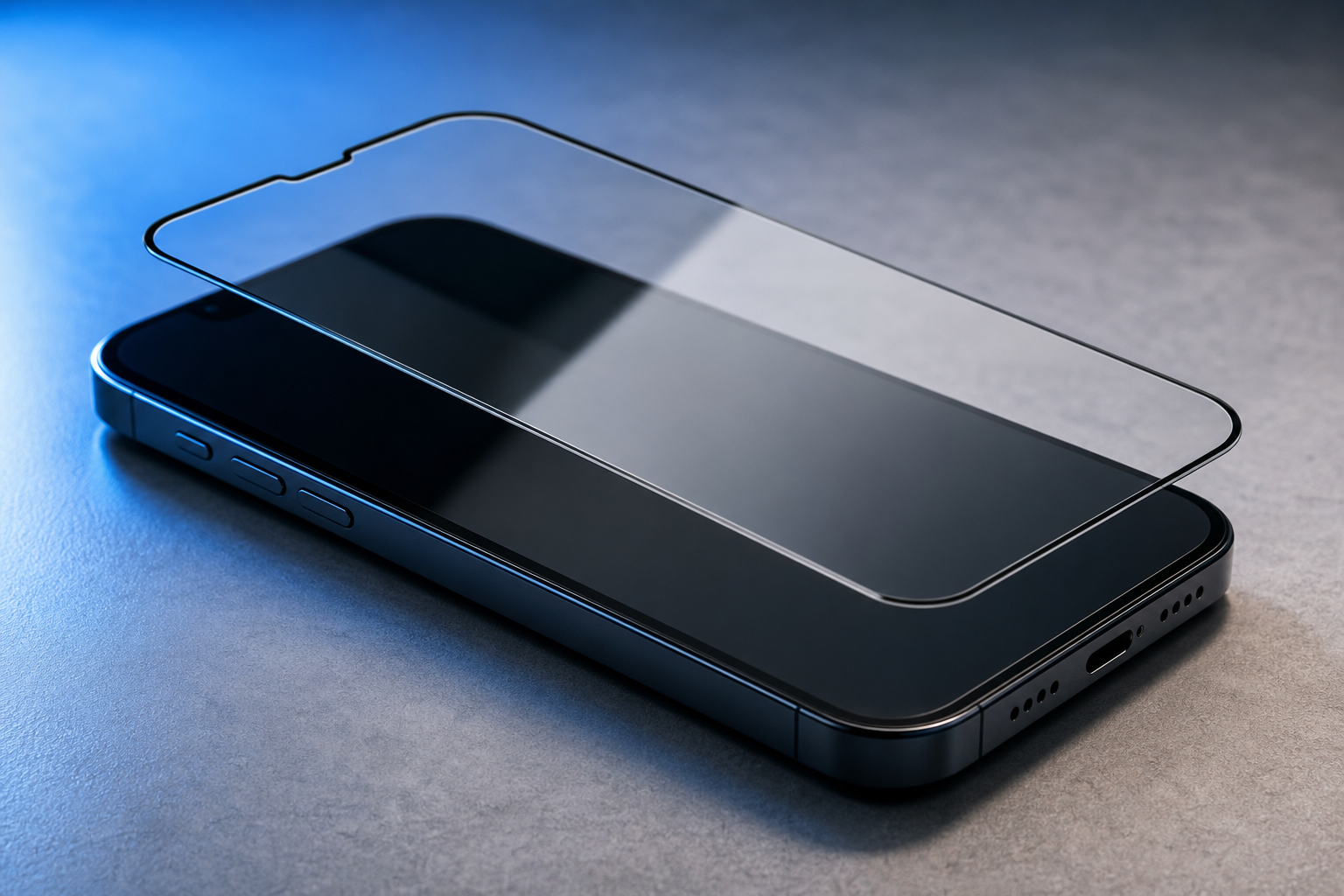
Screen protectors for your phone
A sturdy case protects the back and edges, but the screen is still your phone's most vulnerable and expensive part. A glass screen protector absorbs the impact and can break in place of the screen, saving you the cost of a repair after a drop. Mobigear and PanzerGlass offer scratch-resistant and fingerprint-resistant coatings that preserve touch sensitivity and brightness.
Look for a case-friendly fit. The protector should sit just inside the edges of the screen so the case does not push it up. Together, a case and screen protector cover the exposed surfaces and corners.
Reduce battery wear and extend battery life
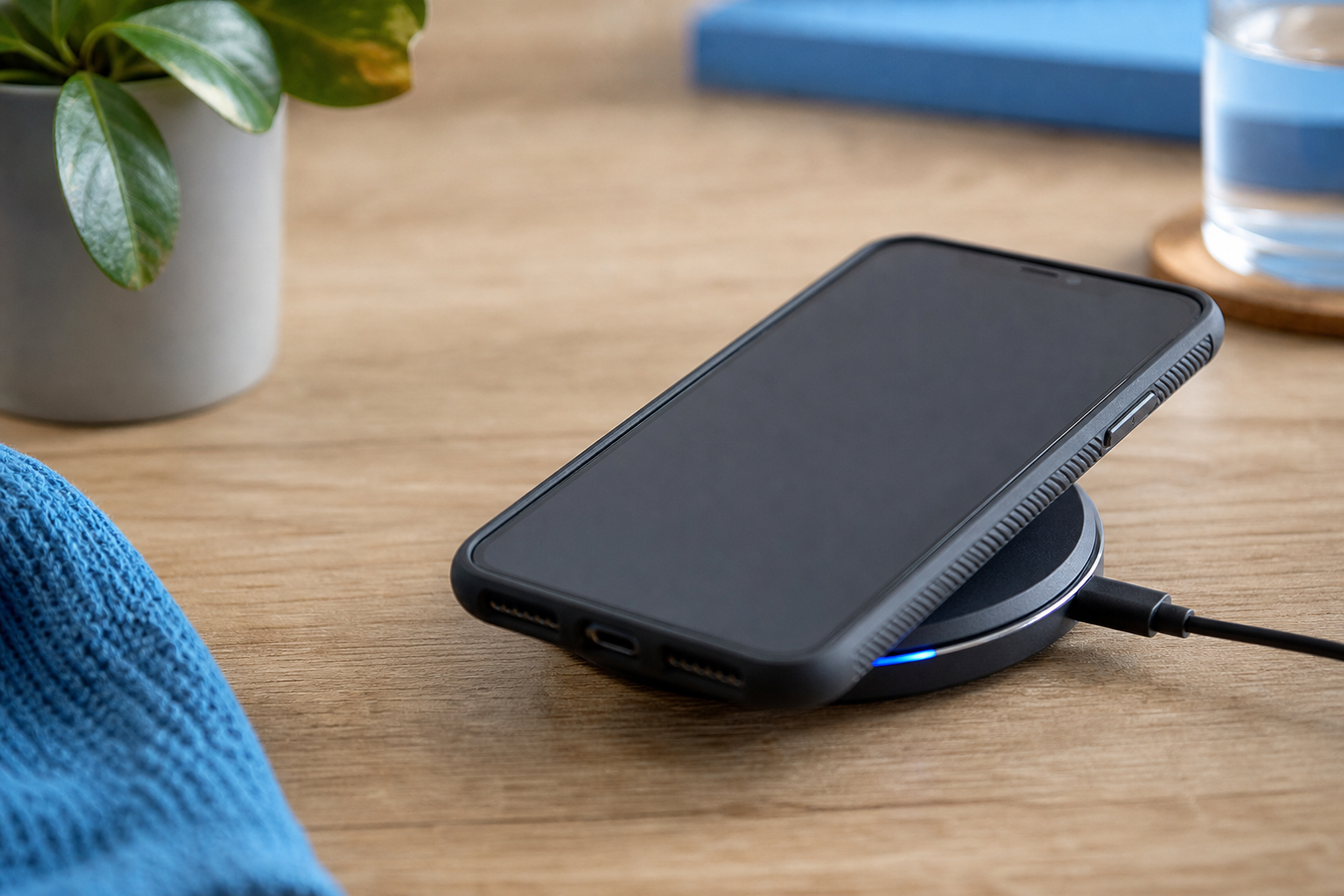
Lithium-ion batteries lose capacity as they age. Each full charge cycle contributes to this, and you may eventually need to recharge halfway through the day. Extreme heat or cold can permanently damage the cells and speed up wear. Keep your phone out of direct sunlight on the dashboard in summer and carry it close to your body in winter. Use the original charger or a certified alternative. Cheap counterfeit chargers often lack chips that prevent overheating and can supply unstable power, speeding up wear.
The 20–80% charging rule
Adjust your charging routine to help protect the battery:
Avoid charging all the way to 100%: A full charge puts extra stress on the cells. Stopping around 80% can extend the battery's lifespan.
Avoid draining the battery completely: Try to recharge before it drops below 20%. Letting your phone shut down can cause minor damage to the battery.
Turn on optimized charging: Android and iOS offer charging features that learn your routine, hold the charge at 80% overnight and finish charging before you wake up.
Unplug when your phone has enough charge: Leaving it plugged in for hours can generate extra heat, which can harm the battery.
Replace a worn battery: Wait until capacity consistently falls below 70%. A replacement costs a few dozen euros and can save you from buying a new phone.
Adjust your settings to make the battery last longer
Your screen and apps running in the background affect how quickly your battery drains. Try these adjustments:
Turn off automatic brightness: Sensors that measure ambient light use power. Turn off this feature and adjust screen brightness manually.
Turn on dark mode: On OLED displays, such as those on some Samsung and Apple phones, black pixels switch off and use less energy than a white background.
Limit push notifications: Each message lights up the screen and wakes the processor. Turn off notifications for apps you do not need to hear from right away.
Turn off vibration: The vibration motor uses more power than a simple sound. Turn it off or use it only when necessary.
Manage location access: Apps that constantly check GPS can drain the battery. Give apps access to your location only while you use them.
Install software updates and free up storage
Your phone's software needs regular maintenance. Install iOS or Android updates promptly for battery improvements and security patches. Manufacturers keep finding ways to make processors run more efficiently, which can help the battery last longer. Internal storage also affects speed. When flash storage is full, the phone can slow down, apps can freeze and power consumption can rise. The operating system needs room to process temporary files and move data.
How to free up storage on your phone
Free up space before your phone slows down. Follow these steps to clear flash storage and get your phone running smoothly again.
-
1
Check your storage usage
Open your phone's settings to see which apps use the most storage and battery power in the background. This shows you where to start.
-
2
Delete unused apps
Go through your apps and remove any you have not used in more than three months. They take up space and may run in the background.
-
3
Move media to the cloud
High-resolution videos take up the most space. Move large photos and videos to cloud storage and delete the local copies from your phone.
-
4
Clean out your downloads folder
Use a file manager to clear out your downloads folder regularly. PDFs and stray images can pile up without you noticing.
-
5
Clear the cache for apps that take up space
Frequently used apps can store a lot of temporary data. Clear the cache in the app's settings to free up hundreds of megabytes without losing personal data.
Frequently asked questions about smartphone lifespan
How long do smartphones last on average?
With proper care, a smartphone can easily last four to six years. In the Netherlands, the average user replaces their phone after just two and a half years. Timely updates, a replacement battery when needed and a good case and screen protector can help you use your phone for considerably longer.
How can you reduce battery wear?
Keep the battery between 20% and 80% where possible and protect it from extreme heat and cold. Use only original chargers and unplug your phone once the battery is full.
Why do software updates help a phone last longer?
Updates improve performance and can cut battery use by making software run more efficiently. They also fix security vulnerabilities so your phone stays secure and newer apps can run smoothly without putting unnecessary strain on the system.
The right settings, careful charging, enough free storage and good physical protection can help your phone last longer. Protect your phone from damage and explore the range of phone cases and screen protectors at directcases.com.